🎃 Miro Community Halloween Contest — win a $400 gift card
All the latest news and announcements, and the best content from the Miro team.
Recently active
We are working on making Miro more accessible, and released the first significant bundle of product improvements for screen reader users. Now they can be invited to Miro boards – sign up & sign in are screen-reader friendly, it is possible to navigate through the Miro dashboard to open the required board, and the main types of board content such as frames, sticky notes, and shapes can now be accessed with the help of the screen reader. Please, note, that the flow described above works the best for: Users invited to the existing team on the Enterprise Plan Users on Team, Business, Consultant, Education or Enterprise Plan that are invited directly to the board as anonymous Guest Editors All of the flows described above are currently only available on the desktop. The current solution is read-only making it possible for users to access existing board content with the help of the screen reader, and does not allow creating or editing content on Miro boards yet. We will continue worki
We recently added FOUR (!!!) new sticker packs to Miro. Try them out now and let us know which one is your favorite 🤗And this isn’t all the great news we have to share with you! From now on you can also:Use search to find the right stickers to share how you're feeling with you team View and use your recently used stickers – there's now a separate tab for that!
Hi Miro Heroes! The Miro Research team is conducting 1-hour interviews to get your feedback about the Miro community: Miroverse, your experience on the forum and everything in between. The interviews are taking place on:23 Decemeber 28 Decemeber 3 JanuaryIf you would like to participate, please fill in this form: if you are selected and complete the interview, you will receive $50 gift card as a "thank you" for your time.
Community! It’s hard to believe it’s been more than a month since we all got together at Distributed ‘22. We hope you all enjoyed it as much as we did – but, just because the live portion is over doesn’t mean the fun has to end! Head on over to our Distributed ‘22 YouTube channel where we have curated a playlist of our top sessions from Distributed ‘22, in their full, un-gated glory. There is a plethora of valuable content to consume, so feel free to share with your networks & communities. For more info, and all the great Miro Board templates from Distributed ‘22, check out The Miroverse and our top 5 favorites below! TOP 5 M113: My Day in Miro M133: Bridging the Empathy Gap to Create More Valuable Product M116: Once Canvas, Any Content, Any Time M119: The (A)sync Game M128: What is My Impact 🔗 For more videos like this checkout our YouTube channel here.
Hello Miro Community, I’m excited to let you know that we just released the Value Stream Mapping shape pack. Do you remember the days of drawing value stream maps by hand, or using specific software that only a handful of Lean experts know how to use? Reducing waste and creating value for your customers should be a company-wide mindset. With this tool, teams can easily create and collaborate on value stream maps in real-time, allowing for more efficient and effective continuous improvement efforts. An easy-to-use and inclusive value stream mapping tool Bring it to the Gemba, map out the process from anywhere, and use value stream mapping on your tablet when walking through the supply chain Effectively visualize and communicate the change to your organization using an industry standard shape pack The value stream mapping shape pack is part of Miro’s Smart Diagramming offer and is available for Enterprise, Business, Consultant, and Education plans. Visit our Help Center for more
Hey Miro Community! Did you know there are Miro apps that can help you work even better?Check out the newest apps available on the Miro Marketplace - built by our developer community.Spinny Picker Wheel - Spin the wheel to make a random selection from items on the board - for planning sessions, ice breakers, and more! Slideshow - Create an infinite loop of your Miro presentation, so you can present it automatically. Update! Dice - Use the newly improved Dice app on the board to help with your planning meetings. Exact Dimensions - Specify the supported dimensions of Miro board items including the X coordinate, Y coordinate, width, height and rotation Boost.space - Create tons of automations within Miro, to save time and automate workflows.Which app are you going to try? Let us know what you think in the comments ⬇️Visit the Miro Marketplace to explore tons of other apps and integrations for documentation, task tracking, productivity and more!Want to build your own app? Get started on th
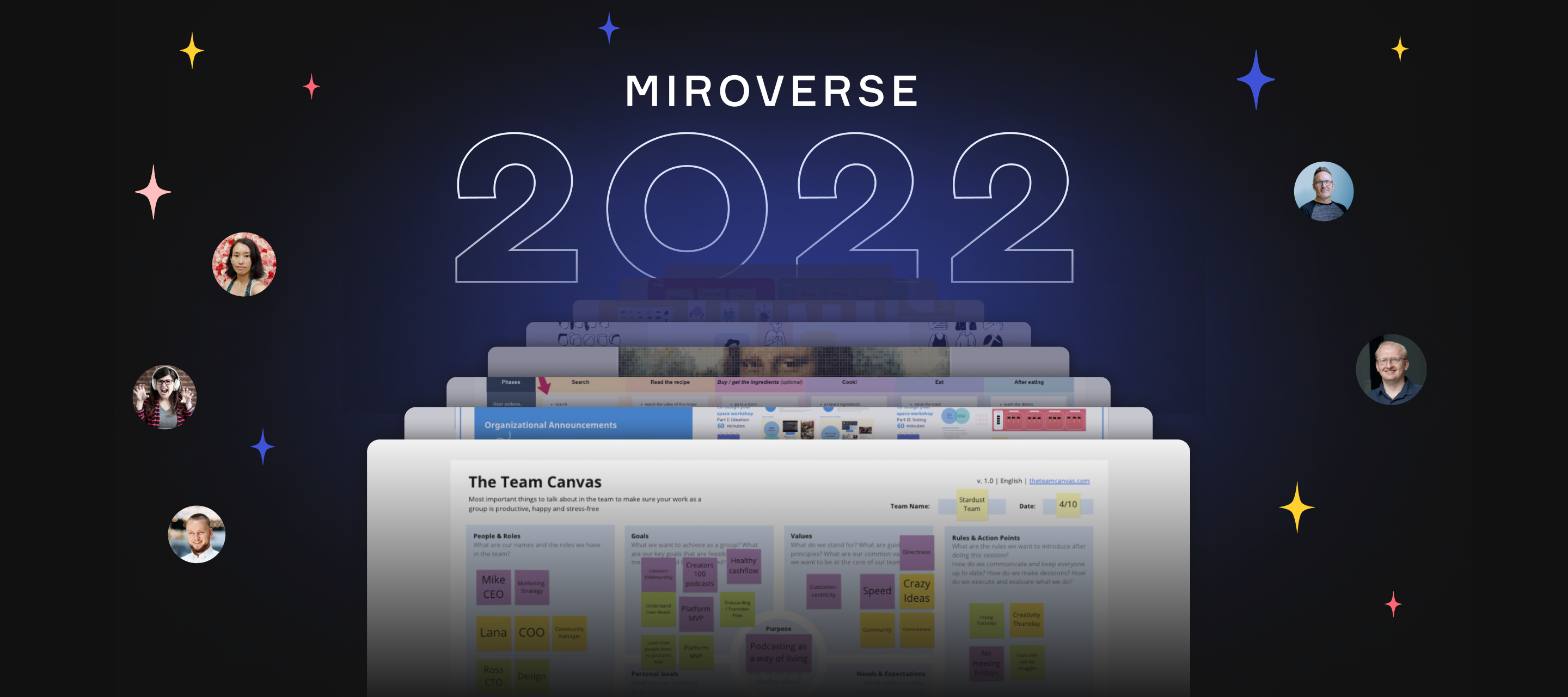
Break out the virtual champagne for 2022’s Top Miroverse Creators 🥂 Creators worldwide made a big collective bang on Miroverse this year, stretching the outer limits of creativity and invention with their ideas — from sailing retros to wheels of feelings to making monsters, and more. Out of the infinite stars, these creators shined brightest within our community. Johanna Torstensson | Most Copied Miroverse Creator 🚀As an Agile coach, scrum master, and longtime Miro community member, Johanna makes templates that have proven time and again to be effective for building high-performance teams. Steal a page out of Johanna’s book and leave your next retrospective with energy and a feeling of having accomplished something extraordinary together. 🔭 Discover Johanna’s Miroverse Profile to try Miroverse’s most popular ideas. Bonus: Johanna shares their best advice for Agile coaches and aspiring female leaders in our first-ever Community Creator Spotlight. Congratulations to @Johanna Torsten
Stay in the flow when adding Miroverse templates ✨You can now choose between adding a template to an existing board or starting a new board from template pages.Start exploring, discovering, and creating with Miroverse community templates — and even share your own. Featured Template: Character Mix & Match Icebreaker by @Daniel Wirtz
Hello Miro Community! 👋As you might have heard from Distributed today, we're excited to introduce you to a dynamic way to bring data and content to your Miro board with new integrations, powered by the Miro Developer Platform.More than ever, we need to find the information and insights that matter to us — this gets especially challenging when content is scattered across all the tools we use every day.To solve this problem, we're expanding Miro's capabilities as a shared team workspace through integrations with some of your favorite tools: Looker, Grafana, Confluence, YouTube, and hundreds more. Here are some new ways you can use Miro to collaborate more efficiently: Turn your Miro boards into custom dashboards – it’s as easy as pasting a link. Get the most up-to-date insights to make informed decisions as a team. Easily import, review and annotate your videos directly on the board. Preview and edit documents right on the Miro board, with synced updates. This is just the beginni
Hey Miro Community!Did you know there are Miro apps that can help you work even better?Check out the newest apps available on the Miro Marketplace - built by our developer community.Try the apps today:Update: Color palettes now available in PowerPack!Create your own color palettes Create shared team palettes that can be used across multiple boards (Pro version) Discover 50 pre-made color combination palettes to save you time Create & share color gradients & apply them to objects on the board Who can solve it the fastest? Get the team engaged with Rijksmuseum Puzzles. Find new images for your presentations with Refsee - AI Video SearchBring your research findings into Miro with dscoutVisualize research sessions in Miro with CoMADO Let us know your thoughts in the comments below ⬇️Visit the Miro Marketplace to explore tons of other apps and integrations, to fit your documentation, task tracking, productivity needs.Want to build your own app? Get started on the Miro Developer port
Have you ever wanted to present your information on a big screen? Now, you can do so with the help of the Slideshow app, created by Adilson Simoes.With Slideshow, you can create an infinite loop of your Miro presentation, so you can show it to everyone without any action needed. For example:Show company metrics or OKRs in the main conference room, so your team can refer to them at any time. Remind people about your fun team agenda - so everyone can know what to expect this month. Celebrate wins, birthdays and anniversaries on the team, with photos and videos. Try it out and let us know what you think in the comments below.Want to build your own app? Get started on the Miro Developer portal.
Hello, Miro Community! In October we’re delighted to welcome new templates and creators to Miroverse. To get you started we’re highlighting three templates that will help you target your real problem right away, so your team don't spend time 'fixing' the wrong thing.Turn research into ideas and remove assumptions with: 🗺 @Angus McDonald’s Argument Mapping will help you clarify thinking, align around contentious issues, and identify experiments and work to be done. 👤 Joshua Waldman’s JTBD Personas provides a way to summarize information about customers, that creates empathy and is accessible to everyone on the team. 🎯 Shehab Beram’s Outcome-Driven Job Epics helps you write epics that consider the user needs and concerns as well as the business goals and the success metric. With over 1,000 community-made ideas there’s something for everyone so be sure to explore Miroverse to get inspired and find a template to power your next project. Feeling inspired? Discover all of the lates
Community!From August to September 2022, Miro surveyed over 2,000 people about their relationship with work. Our findings reveal that, though the current state of work is draining and knowledge workers' desire for connection remains strong. And although many companies are shifting to a hybrid work model and research shows a majority of workers want this but hybrid is still a work in progress.🔗 We'd love your thoughts on how to make hybrid work better as well as your thoughts on collaboration in the workplace. Please share your opinions here.Your stories will help bring our data to life, illuminating how three interconnecting relationships—to work itself, to each other, and to our work selves—are forming the foundation for the future of work. As always, thank you for sharing your opinions and views with us!
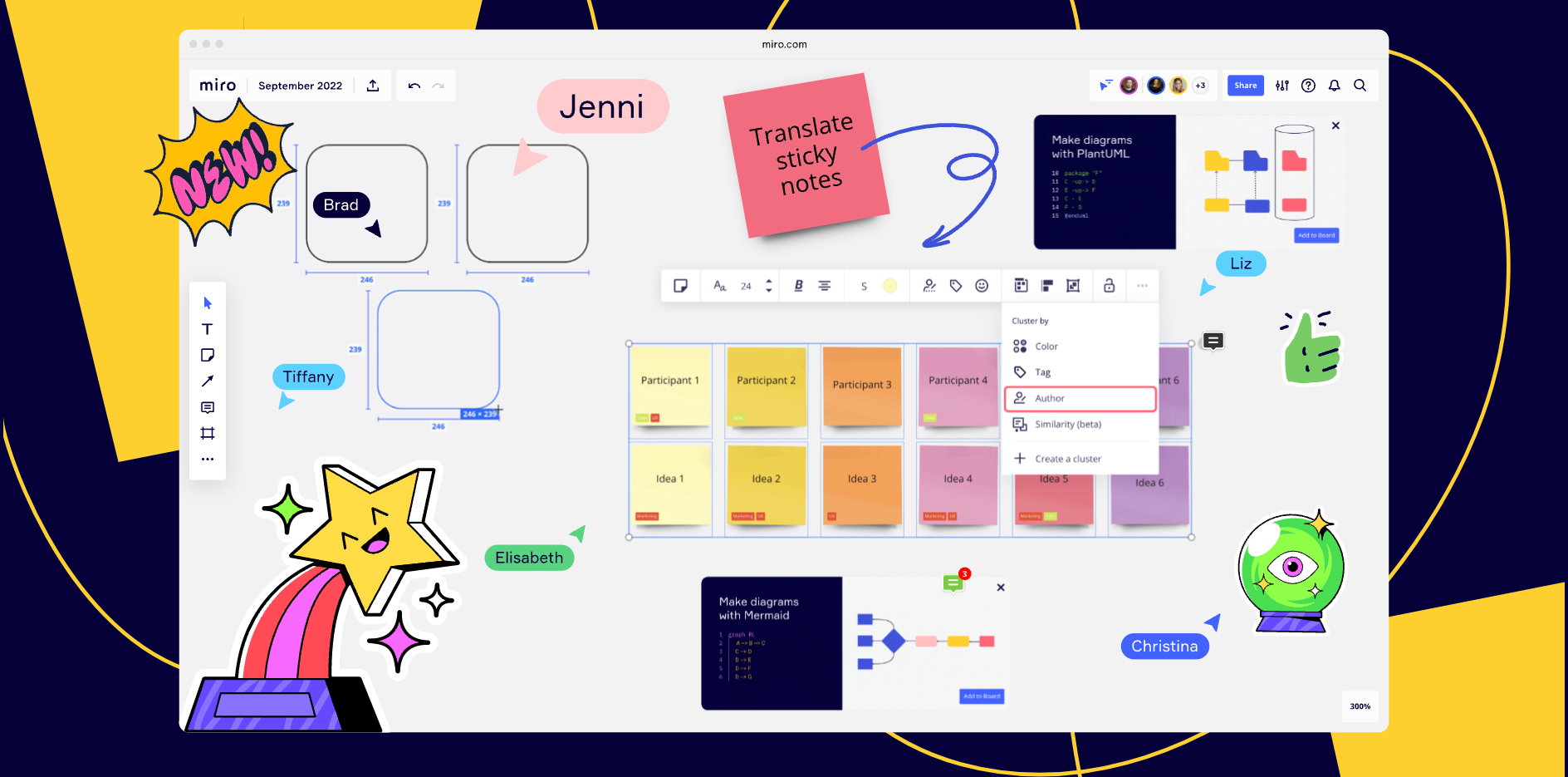
Thanks to everyone who was able to join us for another installment of our What’s New product webinar! Here are some of the most popular questions and answers asked during our What’s New webinar. If you have more question about this webinars content, or you were not able to attend and like to learn more from our Product experts please post your questions below and we’ll be happy to help! Questions and Answers Q:Does the spreadsheet work with Excel?A: yes, paste as a table works with both Google Spreadsheets and Microsoft Excel.Q: Is there an advantage of using Miroverse within Miro vs on the web?A: The only additional advantage you’ll get from the website version is that you can open many tabs at once, if you’re comparing a few at the same time. Otherwise they both work the same. Q: Are there any plans to have MS Azure integration like Miro already provides for Jira?A: I’ve shared that we now have a two-way sync with Azure DevOps, similarly like we have for Jira. You can find more here
Hey Community, ready to see what's new for you at Miro?You're invited to Miro’s What's New product showcase webinar on October 26th, featuring an in-depth view of our most recent releases. You’ll get to see our top product innovations of the past quarter, straight from our product marketing team. They’ll also present live demos and end the session with a Q&A.🔗 To see more of what’s new at Miro sign up here! Join us on October 26 at 10am PDT or 10am CET. I hope many of you will get to attend and discover even more ways to do more, together!
Hi Miro Fam 👋, We've got a very exciting update, something that is going to make your Jira bulk uploads a whole lot easier. You can now bulk convert sticky notes into Jira cards!Until now you could only do this only one at a time, but now you can convert up to 50 stickies in one go. And what’s more, any changes you make in Miro or Jira will be reflected on both platforms. Say what?! 🙃. Simply select the stickies you want to convert, click on the Jira icon, and indicate the prioritizations required. Once you hit ‘Convert,’ the stickies will automatically convert to Jira cards. Here's a 1-minute screen recording of how it works.Head to your Miro boards and try it out! And don't forget to share your feedback with us, here on Miro Communities. Happy bulk converting!Steven
Hey everyone! 🙂We’ve added some new tools to help you create presentations faster in Miro! Check them out ↓Frame management tools 🪄 In a single click, Magic Organize helps you rearrange the presentation order of your slides to reflect how they are placed on the board. (from top to bottom and left to right) ☑️ Bulk select frames lets you select multiple frames simultaneously to delete, reorder, or hide them. 🙌 Drag to resize your frames to fit the content you want to present. 👩🎨 Choose any background color for your frames. 👀 List view is added to the presentation frame sidebar for those who want a good text overview of the presentation slides. Content editing tools ✂️ Crop images with different shapes to make them pop. 📏 Alignment guides will pop up while you crop images to keep them aligned with everything else on the board. Learn more in our Help Center, and we’d really love to hear your feedback below!
Need a convenient way to keep up with what’s new from Miro? Be sure to check out our Miro Blog and discover how Miro’s newest features can help your team work better together!This month, the Miro team has been working on new updates for product development teams, from updates to our estimation app to mind mapping and diagramming enhancements to help you visualize complex systems and diagrams. 🔗 Discover more updates in our roundup of releases from September. Have you been able to use some of these new features? Let us know some of your favorites from this roundup in the comments 😊👇
Hello, Miro Community! Today we are thrilled to share the launch of our new Miro for Teams meeting experience. Now, users of Microsoft Teams will be able to launch Miro boards during live meetings and co-create in real time. This feature will help teams build together, create new ideas, and continue the collaboration before, during, and after any meeting. Hear from our Miro’s Strategic Partnerships Lead, Molly Fehr as she shares what this integration means for the Miro Community. Here’s how you can bring Miro into your Teams ecosystem:Miro for Teams Meetings integrationLaunch an existing or new Miro board during any Teams meeting to allow your team to create, brainstorm, and ideate together in real time.Miro for Teams Calendar integrationEmbed a Miro board into any Teams calendar invitation, set permissions, and give access to your collaborators before the meeting.Custom Miro tabEmbed any Miro board as a new tab in Teams, so you and your collaborators can interact, make updates and wo
I’ve noticed, that the lock is not available for guest editors anymore. They have no ability to lock and unlock items on my board. But I haven’t found info about this change in a “What’s New”. Does anyone know smth about it?
Visualize information in a clear, structured way with a professional look ― no design-school training needed. Get started with three powerfully simple new tools. Callouts help you annotate your diagrams to add important information, without clutter. Guide and inform collaborators, while highlighting elements that need extra attention. Swimlanes help you organize complex information and design for clarity as well as accountability. Often used when creating Flowcharts, Business Process Modeling Notation, and Unified Modeling Language diagrams, adding Swimlanes to your diagram can help you to improve the efficiency of your processes and identify waste and inefficiencies. Themes help you quickly create diagrams and save time on styling. Design professional-looking diagrams so team members can more easily understand information and flows. We would love to see examples of your newly created diagrams with Swimlanes, Callouts, and Themes. Share with the Miro Community and help others to
Now you can easily access community-made templates right from your dashboard. Discover over 1,000 proven workflows, projects, and frameworks from the Miro community. Explore Miroverse to get inspired and find a template to power your next project. Come back often — new templates are added daily. With Miroverse you can: ⭐️ Leverage best practices from our community of users and partners who have shared their tried-and-tested templates so you can create like a pro. ❤️ Bookmark a template for later and get quick access to all your favorite templates whenever you need them. 👩🚀 Build a profile and publish your own templates to showcase your ideas and expertise from your own dedicated Miroverse page. And that’s not all, we've also tidied up the main navigation on Miroverse to make sure you can find templates most relevant to you with new categories for collections and roles. Start exploring, discovering, and creating with Miroverse community templates — and even share your own.
Hi Miro Community 👋,We've got a very exciting update about something that a lot of you have been asking for: you can now format text in Miro cards with a new text formatting toolbar! You were already able to do this by using shortcuts, but we realized through your feedback that not a lot of users knew about this and it was hard for those who didn't know the shortcuts off the top of their head 🙃. So, we iterated and added the toolbar to make it easier for everyone to format text in cards however they want. We’ll also be adding even more formatting options soon, so stay tuned 😄!Here's a 1-minute screen recording I created to show how it works.Head to your Miro board and try it out! And don't forget to let us know your feedback. Happy formatting,Steven P.S. many more improvements to cards coming soon! 😉
Hey Miro Community!Did you know there are many different ways to work in Miro with apps? Check out the newest ones available today on the Miro Marketplace - all built with you in mind on our Developer Platform.Try the newest apps today:Super Search: Search and replace your board content with powerful filtersDrawify: Create engaging boards with 1000s of hand-drawn illustrationsBoard Translator: Translate your Miro boards into over 25 languages with one clickLet us know your thoughts in the comments below ⬇️Visit the Miro Marketplace to explore tons of other apps and integrations, to fit your documentation, task tracking, productivity needs.Want to build your own app? Get started on the Miro Developer portal.
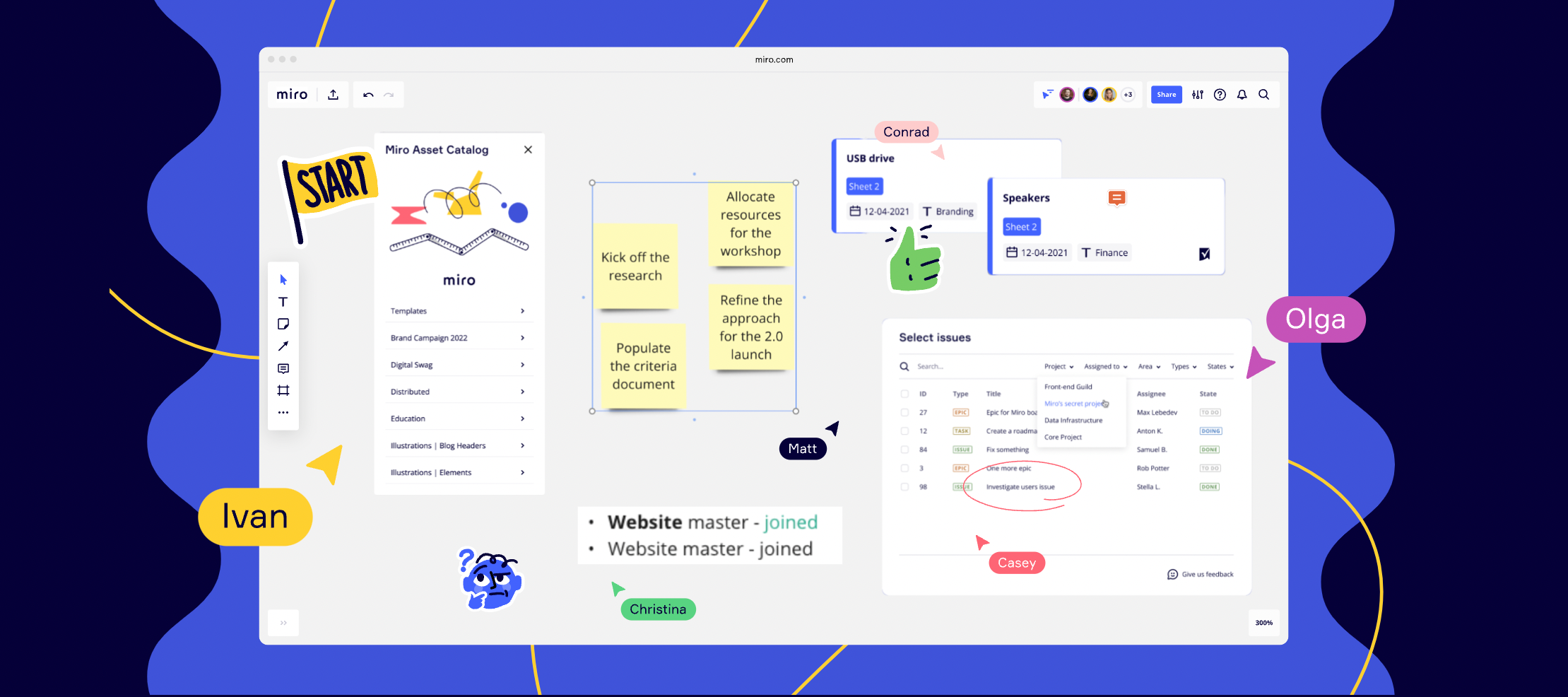
This month, the team at Miro has been busy making improvements to the board experience.We’re really excited about building brand asset catalog capabilities for your digital asset management. We’re also delving further into connecting Miro with key tools like Smartsheet and Azure DevOps, to make working out of Miro even more intuitive. 🔗 To see how Miro’s newest features can help your team work better together, check out our roundup of releases from August. What’s you favourite feature from this roundup? 🙂
Already have an account? Login
Enter your E-mail address. We'll send you an e-mail with instructions to reset your password.