🎃 Miro Community Halloween Contest — win a $400 gift card
All the latest news and announcements, and the best content from the Miro team.
Recently active
AI is changing not just how fast teams work, but what they need to know to work well. Reforge has spent years building the most trusted learning community in product, growth, and engineering. Starting today, we're bringing that together with Miro to help teams build the right things, faster (subject to customary closing conditions). We couldn’t be more excited to welcome Reforge to the Miro community!Share your thoughts below and learn more about the news here
Dear Miro Community,We’ve been informed about recent phishing attempts from accounts impersonating Miro or Miro team members within the Community.Please remember:Miro will never ask you for account verification, passwords, payment details, or any sensitive information through a message in the Community Forum. Be cautious of accounts using unofficial names, unusual requests, or urgent language. If you receive a suspicious message, do not click any links or share any information. Report the message by reaching out to our Support team or sending a DM to one of our Moderators.Thank you for helping us keep the Community safe and secure.— Miro Community Team
Hi everyone, just a heads up that we are sunsetting the Experimental Webhooks support effective December 5, 2025 (as noted in our Changelog). We are officially discontinuing the Experimental Webhooks functionality and the associated endpoints: /v2-experimental/webhooks/board_subscriptions.(This does not affect other WebSDK events, such as experimental:items:update). What is ChangingOn December 5th, we are shutting down the experimental infrastructure used for sending webhook events.The Events: Miro will stop pushing event payloads to your servers. The Endpoint: The subscription endpoints will cease functioning and return errors. The Resources: We have removed the "Webhooks" section from our documentation. We have removed the associated example apps to ensure no new integrations are built on this retired architecture. Why are we doing this?We introduced webhooks to explore sending real-time updates about changes on the canvas.Through this experiment, and thanks to the early adopters who
Whether you’re mapping out a system, leading a workshop, or collaborating on a project plan, this month’s Miro updates help you stay focused and move faster.Check out the highlights below, then head over to the Miro Blog to see all the updates. Map systems and processes with Miro DiagramsBring structure to complexity in seconds with Miro Diagrams, which is now available to all users. Use AI to go from text to diagram in a matter of minutes, or build with 3,000+ shapes. Easily switch between views with Formats & Focus ModesWith Formats & Focus Modes, you no longer need to bounce between multiple tools. You can open formats like Tables, Timelines, Diagrams, or Slides in a full-screen view, or on the canvas with other content visible, and then switch between them at any time. Stay on top of board activity with Catch-upCatch-up provides AI-powered visual summaries that highlight key changes and comment threads, helping you prioritize faster and reduce catch-up time. Keep meetings f
Welcome to the Miro Forum! We are so happy to have you here. 🤗We’re here to create a space where Miro users can share knowledge, learn, collaborate, and connect with one another. These Community Guidelines should not only help you understand how to act within the community but also help you understand what to expect from others in this space. Community Guidelines How to report violations of the Community Guidelines How to get technical support FAQs Community GuidelinesYour participation here is subject to these Guidelines, in addition to our Online Community Terms of Use: 1. Be professional, kind, and courteousRespect your fellow users by keeping your tone positive and your comments constructive. Good or bad, your feedback, thoughts, and questions are always valued as long as it is offered in a professional and courteous way. NSFW content, profanity, and attempts to sidestep our automatic profanity filters are also considered direct violations of this policy. 2. No hate speech, bullyi
We’re running our Halloween contest over in our subreddit and it couldn’t be easier to enter!Make sure you've joined r/miro and drop a comment in this thread telling us what you’re dressing up as this Halloween. You, your kids, your spouse, the dog — any and all costumes count! That’s one entry into a random drawing for a $400 gift card.Want a bonus entry? Use our Spooky Halloween Ice Breaker template to spookify your headshot and share it in your comment.Winner drawn at random after entries close on October 31st!Good luck 👻
March is all about turning messy inputs into real momentum. We’ve made it faster to go from screenshots, links, and rough ideas to structured outputs your team can actually use. Check out the highlights below and explore the full Miro Blog post for all the details!Turn screenshots into working prototypesDrop a screenshot onto your board and turn it into an interactive prototype in one click. Generate variations and iterate instantly.Pull in content from any linkAdd links and let AI Flows or Sidekicks turn them into structured outputs like research reports or competitor analyses—in minutes.Keep structure while using AI in TablesRun Flows without breaking your setup. Lock columns and turn rough plans into organized trackers.Find and resume work faster with AIUse natural language search to find anything across boards, and pick up where you left off with Sidekicks that remember past conversations.From handwritten notes to presentationsBring in notes from reMarkable, present with a cleaner
🌟 Hold on to your hats because the wait is over! We’re thrilled to announce that Talktrack, previously in beta, is now available to ALL users! 🎉🤩 Talktrack introduces an exciting new way to enrich your Miro board experience by enabling audio/video walkthroughs.📹 The best part? The video is seamlessly embedded into the board, so your audience can follow your journey as if you were right there with them! 🎬✨ And guess what? They can interact with your board while watching! It’s a truly immersive experience that allows collaborators to explore around, leave sticky notes, open documents, and directly edit the board. Talktrack is your ticket to async collaboration mastery, take on its power for:📚 Meeting pre-reads and recaps💼 Weekly team updates🎙️ Stand-in recordings for those unmissable meetings🚀 Onboarding people like a pro🎓 Pre-workshop/class instructions💬 Gathering invaluable feedback🗺️ Sharing your brilliant project plans and roadmaps Don't just take our word for it – disc
We’re celebrating the r/miro community and want to hear about the moment when Miro clicked for you.This giveaway is open exclusively to Miro Free and Education plan users. Three winners will each receive a full year of Miro’s Business plan, including Miro AI.Here’s how to enter: Join r/miro if you’re not already a member Drop a comment in this thread. What was your Miro aha moment? What got you hooked and kept you coming back? That’s it. One comment = one entry. Limit one entry per person.Already a member of r/miro? You’re already eligible — just leave a comment in the thread to enter!Giveaway closes September 30. Three winners will be selected at random and notified via DM on Reddit.
Hi everyone, You can now import vsdx files into Miro, this allows you to transfer diagrams from Lucidchart, Microsoft Visio, and Draw.io/Diagramming.net into Miro, so you and your team can collaborate and diagram in one tool.Diagrams are fully editable in Miro Miro supports bulk import (import multiple diagrams in one go) Continue diagramming in an easy, intuitive tool that your entire team can useYou can find a detailed how-to import from Lucidchart, Microsoft Visio, or Draw.io/Diagramming.net on our Help Center.Happy diagramming!Turner
Hi Miro Community, We’re so excited to let you know that the Estimation app is now available to all users on paid plans! The estimation process is designed to help your team predict the amount of effort required to bring a project across the finish line ― often used in Agile product development practices. Our new Estimation app lets you add more to structure the process, increase the accuracy of your estimates, and gives everyone a voice with votes. Create Miro sticky notes and cards, or bring Jira development tasks onto a Miro board to make it easier to estimate, and add design files or diagrams for more visual context To make the estimation process more inclusive, give everyone an opportunity to cast a vote, empowering individuals and sidestepping the bias of group thinking Once voting is done, you can start an agreement session to go through results and focus on the tasks where team members disagree Remove the hassle of manually updating estimates in Jira and sync them with t
The biggest football tournament in the world just kicked off. We couldn't just watch from the sidelines. ⚽→ Make your picks > enter your name, choose your top teams, and get a shareable top picks card→ Play with your team > we also made an exciting update to a very popular Miroverse template — a real-time knockout prediction leaderboard powered by Miro AI Flows. It connects to live tournament data, auto-populates brackets, and keeps score as matches wrap up. No spreadsheet required.This is Flows in the wild: connecting real-time data, automating updates, and making collaboration genuinely fun. Give it a try and tag us in your picks. 🏆💰 Win $400 — June Challenge on RedditHead over to our r/miro June Challenge, join the subreddit, and comment your top team pick for a chance to win $400. One winner selected at random after June 30th.And share your top picks card in the comments here — we want to see who the community is backing! ⚽Tutorial:
Following Canvas 26, we've got a great lineup of webinars coming up that are designed to help you and your team make the most of Miro's AI-powered platform.First up is, The Canvas in Action demo series (June 16-18)This is a three-part series on how product teams use Miro's AI-powered platform across the product development lifecycle. Each session is a focused 45 minutes of live demos and practical frameworks:June 16, Give your agentic coding tools the full picture. See Miro's MCP server work both ways, live: turn your codebase into architecture diagrams in Miro, or feed specs and designs straight into Claude Code, Cursor, or Codex. June 17, Graduating from AI pilots to AI. How teams move from isolated AI experiments to connected, automated systems with AI Workflows, plus real customer examples and roadmap news. June 18, Decide what to build faster with Miro Prototypes. See how Prototypes becomes the decision layer in your workflow, so your team validates and aligns before anyone opens
Hey everyone 👋That's a wrap on Canvas 2026! Thousands of leaders, builders, and makers joined us in San Francisco and online to see what Miro's shipping next. 🚀The big idea this year: AI makes everyone a builder. But building the right thing? That still takes teams working together. We want to hear from our Community forum users! Tell us what's actually getting in your team's way and you’ll be entered to win a $400 e-gift card! Here’s How to Enter (2 steps, that's it):1️⃣ Join r/miro2️⃣ Finish this sentence in the comments of this thread: "The one thing slowing my team down is ___." That's it! ✨ One random winner gets picked on June 1st. 🗓️👉 Head over to r/miro to enter! 🎬 And if you missed it, check out the Canvas '26 keynote here — worth a watch! ⚡
They collaborated. They created. They transformed.Now let's recognize everything they’ve accomplished. 🗳️Voting for Miro’s 2026 Hall of Fame is open!👉 Vote now: https://q2oeb0jrhgi.typeform.com/to/kOCjOxtRVoting closes May 21.
Hey everyone 👋 We just shipped a huge batch of new tools in the Miro MCP Server! Anyone on a non-enterprise team can use these today just install the Miro MCP Server on your AI Tool of choice. 🎁✨ Enterprise plans will get access to these new tools soon! 📖 See changelog for more details on each new tool. 🛠️ What’s New? 🆕 Create boards from scratch — kickoffs, retros, design reviews, you name it🎨 Bulk layout tools — Create frames, sticky notes, shapes, text & cards in a single call💬 Read & act on comments — let your AI close the feedback loop agentically🖼️ Create images — drop in from a URL or upload a local file💻 Create and manage code widgets — syntax-highlighted code snippets right on the board🔍 Search boards — find prior art across your team in seconds 🎬 See It In Action ⚡ Spin up a full retro board with Claude for a team workshop in under 60 secondsFrames, color-coded stickies, and an icebreaker all from one prompt. 🏃♂️💨 🤝 Retro → Jira in one shot (Atlassian
⏳ Last chance to make it count.The Miro Hall of Fame nomination window closes April 22; and someone out there is waiting to be recognized (they just don't know it yet!).Take 2 minutes. Make their day.👉 Nominate here: Nomination form
You know that person who changed how your team works? The one who shares everything they know, or just quietly makes everything run better?This is your chance to make sure they get recognized.The Miro Hall of Fame is back — and nominations are now open. Nominate someone who deserves the spotlight, or put yourself forward!👉 Nominate here: Nomination formNominations close April 22.
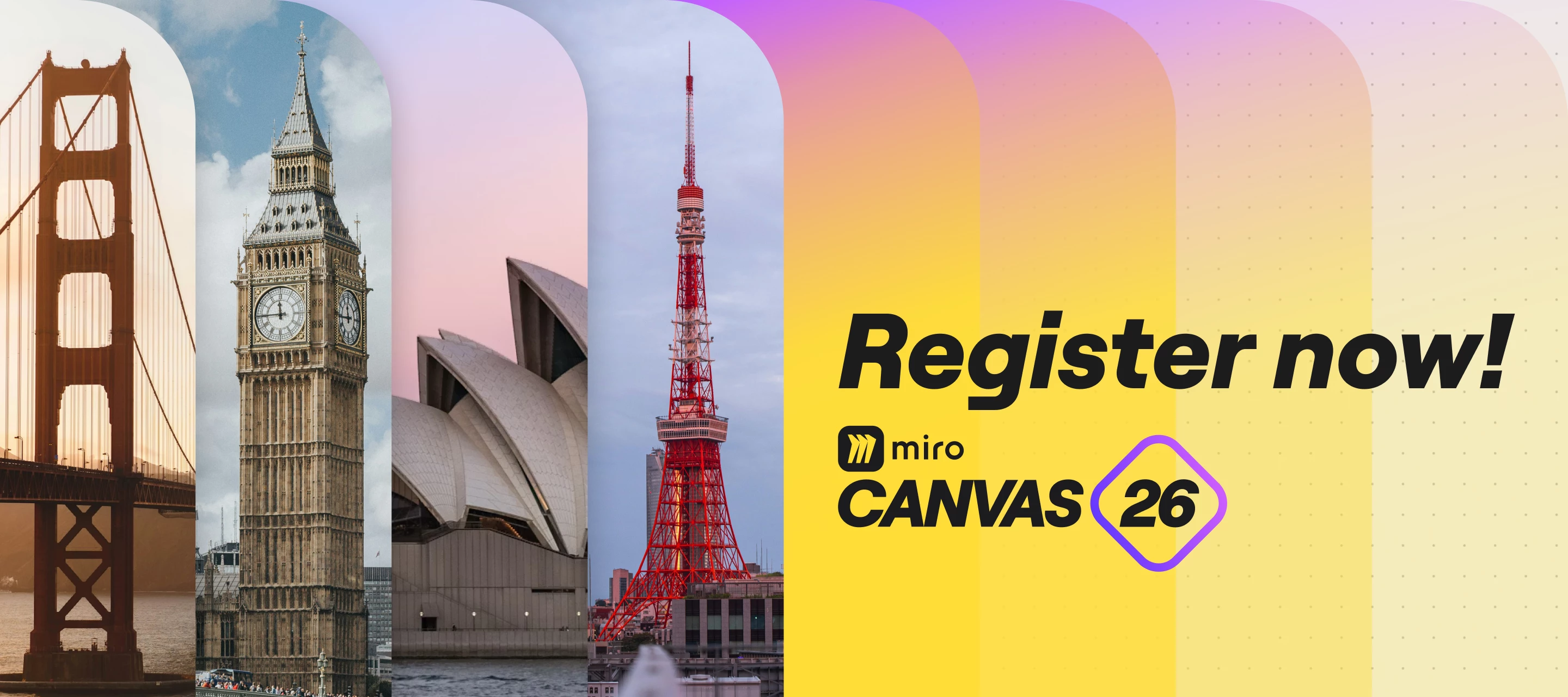
If you’re already evolving how your team collaborates or integrates AI into everyday work, Canvas 26 is designed to move that forward with you.Join the keynote you won’t want to missGet a first look at what’s next for collaborative AI and see Miro’s biggest launches of the year, streaming live from the San Francisco stage.Hear how teams are already building faster and working smarter with AI, and walk away with a clearer sense of where things are heading.Register to watch the keynote virtually on May 19 at 9am PDT.👉 Save your spot and join the keynote live!
🧠 Big ideas need structure — and Miro Tables are here to help you bring clarity to the chaos! We’re beyond excited to share that Tables are live for all Miro users! 🎉Miro Tables bring the power of structured data right into your canvas. You can now organize, sort, and collaborate on your work with all the flexibility of a table, without ever leaving your board. It’s the perfect way to keep your plans, priorities, and project details crystal clear — and all in one place! 💡✨ Here’s what you can do with Tables:🔄 Instantly turn sticky notes, Miro Cards, and Jira Cards into table rows with drag and drop📝 Build rich, customizable tables with text, tags, colors, and custom fields📋 Plan features, track progress, and manage roadmaps — all in one place🔗 Keep everyone aligned with Synced Copies, so updates flow across boards automatically🤝 Share polished updates without the manual work — embed Tables in Docs or Slides, or switch to a focused view to highlight what matters⏰ Need a new pers
We know - you want your team to maintain a sense of connection and strong bonds, even when you’re working remotely. Virtual team meeting games give your remote team a chance to connect and enjoy some lighthearted fun, despite the fact they aren’t working side-by-side.We have 10 ideas of games in the Miro blog post: Fun virtual games for your next team building meeting Which one do you like most?
Hello Community, We’re excited to announce that you can now create diagrams using code with Mermaid and PlantUML apps right in Miro. With these apps you can automate the process of generating complex diagrams with a simple text language — so you don’t have to worry about design and layout. No need to align diagrams or manually update designs — design and layout are automatically applied Copy your diagram code from other sources like GitHub or Notion to automatically re-create your diagram in Miro Visit the Marketplace to install Mermaid and PlantUML Note, in this first version code will generate an image. We’re curious to hear your feedback and input for the next version Updates!Both apps support editing (only on newly created diagrams). To edit, select the image generated by one of the apps and then click the toolbar icon. The source of the original diagram will be loaded in the editor. Both apps are update to the latest version supporting new diagram types like C4 architectur
Our January updates are built for getting everyone on the same page and actually involved in the conversation. Whether you’re running a 20-person retro or a 2,000-person town hall, aligning your AI with your company’s real knowledge, or just keeping your project tracker in order, January is all about bringing people into the work.Check out the highlights below, then dive into the blog for even more details! Bring everyone into the conversation with Miro EngageMiro Engage (Beta) is a dedicated audience engagement tool built right into Miro, making it easy to turn passive attendees into active participants — whether you’re running a small workshop or a company-wide all-hands.Miro Engage is free to try while in beta, so there’s no better time to bring it to your next session. Explore the Miro Engage Playground to try it out for yourself, and find out more in this article. AI Workflows, now available for EnterpriseFlows and Sidekicks are now out of beta and part of AI Workflows, available
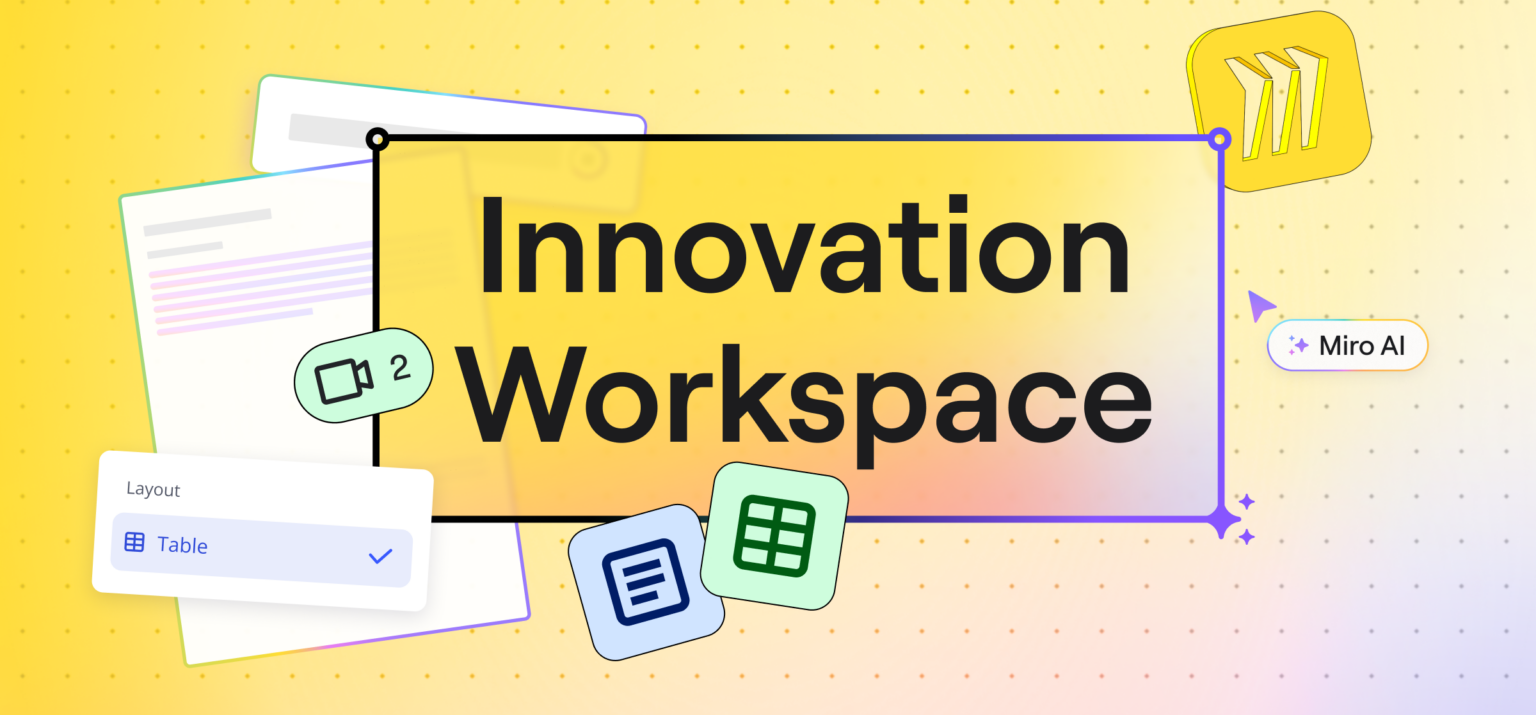
Miro Community, At Miro, innovation thrives when teams come together. Collaboration is not just a feature we provide; it’s the foundation of everything we build. Our new Innovation Workspace is designed to accelerate creative breakthroughs and help teams work more effectively, making collaboration not only efficient but also fun and engaging. Here’s a glimpse at into the key features that make this possible: 📹 Watch: Canvas '24 Keynote & Explore Miro’s Innovation Workspace A Fresh Canvas ExperienceWe’ve revamped Miro’s visual design to inspire creativity. With a more vibrant color palette, interactive stickers, and dynamic sticky notes, collaboration feels more engaging than ever. These enhancements are not just visually appealing; they’re designed to spark ideas and encourage participation from all team members. New Intelligent WidgetsIn July, we launched our first intelligent widgets to bring interactive tools like dot voting and polling to the canvas. Now, we’re taking it up a
What would you build with AI if it could see your whole Miro board as context?Join us for a transformative challenge where we combat the daily hurdles of development with Miro’s new MCP server. We’re looking for builders who will push our MCP server to the limit and build amazing things to inspire the community. We encourage everyone to think outside the box using our recommended tools such as OpenAI Codex, Claude Code, GitHub Copilot, Cursor, and many others.Whether you’re a developer or a vibe coder, this challenge is for everyone who wants to try their hand at MCP and build something helpful for their team! 📌 Key DatesJanuary 28: Challenge startsFeb 10: Live Demo & AMA SessionFebruary 16: Submissions close (11:59 PM PST)Week of February 23: Winner announcement 🏆 Here’s how to participate: Use Miro’s MCP server to build a solution to a real-life problem Record a demo video to show us what you built and how it works Share your video on one of these social platforms, use the ha
Already have an account? Login
Enter your E-mail address. We'll send you an e-mail with instructions to reset your password.