🎃 Miro Community Halloween Contest — win a $400 gift card
Miro's new features, updates and enhancements.
Recently active
This year you’ve brainstormed, planned, and innovated in Miro. Now, it’s time to look back and celebrate your achievements, the connections that made it all possible, and the moments that truly mattered. 🔗 Access your Miro recap 💫 Inspire the futureShow off your recap on LinkedIn and give a shoutout to the teammates who inspired collaboration and creativity this year. From big wins to small breakthroughs, every moment shaped your success — and we want to celebrate them with you! Post your Miro recap on LinkedIn and tag @Miro so we can see your recap. Looking back on this year’s accomplishments sets the stage for what’s next. Here’s to new ideas, stronger connections, and even more impactful collaborations in the year ahead. Let’s continue to inspire each other and celebrate the power of building together. Cheers to all we’ve achieved — and to what’s yet to come! 🥂✨
2024 was a huge year for all of us here at Miro. To celebrate, we’ve picked out five of our favorite updates — not just the biggest, but the ones that truly transformed the way you create, collaborate, and innovate together on the canvas. Scroll down to see some of the highlights or read the full recap, then let us know in the comments: which of these features changed the way you worked this year? 💡 DocsGo from brainstorm chaos to a structured brief, report, or summary in seconds. Spaces Every workspace needs a little order. Spaces keep your teams and projects tidy — no more digging through the dashboard. Miro AI From refining your writing to getting caught up on comment threads, Miro AI is here to fast-track your daily grind. Intelligent Widgets Vote on ideas. Assign tasks. Gather feedback with a poll. Intelligent widgets keep your whole team involved. Diagramming Start with a prompt, and watch AI map it out in seconds. Add custom shapes and layers of detail to refine diagrams
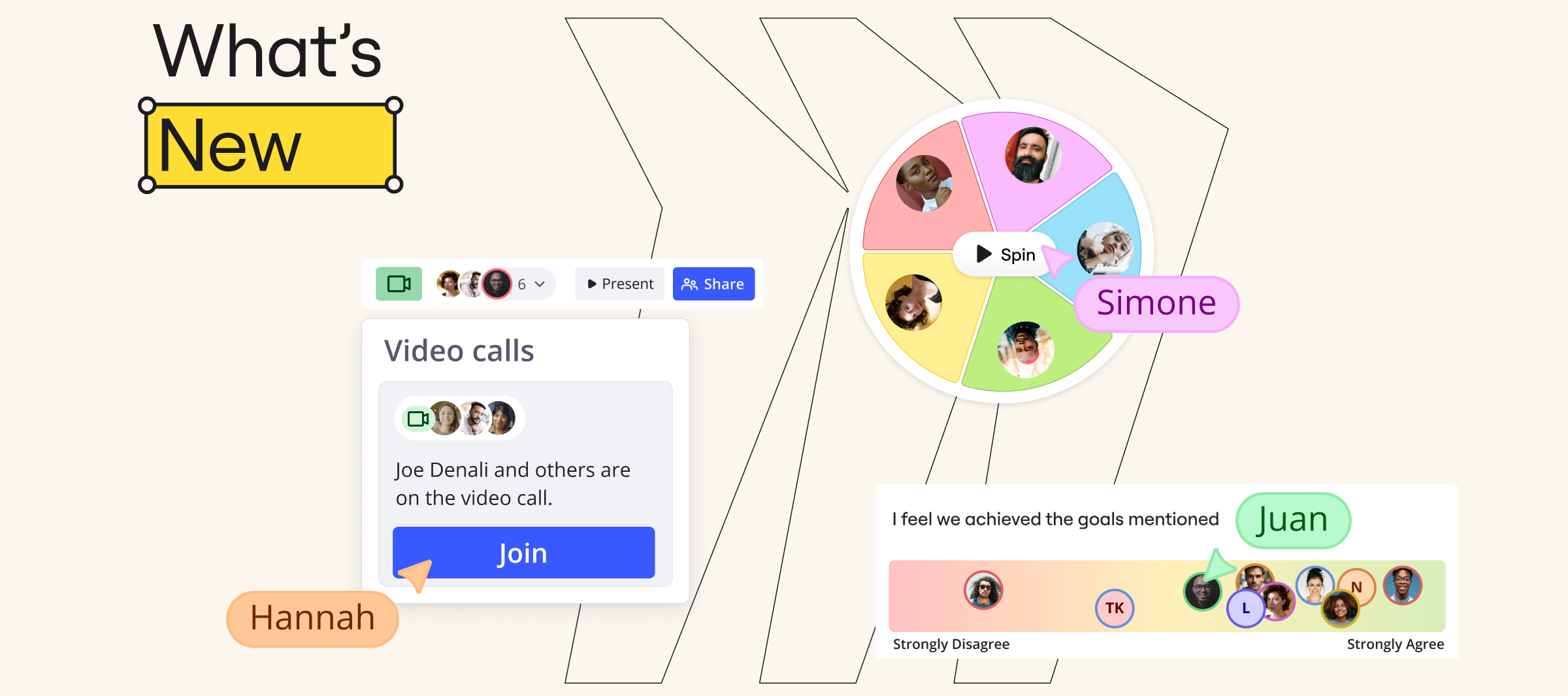
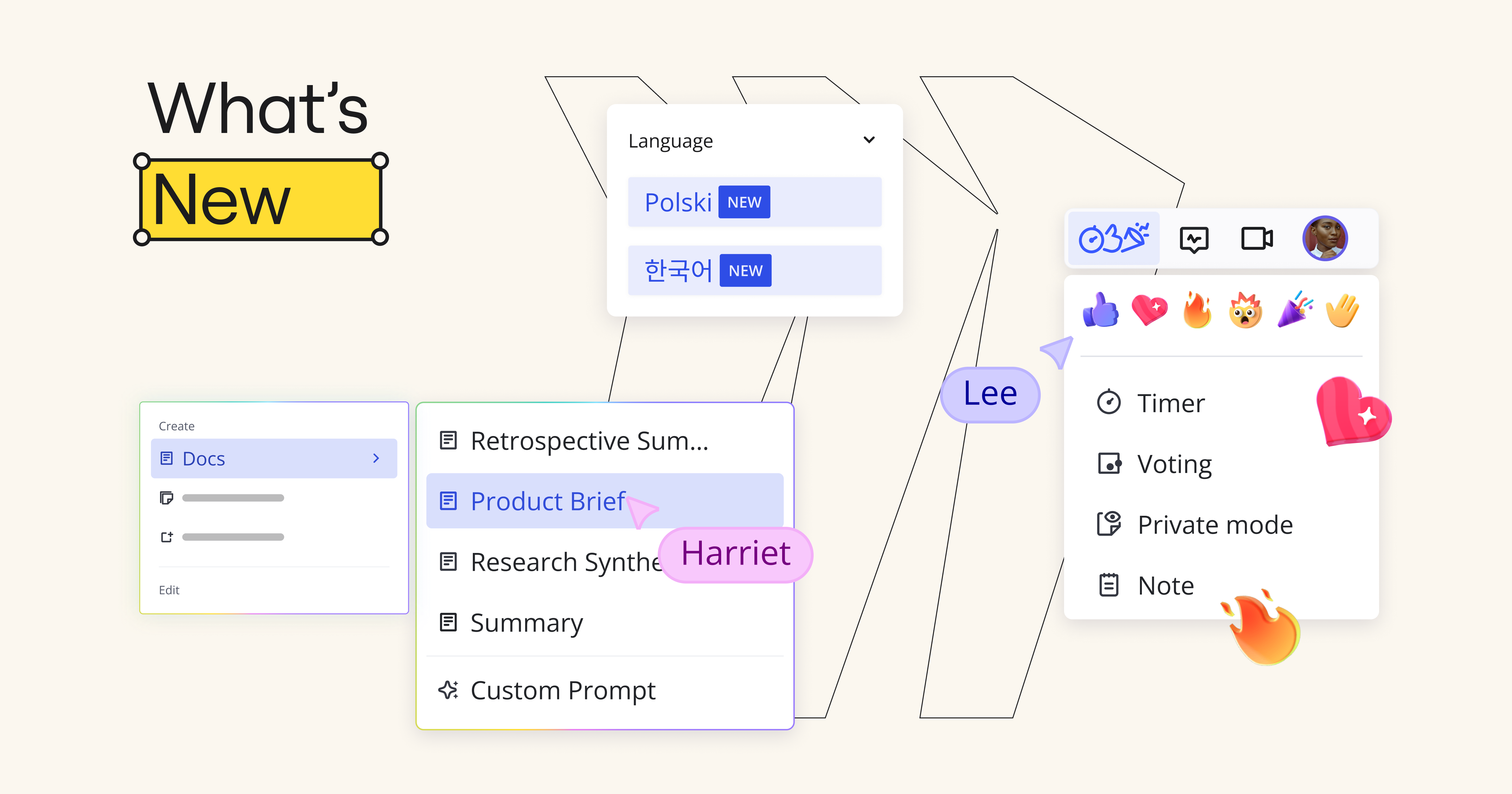
This month’s updates get your whole team on board — literally. We’re talking new Intelligent widgets to speed up decisions, Spaces to keep work organized, and Video calls to connect right on the canvas. Check out the highlights below! 👇 Create dedicated Spaces for your teams or projects, and organize them into Sections. No more digging through the dashboard to find that board you need.Sticky notes? Unlimited. Brainstorm? Unstoppable. Add a sticky stack to your board, and you’ll never run out of space for your next big idea.Who’s presenting? What’s for lunch? Next time you need a tiebreaker or an icebreaker, spin the wheel and let fate decide.From “strongly disagree” to “totally on board” — get a quick read on how everyone’s feeling with the alignment scale widget. No mind-reading needed.Tasks are a bit like t-shirts. Some are small. Some are XL. We’ve made sizing them super simple, so you can quickly get your priorities in order.Talk about work, right where it happens. No need to wait
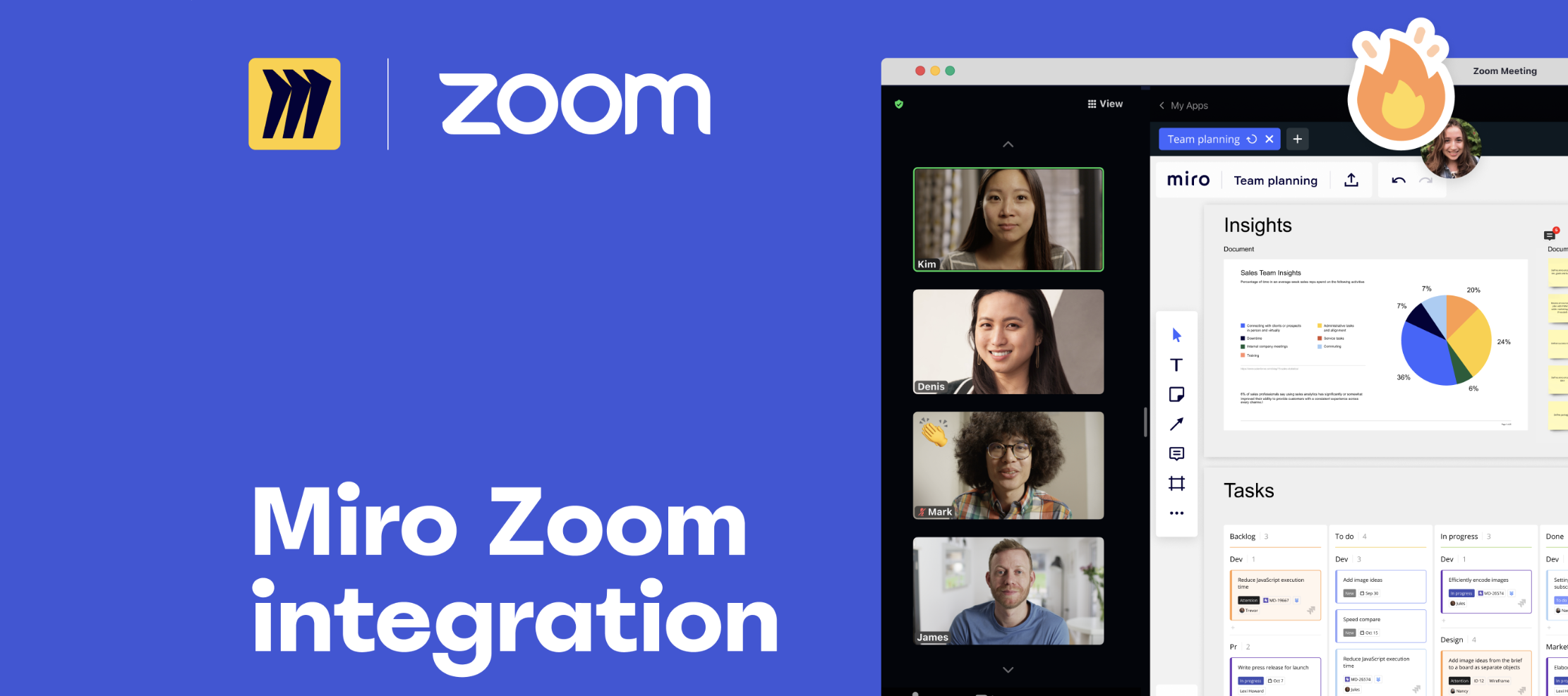
Hello, Miro! Today we are thrilled to share the launch of the #1 most requested feature from you all over the past year: introducing the Miro app for Zoom. Now teams can seamlessly open a Miro board directly in their Zoom meeting, share it with meeting participants, and co-create together — all without switching tools. ✅To get started, add the Miro app for Zoom, and read more about our partnership with Zoom on our blog. ❓Need help? Read more about getting the most out of the Miro app for Zoom in our Help Center. To access Miro’s app, admin must approve & enable Zoom Apps for your team’s account, which you can read about in our Admin Guide. 🚀Today we are LIVE on Product Hunt. Check us out, and let us know what you think in the Product Hunt comments! We can’t wait to see how you all use Miro in Zoom to make your meetings more human.
Hi everyone! It’s Natalie, Product Marketing Manager of Stickies Capture - a magical feature that helps instantly digitize and edit the results of your offline workshops, retros and brainstorms. With one quick photo, instantly convert dozens of handwritten sticky notes into digital ones in the Miro app.Stickies Capture + Miro collaborative whiteboard => 📲Digitize and edit handwritten sticky notes (all devices); 🏃♂️Invite your team to keep collaboration going (all devices); 🗃Move from idea to implementation by adding more files, diagrams and comments next to your stickies (all devices); 💫Convert stickies into Jira tasks or spreadsheets (desktop); 🙋🏻♀️Timebox activities and vote on sticky notes (desktop); 🎤Turn brainstorm into a presentation (desktop). It's FREE and works on iOS, or Android apps, and in desktop browser! Try it now, and don't worry if you don't have a picture with stickies in your clipboard - there's a demo photo that you can test right away.
Take control of your (virtual) space with Miro’s improved timer plugin! Set your timer during group activities to keep everyone on track and play background music to get people in the right mindset. The improved timer allows you to:Time box an activity such as brainstorming or voting Pause the timer when needed Add time to the timer with the click of a button Choose royalty free background tunes The new timer plugin is available on Education, Team, Consultant, Business, and Enterprise plan. Visit the Help Center to learn more.
Miro Community! This year’s Canvas ‘24 was packed with inspiration, insights, and exciting new features that are set to transform how we innovate and collaborate. From groundbreaking sessions to interactive workshops, this event was a celebration of creativity, future-forward thinking, and all things innovation. Missed out on some of the biggest Miro product updates and fun? Don’t worry—we’ve got you covered! Watch the Canvas ‘24 KeynoteExperience the magic of the Canvas '24 Keynote featuring our incredible lineup of speakers. Led by Miro’s very own, Jeff Chow, Chief Product & Technology Officer, this session dives deep into the power of AI, innovation and collaboration. Each speaker shared how Miro’s vision is revolutionizing the way teams work together and innovate. 📹 Watch Here Today, we’re also launching the Innovation Workspace on Product Hunt. Jump into the comments to chat with the people behind Miro’s biggest launch — check it out! 💬 As always, join the conversation in th
Miro Community!The word’s out! In October, we announced the Innovation Workspace. We’ve got a ton of new features on the way, all designed to speed up your team’s journey from idea to final outcome. Scroll down to see which ones have already landed on your canvas — and join the waitlist to be the first to try the rest. Curious about what else we launched in the last month? Read about the Innovation Workspace and everything else in our blog post.
I’m Anubha Saxena, a Senior Software Engineer at Miro, and I’m excited to share my workflow for creating visual aids, like flowcharts, to better align with my team and explain processes.There’s a lot of things I love about Miro. But being able to communicate with my whole team quickly and easily is crucial. Everyone coming together on a board and collaborating in real time, the feeling you get when the cursors come together - it’s super engaging and makes processes much more efficient and even fun. Especially when using Miro AI to quickly visualize processes.Here are some essential aspects of my approach:🧠 Dump my thoughts into chaotic yet organized Miro boards to align multiple teams ➡️ Use shapes and sticky notes with connectors to depict simple flows 💬 Leverage Miro AI using text on my boards to generate visuals 🤖 Create flowcharts in an instantIf you’re curious to see how we do it, check out the full video. Feel free to drop any questions below and tag me.Looking forward to your
I’m René Kann, a Senior Software Engineer at Miro, and I’m excited to share how our team uses Miro to streamline software development.I truly value how Miro allows us to centralize all our work in one place, making it easier for our team—whether it's engineers, product managers, or designers—to collaborate effectively. By having everything organized and accessible, we can stay aligned, tackle complex challenges, and move forward with confidence.Here are some key aspects of our approach:📋 Centralizing our work with Miro boards for documentation and task tracking 🗺️ Visualizing processes with UML diagrams to map out our workflow 🔄 Utilizing the Layers feature to communicate about diagram changes efficiently 🤖 Leveraging Miro AI to generate comprehensive test cases and speed up our testing processIf you’re curious to see how we do it, check out the full video. Feel free to drop any questions below and tag me.Looking forward to your thoughts!René Watch here:
Integrations Asana Cards are available for Team, Business, Enterprise, Consultant plans only Import Asana tasks to Miro and invite your team to discuss, prioritize, and sync on the tasks visually in real time, seeing everyone equally engaged. Install now
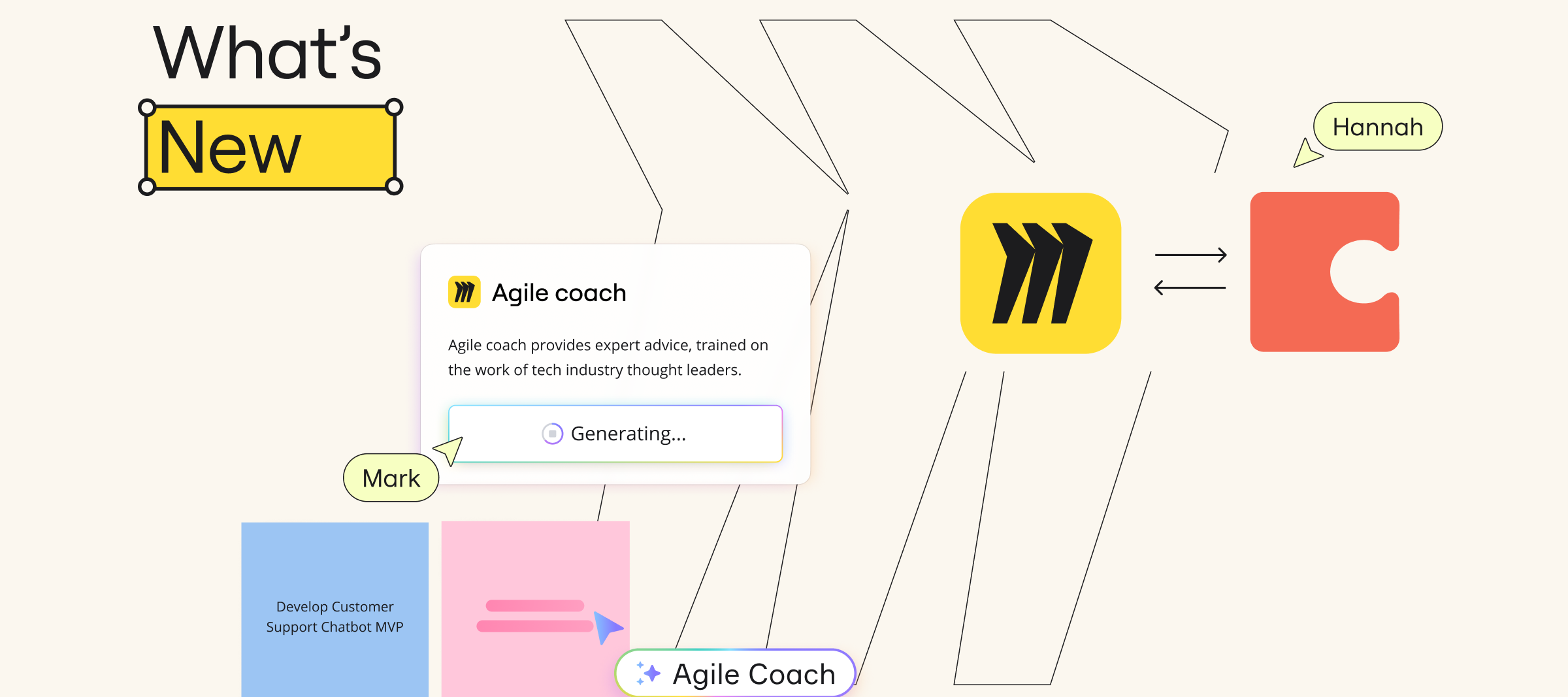
Miro Community! Looking for What’s New in Miro? September was a big month for AI updates. From AI Sidekicks to Conversation Summaries, you’ve got a bunch of new ways to speed up your daily tasks and stay in the flow.Take a closer look in our latest blog post for the latest features to upgrade your Miro experience. You’ll read more about...Conversation summaries Layers Coda Integration And much more! Before we dive in, a quick tip for Canvas ’24. This year’s agenda is stacked with inspiring sessions. But if your calendar’s filling up fast and you can only fit one in, make it the keynote — where we’ll make the biggest product announcement in Miro’s history. 🗓 Register here for Canvas ’24 to see What’s New!
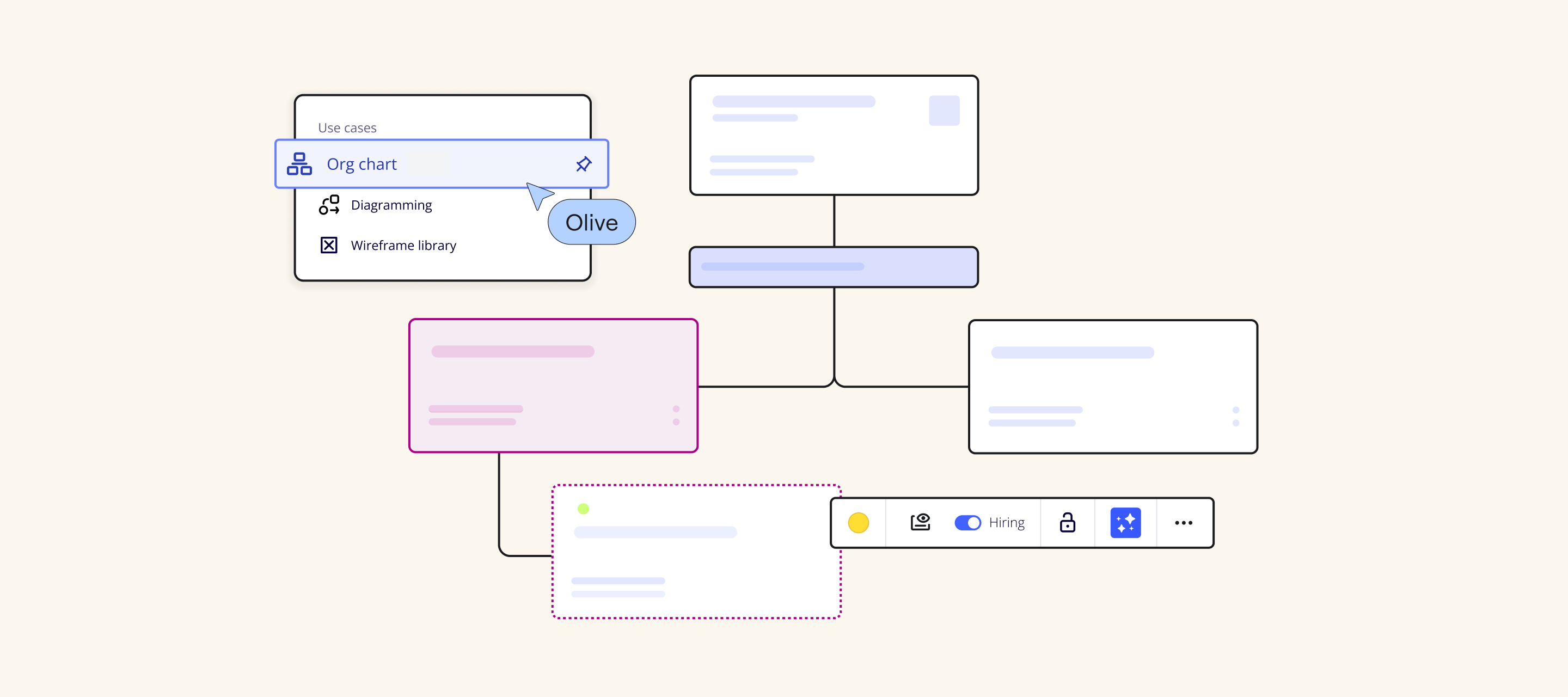
Hey Community! Want to maintain an up-to-date view of your organizational structure while prepping for every changing need? We’ve got a brand new, native Org Chart widget that's now available to use for all Miro users. This widget allows you to Streamline the process of visualizing and structuring organizational plans and hierarchies by easily converting .CSV spreadsheets into structured, easy-to-manage org charts Ensure org charts are always up-to-date by seamlessly replacing existing data with new information Save hours of manual updating with simplified element arrangement through auto layout Embed org charts live into Confluence or thousands of other tools and websites to ensure the entire organization always has an up-to-date view Visit the Miro Blog to dive deeper into the two ways to create collaborative org charts fast in Miro. You can also learn more about the Org Chart widget, by heading over to our page or visiting the HelpCenter. 💬 Have any questions or thoughts? Y
Now you can set up voting ahead of time to save time during online meetings and workshops while making them more engaging and interactive. Prepare your voting session as you normally would (select its duration, decide how many votes per person you want to allocate, pick the voting area and types of objects your collaborators can vote for). After that, click on 'Save to vote later' and come back to your voting session when its time comes.
Imagine working on a massive Miro board with dozens of collaborators: sometimes your content can be accidentally moved around or deleted by other editors. Board history makes it possible to automatically save and recover versions of Miro boards enabling you to collaborate with additional confidence. Access board history under board history icon on your Miro boards in the bottom left collaboration toolbar Board versions are automatically saved every hour as well as at the end of each collaborative session If you want to continue working with an earlier version of your board, you can create a copy of it without disrupting the work of your team members Visit Help Center to learn more and let us know what you think in the thread!
Hello Miro Community, I’m excited to let you know that we just released the entity relationship diagram modeling tool. To design efficient databases, a clear-eyed understanding of the entities, attributes and relationships in your system is essential. Entity relationship diagrams make gaining clarity easier. Use them to visualize databases, and collaborate with team members to define and refine your diagram on the fly. The result? A well-designed system with less re-work during the building process.The benefits of creating entity relationship diagrams in Miro: Industry standard shape packs help teams build world-class systems together Improve the quality of your databases by visualizing and removing redundant entities and relationships With just one tool, collaborate and build entity relationship diagrams, so teams spend their time designing better solutions — not context switching This is part of our Smart Diagramming offer and available for Enterprise, Business, Consultant and
Miro’s What’s New product showcase may be over, but the conversations around Miro AI are just getting started! 🎉Join our Community Forum to see what others are saying about Miro’s newest AI features that take generating stickies, mindmaps, and images to a new level!To join in on the discussion, see the 3 community threads below:AI Feedback - Let us know your thoughts on what was presented in today’s What New Webinar AI Wish List - Have an Idea for Miro? Submit ideas to our community wish list Miro AI Challenge - Show us what problems will Miro’s newest beta feature help you solve for a chance to win! Our entire team is excited to hear directly from you all and will be checking the comments and joining in on the discussions happening all week. We can’t wait to hear from you–– see you in the comments!
Hey Miro Community! I’ll get right to it — we introduced the Intelligent Canvas this month! We’ve been so excited to share this brand new AI-powered way of working with you. Scroll down to see what’s already available for you to dabble with… and join the waitlist to find out first when other features become available.👇Turn ideas into polished outcomes. Just provide content from your canvas, and let Miro AI handle the rest. Available in beta. Visualize tasks and deadlines, track progress, and adjust schedules using our Intelligent widget. Currently in beta. Which of these features have you already tried? Let me know in the comments below!
Hey Miro Community,We’re thrilled to share the exciting highlights from our latest event, "What's Next with Miro." The event was packed with groundbreaking updates and features that will be a siginficant evolution for you and your teams. Here's a glimpse into the future of Miro — and don’t miss your chance to join the waitlist for these new releases! Our Chief Product and Technology Officer on Miro’s Mission 🌟Starting in 2011, Miro changed how people work together to build the next big thing by building our own big thing: The canvas. Today, as Jeff Chow, our CPTO, shared there are 70 million users and 230,000 businesses on Miro — and Miro is critical to moving through the phases of discovery, definition, and delivery in solving some of the world’s greatest challenges. Introducing the Intelligent Canvas 🧠The big reveal today was the launch of Miro’s Intelligent Canvas. This is an AI-powered platform designed to help teams ideate, iterate, and deliver faster. Imagine a workspace that
We’re unveiling a new way to blend intelligence and interactivity, so you can inject your workflows with that fun, dynamic energy you’ve been looking for. Experience it first directly from our team, including Jeff Chow, our Chief Product and Technology Officer. You’ll walk away from this event knowing you no longer have to spend hours turning ideas into action. Or hunt down expert resources. Our platform update is going to take care of all of that — and plenty more — for your team. Don’t miss out! RSVP for the first look here!
Hey Miro Community!I’m back with another post to share with you all the awesome things we launched. June was packed with some exciting updates and we can’t wait for you to try them. Check out the full list of updates on our blog and explore the highlights below! 👇 Help your workshops and team meetings run smoother with new action shortcuts. Set things up ahead of time and create ready-to-use templates, saving time and reducing stress during your collaborative work. New integration alert! Browse, import, and edit GitHub issues right in Miro with a nifty two-way sync, thanks to ServiceRocket. And you can convert Miro sticky notes into GitHub issues. Autodesk, meet Miro. Developed by ServiceRocket, this brand new integration lets you visualize 3D files from Autodesk in Miro and run collaborative design activities. A new two-way sync Salesforce integration to make account planning *so* much easier? Yes, please. Thanks to ServiceRocket, you can now browse, import, and edit Salesforce oppor
Hello Miro Community! Draw.io App by MiroDiagramming power-users can now create and collaborate on any type of diagram, bring technical documents and people together in one Enterprise-ready workspace.More than 50 shape packs including ArchiMate’s enterprise architecture, electrical circuits, floor plans and many more Drag & drop to import Draw.io, Visio, and Lucidchart diagrams into Miro to start collaborating Advanced features such as layers, tags, smart containers, auto-layout, shape meta data, custom guides, and many more Diagrams and data are hosted with Miro’s trusted infrastructure, no data is shared with third partiesVisit the Miro Marketplace and get started today! Available for all Miro users. For more information check out the help center. Happy diagramming!Turner This Third Party Platform app utilizes open source draw.io code from the Github repository, and is hosted securely by Miro. draw.io is closed to contributions. Therefore this Third Party Platform app is provide
Collaborating on Miro should be easy and stress-free for new teammates and admins. That's why we're introducing Member Trials for all Team Plan members. Seven days. Full access. Completely free. Your new teammates get instant collaboration while admins decide who gets added to the paid membership.Here's some need-to-knows :Trials begin when new members open a board and are only valid once for new users Team members or admins can invite new members based on your preference in settings When a trial expires, members automatically become full members unless downgraded before the end of the seven days Admins will get weekly email updates to see remaining trial times and how members are using their trial Check out the Help Center article to learn more and let us know what you think in the comments.
Hello community!You can now use Unified Modeling Language (UML) shapes to model and design software with ease and collaborate across teams, all on Miro. Use a consistent set of shapes to visualize processes, development, and behaviors. Simply drag and drop to start building. Miro’s UML shape pack is helpful for: Modeling and designing software with ease Collaborating in Agile development environments Supporting a variety of structural and behavioral diagrams We would love to see some of your creations and get feedback. You can reach me at diagramming@miro.com or post them below in the comments. Visit our help center for more information and tips and tricks to improve your diagramming. Happy diagramming,Turner
[SEP, 30. UPD] Hi there, We’ve released a new Desktop App version to everyone Here’s a full list of improvements:Main updatesUsers can FINALLY open board links (e.g. the ones shared with them on Slack) right in the desktop app. Spell checker is now available It’s possible to paste images right from the clipboardOther enhancementsThe app now uses up to 40% less RAM & supports Chinese, Korean, Japanese & Vietnamese languagesBug fixesSSO authorization now works in 100% cases Users don’t get randomly logged out anymore Keyboard shortcuts now work on boards as well as the dashboard Before, when users updated the app, in some cases it could get stuck in the infinite update loop. We fixed it! Install links: MacOS, Windows x64, Windows x86And please share your feedback about the new version in the comments below. Thanks! Read the old post here Hi everyone! We need your help in beta-testing of the new Miro Desktop app version.It is more stable, secure, and uses less RAM (it's reduced
Already have an account? Login
Enter your E-mail address. We'll send you an e-mail with instructions to reset your password.