🎃 Miro Community Halloween Contest — win a $400 gift card
Miro's new features, updates and enhancements.
Recently active
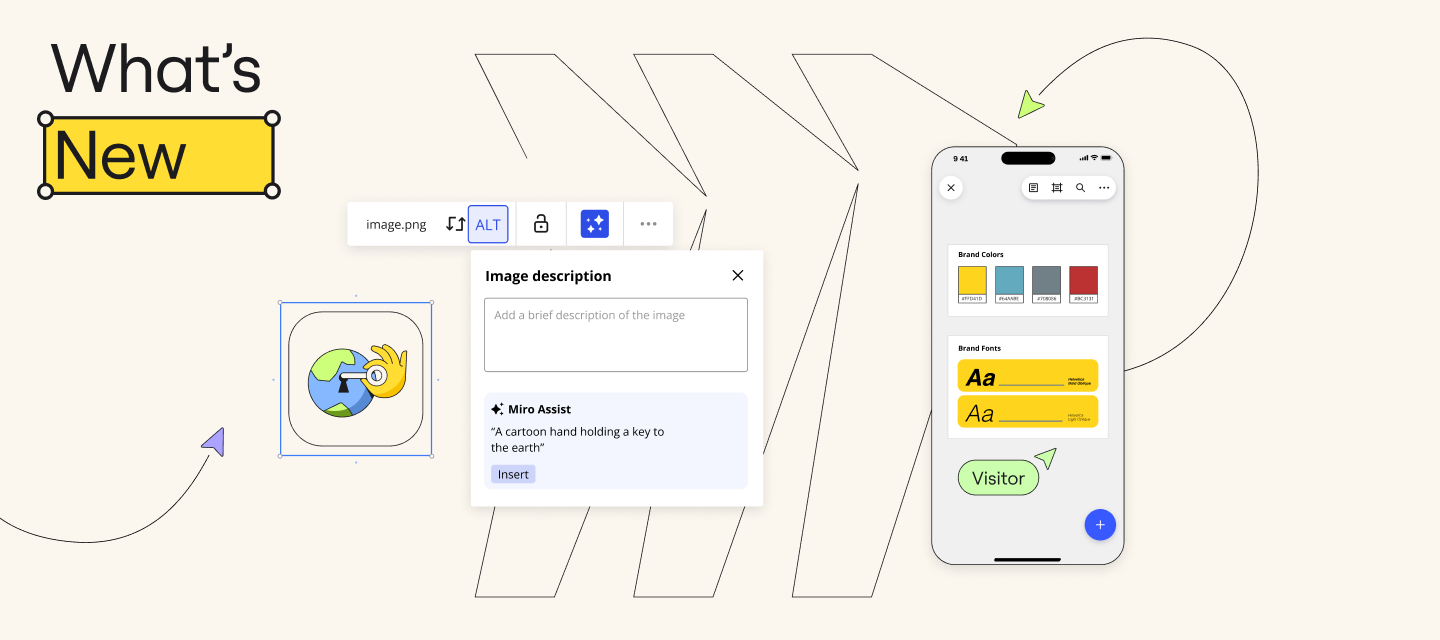
As we wrap up the month of May, let’s take a look at all the product updates we’ve launched! This month, we have introduced several exciting updates to enhance productivity and accessibility. Highlights include an improved Planner app, smarter Azure DevOps integration, and AI-powered alt-text suggestions for better assistive technology support. New features like the organizational chart widget, additional diagramming templates, and mobile app collaboration make it easier to streamline workflows and visualize team structures. Check out all the new features to boost your team’s efficiency and creativity on our blog. 💬 Which of these features have you already used already? Let us know in the comments below!
Hello Community,We’re very excited about the next product news update!How do you bring big ideas to life? Break them down into smaller pieces. You can now view high level concepts or zoom in on critical details of your mind map by collapsing and expanding branches. This way you can: Navigate large mind maps more easily Focus on branches without distraction Collaborate with team members and stakeholders at the right level of detail For more information check out our Help Center.We would love to see your creations. Share your mind maps in the comments, and inspire others on the Community.Happy mind mapping!Turner
Install the new UnDraw app to create presentations, provide visual feedback or mark needed actions through beautiful illustrations. The app contains three collections of illustrations for actions, reactions, and presentations as well as multiple color options. Have you already used the UnDraw app in Miro? Share your feedback in the comments Just a reminder that you can find all product updates in the Changelog.
Hey Community! If we haven’t met, I’m Turner, a Product Marketing Manager at Miro and a diagramming enthusiast! We have some exciting updates to share over the next couple of weeks in the Miro diagramming world and kicking things off strong with some updates I think software engineers will love! Are you a software engineer using Miro? If so, you probably know Miro is great for retrospectives, sprint planning, and more. But did you know you can also use it to build UML diagrams? Discover ready-made UML diagramming templates that will inspire you, and save time in our newest Miro Blog post. In the meantime, here’s a summary of what you’ll find in the blog: What is UML?UML, or Unified Modeling Language, visually represents system designs. These diagrams serve as blueprints, mapping out a system's structure, behavior, and interactions before diving into coding. You’ll also learn in the blog article how Miro offers a range of templates for common UML diagrams that allow you to…Discover s
Miro Community, Get ready to level up your collaboration game with Miro's What's New April updates! It’s a new month and we’ve rounded up what we launched last month. From smoother teamwork to boosted creativity, we've got some exciting new features for you to explore. We’ve fine-tuned the Planner app, turbocharged Azure DevOps collaboration, and built some more features to boost your diagramming experience. These and other enhancements are poised to elevate your productivity to new heights. Be sure to check out the latest here! 💬 Which of these features did you already know about? Let us know in the comments!
We’ve been especially focused on improving Miro UX in the past two to three months, and Auto Layout has been one of those changes we implemented to help our users work in Miro faster and more intuitively than ever before. Let us know what you think. Have you tried Auto Layout and other features we released recently? Is there anything else that doesn’t work as expected or is currently missing in your opinion?
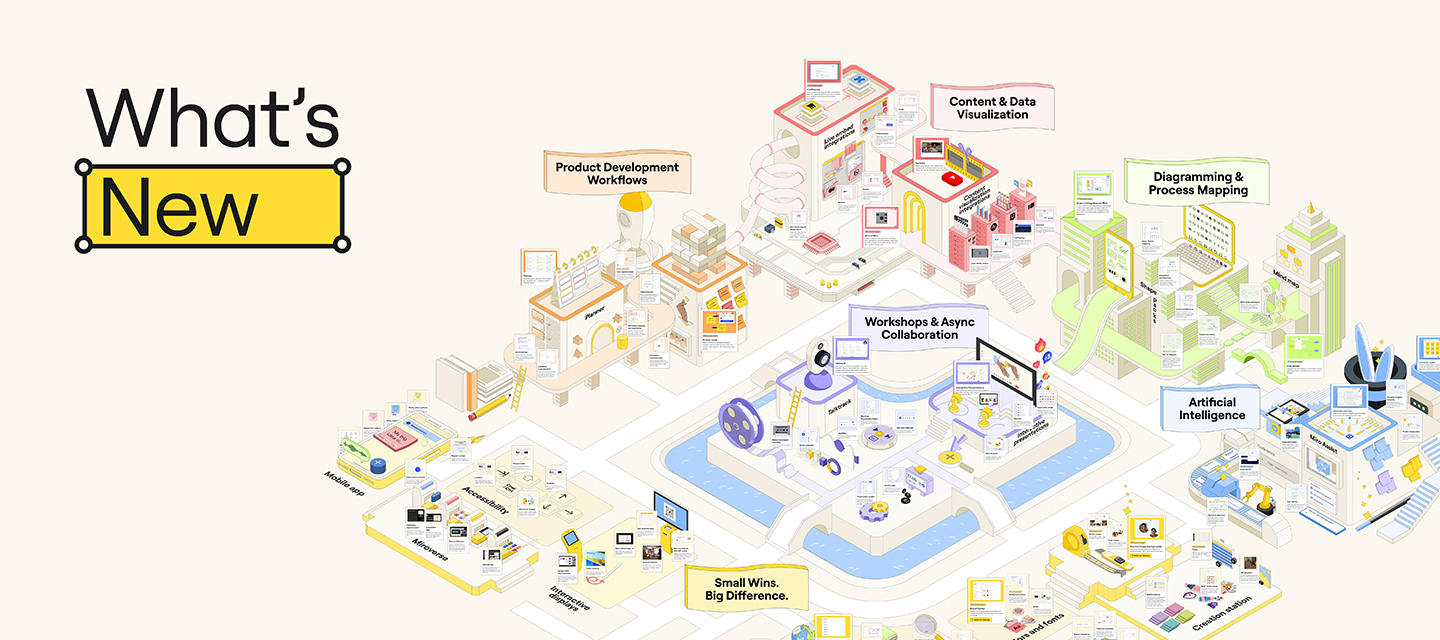
Hey Miro Community, We’re back with a roundup of all the things we launched last month. Let’s dive in! Missed our latest What’s New Webinar in March? No worries! Check it out on demand to hear directly from our Product Marketing team who dove into new updates, feature glow-ups, and demos. Once you’re caught up, take a look at all the new releases from March that will help you build, iterate, and design faster with Miro. This includes new visual cues to comment bubbles that make it easier to have contextual conversations. We’ve also improved the Miro mobile experience, including UI updates and Talktrack functionality. Plus, we’ve made important accessibility updates that unlock Miro magic for all, so everyone can build the next big thing. Here's a snapshot of what else we launched: Workshops & Async CollaborationTake Talktracks on the go: Enjoy the convenience of interactive video walkthroughs on your mobile devices Add Talktracks to Coda, Notion, and Productboard ✨ Learn more about
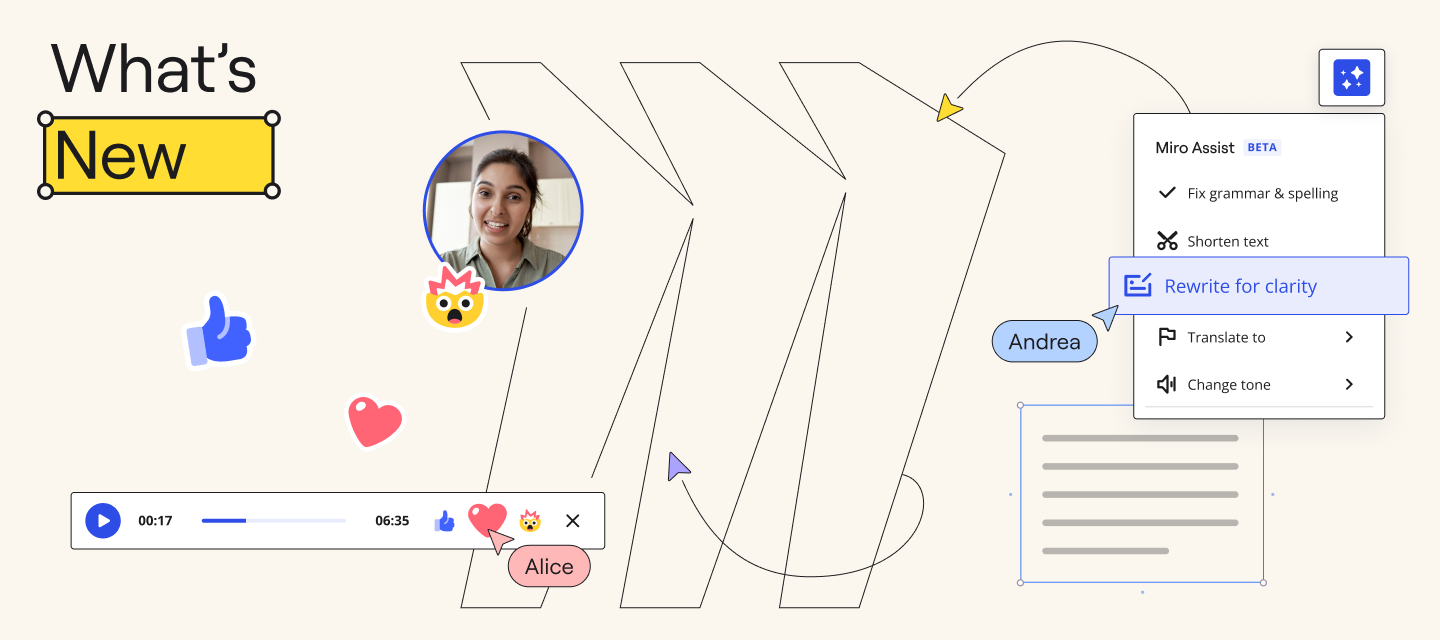
Hey Community! With a new month approaching, we’re excited to announce a variety of releases that will accelerate your work in Miro. Say goodbye to manually styling your content — to complement last month’s Brand Center release, you can apply brand styles to diagramming shapes, too. If you’re a fan of Talktrack, be sure to check out new Talktrack reactions, which let viewers provide instant feedback to a recording with emojis. Plus, we’re thrilled to share a powerful update to Miro AI, your AI partner for innovation. Miro AI is now also your writing assistant, elevating your words for clarity and tone. Read this and more in our latest blog post. 💬 Have you tried any of these new updates? Share with us in the comments below or tell us what you’re excited to try next! Still want more of What's New? We’ll demo these features (and others) at our upcoming quarterly What’s New webinar on March 13 or 14 (depending on where you’re based). Join us for this live event to hear directly from our
Build the next big thing with a prompt, a chat, and a click, Introducing Beta for Miro Assist! Miro community! We’re excited to introduce Miro Assist, your AI partner that uses your board content to help you do your best work, faster. With Miro Assist you can…Rapidly discover new topics and ideas, so teams can go from ideation to action. Extract insights from unstructured data, so teams can make better decisions — without team bias. Kickstart product development workflows and instantly visualize complex information in structured models We’re working hard to make Miro Assist available to more of you soon! Your feedback, ideas, and insights are crucial in helping us shape Miro Assist to better serve your needs so continue to share, innovate, and connect with us and answer any of these questions in the comments below: Share your thoughts: What are your initial thoughts on Miro Assist? How do you envision it benefiting your projects, teams, and workflows? Let us know! Innovate with us: D
You voted. We listened! The #1 upvoted feature on Community Wish List is here. Introducing the new hide and reveal setting for frames – manage what frames are hidden and visible on your shared boards and control when content is revealed to your participants during meetings and workshops.Board owners can now control visibility of frames. Hide content so that it stays private until the right moment to share it. Stay in control of when content is revealed on the board so you can set the stage, design workshops content step-by-step, and maintain a private space on your boards. Available on all paid plans. Read more about this magic new setting for frames here. Please leave your feedback in the comments below
Miro Community,Discover the potential of Miro’s diagramming and process mapping capabilities designed for all teams! From product development to system architecture and process mapping, our user-friendly workspace helps to visualize complex systems, ideas, and organizational structures. This allows teams to get started faster, automate time-consuming tasks, and bring products and software to market more efficiently – all while collaborating and creating a shared understanding among teams. Here are just some of the helpful updates we’ve made in Miro over the past year to take your diagramming and process mapping to the next level: Draw.io integration by Miro - Create flowcharts, diagrams, and more directly within your Miro boards using our integration with draw.io — an open-source diagramming tool. Line jumps - Line jumps help clarify which object each line refers to when lines intersect. When turned on, they appear automatically on intersecting lines. Value stream mapping - Quickly
Hey everyone! We’re in the process of gradually rolling out our latest feature for teams on Paid Plans: Brand Center 🎨. For those who don’t see it in your Miro accounts today, hold tight, it’s on its way.Brand Center is perfect for ensuring that your work has a cohesive look and feel that aligns perfectly with your brand identity. 👌When working on stakeholder presentations and customer workshops, Brand Center makes it easy to set up brand assets for your team and create professional-looking boards with your brand colors and fonts. Plus, with one-click color styling, you can update your boards with a cohesive color palette in seconds. 🖌️Even if you're not a designer, your teams can align their work with your brand identity without spending hours tweaking each board. With access permissions, Admins can empower their teams to manage the Brand Center themselves or keep editing restricted to Admins only. 🔒 Brand Center is perfect for ensuring that your work has a cohesive look and feel
Hi everyone 👋Recently we launched new building block templates for Tables, Mindmaps, and Sticky Notes, which enable you to start using your favorite tools more quickly. And now, we are thrilled to introduce building block templates for frames 🖼️, so that you can access a variety of presentation templates and individual slide layouts conveniently from the Frames template panel.Designing visually engaging presentations can be a challenging task. However, with these templates and layouts, you can save time and get a head start in creating simple and polished presentations every time. Open the template panel by selecting “View templates” from the Frames menu in the creation toolbar. 💡 Recommend tip: Use the Styles feature to quickly apply a consistent color scheme to your frames and the Images and Icons library to easily replace images on your board. As always, happy collaborating and please keep sharing your thoughts with us!
Create engaging presentations, enhance your storytelling, stimulate brainstorming sessions, and much more with our consolidated Images and Icons Library 🖼️ that pulls from Unsplash and Iconfinder. With just a few clicks, you can effortlessly replace images on your board by selecting 'replace from Images and Icons' from the 'replace image' drop-down menu. This feature preserves your existing cropping and maintains your layout design, making the process quick and easy. As always, happy collaborating and please keep sharing your thoughts with us!
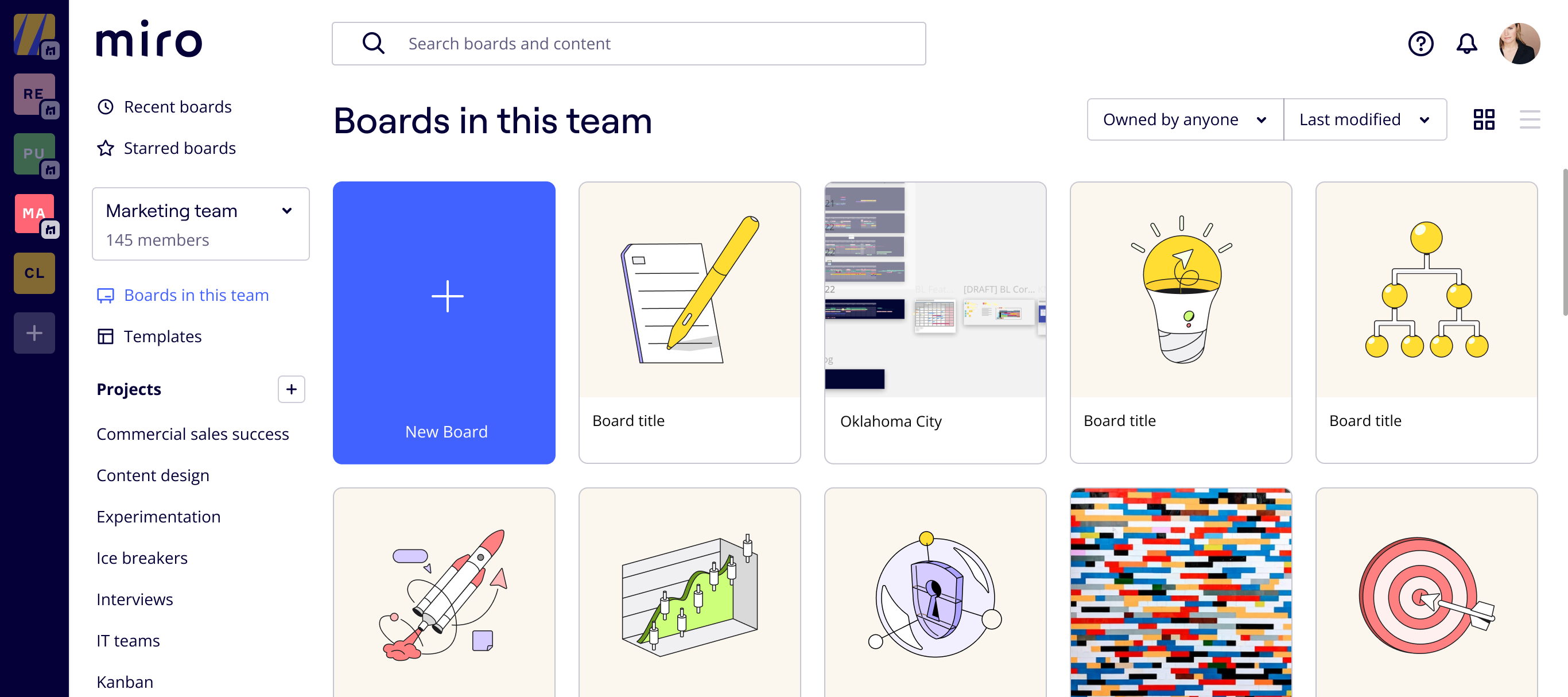
Hi Community,We want to let you know about an upcoming visual change to your Miro dashboard. As part of a design update, the illustrations of your board thumbnails will change. This update will take place on September 6, 2023. This change will only take place on thumbnails with Miro-provided illustrations. Boards where you selected a board area preview or uploaded an image as the thumbnail will not be affected. To make this change as seamless as possible, the new illustrations have the same intent as the previous ones. There will also be minor changes to the UI, but the most noticeable change will be the board thumbnails, which is why we wanted to give you — our community — a heads up first. Let us know your thoughts or if you have any questions for our team in the comments below 💬
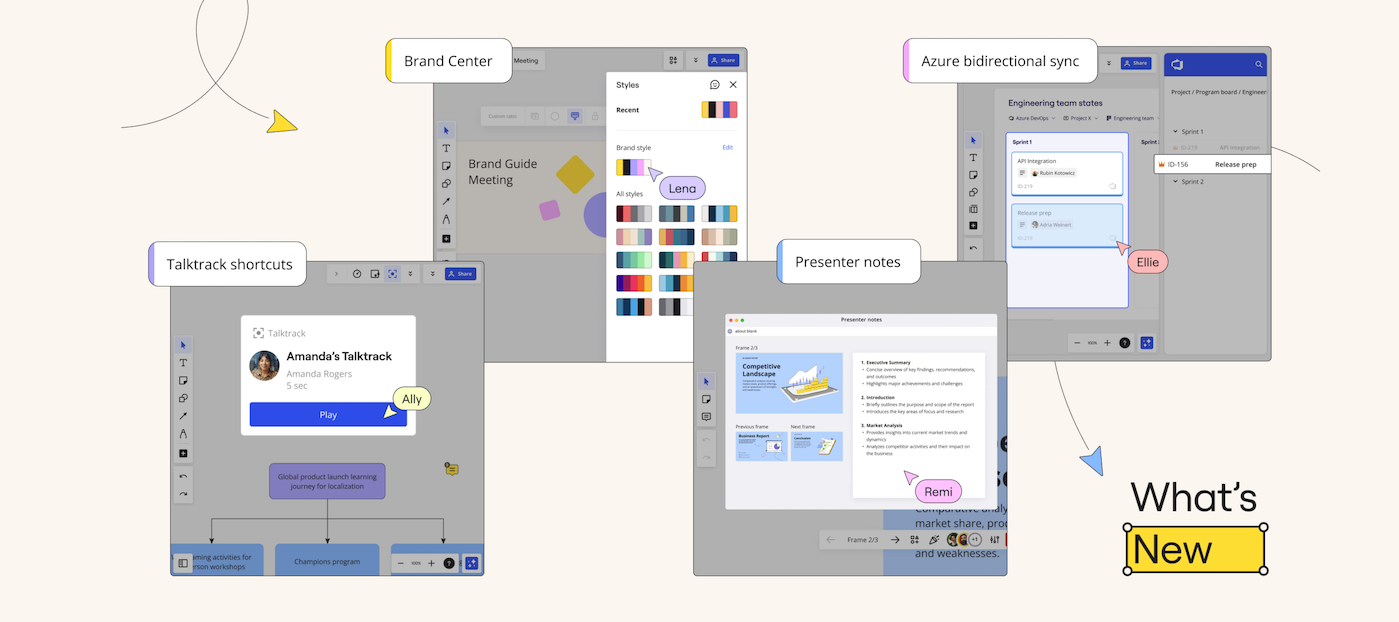
Hey Miro Community! Check out this roundup of game-changing updates that will help revolutionize your async collaboration experience. Here’s what we launched this past January in Miro: Talktrack shortcuts directly on your board Brand Center for a cohesive visual identity Private presenter notes for your presentation slides. Updated Azure DevOps integration including two-way syncing with polling ... and more! Read more about our latest releases here ✨
Hi Miro Fam 👋,We have a cool new update for all you wireframe wizards. Miro now has 5 new wireframe components to take your collaborative wireframing to a whole new level! From lists to cards, check out the whole range via the wireframe library. And don’t forget to add the library to your toolbar for ease of access. 🙃Head to your Miro board and try it out! And don't forget to share your feedback with us here on Miro Communities. Happy wireframing!Shubangi
Hello, Miro Community! 😀We're thrilled to announce a fantastic update for our mobile app. Miro is now available in three additional languages: Japanese, German, Spanish, French & Portuguese. This means that users from even more corners of the world can enjoy a truly inclusive and multilingual collaboration experience. This update is all about breaking language barriers and ensuring that Miro's collaborative features are accessible to everyone. We hope you enjoy this enhancement to your Miro experience and look forward to seeing how it brings in more diverse perspectives and ideas across cultures to the world of Miro. Happy collaborating! 🌎🌍🌏
Hey Miro community! Check out the latest addition to our sticker pack lineup -- Task Tacklers! 💪 (Designed in the style of Miro’s new visual identity 😉) Task Tackler stickers in actionElevate your project and tasks with a sleek collection featuring all the essential labels and statuses for seamless workflow domination. 🚀✨ Let us know what you think about these newly branded stickers in the thread ⬇️ Happy collaborating!
Hey Miro Community, Finding boards and content has become a whole lot easier! On your dashboard, you can now search for any text on the board, whether it's in a sticky note, widget, or frame. Additionally, if you have multiple teams, you can search across all your teams, as the results will display options across all the teams you have access to in your organization and available across all paid plans. This has been a long-requested item on our community Wish List, and we hope this improves your experience! To learn more about this update see more from our Help Center: How to Search in Miro. 💬 Let us know if you have any questions in the comments below, we’re here to help!
Hello community 👋You've already been redefining collaboration by sharing your amazing templates, and now with Template Feedback and Comments, we're helping you to take engagement to the next level. Here's what you need to know:Template Feedback - Share your feedback effortlessly: Help others discover the best templates by tagging them with their positive qualities. Your input will guide users towards the most useful templates and empower the community to create their best work. Comments - Start discussions and collaborate: Share your thoughts, ask questions, or highlight issues on templates to ignite collaborative conversations. Experience the true power of a connected and supportive community. Feedback Requests - Crowdsource invaluable insights: Easily find recently used templates from your Miroverse profile, primed for your valuable feedback. Continuously improve your creations by inviting users to share their thoughts.🙏 A special thank you to our early access testers for all your
Hey Community! It's time to catch up on the latest updates on What's New in Miro!🌟 Our newest features are here to impress! From Miro's newest AI innovation, Miro AI, to improvements to our Miroverse Template Gallery, you and your teams have everything you need to create the next best thing. What can you expect in this update? Here's a sneak peek: 🚀 Innovate with your newest AI partner, Miro Assist✨ Streamline quarterly planning with Azure DevOps Let us know in the comments below how you'll be using Miro Assist to supercharge your experience in Miro 👇
Hey fam 👋, OAuth 2.0 is here! And with it comes improved security and stricter compliance protocols, creating a stronger authentication between Miro and Jira. Note: OAuth 2.0 is only supported for Jira Cloud customers. Jira Server & Data Center customers will still need to use OAuth 1.0x.What is OAuth 2.0: It is an industry standard protocol for authorization. To learn more about OAuth 2.0 as a technical concept, click here.What it means for Miro users:When authenticating the Jira integration with OAuth 2.0, users can import issues from multiple Jira instances into a board.What Miro users need to do: Existing Jira Integration user New user No action required. However, if you want to update your authentication method from OAuth 1.0x to OAuth 2.0 (specific to Jira Cloud customers), a Miro Admin will need to update the Jira integration settings following these instructions <<here>> Interested in installing and using the Jira integration?
🎉 Drumroll, please! 🎉 Exciting times at Miro 🚀Check out our freshest blog post for a firsthand look at the latest and greatest updates from October. Here's a sneak peek of what awaits you:🚀 Collaboration is now easy with the new Draw.io integration✨ Take the reins during interactive presentations with the new presenter hand-off functionality🌐 Pin and unpin apps and actions to have a customized experience in your creation toolbar But hey, I don't want to spoil it all here! Check out this link to get the full scoop. 🕵️♂️✨Explore now and let us know which feature has you buzzing with excitement. 🎉🔥
Hello community 👋We’re always looking for ways to improve Miro so it’s as intuitive and user-friendly as possible. From improving search within Miro to offering a personalized creation toolbar, we aim to empower you to work efficiently from the moment you open your board. So here’s a few updates on how we’re doing just that. Command palette improvements ⚡️Now you can quickly find tools, apps, templates, settings, and other features and functionality from your Miro board — just click Ctrl + K or Cmd + K. This includes search results for recently viewed content, templates, and third-party apps like Notion, Youtube, and Amplitude. Personalized shortcuts in the creation toolbar 📌Pin and unpin apps and actions to customize your creation toolbar (left). Get into the zone by organizing your creation toolbar your way, emphasizing the apps and actions you need most, and reducing the clutter of everything else. Refreshed main menu (hamburger) navigation ⚙️We’ve simplified and grouped similar s
Already have an account? Login
Enter your E-mail address. We'll send you an e-mail with instructions to reset your password.