🎃 Miro Community Halloween Contest — win a $400 gift card
Connect with other community members, discuss how you’re using Miro, and get inspired.
Recently active
For multiple day workshops, I have many work areas, where I need to assign names to each area based on my participants. Would be great if I could use variables/parameters to identify the different names, and then once I copy a standard exercise into my workshop board, I just have to define the participant names ones, and every work area automatically gets named accordingly.This could be done with just general variables, or even better, with a dedicated participant list, and I could then in my exercise templates reference either: <Participant1> for the name, or <Initial1> for the initials.Maan … that would save a lot of time.
A memorable and unique link can make it easy to share your board. Specially when you have several boards within the team. Would it be possible to implement this feature?
Where do we share and post feature ideas for Miro to grow. I love this product more than any other app I’ve used in decades as a service designer and strategist. And I have feature ideas. I’d also like to be included in any beta/user testing you do.Also, you need A LOT more selections in this form in “Category”
Are you looking for a creative way to solve problems and generate innovative ideas with your team? 🤔 Look no further than reverse brainstorming! This fun and engaging technique flips traditional brainstorming on its head, allowing you to think outside the box and discover unexpected solutions. In this guide, we'll walk you through a step-by-step process to conduct a reverse brainstorming session in Miro, complete with a flowchart to keep your ideas organized and actionable. Let's dive in! 🚀 Set Up Your Miro Board: Open Miro and create a new board. Add the reverse brainstorming template from Miro's template picker. Define the Problem: Click on a sticky note within the template and type the problem you want to solve. For example, "Increase employee retention." Reverse the Problem: Create a new sticky note and write the reverse of your original problem. For example, "Decrease employee retention" or "How to get people to quit their jobs." Generate Ideas to Exacerbate the Problem: Set
Creating a flowchart can simplify even the most complex processes by visualizing each step clearly. 🌟 Whether you're working on a project with your team or organizing your own tasks, Miro offers a user-friendly platform to design efficient flowcharts. 🖥️ Let's walk through the process of building a flowchart in Miro, using a fun example: acquiring an office pet! 🐰Open the Template Picker: Access the left-hand toolbar in Miro. Select a blank flowchart template. Add the First Step: Decide the initial step for your flowchart. For example, "Are pets allowed in the office building?" is a decision point. Select a diamond shape to represent this decision and type your question. Delete Unnecessary Shapes: Remove any extra shapes by selecting and deleting them. Connect Nodes: Select the first node. Click on the blue dot to connect it to the next node. Branching Options: From the decision node, create branching options (e.g., "Yes" and "No"). Use activity rectangles to represent diff
Hello, I just enjoyed watching Eduardos YouTube recording of "How Miro does UX research using Miro": https://youtu.be/pATeJdGUExE?si=W4CmaJHMMFo6jkmx&t=1020In the video Eduardo explains that he uses Miro to triangulate results from different research methods like analytics, survey results and findings from qualitative studies to analyze it there.I wonder if you/ someone in this community has an example to share how this can be done in an elegant way for it not to look messy?Thanks in advance:-)Lene Eirin
Hey Miro Community, We’d love your thoughts! In today's fast-paced world, innovation is more crucial than ever. Just like you, we believe that embracing new ideas and driving change are key to staying ahead in the game. That's why we're reaching out to you, our incredible community, to share your unique insights on what innovation means to you. 🚀 Here's the Challenge:Tell us how you define innovation in your work. Whether it's a groundbreaking idea, a small tweak that made a big difference, or an entirely new approach, we want to hear your stories! We’ll even take the non-work related innovative ideas like the efficient ways you pack your suitcase or plan your child’s birthday parties– we want to hear it all! 💡 How to Participate:Reply to this thread with your vision of innovation and any examples from your experience. Engage with the community by liking and commenting on the ideas shared by others. 🎁 What's in it for You?By sharing your thoughts, you not only contribute to our col
Not a Miro specific question, but we ran a successful (Miro-based) workshop last week to flesh out the team’s opinions on what elements they think we can improve upon.We didn’t get time to assign owners/champions and I wondered if anyone had any inspiration for subsequent session(s) that look to do just that; get owners of the ideas that we discussed?
Hey Miro Community, We want to hear from you! In these times of remote work, fostering a sense of culture and appreciation can sometimes feel like a challenge. Just like you, we understand the importance of acknowledging wins to help teammates feel motivated to do their best work in Miro and beyond! That's why we’d like you, our amazing community, to share your innovative ideas on how to keep the flame of appreciation burning bright, even from a distance! 🎉 Here's the Challenge:Share in this post how you celebrate wins in your workplace or give shoutouts to your team in a work-from-home environment. Whether it's a video, virtual high-five, a heartfelt email, or something entirely unique, we want to hear from you! 🏆 How to Participate:Reply to this thread with your favorite way of celebrating wins or giving shoutouts remotely Show your appreciation by “liking” the ideas shared by your fellow community members 🎁 What's in it for You?Not only will you be contributing to our collectiv
Miro community, we’re so excited to invite you to participate in our next template challenge! Whether you’re an Agile enthusiast, product developer, project management extraordinaire, or somewhere in between, this challenge is for you. In this challenge, you’ll build frameworks for some of our most sought-after Miroverse templates. 🎉 Here’s the challenge:Design a template for one of the following in-demand categories: Timelines, Gantt charts, Fishbone diagrams, Empathy maps, Customer journey maps, Service blueprints, Storyboards, Product roadmaps, Diagrams Want more specific ideas? Check out our full list here. Note: you can submit multiple templates to increase your odds of winning! Work alone or in groups of up to three people Note: only one person can publish the template in Miroverse, but additional Creators can be cited in the board itself as well as the template description Attend our office hours and peer review session if you’re feeling stuck, need inspiration, or want
Hey Miro community, I’m Thibaut, Director of UX at Dataiku, an artificial intelligence and machine learning company. And I’m here to share with you how our design team used Miro as a hub to refactor an entire presentation software in just a few months. I really like that in Miro we can easily get together with the product manager, engineers, and designers sitting in different locations. We can think about the problems at hand, converge on the feature design fast, and then everyone knows what to do to make it happen and see it live the month later. Here are just some of the things I cover in this video:How my team collates and annotates software screens in comprehensive UX audits How we create customer journey maps in Miro based on interview insights How we use Miro to prioritize work and use it as a single source of truth for the project If you have any questions, feel free to comment below and tag me. Thibaut
A lesser known feature that is worth sharing, and one that I only recently stumbled upon by accident, is that it is possible to copy objects from one frame to another in a way that the pasted objects will end up in the exact same location as the originals.A common use case for this is that you want to add a logo to each frame for a presentation and want the logo to be in the exact same location, e.g., so their location remains static during a presentation.Note: In order for this to work exactly as expected, all frames would be the exact same size – both height and width. This is required because of how the feature works (it looks at the location of the copied object relevant to the parent/source frame, and then places it in the same x/y location in the destination frame(s). I will demo this later.How to do itSelect one or more objects in a frame Copy them Select all of the destination frames (use can use Ctrl/Cmd-click to multi select) And then paste using Ctrl/Cmd-V.Here it is in acti
can i make a mind map in paper, take a picture and then ask miro to make it digital ?
If so, how do you use it? Can you send a screenshot? Thanks
From request #7118471. - issues with lines 01 - shows how a group without lines is considered a single object. To confirm, do you want the group to be considered multiple objects or is the single object a reference point for the next issue? K: A single object.2. - issues with lines 02 - shows how a group with lines is considered multiple objects. Could you clarify your end goal with the multiple objects? Do you want the multiple objects to be grouped and moved together? If so, could you try selecting the multiple objects and moving them? Please see the following GIF and guide on How to move multiple objects with more details on how to do this. K: I want each group or frame to be consistently treated as an individual object.3. - issues with lines 03 - shows how having groups that has lines in them suppresses Align/Distribute. To confirm, are you using connection lines on the object or lines drawn using the Pen tool? If you're using the pen tool, could you try using a Conn
Hi everyone,I'm looking to connect with people who share my interests and discuss topics related to Miro. Does anyone know if there is a list of all Miro community groups available? If so, where can I find it?Thanks in advance for your help 😊
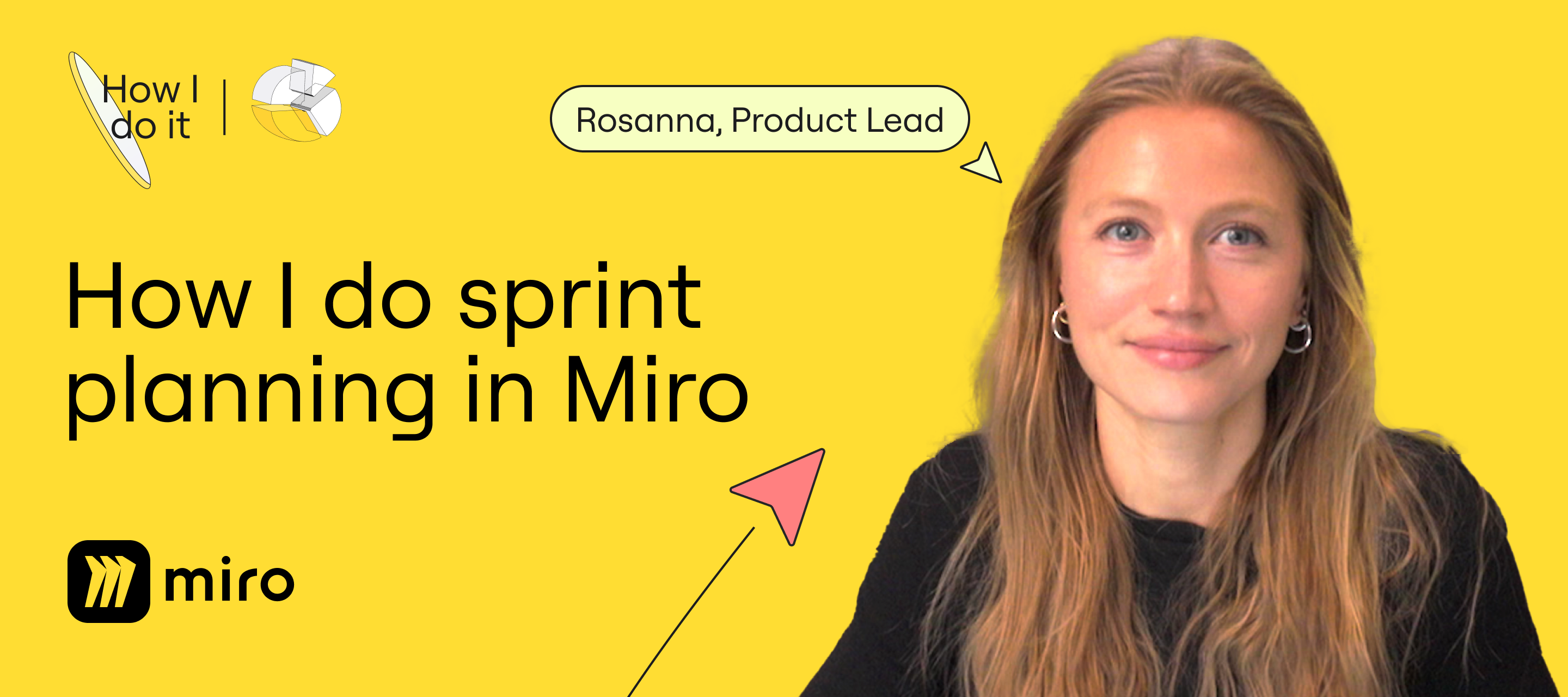
Hey Community! Are you ready to join me as we delve into sprint planning? I'm Rosanna Knottenbelt, Product Lead at Miro, and I can't wait to walk you through my process, step by step. In this video, I'll be sharing my approach, starting from the product roadmap all the way to task estimation. Plus, I'll be offering valuable tips to ensure your planning sessions are engaging, collaborative, and efficient for your team. 🚀 Check out the video and head over to Miroverse for your free custom board, complete with a Talktrack walkthrough tailored just for you. 💬 Got questions, comments, or eager to share your own sprint planning methods in Miro? Drop them in the comments below. I'm all ears and would love to hear from you! Talk soon, Rosanna
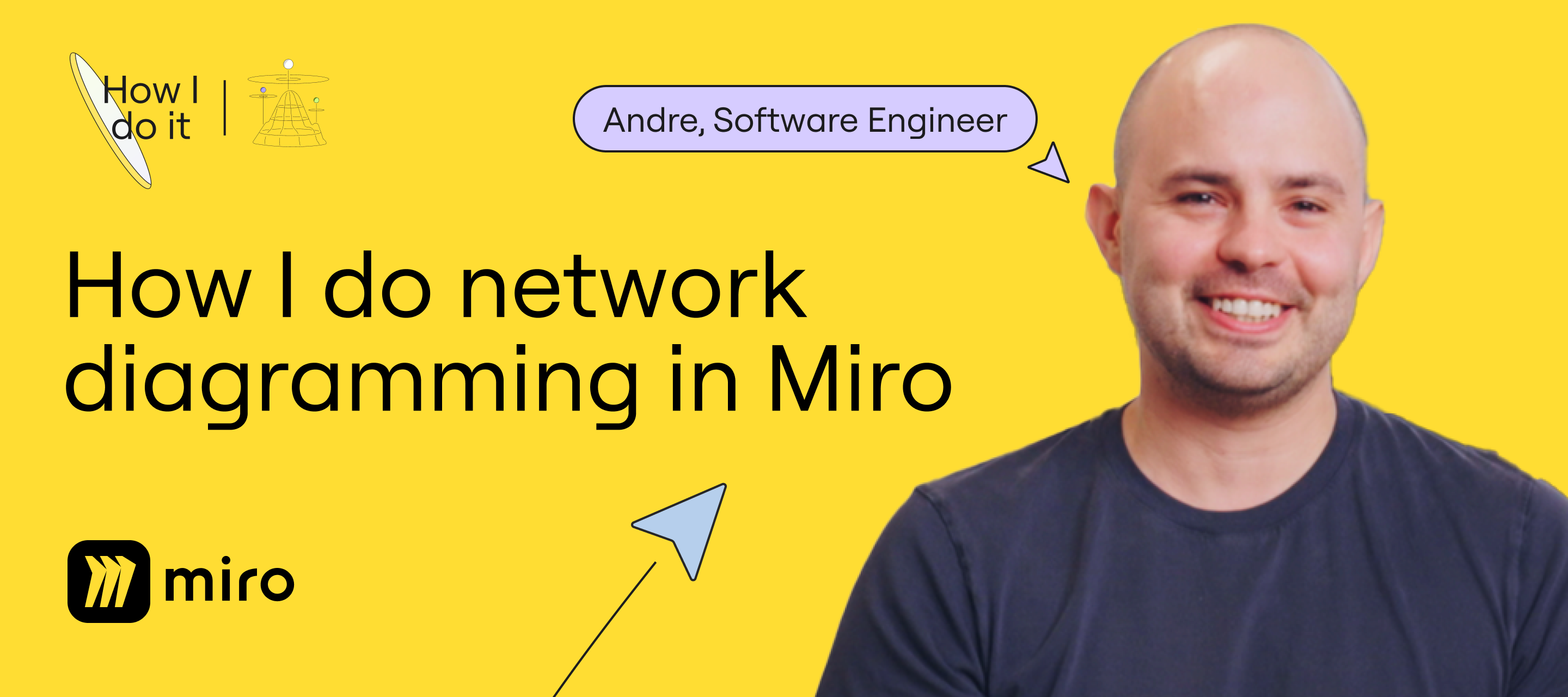
Hey folks, I'm Andre, one of the software engineers at Miro! Super excited to share with you how we make the most out of Miro's technical diagramming tools and other nifty features to enhance our communication and streamline our delivery process. This isn't just about us engineers at Miro. It's about how we're building a platform that truly empowers you. WATCH: "How I Do Network Diagramming in Miro” with Andre Mocke Here's a sneak peek of what I'll be talking about: Getting everyone's input to craft solid architecture solutions Leveraging our diagram library to create accurate visuals Bridging the gap between abstract concepts and actual tech implementation Hope you all enjoy it! Watch this video and If you have any questions, feel free to comment below and tag me :) Andre @Miro
Esse grupo terá o intuito de nos ajudar a revisar e entender melhor a matéria passada por semana
Hey Community! I'm Rob, Software Engineer over at Miro! You’ve probably done a whole bunch of retros. They’re that special time when our team comes together to reflect, brainstorm, and ultimately (hopefully) make things even better. And guess what? We do it all in Miro!So, I'm inviting you to check out this video for a behind-the-scenes look at our process! In this video, I cover:Using nifty action shortcuts to keep things moving smoothly Keeping brainstorming unbiased with private mode Making sure those action points we come up with actually turn into real improvements Trust me, there are plenty of little tricks you can start using right away to take your retrospectives up a notch 💬 Have any burning questions or want to share your own tips? Drop them in the comments section below! Cheers,Rob @ Miro
We’re always on the search for new and interesting ways the community is using Miro and would love to know more about the templates you’re using! Your insights and knowledge not only help us better understand your use cases but also gives other community members inspiration when getting work done! Let us know if the comments below: 💬 What are your favorite Miro Templates? Did your work or life improve after using these templates? Not familiar with using templates in Miro? Here are some examples of how others are using templates to collaborate and innovate and other resources to find more! Miroverse - Miro Community Templates Gallery Miro Template Library Can’t wait to see your suggestions in the comments below!
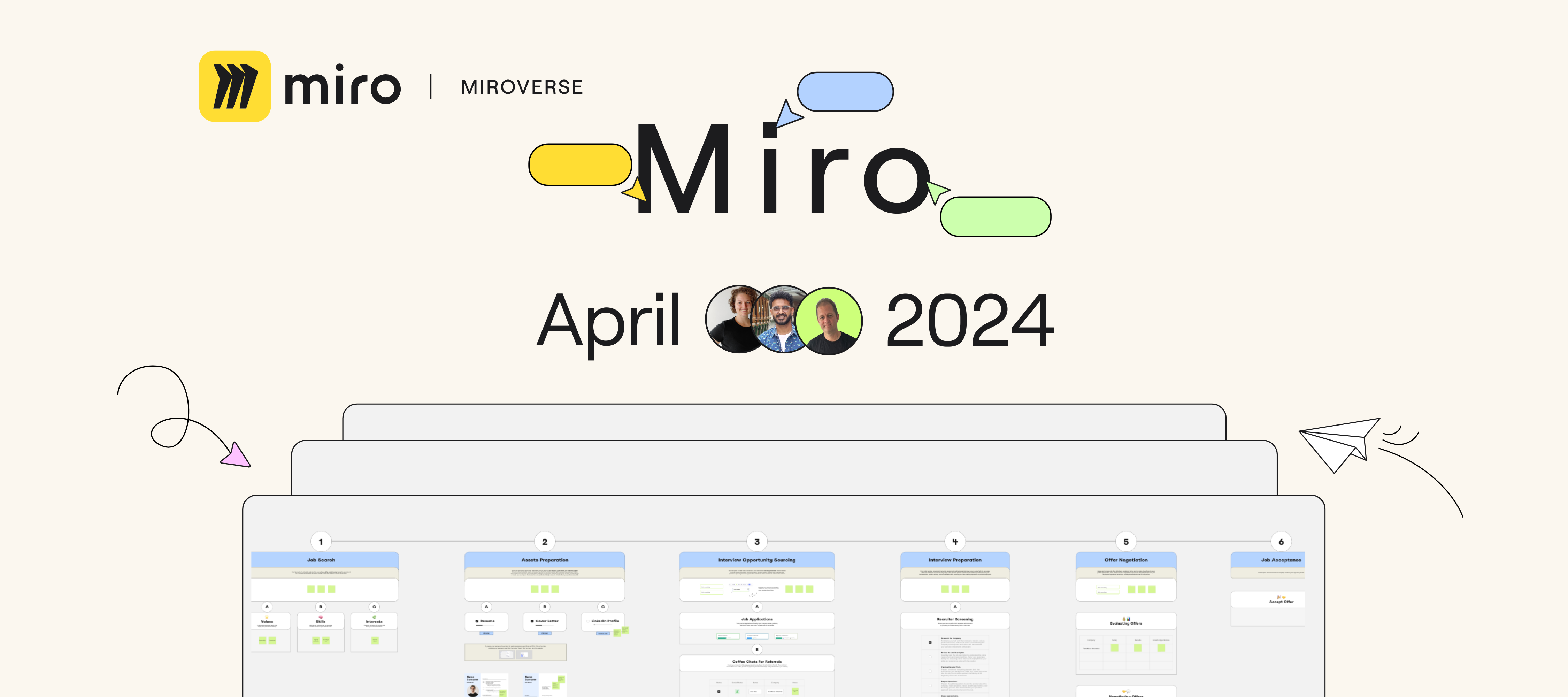
🚀 Exciting news from Miroverse! This April, we welcomed over 190 new templates created by some incredible minds. Read the full article in our blog Let's give a round of applause to our standout creators:🏆 IASA Global: Published 31 new templates, earning them the title of the Most Published Creator in Miroverse in April. 🏆 @Matt Anderson: Their 3D Innovation & Change Journey Map template impressed 220 Miro users, earning them the title of Most Copied and Liked Creator. 🏆 Isa Serpa: Isa's Product Roadmap Framework garnered over 2.5k views, showcasing her expertise in product strategy.🏆 Megan Lieu: Megan, a Developer Advocate at Deepnote, shared her insightful Job Search Process Diagram to help streamline your job hunt.🏆 @Clyde D'Souza: Clyde's Gratitude Journal template arrived just in time for Mental Health Awareness Month, offering a powerful tool for personal reflection.🏆 Steve Morris: Steve's "Strategy is Creative!" template impressed us with its comprehensive features f
We’re excited to announce our newest Miro Academy Verified Badge, “Technical Diagramming in Miro”! Through the course, discover how Miro can be used as a unified workspace across teams for the entire diagramming workflow. Learn practical skills to visualize processes and technical systems, streamline projects, and enhance communication across teams. Plus, it’s a great way to showcase your expertise. Complete the course, pass the quiz, and earn the exclusive “Technical Diagramming” Verified Badge to highlight your technical diagramming skills on LinkedIn and beyond. 📝 Get started here!
Hi Miro Community, Created an amazing board that you are proud of? Want to showcase your work? Seek inspiration for your new project? Well, this is definitely the place to share your creations and get inspired! In this thread, show us your board and write a couple of sentences describing what is depicted there. You can either add a couple of screenshots of the board or embed the board link with view-only access. If you are ready to share this board with the rest of the community to use it as a template, welcome to Miroverse! (Submit your board to Miroverse) If you want to share the whole story of a project or your experience with Miro, please write it in the Inspiration category - a special place for your bigger stories, where you can also get feedback from your peers Please make sure you do not expose any sensitive information Looking forward to your beautiful, inspiring, unique boards!
Hello, Miro company. My name is Anastasia, I conquer the vastness of design. I was doing an fictional educational project, the task of which was to create a minimalistic logo for a company called Mint (a company that sells premium portable equipment). When I finished the logo and showed it to my husband, he said that the logo was very similar to yours (a great compliment I thought). And why not offer it to you, in case the company’s designers like it. I made it with soul and heart, and I will be pleased to give it to such an advanced company founded by the guys from Perm. Junior Anastasia from Russia
Already have an account? Login
Enter your E-mail address. We'll send you an e-mail with instructions to reset your password.