🎃 Miro Community Halloween Contest — win a $400 gift card
All the latest news and announcements, and the best content from the Miro team.
Recently active
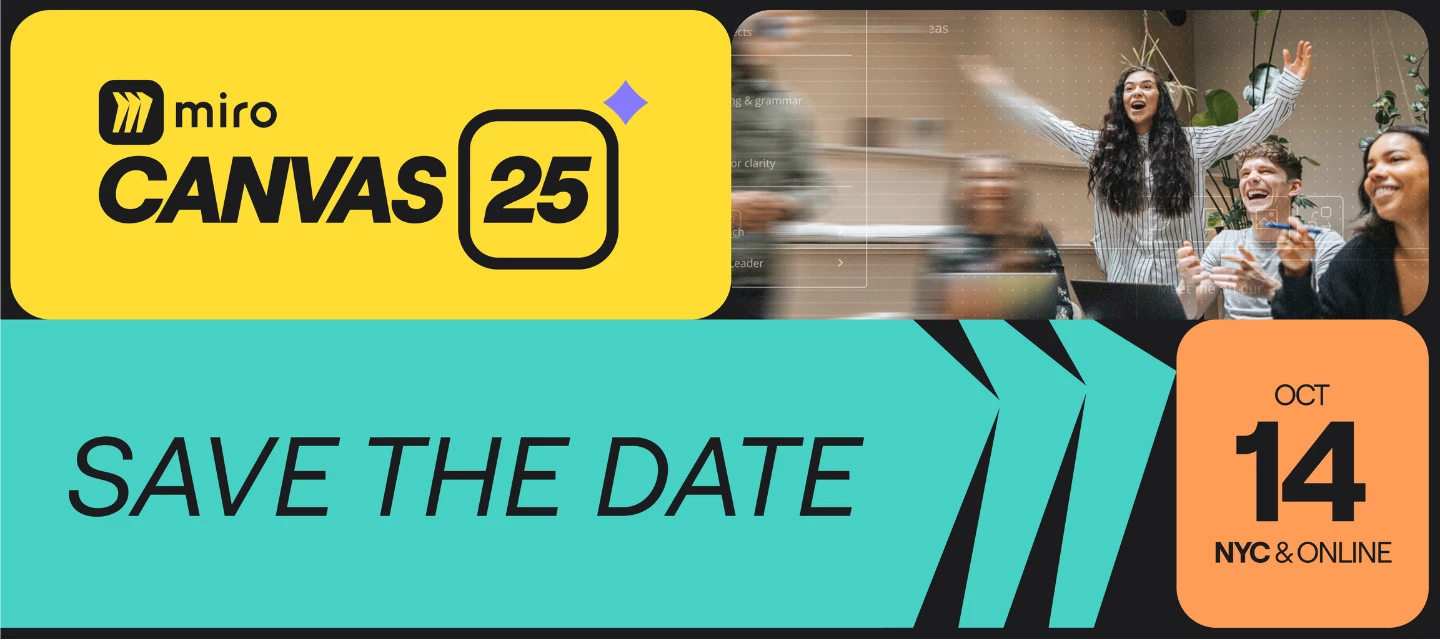
We’re thrilled to announce that Miro’s annual conference, Canvas 25, is happening on October 14 online and in New York City! This year, we’ll be diving into how you can harness AI to unleash your team’s potential. 🚀 You’ll get to network with peers from leading organizations, hear first-hand stories from thought leaders and industry experts, and walk away with new skills to improve human-AI collaboration. 🗓️ Save the date to be the first to hear when registration opens!
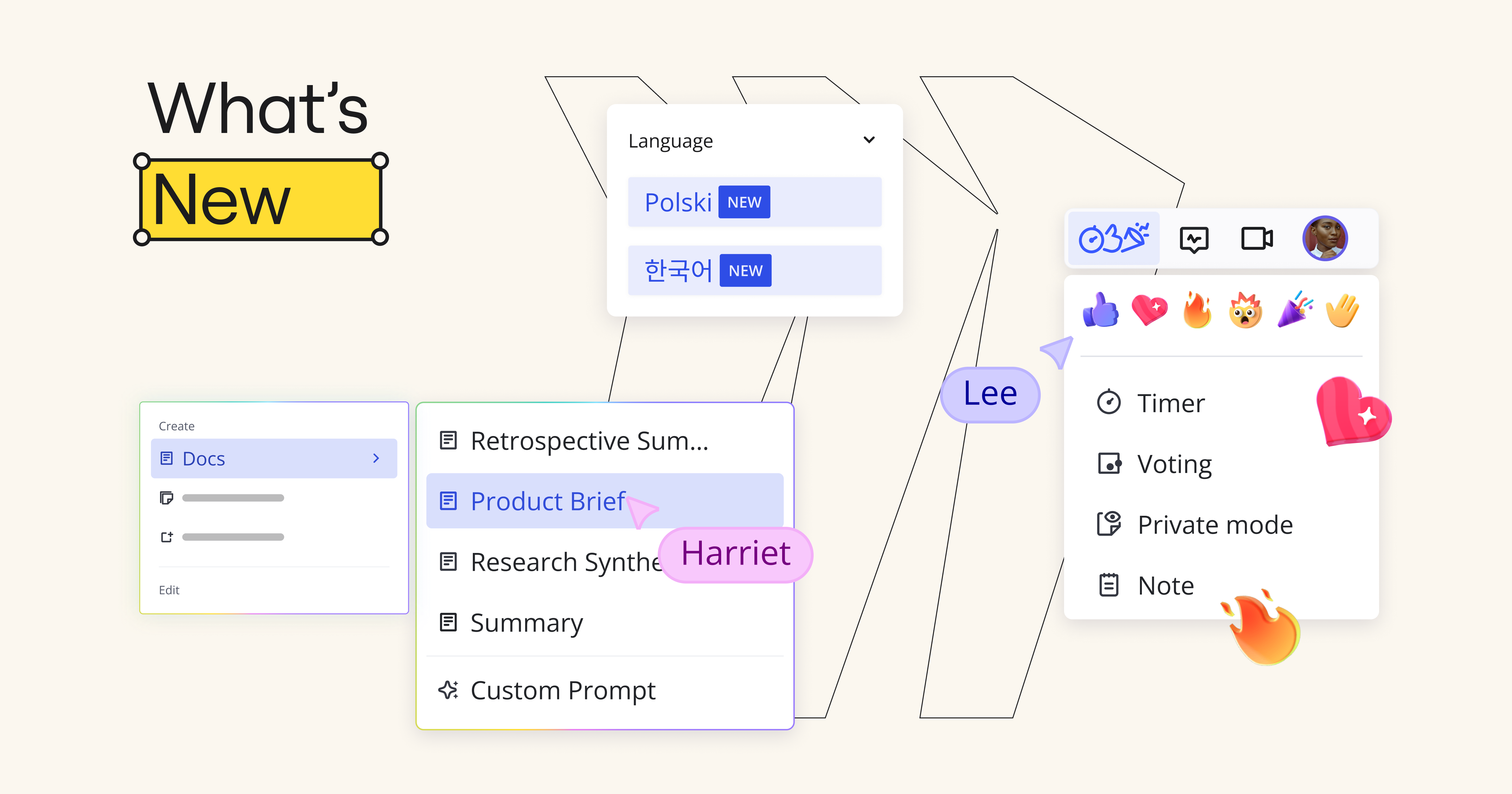
We’re kicking the year off strong with exciting new updates that will transform the way you work. From new tool integrations to major Miro Docs updates, check out the highlights below and head to the blog to dive into all the features. Catch up in seconds Catch-up helps you save time and prioritize quickly with AI-powered visual summaries of board changes and comment threads. Do even more with Miro Docs Make collaborating in Docs easier than ever with improved image controls, drag-and-drop functionality, a new PDF export feature, Custom AI Inline Prompts, and more. Synced copies keep everything up-to-date Seamlessly embed board content from one Miro board to another, and keep content up-to-date in both places by syncing the copy so that changes to the original are automatically reflected in the copy. New integrations to improve your workflowFigma, Looker, Power BI, Google, and Microsoft 365 can now be integrated directly into Miro. There’s even more to discover so head to the blog to
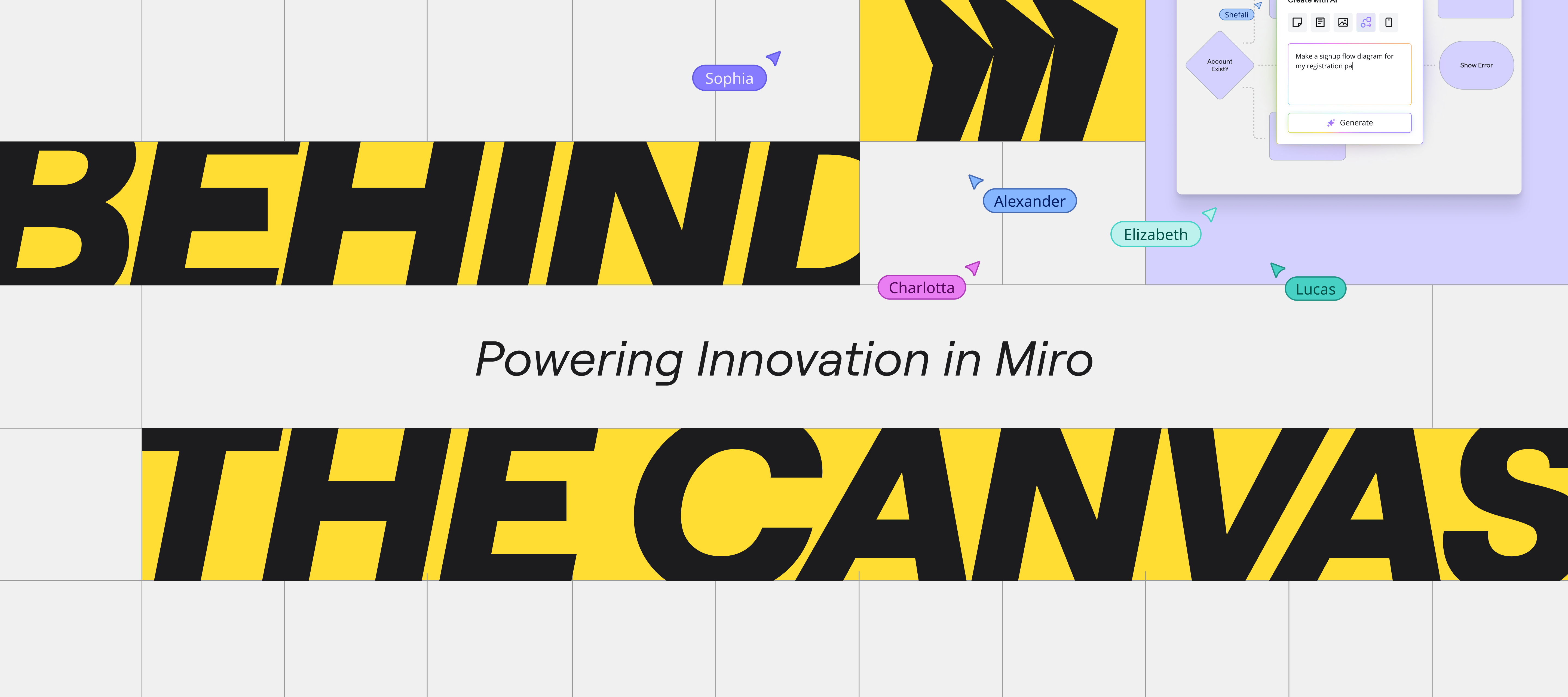
It’s been a week since our Behind the Canvas event, but the ideas, inspiration, and big product reveals are still making waves 🌊We shared the next chapter in our Innovation Workspace journey — a vision for how teams can move from ideas to execution faster, with fewer barriers, and more alignment across every step. From new product formats to advanced AI and improved cross-functional workflows, the future of work in Miro is here — and it’s designed for impact.🧠 We want to hear from you! Comment below with your biggest question, insight, or curiosity inspired by Behind the Canvas. The Miro team will be dropping into the thread to share answers and context you won’t want to miss.Here’s a refresh of what we covered:New structured formats including Diagram and Slide modes for deeper focus without losing the flexibility of the canvas Tables + Timeline upgrades for smarter data handling, two-way Jira sync, and dynamic views AI everywhere, from sticky-to-table shortcuts to fully branded AI p
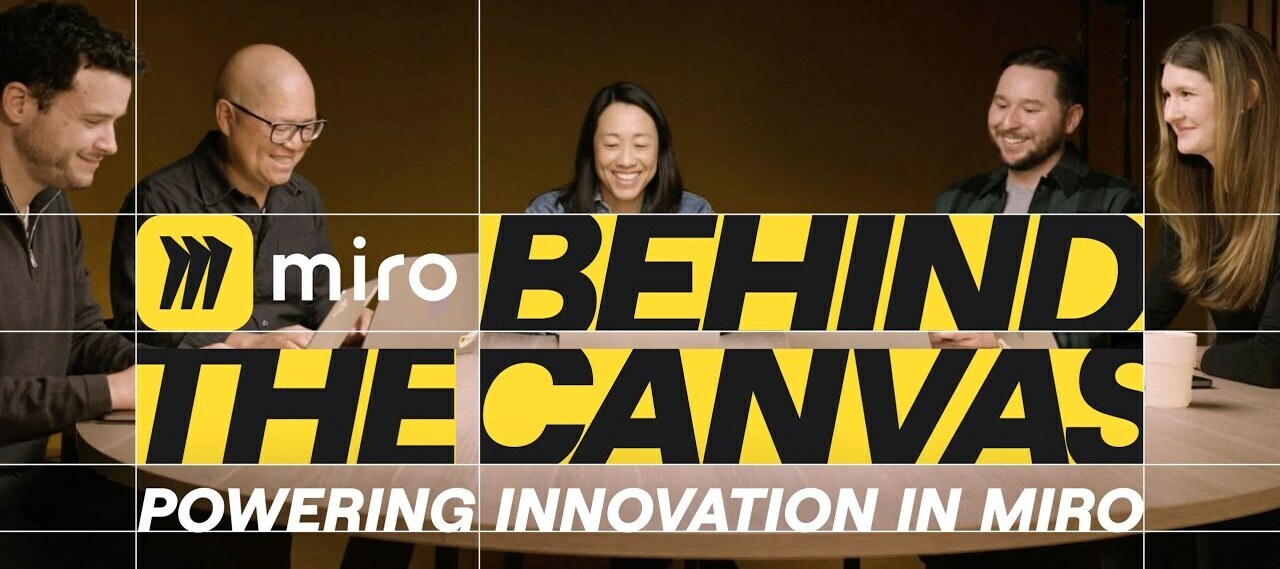
Missed the event? Don’t worry! You can watch the replay now on the MiroBlog: Get into the flow of work faster with Blueprints Join us for our next product update event, Behind the Canvas: Powering Innovation in Miro. Over the last few months, we’ve been transforming Miro into the Innovation Workspace. You’ve been with us on the journey, and we hear you: it’s inspiring, but how do you actually get innovation done? We’re about to break it down — and we’re taking you behind the canvas with us. Here’s what’s in storeHear directly from the product leaders driving innovation projects at Miro Pick up practical strategies and workflows to start working smarter from the get-go See the latest Miro features in action, before anyone else Unlock new templates, resources, swag, and so much more Register now to save your spot. We can’t wait to see you!
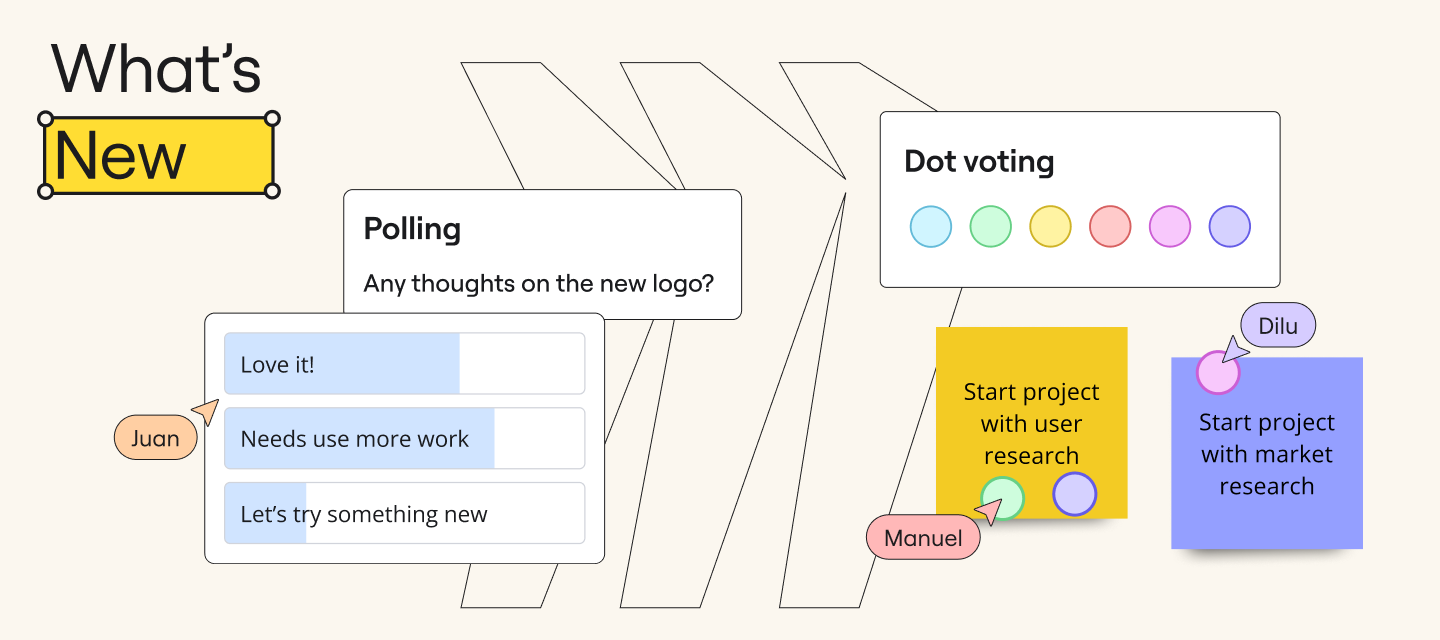
Looking for What’s New in Miro? August is packed with updates you’ll love — AI-powered templates, surveys right on your board, and seamless dot voting, which are all part of our Intelligent Canvas. 🎉✍️✨Take a closer look in our latest blog post for the latest features to upgrade your Miro experience. You’ll read more about...AI-Powered Templates 🤖 Surveys Right on Your Board 📋 Seamless Dot Voting 🔘 And much more! Those templates you’ve wished for? They’re here, with Intelligent templates, designed to speed up workflows and keep the whole team engaged during sprint planning, retros, roadmapping, and more. Gather feedback in real-time to make informed decisions faster. Easily grab and place dots on preferred options to speed up voting exercises with our Dot Voting widget.But before you get into What’s New, be sure to sign up for Canvas ’24. Trust us, you won’t want to miss what’s in store! Save your spot here! 🚀 Until next month!
Hey fam 👋!Unlock the Power of Integrated Quarterly Planning, now available with Microsoft’s Azure DevOps! 🚀Create a collaborative planning experience using Miro's Planner and Dependencies App, seamlessly integrated with Azure DevOps, to run scaled planning sessions across your entire product organization. And what’s more? We have revamped the Azure integration, making the integration experience faster, and upgraded the Azure card experience to ensure seamless interactions between Miro and Azure.Want to learn more? Check out our help centre articles on these awesome features.
Join us on April 2 and 3 at our next event, Powering Innovation with Miro, to learn about all these new Miro updates, practical strategies to get the most out them, and ask your questions directly to the Miro team during a live Q&A. Save your spot today — you won’t want to miss it! This month’s updates give you even more creative power in Miro. From doc enhancements and new powerful integrations, to upgraded templates, it’s even easier to keep your team moving forward. Check out the highlights below! Tag your team in DocsYou can now mention other users within docs, similar to the board mentions, making collaboration easier than ever. Integrations for generating and designing imagesOur new integration with Amazon Bedrock enables you to generate custom images, while our Adobe Express integration (beta) will allow you to access powerful design tools directly in your board. More options for your Sticky Stacks Sticky Stacks just got an upgrade! You can now make your sticky notes wider
Hi Community, by popular request, you can now give your boards a makeover by changing background colors!If you crave comfort, dive into the depths of dark grey or black, where productivity thrives amidst a mysterious ambiance. Or, for those seeking a more vibrant personal touch, infuse your boards with a kaleidoscope of pastel hues of light blue, violet, purple, pink, yellow, or green.Let your imagination run wild and watch as your boards come alive! 💬 Have you tested out this update yet? As always, we would love to hear your feedback and comments in the thread below—your valuable input is greatly appreciated!
Hi Miro Community! Our Advanced Diagramming product team is excited to introduce a new integration with AWS that makes cloud visualization much faster. With AWS Cloud View, you can connect Miro to your AWS account and import large data sets in a matter of minutes. Then, you can use our AWS Cost Calculator to estimate spend and plan your architecture updates.We’re excited to continue partnering with AWS and to hear your feedback on this new feature.Also - if you happen to be joining AWS Re:Invent in December, we look forward to meeting you in person at our booth! https://miro.com/events/aws-reinvent2024/Miro’s AWS Cloud View integration
This year you’ve brainstormed, planned, and innovated in Miro. Now, it’s time to look back and celebrate your achievements, the connections that made it all possible, and the moments that truly mattered. 🔗 Access your Miro recap 💫 Inspire the futureShow off your recap on LinkedIn and give a shoutout to the teammates who inspired collaboration and creativity this year. From big wins to small breakthroughs, every moment shaped your success — and we want to celebrate them with you! Post your Miro recap on LinkedIn and tag @Miro so we can see your recap. Looking back on this year’s accomplishments sets the stage for what’s next. Here’s to new ideas, stronger connections, and even more impactful collaborations in the year ahead. Let’s continue to inspire each other and celebrate the power of building together. Cheers to all we’ve achieved — and to what’s yet to come! 🥂✨
2024 was a huge year for all of us here at Miro. To celebrate, we’ve picked out five of our favorite updates — not just the biggest, but the ones that truly transformed the way you create, collaborate, and innovate together on the canvas. Scroll down to see some of the highlights or read the full recap, then let us know in the comments: which of these features changed the way you worked this year? 💡 DocsGo from brainstorm chaos to a structured brief, report, or summary in seconds. Spaces Every workspace needs a little order. Spaces keep your teams and projects tidy — no more digging through the dashboard. Miro AI From refining your writing to getting caught up on comment threads, Miro AI is here to fast-track your daily grind. Intelligent Widgets Vote on ideas. Assign tasks. Gather feedback with a poll. Intelligent widgets keep your whole team involved. Diagramming Start with a prompt, and watch AI map it out in seconds. Add custom shapes and layers of detail to refine diagrams
There are a wide variety of settings and options to customize your Miro Enterprise account to fit security policies, software adoption patterns, license management and budget processes of your business. The Enterprise Admin onboarding course will enable you to configure your company’s Miro instance for security and collaboration.By the end of this course you will be able to:Choose your Miro instance team structure: single or multi-team setup and using projects to organize users and boards, admin levels to delegate responsibilities Set umbrella company and specific team permissions Approve and install apps Configure security settings and user provisioning flows 🧑🏫 Take the course now!
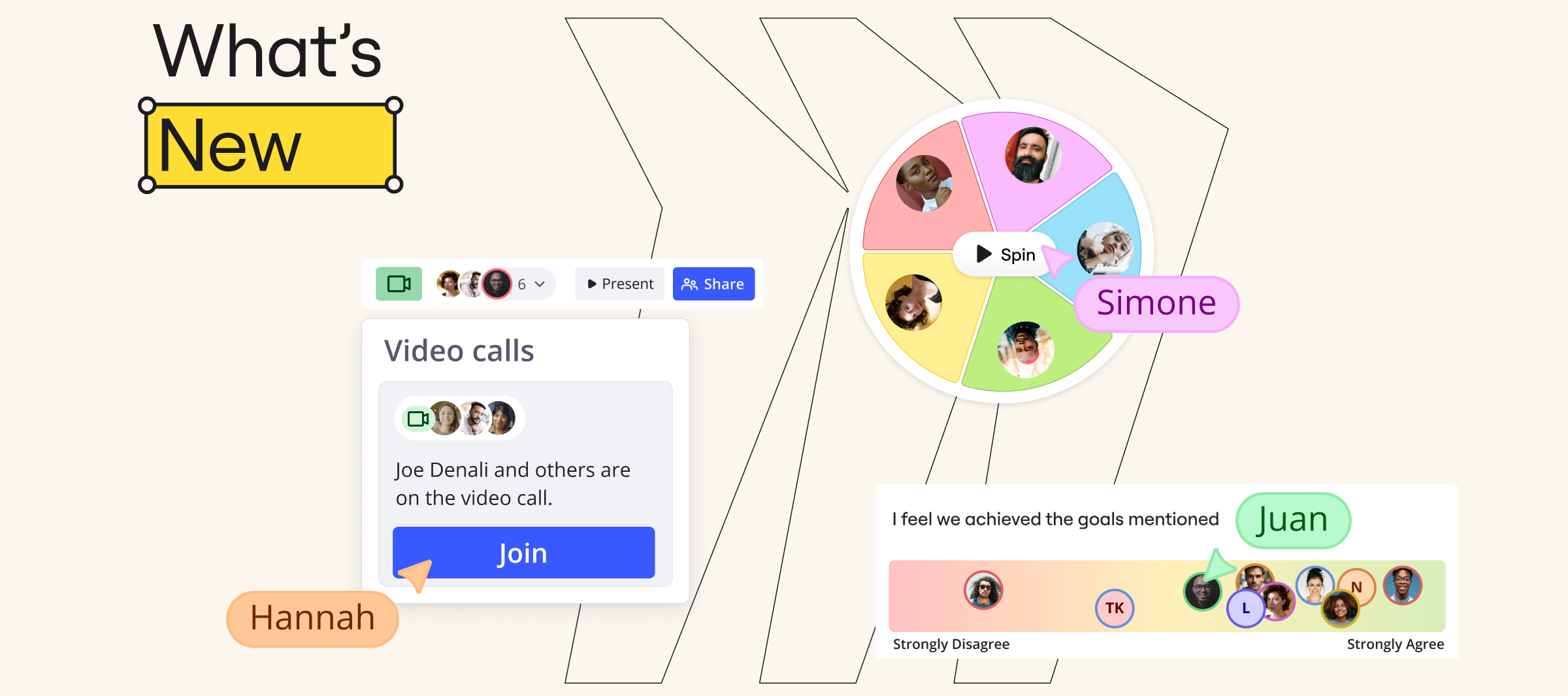
This month’s updates get your whole team on board — literally. We’re talking new Intelligent widgets to speed up decisions, Spaces to keep work organized, and Video calls to connect right on the canvas. Check out the highlights below! 👇 Create dedicated Spaces for your teams or projects, and organize them into Sections. No more digging through the dashboard to find that board you need.Sticky notes? Unlimited. Brainstorm? Unstoppable. Add a sticky stack to your board, and you’ll never run out of space for your next big idea.Who’s presenting? What’s for lunch? Next time you need a tiebreaker or an icebreaker, spin the wheel and let fate decide.From “strongly disagree” to “totally on board” — get a quick read on how everyone’s feeling with the alignment scale widget. No mind-reading needed.Tasks are a bit like t-shirts. Some are small. Some are XL. We’ve made sizing them super simple, so you can quickly get your priorities in order.Talk about work, right where it happens. No need to wait
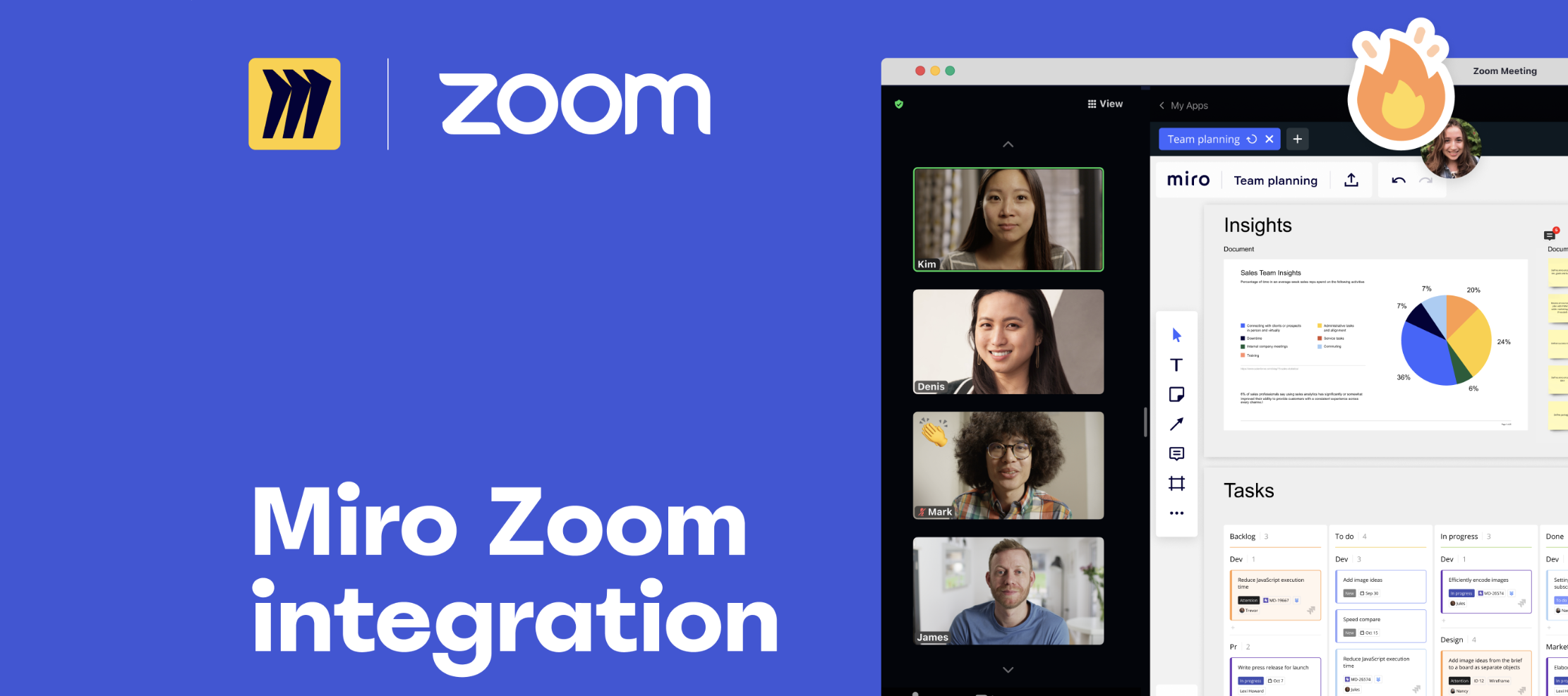
Hello, Miro! Today we are thrilled to share the launch of the #1 most requested feature from you all over the past year: introducing the Miro app for Zoom. Now teams can seamlessly open a Miro board directly in their Zoom meeting, share it with meeting participants, and co-create together — all without switching tools. ✅To get started, add the Miro app for Zoom, and read more about our partnership with Zoom on our blog. ❓Need help? Read more about getting the most out of the Miro app for Zoom in our Help Center. To access Miro’s app, admin must approve & enable Zoom Apps for your team’s account, which you can read about in our Admin Guide. 🚀Today we are LIVE on Product Hunt. Check us out, and let us know what you think in the Product Hunt comments! We can’t wait to see how you all use Miro in Zoom to make your meetings more human.
Hi everyone! It’s Natalie, Product Marketing Manager of Stickies Capture - a magical feature that helps instantly digitize and edit the results of your offline workshops, retros and brainstorms. With one quick photo, instantly convert dozens of handwritten sticky notes into digital ones in the Miro app.Stickies Capture + Miro collaborative whiteboard => 📲Digitize and edit handwritten sticky notes (all devices); 🏃♂️Invite your team to keep collaboration going (all devices); 🗃Move from idea to implementation by adding more files, diagrams and comments next to your stickies (all devices); 💫Convert stickies into Jira tasks or spreadsheets (desktop); 🙋🏻♀️Timebox activities and vote on sticky notes (desktop); 🎤Turn brainstorm into a presentation (desktop). It's FREE and works on iOS, or Android apps, and in desktop browser! Try it now, and don't worry if you don't have a picture with stickies in your clipboard - there's a demo photo that you can test right away.
Hey Miro Community! Canvas '24 is happening now, and we can’t wait to for you to join us live! Here’s everything you need to know about the event happening now! Register here for Canvas ‘24 What is Canvas '24?Canvas '24 is Miro’s biggest global user event, where the world’s most creative and innovative teams gather to learn, share, and get inspired. It’s a full day packed with insights, workshops, and exclusive product announcements. You’ll walk away with new tools and skills to supercharge your collaboration experience and bring more impact to your team.Date: October 24, 2024 Location: Online, live-streamed globally Price: FREE for all attendees! Register here: https://mirohq.click/3Xc6sqgWhy Should You Attend?This year’s Canvas '24 is filled with brand-new opportunities to grow your Miro skills and hear from thought leaders in the industry. Here’s a glimpse of what you can expect:Keynote Speakers: Industry-leading experts will share their perspectives on the future of collaboration a
Take control of your (virtual) space with Miro’s improved timer plugin! Set your timer during group activities to keep everyone on track and play background music to get people in the right mindset. The improved timer allows you to:Time box an activity such as brainstorming or voting Pause the timer when needed Add time to the timer with the click of a button Choose royalty free background tunes The new timer plugin is available on Education, Team, Consultant, Business, and Enterprise plan. Visit the Help Center to learn more.
Miro Community! This year’s Canvas ‘24 was packed with inspiration, insights, and exciting new features that are set to transform how we innovate and collaborate. From groundbreaking sessions to interactive workshops, this event was a celebration of creativity, future-forward thinking, and all things innovation. Missed out on some of the biggest Miro product updates and fun? Don’t worry—we’ve got you covered! Watch the Canvas ‘24 KeynoteExperience the magic of the Canvas '24 Keynote featuring our incredible lineup of speakers. Led by Miro’s very own, Jeff Chow, Chief Product & Technology Officer, this session dives deep into the power of AI, innovation and collaboration. Each speaker shared how Miro’s vision is revolutionizing the way teams work together and innovate. 📹 Watch Here Today, we’re also launching the Innovation Workspace on Product Hunt. Jump into the comments to chat with the people behind Miro’s biggest launch — check it out! 💬 As always, join the conversation in th
Miro Community!The word’s out! In October, we announced the Innovation Workspace. We’ve got a ton of new features on the way, all designed to speed up your team’s journey from idea to final outcome. Scroll down to see which ones have already landed on your canvas — and join the waitlist to be the first to try the rest. Curious about what else we launched in the last month? Read about the Innovation Workspace and everything else in our blog post.
I’m Anubha Saxena, a Senior Software Engineer at Miro, and I’m excited to share my workflow for creating visual aids, like flowcharts, to better align with my team and explain processes.There’s a lot of things I love about Miro. But being able to communicate with my whole team quickly and easily is crucial. Everyone coming together on a board and collaborating in real time, the feeling you get when the cursors come together - it’s super engaging and makes processes much more efficient and even fun. Especially when using Miro AI to quickly visualize processes.Here are some essential aspects of my approach:🧠 Dump my thoughts into chaotic yet organized Miro boards to align multiple teams ➡️ Use shapes and sticky notes with connectors to depict simple flows 💬 Leverage Miro AI using text on my boards to generate visuals 🤖 Create flowcharts in an instantIf you’re curious to see how we do it, check out the full video. Feel free to drop any questions below and tag me.Looking forward to your
Learn how Miro can transform your presentations into engaging and powerful communication tools through our new Miro Academy course - "Building Presentations in Miro". Through this course, you will learn how to: Build a presentation deck in Miro Design live presentations that invite discussion, iteration, and engagement Leverage asynchronous presentations using TalkTrack Check out the course here!
I’m René Kann, a Senior Software Engineer at Miro, and I’m excited to share how our team uses Miro to streamline software development.I truly value how Miro allows us to centralize all our work in one place, making it easier for our team—whether it's engineers, product managers, or designers—to collaborate effectively. By having everything organized and accessible, we can stay aligned, tackle complex challenges, and move forward with confidence.Here are some key aspects of our approach:📋 Centralizing our work with Miro boards for documentation and task tracking 🗺️ Visualizing processes with UML diagrams to map out our workflow 🔄 Utilizing the Layers feature to communicate about diagram changes efficiently 🤖 Leveraging Miro AI to generate comprehensive test cases and speed up our testing processIf you’re curious to see how we do it, check out the full video. Feel free to drop any questions below and tag me.Looking forward to your thoughts!René Watch here:
We're delighted to invite you to a special networking event hosted by Miro's Black Excellence ERG just before the AfroTech Conference in Houston. This is your opportunity to connect with fellow Miro users, innovators, and tech leaders while enjoying an evening of inspiring conversations, speed networking, and delicious food and cocktails.Event Details:Date: Tuesday, November 12Time: 6:00 PM - 8:00 PMLocation: The Warwick, Houston, TXThis exclusive gathering will bring together individuals passionate about shaping the future of tech, just like you.Space is limited, so please RSVP and share with a friend by 11/4 to secure your spot at this link.We hope to see you there!
Integrations Asana Cards are available for Team, Business, Enterprise, Consultant plans only Import Asana tasks to Miro and invite your team to discuss, prioritize, and sync on the tasks visually in real time, seeing everyone equally engaged. Install now
Eager to leverage Miro in your client work? The Client collaboration course highlights skills and techniques for providing a top-notch client experience. Learn how to create dynamic presentations and collaborative engagements to help you stand out from your competition. Then, showcase your expertise by taking a quiz and earning the verified badge. 🌟 Earn your Client collaboration badge now!
Already have an account? Login
Enter your E-mail address. We'll send you an e-mail with instructions to reset your password.