All the latest news and announcements, and the best content from the Miro team.
Most replies
Miro Community! Miro’s Q1 What’s New 2024 Webinar was a blast and we’re so happy you could join us! Let us know in the comments which new Miro product update you’re excited to try and you might win some Miro swag! Here's how it works:Register: Sign up here for the webinar using the link provided above Tune In: Be sure to join us live for the event and pay close attention to the presentations on the latest Miro product updates Share Your Feedback: While you're watching, think about what you love about Miro, what improvements you'd like to see, or any ideas you have for future product updates, and share in the comments below👇🏿 That's all it takes! By participating and sharing your feedback, you'll automatically be entered for a chance to win some Miro swag. Whether you're a Miro Hero or new, your feedback is important to us. We can't wait to hear from you and hope to see you there ✨
🧠 Big ideas need structure — and Miro Tables are here to help you bring clarity to the chaos! We’re beyond excited to share that Tables are live for all Miro users! 🎉Miro Tables bring the power of structured data right into your canvas. You can now organize, sort, and collaborate on your work with all the flexibility of a table, without ever leaving your board. It’s the perfect way to keep your plans, priorities, and project details crystal clear — and all in one place! 💡✨ Here’s what you can do with Tables:🔄 Instantly turn sticky notes, Miro Cards, and Jira Cards into table rows with drag and drop📝 Build rich, customizable tables with text, tags, colors, and custom fields📋 Plan features, track progress, and manage roadmaps — all in one place🔗 Keep everyone aligned with Synced Copies, so updates flow across boards automatically🤝 Share polished updates without the manual work — embed Tables in Docs or Slides, or switch to a focused view to highlight what matters⏰ Need a new pers
As many of us are organizing and participating in more remote meetings and workshops than ever before, Miro team put together a quick how-to article explaining how you can use our product and listing links to useful blog posts, videos, and frameworks. Please, let us know what you think! Maybe you have additional questions you want us to cover or have ideas how we can improve the content of the article and its format.
Community, As we say farewell to 2022, The community team and I would love for you to join us in reflecting on some of the exciting things we’ve accomplished this year and areas of growth and opportunity for 2023! I may have only joined Miro 4 months ago (today!) but I’ve come to learn so much about how many of you use Miro, connect with each other, and look forward to improving the Forum experience in the new year. So, let’s get to it! I’ll go first and share some reflections & hope you can join me in the comments below 👇🏿 Some Miro Community moments that made me smile…. Launching your #3 most-voted product feature to help you better navigate, focus & collaborate & more 🚀 Distributed ’22 where we gathered our global community from all over the world for a 2-day event of knowledge sharing & connections 🌎 Miro IRL meet-ups where we got to meet community members from Austin to Berlin and our creative online Community-led events 🤝 A fun & insightful post Dis
Hello, Miro Community! Today we are thrilled to celebrate with you an amazing milestone: 1,000 Miroverse Community Templates! This wouldn’t have been possible without you. Every day I am amazed by the creativity and knowledge of our community members. From icebreakers to presentation templates and project planning to diagramming, you continue to share your passion with the world. And you’ve inspired thousands of Miro users across the world . With your templates, everyone can discover what’s possible with Miro and find new ways to unlock productivity and creativity and have fun. So, thank you for sharing your passion, creativity, knowledge, and templates with us. Here’s to you! 🎉🎉🎉🎉 Share your favourite templates in the comments. How has it helped you improve your work? New to Miroverse? Get started with some of the community's all-time favourites: Take a page out of TED's playbook for innovation Clarify expectations with Zendesk’s triple diamond Practice empathy to gain in
Miro updated wireframing functionality enables you to create simple low-fidelity prototypes of website pages and product screens in a matter of minutes – even if you don't have much design experience.What changes did we make? Refreshed the look and feel of devices (phone, tablet, and browser), and made them sticky Added new interactive UI components Integrated with an extensive icon library Visit Help Center, read the blog post and watch the video to learn more about the enhanced Miro Wireframing. Share your feedback on new wireframes in the comments
Hey everyone! I’m Matt from Miro’s customer education team. We’ve started up a weekly Getting Started with Miro webinar at 8am PDT every Thursday. We cover all of the following with a very active Q&A at the end! Popular use cases Basic content creation Templates and custom templates Collaboration basics Integration overview Navigation Where you can learn more!
Hi there, I’m glad to announce that Miro for Google Calendar is available in Chrome Web Store for everyone Check out this short video.Why are we doing the integration with Google Calendar?The Miro for Google Calendar extension takes the stress out of meeting setup for organizers and gives participants the access they need to make meetings more productive.Use the new extension to add Miro boards to any Google Calendar event in just a few clicks and ensure meeting participants have the appropriate view, comment, or edit access ahead of time, so meetings go off without a hitch.What functionalities are available already?Simple meeting set-up with a one-click option to create a new board; Quick access to existing boards through board picker interface with options to add or change access settings; Automatic board access for invitees added to the calendar event, including those added after the initial invitation.Read the blog to learn more and the Help Center article for installation instruc
Starting today, all Miro users can recover accidentally deleted board content without having to contact support. Based on the feedback provided to us by beta testers, this functionality is especially convenient for big collaborative boards with multiple collaborators. Board editors (except anonymous guest editors) can restore: Any content deleted from the board during their current active session and 30 minutes after the content was deleted in case the session is over The last 1000 objects deleted from the board – if the restoration occurs more than 30 minutes after the content was deleted Any content deleted from the board if the objects were selected and deleted simultaneously for an indefinite period of time – until the next 1000 objects are deletedThis functionality is accessible via Activity list in the collaboration toolbar in the lower left corner of your Miro board. Curious to learn more? Visit Help Center, and let us know what you think in the thread – as always, we can’t wai
Hello Miro Community 👋Knowing who you're collaborating with makes it easier to clarify responsibilities and hold team members accountable. The latest updates to @mentions help you to keep tasks organized and searchable, making it easier to work with and identify team members, and find information when needed.In-text mentions — Reference teammates on text-based widgets, including Sticky Notes, Shapes, and Text to keep everyone on the same page. Self mention — Reference yourself with @mentions, providing an easy way to highlight your involvement in a task or conversation. Profile cards — Profile cards help you to quickly identify who you're working with when hovering over @mentioned names.📚 Visit the Help Center to learn more about @Mentioning people on the board. 💬 Have you tried out these updates yet? We would love to hear your thoughts and experiences in the comments below. Let's keep the conversation going.
Imagine working on a massive Miro board with dozens of collaborators: sometimes your content can be accidentally moved around or deleted by other editors. Board history makes it possible to automatically save and recover versions of Miro boards enabling you to collaborate with additional confidence. Access board history under board history icon on your Miro boards in the bottom left collaboration toolbar Board versions are automatically saved every hour as well as at the end of each collaborative session If you want to continue working with an earlier version of your board, you can create a copy of it without disrupting the work of your team members Visit Help Center to learn more and let us know what you think in the thread!
Hey everyone! 🙂We’ve added some new tools to help you create presentations faster in Miro! Check them out ↓Frame management tools 🪄 In a single click, Magic Organize helps you rearrange the presentation order of your slides to reflect how they are placed on the board. (from top to bottom and left to right) ☑️ Bulk select frames lets you select multiple frames simultaneously to delete, reorder, or hide them. 🙌 Drag to resize your frames to fit the content you want to present. 👩🎨 Choose any background color for your frames. 👀 List view is added to the presentation frame sidebar for those who want a good text overview of the presentation slides. Content editing tools ✂️ Crop images with different shapes to make them pop. 📏 Alignment guides will pop up while you crop images to keep them aligned with everything else on the board. Learn more in our Help Center, and we’d really love to hear your feedback below!
Hi all,I’m very excited for this one, hope you are too!Code block makes it easy for teams to write and collaborate on code, and to ship better quality software. The widget includes 15 of the most popular programming languages. Code block can: Automatically highlights syntax Paste code from external tools into Miro Copy the code back into your favorite code editing tool Engineering teams and recruiters can now easily brainstorm new solutions, debug problems remotely, or conduct coding interviews in Miro. Visit our Help Center for more information. Happy collaborative coding! Turner
Hi everyone! We just released optional password protection for public boards to Team, Business, Consultant, and Education Plan users.This feature has also been available on the Enterprise Plan.We added a new layer of security to your public boards – share you Miro boards via a public link for viewing, commenting, or editing, protect them with a password, and enjoy seamless and secure collaboration.Visit Help Center to learn more and let us know what you think about optional password protection in the thread below
Integrations Asana Cards are available for Team, Business, Enterprise, Consultant plans only Import Asana tasks to Miro and invite your team to discuss, prioritize, and sync on the tasks visually in real time, seeing everyone equally engaged. Install now
With Miro block by Notion, you can embed publicly shared boards into any of your Notion pages. Just type /miro on the page to get started. Learn more about Notion Embeds here. Kudos to the Notion team on this release! If you also want to build your custom integration or embed Miro into your software - check out Miro API. Also, come back here to the Developer Forum to discuss your projects with your peers
Hi everyone! It’s Natalie, Product Marketing Manager of Stickies Capture - a magical feature that helps instantly digitize and edit the results of your offline workshops, retros and brainstorms. With one quick photo, instantly convert dozens of handwritten sticky notes into digital ones in the Miro app.Stickies Capture + Miro collaborative whiteboard => 📲Digitize and edit handwritten sticky notes (all devices); 🏃♂️Invite your team to keep collaboration going (all devices); 🗃Move from idea to implementation by adding more files, diagrams and comments next to your stickies (all devices); 💫Convert stickies into Jira tasks or spreadsheets (desktop); 🙋🏻♀️Timebox activities and vote on sticky notes (desktop); 🎤Turn brainstorm into a presentation (desktop). It's FREE and works on iOS, or Android apps, and in desktop browser! Try it now, and don't worry if you don't have a picture with stickies in your clipboard - there's a demo photo that you can test right away.
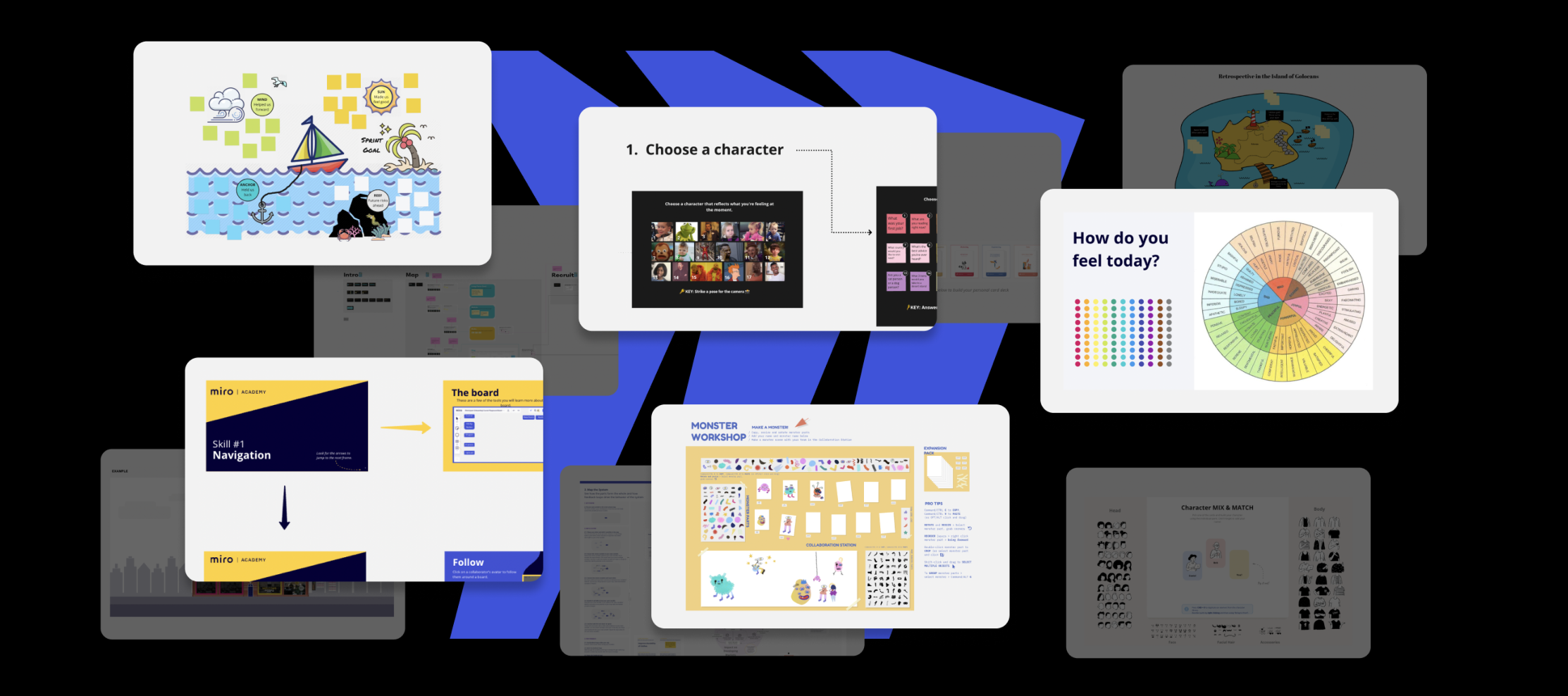
Break out the virtual champagne for 2022’s Top Miroverse Creators 🥂 Creators worldwide made a big collective bang on Miroverse this year, stretching the outer limits of creativity and invention with their ideas — from sailing retros to wheels of feelings to making monsters, and more. Out of the infinite stars, these creators shined brightest within our community. Johanna Torstensson | Most Copied Miroverse Creator 🚀As an Agile coach, scrum master, and longtime Miro community member, Johanna makes templates that have proven time and again to be effective for building high-performance teams. Steal a page out of Johanna’s book and leave your next retrospective with energy and a feeling of having accomplished something extraordinary together. 🔭 Discover Johanna’s Miroverse Profile to try Miroverse’s most popular ideas. Bonus: Johanna shares their best advice for Agile coaches and aspiring female leaders in our first-ever Community Creator Spotlight. Congratulations to @Johanna Torsten
Miro Community, At Miro, innovation thrives when teams come together. Collaboration is not just a feature we provide; it’s the foundation of everything we build. Our new Innovation Workspace is designed to accelerate creative breakthroughs and help teams work more effectively, making collaboration not only efficient but also fun and engaging. Here’s a glimpse at into the key features that make this possible: 📹 Watch: Canvas '24 Keynote & Explore Miro’s Innovation Workspace A Fresh Canvas ExperienceWe’ve revamped Miro’s visual design to inspire creativity. With a more vibrant color palette, interactive stickers, and dynamic sticky notes, collaboration feels more engaging than ever. These enhancements are not just visually appealing; they’re designed to spark ideas and encourage participation from all team members. New Intelligent WidgetsIn July, we launched our first intelligent widgets to bring interactive tools like dot voting and polling to the canvas. Now, we’re taking it up a
Hi Miro Community When we launched Miroverse in 2020, we hoped you’d like it and use it. But you’ve gone above and beyond — creating so many new templates, developing big new ideas, and sharing them with our whole growing community.We’re grateful for all your creativity and contribution to our community. Now let’s look at this year’s highlights! See the Best of 2021 templates Templates that took off this year New templates deeply enhance the Miro experience, for our community members and for our users all over the world. Here are the ones the Miroverse loved most in 2021. Most Used: Sailboat Retrospective — Agile Coach @Johanna Torstensson gives teams a fun, easy, productive way to look back at sprints and identify what went well and what needs to improve. Most Viewed: The Check-In Icebreaker — Toasty helps remote teams get warmed up and communicate how they feel before a meeting starts — to improve participation and communication. Most Liked: Emotions Wheel Icebreaker — Miro’s
Does it get any better than being able to show the world what we’ve been working on? The answer is NO! We are looking forward to hosting you at our celebration party of our newest integration Remo & Miro.Hear from Remo and Miro on how the integration came about, network with other users, and dance the night away to a live DJ! Register now
Miro Community! Distributed ‘23 may be over but we still have all the tips, demos, and best practices from experts to view at your own pace. View our largest global community gathering on-demand where we unite to share insights, ideas, and what’s new at Miro. At Distributed, you’ll find 20+ inspiring and interactive sessions led by Miro experts and thought leaders from across industries. We’ll share new product updates and celebrate you — our community! Feel the connected power of many brilliant minds coming together on the community virtual stage and stay tuned for more information to come. 🔗 View Distributed ‘23 on-demand here 💬 Want to own your very own VIP Miro Hoodie? Join the conversation and share your feedback in the comments of this post for a chance to win! #Distributed23 #MiroCommunity
Hi Miro Community, It’s me again with another exciting update: you can now quickly sort sticky notes by color or tags! Quickly organize team input from meetings and workshops, and structure large quantities of sticky notes. Clustering allows you to easily create groups and save time by letting the app arrange sticky notes by color or tags. 🤩 Bonus: You can use it to go beyond just meetings to sort through other kinds of information, from research to simply making sense of your thoughts.Visit this Help Center article to learn more and let us know your feedback once you’ve tried it! Happy clustering,Jenny
Hey all! I know that a lot of you are interested in embedding miro in different tools and web-sites.Right now we are working on making this experience better and smoother - and I want to invite you to first wave of user-interviews for this enhanced experience.Please leave a comment or reach out in DM if you want to participate! Yours, Boris from Platform Team
Hi Community,Everything you need to create a great presentation or diagram is now right in Miro. Give your work a professional, polished look with alignment guides and dimensions. It’s now easier than ever to Dimensions show the exact size of an object, space objects evenly or make them the same size When turned on, guides appear as you drag an object on the board Fine-tune your presentation designs, and ensure all your diagrams have consistency Visit our help center to learn more. Let us know how you use dimensions.Happy diagramming,Turner
Already have an account? Login
Enter your E-mail address. We'll send you an e-mail with instructions to reset your password.