
Our January updates are built for getting everyone on the same page and actually involved in the conversation. Whether you’re running a 20-person retro or a 2,000-person town hall, aligning your AI with your company’s real knowledge, or just keeping your project tracker in order, January is all about bringing people into the work.
Check out the highlights below, then dive into the blog for even more details!
Bring everyone into the conversation with Miro Engage
Miro Engage (Beta) is a dedicated audience engagement tool built right into Miro, making it easy to turn passive attendees into active participants — whether you’re running a small workshop or a company-wide all-hands.
Miro Engage is free to try while in beta, so there’s no better time to bring it to your next session. Explore the Miro Engage Playground to try it out for yourself, and find out more in this article.
AI Workflows, now available for Enterprise
Flows and Sidekicks are now out of beta and part of AI Workflows, available as a paid product on Enterprise plans. Use them to create, save, and share collaborative AI workflows across your organization.
If you’re on an Enterprise plan, reach out to your admin to request access. Not on Enterprise? Stay tuned for more updates coming soon.
Curious to see what’s possible? Explore the AI Playbooks library for real examples of how teams are putting Flows and Sidekicks to work across research synthesis, planning and strategy, product development, and more.
Kickstart your next AI workflow with Flows templates
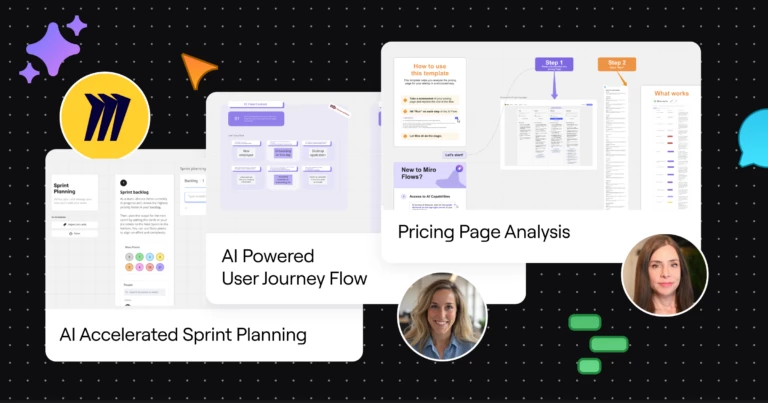
Speaking of Flows, there’s a growing collection of ready-to-run Flows templates in Miroverse. Some are made by our team, others by the Miro community, and all help your team hit the ground running with collaborative AI workflows.
Whether you’re planning a sprint, mapping user journeys, or improving the pricing page on your website, skip the setup and start strong with a template. And if you’ve built a Flow that works wonders for your team, you can submit it to Miroverse for others to use.
Ground AI work in your company’s knowledge
Out of the box, AI doesn’t know your product roadmap, your brand guidelines, or what your top client actually cares about. So you often end up with generic outputs that miss the mark, and waste time digging for context to make them better.
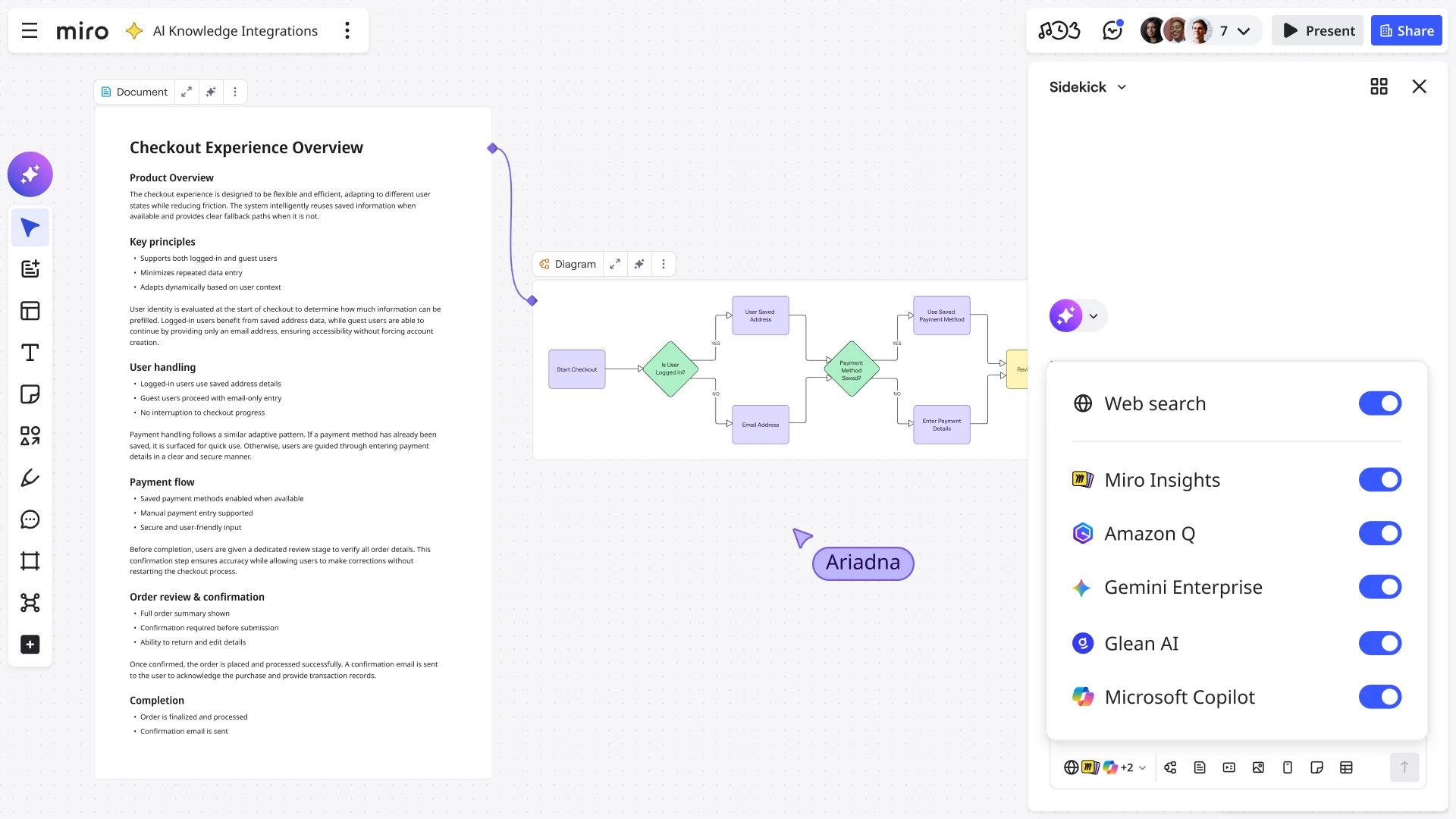
The good stuff is buried in spreadsheets, chat threads, and wikis. Now, you can bring spreadsheets, chat threads, wikis, and more to the canvas, so everything you create with AI is grounded in your company’s knowledge. Connect the AI tools your team already uses, like: Microsoft Copilot, Gemini Enterprise, Amazon Q, and Glean.
Find out how to connect your AI tools in this article.
Resize precisely with pixel dimensions
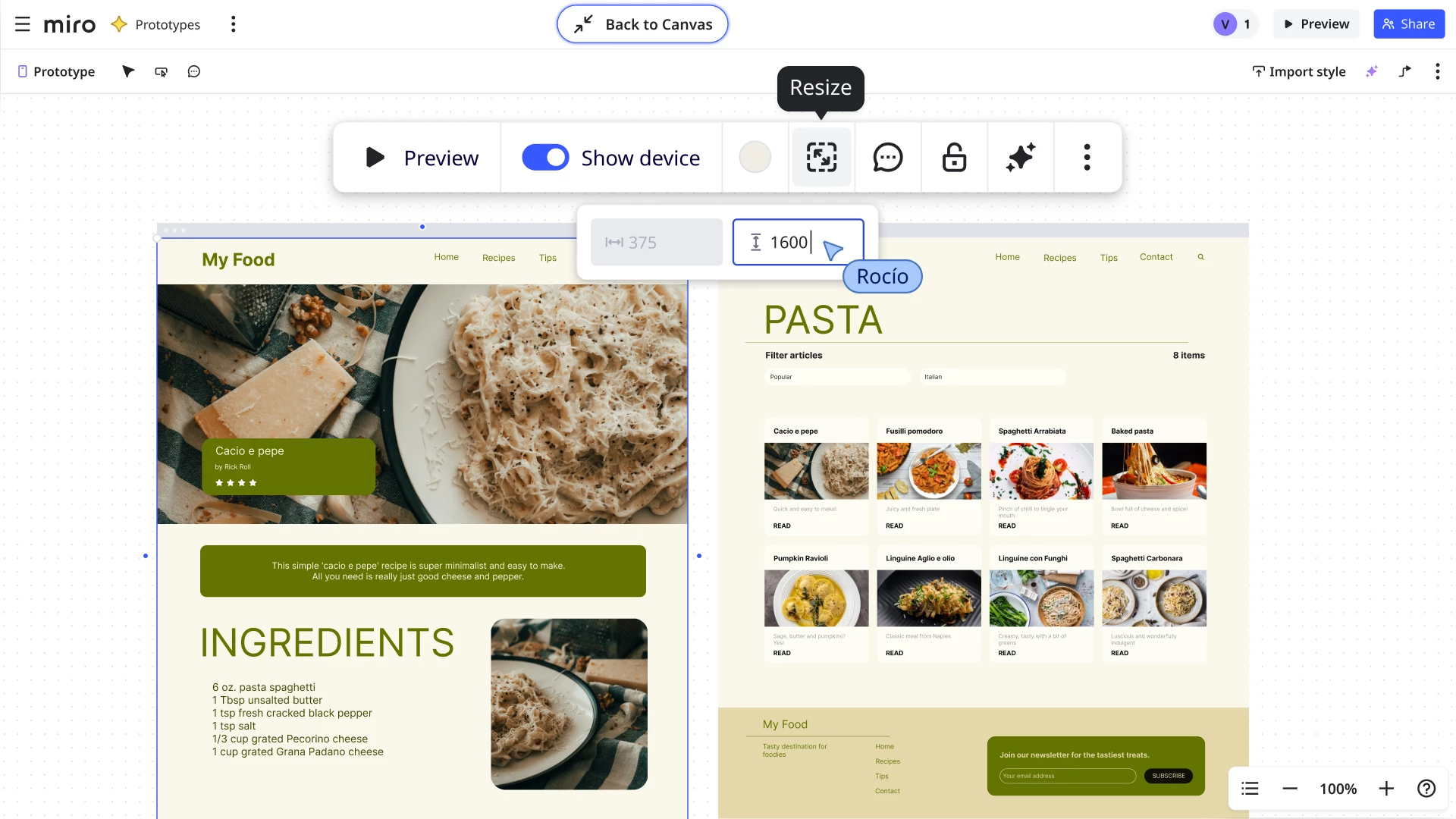
Now, you can resize elements using precise width and height values when working in Focus mode on diagrams, prototypes, and slides.
This applies to text, images, icons, shapes, and components. No more eyeballing it. Just type in the dimensions you need to keep your layouts tight and consistent.
Prototypes focus mode requires the Miro Prototypes add-on, available for Starter, Business, and Enterprise plans.
Build prototypes that look like the real thing
This month, we’ve made some small but mighty improvements to the Prototyping library and workflow to help you build richer, more realistic prototypes.
With, 600+ new icons and an improved browsing experience, you can find what you need faster with an expanded icon set in the Prototyping library. Updated mobile frames match today’s smartphone proportions, so your prototypes look realistic in preview.
Tables your whole team can work in
The more complex your table, the more you need to stay organized, search for what you need, and undo the occasional mistake. Our latest Miro Tables updates help with all three.
You can now comment on rows, search your table, and restore your table to any version from the last 90 days.
Share Spaces with more control
You can now share Spaces with an entire team using two additional access levels: Can Comment and Can Edit.
Whether you use Spaces to organize Miro content by team, project, or anything else that makes sense, this makes it easier to invite people to collaborate without handing over the keys.
Upload and play videos right on your board
You can now upload and play video files directly in Miro. Whether you’re sharing a product demo, design concept, or a user interview clip, just drag and drop it right on the canvas. We currently support MP4, MOV, and WebM files up to 150MB. Find out more in this article.
Available on Starter, Business, and Enterprise plans. Users on Free plans can view and play videos, but uploading requires a paid plan.
New diagram shape packs for engineers
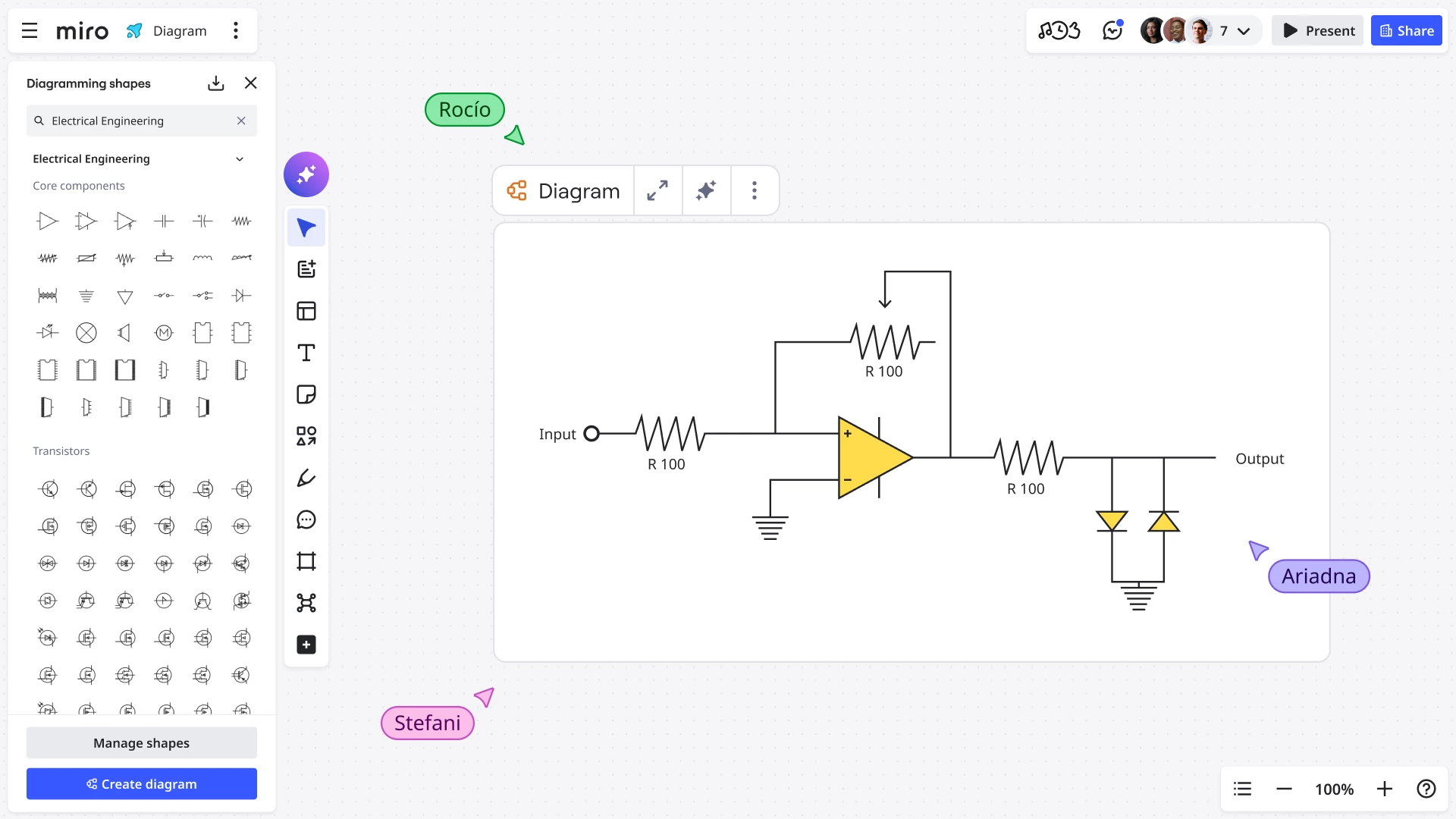
We’ve added two new shape packs to Miro Diagrams: Electrical Engineering shapes and Process Engineering shapes.