🎃 Miro Community Halloween Contest — win a $400 gift card
Connect with other community members, discuss how you’re using Miro, and get inspired.
Recently active
Hi Miro Community!It’s the Holiday season! I don’t know about you, but for me December is all about reflecting on the past twelve months and making plans for the next year. This month, I’m really excited to take inspiration from Miroverse and use some of the templates to plan my adventures in 2022. Here are my favorite Miroverse submissions for yearly planning (both personal and professional): The Golden Circles: Plan with Meaning by @Ruslan Kildeev Theory of Change by @Piera Mattioli Personal Legend Turbine by Adam Wright The Crisis Curve: Navigating Intense Change by Wicked Problem Solving Personal Values Discovery by Business Journey Personal Map by Indigo Health Three-Year Long-Horizon Schedule by Matt Lane What are your favorite board templates for planning a year ahead? Share links to Miroverse and screenshots of you boards below and let’s help each other to find the best solutions!
Hello everyone! I’m here with a simple question: Remember the last time you recommended Miro to someone - who was it and why did you do it?
Hi Miro community, Mark your calendar! Our team and the community have organized some inspiring and collaborative community events this month, and you’re invited Book talk with Annie Murphy Paul, Author of The Extended Mind December 8, 8:30am-9:30 am PSTDuring Distributed, the annual Miro user conference, in October, a panelist recommended the book The Extended Mind: The Power of Thinking Outside the Brain several times. Afterwards, curious Miro users flocked together to read it and learn how we can extend the way we think. Join us for a special session with author Annie Murphy Paul — and get ready to think outside your brain. Save your free spot Asking the “Right” Questions to Build Better Clarity with The Creative Gym December 9, 5pm-6 pm PSTNeed some extra clarity in your life? Designed to help us to break down complex challenges into bite-size information, this interactive workshop brings Changemakers together to build a mind map based on question prompts that inspire reflecti
This used to be such a hassle for me - I would think I’d double-clicked in to an object so I can begin text then editing and quickly hit Ctrl + A, only to find that the double click was a little off and I’m zoomed out to see the entirety of my board. Took some amount of time to zoom back in. Love that my zoom and viewport does not change, per a recent update.I recognize the feature’s been in place for a while now, just want to give a shout out to its application. Thank you for this adjustment! This kind of iterative quality of life stuff is the best. Another small quality-of-life improvement just occurred to me that I equally want to shout out - if editable text is bold, it won’t revert to regular weight when deleting all characters in the string or object. Fully deleted text used to un-bold, at which point I’d have to turn bold back on. This was updated a little longer back, just as appreciated.
Fellow mironeers,As some of you may have allready noticed some of my #miroArt on linkedIn. I consider myself a Miro-Artist and use miro to create pictrues and other creative stuff with sticky-notes/ shapes. I do not create them for any special purpose but to bring me and other miro-users joy.I want to share some of my artpieces with you and would appreciate your feedback. Some of them can also be found and used on miroverse. Feel free. The #MiroLisa: Made with 21.369 Sticky Notes/ Shapes The Boss Baby: Made with 16.194 Sticky Notes/ Shapes Funko / SquidGame: Made with 8.408 Sticky Notes/ Shapes Who of you is also creative in miro and made some art yourself? Would love to see, how others do it Rgrds Said
Hi Everyone, I’d like to share some context then I’ll dive into the meat of the question. I am a UX/Product designer that is currently leading a small volunteer team that is working through how we can improve the experience of working remotely for our company. One continual pain-point has been the lack of ability to quickly move from discussion, to drawing out the idea or concept being described. So we did some quick testing of different apps and some discovery work with different hardware solutions and decided we would like to see Miro + iPads tested with a larger group. The feature set of a digital communication tool like Miro is new to us, really to the company at large. The UX team has done some dabbling in testing tools like this, but nothing ever stuck. So to frame the type of experimentation we are hoping for well, think of it like a discovery phase. We are hoping to learn what is out there, what applies, what doesn’t apply, who uses it and how does it impact how they comm
Hi Miro Community, I’m very excited to share that our emojis app now also includes stickers, giving you another way to react and share how you feel! All Miro users can use stickers to react to a teammate’s work on the board, communicate thoughts during a meeting, or to create more exciting board designs. Now you have a way to give a teammate high-five for a job well done, even if you’re on a different continent. Best of all, we're also launching a Community Sticker Pack Contest where any Miro user can submit stickers. This is a great opportunity for us to co-create together and expand the stickers library so that eventually you can find a relevant sticker for any situation ─ whether that’s celebrating success as a team or giving a colleague a tap on their back when they need it the most. HOW IT WORKS We invite all Miro users to send sticker packs through this form and collectively we will choose sticker packs that will be uploaded ─ each with the names of the sticker pack and auth
Hi everyoneOpen Window (South Africa) is hosting our graduate student exhibition on Miro today from 18h00 CAT.We have also created an accompanying Scratch Patch board which is open to play with.
Hi community! And hello, December Don’t miss the December webinar schedule! Attached you will find the calendars in PT & AEDT, CET, and GMT. The events on the attached calendar are linked and will take you right to the sign up page when clicked,
I am finding the Org Chart template lacking. I want to have a few layers at the top (not just one oval that the mind map limits you to). I think I am just going to use regular rectangles and lines. Does anyone have a better approach to making complex multi layer org charts?
Hello Everyone,Would anyone be interested in discussing ideas on how best to build board games using MIRO? I build serious games to help clients unlock collective wisdom within groups. I’m using MIRO with some success. Yet, there are challenges. Let me know.Mark
Howdy all - not sure when this feature was introduced, but the relative snapping (adjusting dimensions and having those dimensions match to other like dimensions within the current view) is awesome! The next level would be to do the same for margins :)Real talk, thank you for introducing this feature
Hey Miro Community! We’d love to see photos or videos of how you are experimenting with various hybrid set ups, whether for workshops, meetings, or team hub spaces -- in a formal office or otherwise. If you’d like to add some pointers and lessons learned, I’m sure others would appreciate that as well. Some questions to jumpstart the discussion:Share your photos! Describe the set up. How many people were joining in-person? Remotely? What was the main reason for the session? How did you set up your Miro board for people to participate and engage? Were most people familiar with Miro already? What other tools did you use? Describe how facilitation and meeting skills contributed to the session / collaboration. Any learnings after the session happened? We’re looking to learn from you all as we’re building out our company and product strategy here.
What is everyone using to layout semester long plans?I’ve used frames to orgainze content by topic, I’ve Product Roadmap templates, Frames with items inside of them (which means I have to constantly resize the frame) and am not 100% satisfied with either solution.Some of the key things that I need to do is:Organize materials by week Content needs to be easily moved around as each semester has different holidays Mark tasks as done when they are entered into the LMSThanks for any suggestions you can give!
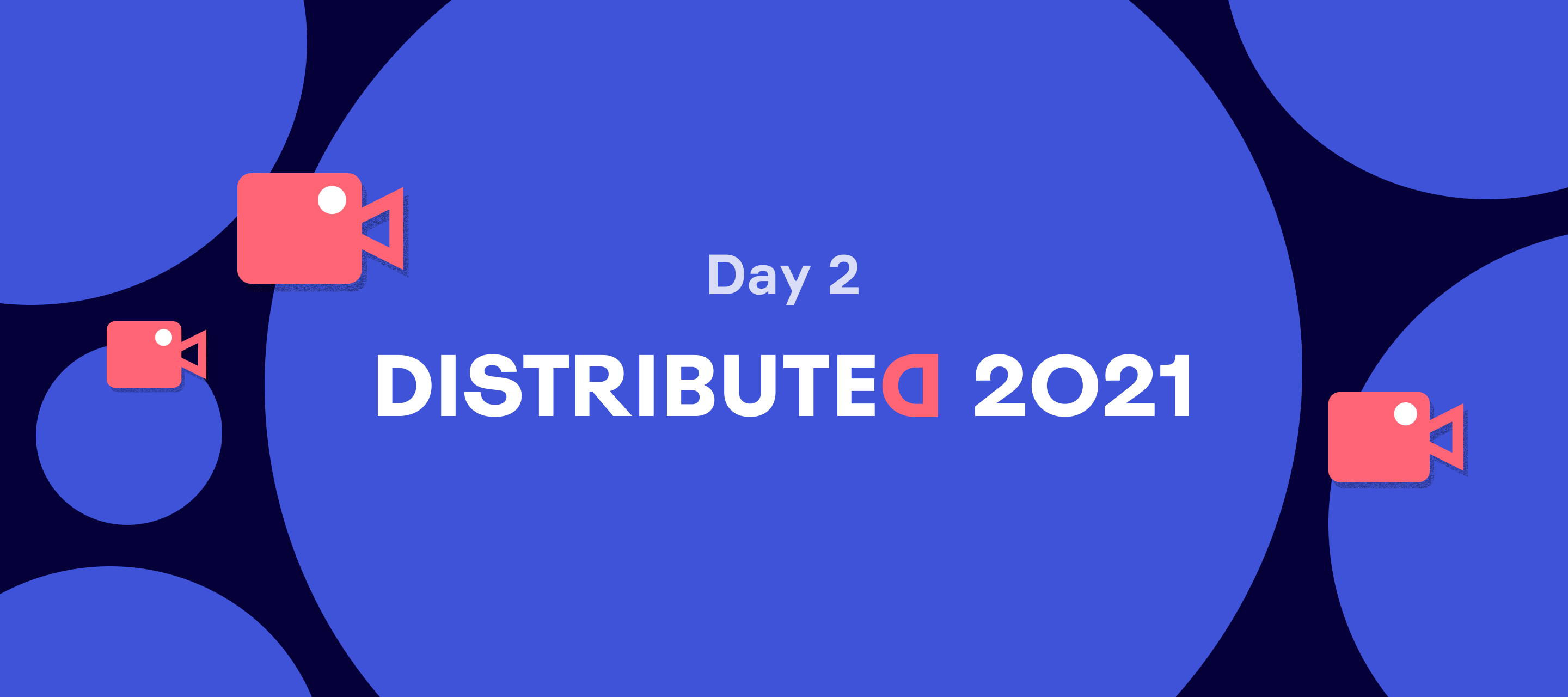
Hi Miro community, Distributed Day 2 was amazing! Full of workshops, interactive sessions, insightful conversations, collaboration, improvisation Of course, the main magic of these community sessions was in their interactivity, but in case you missed it and if you are still interested to learn how it was, we’ve prepared a list of all recordings and Miro boards Find Day 1 recordings and resources here Baking Beautiful Boards: Level up: Tips & Tricks For Aspiring Miro Board WizardsSpeakers: @Daniel Wirtz, René NauheimerLearn hands-on strategies and actionable tips to design beautiful Miro boards while saving yourself hours of time.Miro board | Recording Baking Beautiful Boards: Miro Board Improv!Speakers: @Rachel @Jonathan White An interactive workshop where Rachel and Jonathan used attendees' ideas to create a Miro board on the spot in real-time. From opening moments through to closing moments, see how you can quickly use both built in features in Miro and other tools to create b
Hello, hello!Well, that was fun. Like, really, really fun. Thanks to the thousands of Miro heroes that joined us on the path to reconnection at the world’s largest 3ish-day global workshop! If you couldn’t make it or are curious about what you might’ve missed (or you were there but are itching for more!), we’ve gathered recordings, Miroverse templates, and a bundle of resources for each main stage Day 1 session to support your continued journey. Let’s go...*Day 2 recordings are listed hereLink to the full playlist (make sure to subscribe!) What did you hear/learn/experience? Do you have questions, thoughts, ideas? We’d love to hear from you in this thread so we can make experiences like this even better for you. Keynote - Community & The Future Recording: https://youtu.be/0ReU8EHZTGQIn the opening keynote, CEO Andrey Khusid and CPO Varun Parmar shared how Miro has become more human — a place where everyone can connect and solve all kinds of problems from a blank canvas. They sho
Hi all, Would you consider Miro as a professional skill to put on a resume? Thanks,Victor
Howdy This week Spotify has been officially launched in Russia! Yay I am a music fan. Really! I listen to music anytime, anywhere Here is my top list of Spotify playlists for work: Lo-Fi Beats Deep Focus Your Coffee Break Let’s see what Miro Pioneers listen to relax, focus, and be productive. Or maybe you prefer silence to concentrate? 🎶 Share your opinion in the comments, and attach links to your favourite playlists.
Hi Miro Community We believe the 2021-22 school year is an opportunity for all educators to shine even brighter. Now, with all the new skills you’ve cultivated over the past year of distance learning, you can create engaging, blended learning experiences that incorporate the new tools and technology you mastered. Today, we’re kicking off the How Do You Miro? Online Classroom Templates Challenge! This contest is all about best practices for online whiteboarding and classroom collaboration. We’d love to see your favorite activities for online or blended classes that work on the virtual whiteboard. Please share with us and with the Miro community your best examples of collaborative activities such as: Problem-solving Case studies Field surveys Learning games Investigation groups Exhibitions Of course, if there's a group activity that went over really well online or in a blended class, let us know all about it! Note: If you’re a student or educator and you don’t use Miro EDU plan - jus
Hi community! And hello, November Don’t miss the November webinar schedule! Attached you will find the calendar in PT & AEDT, CET, and GMT. The events on the calendar are linked and will take you right to the sign up page when clicked,
Hi! My name is Valery, I'm a motion designer and I'm creating a video about a virtual Miro board in motion design style.I learned about Miro quite recently when I was faced with the need to structure my ideas. Where to do it, if not on the board? It has all the necessary tools for visualizing connections and generating new ideas. This inspired me to create a video.What was my surprise when, in search of material to create a general concept, I found out that this is a successful startup from Russia.First of all, I picked up the music, selectively wrote to some people from the list of subscribers to Miro in different social networks and asked them why they liked using a virtual whiteboard. I studied the content that the guys have in social networks, analyzed the color solutions and generated a color palette for my video.It's time to start the animation. Here begins the most pleasant part of the work. Based on the music and mood, I sketched a lot of animation options using only primitives
Hi community! My first post here, so nice to be part of this community.I’ve been exploring using Miro for causal loop diagrams or diagrams often used in Systems Thinking. Miro has been good for capturing elements (as text or sticky notes) and makes connecting them with different lines easier. The alignment tools allow me to align text with each other, but for more complex graphs this becomes more difficult.In an ideal world, I would love if Miro could automatically adjust the elements for easy readability. This would save me from moving each element and line around when we add more.Does anyone here use Miro for similar diagrams and found a way Miro can help focus on building and evolving a diagram, instead of fidgeting around with the layout?Thanks in advance.
Happy Friday We’ve recently released some additional sticky note colors, and I wonder what is your favorite? My endless love is light pink
Hi folks! I am the new product evangelist at Miro, so great to come to this community as a Mironeer after being a Miro-user for 10 years!!! For all the designers here, if you are headed to Adobe MAX this year, join me for my breakout session to learn how to enhance your design critiques, ideation sessions and sprints using Miro + Adobe XD. Hope to see some of you there!
Welcome, welcome! We’re thrilled to see all of you at Distributed 2021 this year. Here are some tips and tricks to navigate your experience, please feel free to add to this list, chime in, ask questions or tell us how it’s going! First, everything you need to plan your days will be in the Hopin agenda.*Times will be shown in your local timezone. Choose your “Day 1” start time- you’ll notice we kickoff 19th October at 8am PST, and this 6 hour set will replay 20th October beginning at 8am CEST. This was to ensure that the thought leadership sessions were able to be viewed at times that really worked for you. So no matter where you are in the world, choose the best start time for you! The 20th October “EMEA replay” also includes interpreters for Spanish and Japanese languages. We expect thousands to join in on each day, so whatever day you choose -- you’ll be in good company! Educate to the Max- check out 20th October and 21st October main stage for exclusive Miro Education sessions
Already have an account? Login
Enter your E-mail address. We'll send you an e-mail with instructions to reset your password.