🎃 Miro Community Halloween Contest — win a $400 gift card
All the latest news and announcements, and the best content from the Miro team.
Recently active
Hi Miro Community, It’s me again with another exciting update: you can now quickly sort sticky notes by color or tags! Quickly organize team input from meetings and workshops, and structure large quantities of sticky notes. Clustering allows you to easily create groups and save time by letting the app arrange sticky notes by color or tags. 🤩 Bonus: You can use it to go beyond just meetings to sort through other kinds of information, from research to simply making sense of your thoughts.Visit this Help Center article to learn more and let us know your feedback once you’ve tried it! Happy clustering,Jenny
Effortlessly crop and resize multiple images to create a uniform look and feel ✨👩🎨 Hello Miro Community! If you're looking to create a consistent and professional look for your Miro boards quickly, check out these bulk image editing features.Bulk Cropping + Bulk Resizing + Auto-layout can be especially helpful for those working with multiple images at once. Instead of editing each image individually, you can make quick adjustments in bulk, streamlining your workflow and allowing you to focus on other aspects of your project. Bulk Cropping + Bulk Resizing + Auto-layout = ⚡️ With bulk cropping, you can easily select multiple images and apply masks, such as circles and squares, with just one click. You can also resize multiple images at once by height or width, saving you time and effort. And don't forget to use auto layout to instantly align them for a neat and tidy layout.So give bulk image editing a try and see how it can level up your work in Miro!
Hey Miro Fam 👋,Jira cards are now available as a Card Panel! To make collaboration easier and reduce workflow interruptions, Jira cards will open up on the left-hand side of the Miro board, allowing you continuous access to the board while adding, editing and updating cards. And don’t worry, all the existing categories you use will reflect in the panel, nothing changes except -- the experience is so much more seamless! Head to your Miro board and try it out, and don't forget to share your feedback with us here on Miro Communities. Deepen your Jira integration on Miro!Shubangi
Hey, hey, hey! You may remember we introduced stickers to add some more joy to Miro back at #Distributed2021. Miro’s CPO Varun Parmar even said “It’s not Miro if it isn’t fun!” Today we just launched 20 new stickers! Check them out in action here. Stickers are a fun way to spice up your Miro board, or react to your team’s work and deepen connection (wherever you may be!) The team wants to hear from you! What stickers should we add next? Animals People Smileys Food & drink Office Other? We’re all ears seriously! Let us know! Have fun out there. -McCall
Hi Miro Heroes, I’m excited to share that today we celebrate the first anniversary of the Miro Online Community! It’s been only a year, but so many great things happened in this space. A huge thank you to each of you who contribute to this community, inspire your fellow Miro Heroes with stories and boards, and create community-wide success by sharing the knowledge and experiences. Our year-one wins and achievementsHere’s a by-the-numbers breakdown of what we’ve done in just a year’s time:15,000+ Miro Community members 17,000+ posts (keep them coming!) 3,000+ answered questions 550 Miroverse templates 375 Miroverse creators 50 submissions to How Do You Miro? template challenges 25 Wish List ideas brought to life in the product 23 virtual Miro User Group events (Catch up on our past events) 6 online groups Community chapters around the worldChapters are springing up everywhere and turning local creative thinkers into members and collaborators. Find one nearby or form one in your
With Miro block by Notion, you can embed publicly shared boards into any of your Notion pages. Just type /miro on the page to get started. Learn more about Notion Embeds here. Kudos to the Notion team on this release! If you also want to build your custom integration or embed Miro into your software - check out Miro API. Also, come back here to the Developer Forum to discuss your projects with your peers
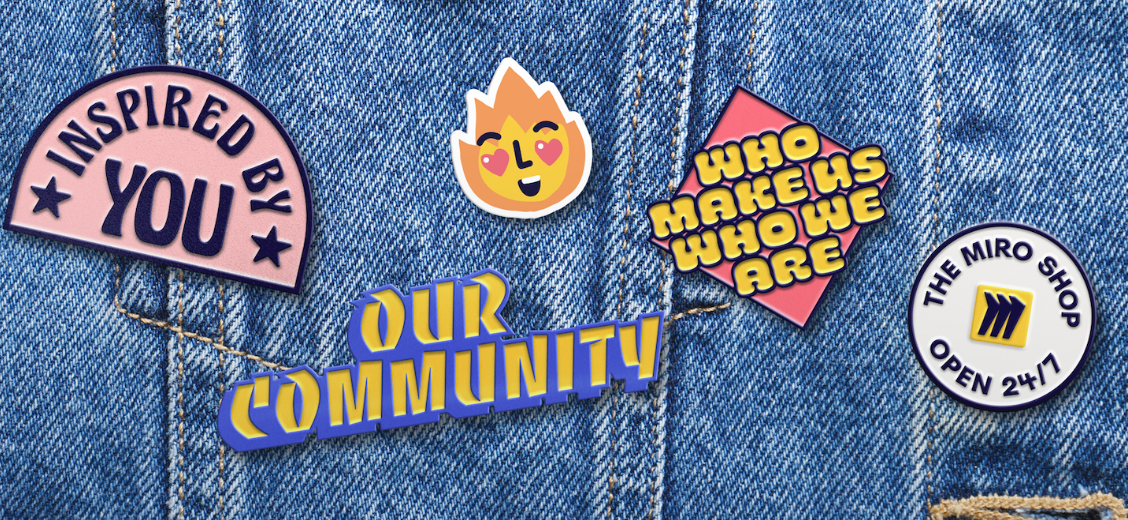
The Miro Shop is officially open!It’s more than just another merch store. It’s made for you, our talented andendlessly creative Miro community. The shop was inspired by your conversations, messages, and suggestions. And also,from your Miroverse templates so beautifully designed, they could be on a t-shirt (sowe did just that)!Visit the shop, and share the love with colleagues and friends on social using#MiroShop. There’s something for everyone, OG fans and new. We want to open ourdoors wide and celebrate the community we love, the people that make us who weare. Shop NEW Miro Swag today We hope you enjoy! -The Miro Team
Hey Miro Fam 👋,Our Card experience has undergone a major makeover! To make collaboration easier and reduce workflow interruptions, the new card panel will open up on the left-hand side of the Miro board, allowing you continuous access to the board while adding, editing and updating cards. And don’t worry, for those of you who prefer working with the centered modal experience, all you need to do is toggle the panel-view to center, and we’ll keep track of your preferred view the next time you open a card. New Card PanelHead to your Miro board and try it out, and don't forget to share your feedback with us here on Miro Communities. Keep up the card magic!Shubangi
Hey Miro Community, This month, we have been working on some pretty big updates to elevate your experience in Miro. We have launched Interactive Presentation Mode, which will help you present your ideas in an engaging way, and the next big thing Miro AI — your new launchpad for creativity, collaboration, and productivity. To see all the newest features that will help make your day a little better in Miro, check out our March blog post!
Hello community!Easily style your diagrams & shapes With Style Presets you can quickly create eye-catching diagrams and save time on styling. Highlights of this feature include: Six styles to choose from to apply to Basic Shapes and Flowcharts All newly created shapes will automatically be styled to your preference Team members can more easily understand diagramming flows We would love to see some of your creations and get feedback. You can reach me at diagramming@miro.com or post them below in the comments.Visit our help center for more information, plus tips and tricks to improve your diagramming. Happy diagramming,Turner
We want to give remote teams the solution as simple and intuitive as a physical whiteboard. That is why today we are launching enhanced stylus support on touch devices.It is ideal for those who prefer sketching their ideas by hand, or need a quick and easy way to explain their ideas visually to drive initial team alignment.Here are the new cool features we’ve added to our Pen tool:Palm rejection allowing you sketch ideas quickly and naturally on touch devices without leaving unwanted marks Three drawing presets letting you switch between saved colors and pen thickness to speed up work Highlighter enabling you to annotate boards and facilitate meetings in a more visual and engaging way Lasso tool helping select and move hand-drawn objects on the board easilyVisit Help Center to learn more, and let us know what you think about these updates! P.S. Palm rejection was one of the top requested updates in the Community – thanks everyone for your thoughts and feedback that helped us ship this
UX Improvements Now, you can search by board titles and descriptions to find the board you need. Use the Owner and Location filters to further refine your search results. For our Enterprise plan users, you can take search to the next level with full text search across multiple Teams. We’ll not only display results for board titles but board content as well. Imagine finding the exact sticky note, card, or comment and opening the board in that very location. Visit our Help Center to learn more.
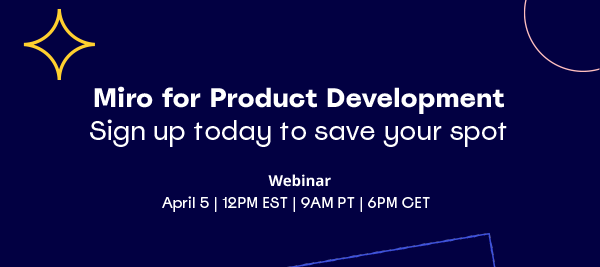
Here’s your chance to discover some of Miro's newest product capabilities! You're invited to join Miro’s Chief Product Officer, Varun Parmar, and Applied Framework’s Chief Innovation Officer, Luke Hohmann, as they come together to talk about improving the speed and quality of development and innovation - and leveraging Miro to do it. Want to be among the first to see live demos on new product capabilities that are specifically designed to drive cross-functional collaboration across development teams, and help boost team inclusivity and productivity? Save your spot now
Hey Miro Community, Interactive Presentation Mode has finally been launched to all users! It’s not any regular presentation tool — it’s a two-way presentation experience that lets your audience join in on your presentation by interacting with the board and sharing reactions. If you’ve already tried Interactive Presentation Mode in beta, you know how encouraging it feels when your audience gives you tons of love and thumb-ups while you present. Not only that, your content is no longer locked into slides. If you want to pan away to show other parts of the board mid-presentation, you can! And it’s just one click or keystroke away to return to your slideshow. This is just the start. We will continue investing in the presentation experience so you can create and present the most engaging presentations and wow your audience. Your feedback and suggestions will be paramount to helping us move this new way of presenting forward. Here are some features you can start using today: 😃 Audience
Ready to see what's new for you at Miro? Come join our product team on March 8th for our Miro’s What's New product showcase webinar, featuring an in-depth view of our most recent releases. You’ll get to see our top product innovations of the past quarter, straight from our product marketing team. They’ll also present live demos and end the session with a Q&A. Hear from our Product Marketing Team about: Interactive Presentations: Go beyond the same old presentation tools by letting your audience follow and interact with you as you share ideas. Cluster by Keyword: Make faster decisions by analyzing input and identifying similarities in the text of Sticky Notes, clustering them together under keyword titles, giving you a great starting point in your analyses. Product Dev Workflows: With Code Block, you can write and collaborate on code directly within a Miro board. And much more — you'll have to join us to see! Connect with our Community + Win Prizes We’ll be showcasing new Miro
Last month we welcomed over 90 new templates in Miroverse! Including these new templates that’ll help you generate new ideas, craft impactful stories, and guide stakeholders to decisions:🤔 Everyhow’s Reverse Brainstorming, introduces a problem-solving technique that involves generating ideas by reversing the traditional approach and instead thinking of ways to create or exacerbate the problem. 3️⃣ @Kiron Bondale’s Message Map, based on "Talk like TED" by Carmine Gallo, helps you craft impactful presentations by focusing on three key takeaways that support your message. 📈 Jade Corley’s Data Vis Dashboard Discovery helps you to guide stakeholders through a productive discovery session for planning a successful dashboard project, by identifying vision, goals, data, and design, and brainstorming creative ideas for improvement.Discover thousands of customizable templates created by Miro Community members for real projects and problems in Miroverse. Share with us what you found interesti
Hello, Miro Experts! Showcase your bespoke services alongside your best-in-class templates with a new profile design in Miroverse, exclusively for Miro Experts. The new Miro Expert profiles, now in Miroverse, bring together the flexibility of a Miroverse profile with the marketing opportunities of a Miro Expert profile — all in one place. You have full control over managing your profile and promoting your services and expertise, making it easy to keep your portfolio up-to-date, connect with the Miro community, and get recognized as a Miro Expert. Learn more. → Go to Miroverse to explore the new Miro Experts profiles.
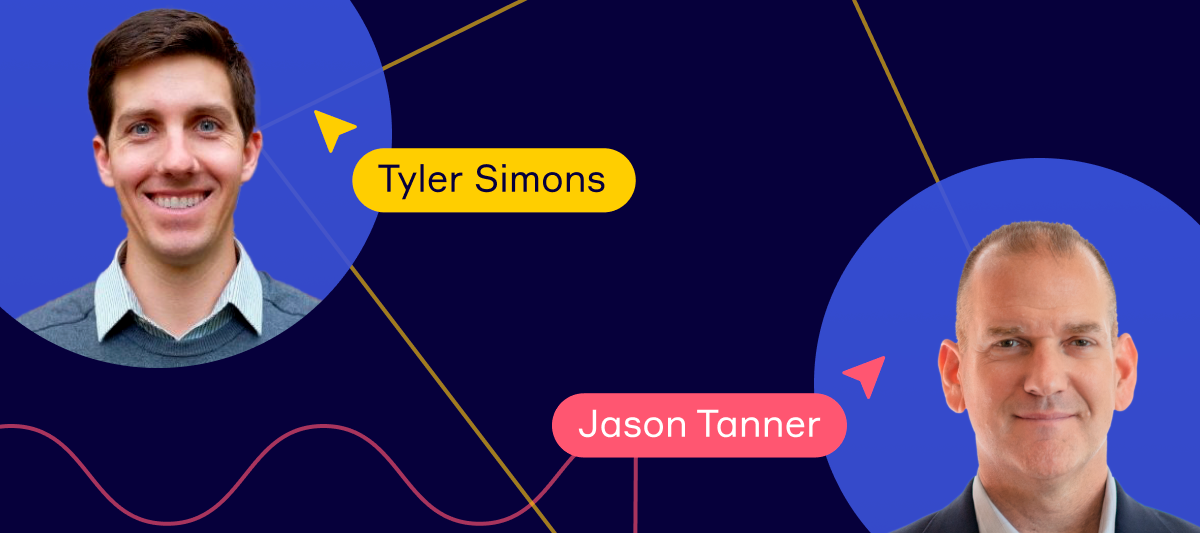
Hi Miro Community,Get ready for the second edition of our Agile Experts Webinar Series, and learn about a fundamental approach to sustainable profitability: Customer Benefit Analysis.Miro and Applied Frameworks hosts will be joined by Tyler Simons, Head of Customer Success from Fullcast, to help us answer two key questions that drive revenue: What dimensions of your solution provide benefits to your customer? What is the magnitude of the benefit?🔗 Save your seat here!
To all our global community members: ¡Hola! Hallo! Bonjour!👋We're thrilled to announce that Miro is now even more inclusive for our global community with three new languages: French, German, and Spanish - in addition to English and Japanese. To change your language preference in Miro, simply follow these steps:Navigate to your Profile Settings Scroll down to Language Choose your preferred language from the dropdown menu At Miro, we believe in making collaboration inclusive and accessible for everyone. With the ability to use Miro in more languages, we are one step closer to achieving this goal.For more information on this update, visit the Help Center. And let us know in the comments which language you're most excited to try out! 👇
Last month we welcomed over 70 new templates in Miroverse! Including these new templates that’ll help you plan and track your goals, career development, and ongoing project work:Nexio Projects’ Sustainability Goal-Setting Workshop provides a brainstorming space to define goals from scratch or review existing ones and ensure they fulfill the requirements of S.M.A.R.T. goals. Jennifer Matos from Upwork shares their Career Workspace with tools and methods to plan out your professional development ranging from the micro level (like weekly check-ins with your manager and mid-year reviews) to the macro level (looking 3–5 years ahead). Remo Gerisch’s Identify and Address Challenges Early On template introduces Mosquito Swarm as a method for early detection of problems and challenges in project work.With more published every day you can discover 1,000s of ready-to-go, customizable templates dreamed and designed by Miro users for real projects and problems in Miroverse. Let us know what caugh
Hello Community friends!With auto-layout, you can easily create professional-looking mind maps with a single click. Toggle on to organize and lay out your mind map, so you can focus on the content of your ideas instead of worrying about the design. Brainstorm, plan, and communicate your ideas more effectively. Start using auto-layout to: Save time: create beautiful mind maps faster than ever before. Simply enter your ideas and let the feature do the rest. Improve the quality of your mind maps: auto-layout ensures that your mind maps are visually appealing and easy to understand. Try auto-layout and see how it can help you unlock the full potential of your ideas. Happy mind mapping!Turner
Frames are an essential feature that helps structure your content on Miro boards. Here are the two of the most recent enhancements: Automatic numeration for frame names: if you call your first frame 'Frame name 1', we'll be automatically adding the next number to the name of the next frame you add to the board ('Frame name 2', 'Frame name 3', etc) Better rendering of frame names when you're zoomed out of the board to increase perceivability of board content
Hello, Miro Community! Today we are excited to announce that Miro is now available in GoTo Meeting, GoTo Training and GoTo Connect, making collaboration even easier during meeting & training sessions. Miro in GoTo With the integrations into GoTo’s applications, users can: Collaborate on a Miro board from within the GoTo apps: Miro is integrated directly into GoTo’s communications products, so users can access their boards without leaving their meetings or training session. Drive better engagement across all teams by unlocking more efficient brainstorming, diagramming, journey mapping, and more. Access sticky notes, mind maps, timeline builders, code blocks, charts, tables, and other creative tools to drive real-time collaboration with colleagues and customers. Create a whiteboard without a Miro account: GoTo users who don’t have a Miro account can simply create a new blank board within GoTo, accessible for 24 hours.If you are a GoTo user, try the integrations out in your next meet
Over 90 new community templates added to Miroverse!Our endlessly creative community shared over 90 new templates in Miroverse. Get started with one these new templates: Build the right foundations with Prod MBA’s Compelling Product Offer Kick of the new year with Klaas Hermans' Stronger, Better, Faster: Self-Growth Plan Realign the team with Mode team’s Mission Based Values Workshop With more published every day you can discover 1000s of ready-to-go, customizable templates dreamed and designed by Miro users for real projects and problems in Miroverse. Feeling inspired? Join our community of creators and share your ideas with the world.
Community, As we say farewell to 2022, The community team and I would love for you to join us in reflecting on some of the exciting things we’ve accomplished this year and areas of growth and opportunity for 2023! I may have only joined Miro 4 months ago (today!) but I’ve come to learn so much about how many of you use Miro, connect with each other, and look forward to improving the Forum experience in the new year. So, let’s get to it! I’ll go first and share some reflections & hope you can join me in the comments below 👇🏿 Some Miro Community moments that made me smile…. Launching your #3 most-voted product feature to help you better navigate, focus & collaborate & more 🚀 Distributed ’22 where we gathered our global community from all over the world for a 2-day event of knowledge sharing & connections 🌎 Miro IRL meet-ups where we got to meet community members from Austin to Berlin and our creative online Community-led events 🤝 A fun & insightful post Dis
Already have an account? Login
Enter your E-mail address. We'll send you an e-mail with instructions to reset your password.