🎃 Miro Community Halloween Contest — win a $400 gift card
Connect with other community members, discuss how you’re using Miro, and get inspired.
Recently active
I want to use Miro for presentations. What is the most efficient way to create a recurring frame in a playlist? For instance, I would like to keep referencing a Main Frame throughout a presentation and thus insert a copy of that frame as a different number, but it doesn’t look like I can make a duplicate of that frame. As the number of frames gets longer, It makes it more difficult to go back to the #1 frame. I guess I could add a shape with a link and put it near the frame I am on. Thanks.
I have been using Miro for this Fall 2020 semester, which is my Master’s year in Architecture, where we have been experimenting with presentation viability of the program. Overall the program is really nice for us to present our thesis although I have some suggestions and a workaround.I think the program’s presentation mode could really benefit from a Prezi Style Approach, whereby the progression of slides, is the camera jumping from point to point (or slide to slide) visually. Miro already kind of does this when setting up frames and being in presenter mode. (But not when you click present next to the slide arrows in the bottom middle of the screen; that makes it more a typical slideshow). However there needs to be the ability to hide frames as they are a bit visually obtrusive when you multiple in the same area. I mainly am doing this when I first show an overview, then zoom in to one of the specific points.Workaround:You can make it a bit less intrusive by removing the titles of the
Value Methodology uses team activities to be successful.Virtual meetings can be a one way discussion which reduces likelihood of a successful workshop. Set boards to accomplish set activities can revolutionize the process. lets work smarter, not harder. This can be the place to make it happen.For all of the Value Methodology practitioners out there… Lets collaborate on some common boards for our profession.
Hi All! Here’s the updated schedule for our August events - We hope to see you there! If you’d like to learn more about these events please visit our events page. AUG 26, 2020 - 4:00 PM (PDT) NORAM V-MUGAgile Design and Lean Implementation in Miro – Get the Best of Both WorldsJoin us on August 26 at 4 pm PDT as we feature Michael de la Maza of Heart Healthy Scrum, Jon White of Improve Consulting Group and Pete Lim of Miro for VMUG10! Over this 60-minute virtual event they will highlight similarities, differences, and ideal uses for these two methodologies, then conduct two interactive activities that enhance our understanding and application of Lean and Agile.View Details AUG 27, 2020 - 4:00 PM (CEST) EMEA V-MUGDrive Product Strategy Using The North Star Metric Workshop"How does your product grow?" This is probably the most challenging question to answer for most product teams. Learn how our fully remote North Star Metric workshop can help your team connect everyday work to meaningful
Hello and welcome to a discussion space about Distributed 2020! My name is Anna, I’m a Content Marketing Manager at Miro and I’m also managing the program for Distributed 2020. Last year, we had 14K attendees hearing from companies like LinkedIn, Slack, Salesforce, Amazon, WhatsApp, Upwork, HubSpot, Intercom, Atlassian, Zapier, Segment, Pivotal, Pendo. At this year’s event, we’ll be focused on providing you with the tools you need to solve the ever-evolving challenges of modern teamwork across three areas: Remote leadership: how can remote teams stay connected, productive, and resilient in uncertain times? Best frameworks and useful advice from leading practitioners: how UX designers, product managers, Agile coaches, and other professionals work efficiently in 2020. Miro workshops and deep dives: how to use Miro to make remote teams successful. Before we finalize our program and our speaker list, we want to hear from you. What are your big challenges while worki
Or at least my account can...I was just enabling Guest Editor for a board in my Consultant Plan and there it is: Adding a password to boards for view, comment, and edit - password has to be at least 8 characters.
I had a chance to beta test ‘Hide Frames’ a few weeks ago. I believe now it is out.I enjoy this because it helps in my work flow as a facilitator/presenter/trainer.If you already have it, share your thoughts!
I am running a webinar in a few days and the plan is to use Miro to share content rather than PowerPoint. Its a rather large group so there won't be any participant inputs on the board (I know this is the whole point of Miro). Any thoughts on what the risks of this approach might be??
I cannot find answers to the technical side of how to set up a workshop. I want to run a training session with fewer than 20 people (initially just 5 or so) - I’ve learnt how to manage all the features but when I tried it out we struggled to all see the board we were working on. I need an idiots’ guide - do I just use share? What is the presentation option for? Can I get it so when I move the board around the participants see what I’m doing (I had to keep saying, ‘It’s under that, on the left’. We were using Zoom - is that the normal way? I’m close to giving up at the moment.
Zoom Transcript to Miro Layout Made a fun Miro plugin prototype this week .. been dying to make it for a while. It takes a zoom meeting transcript and lays it out into a commenter-by-commenter swimlane-ish flow of their sequential comments on stickies. Here’s a little demo video walk-through of where I was able to nudge the prototype to this week. Like any prototype it sheds light on the basic idea and what’s working / not working … What do you all think? What would you want to do with something like this?
Like loads of people here, I love what Miro can do, and I desperately wish it could do more to support live facilitated workshops and interactive training. We need a really good facilitator/participant permissions tool as soon as possible. I am sure I am not the only one who is ready to move to Miro as the main platform for all of my online facilitation work with clients, but I am stalled because I don’t know how soon this main deficiency will be fixed. This is a big barrier to running workshops with less tech-savvy participants or with groups that I will only be seeing for 2-4 hours. That’s why I want to know: What can you tell us about what Miro developers are working on right now? What are the priorities internally? What will you all be working on next? Should we be joining together to hire developers to make add-ons, or can we count on Miro to keep improving the core product for live facilitated workshops? Can we help you? What can we do? @Anna Savina , @Marina , @Oleg K , @Le
I am curious to know if you ever needed to group stickies somehow during the Workshop, why do you need that and how do you do that.When I am on the workshop with my team and we have some braistorming session we usually sort stikies manually to find some patterns and group them accordingly. Usually the person who wrote the skitie try to find the right group and place the stikie there or create the new group.Are there any other cases and best practices?
Hi all, I wonder if we have avid readers here As for me, I am reading several books at a time (not sure if it is the right approach though ). They are so different! The Power of Focus (a self-help book on business, personal and financial success) The Courage to Be Disliked (Alfred Adler’s psychology and philosophy with a little bit of oriental wisdom) The Miracle Morning (very inspiring; that’s the second time I’m reading it) Get Together (a great book on community building) Harry Potter and the Deathly Hallows (do I even need to explain? ) Super interested in what Miro Community are reading! Share your books in the comments Let’s have our own book club
Hi Everyone! After a few conversations today with other members of the community, I realized that not everyone knows about the Virtual Miro User Group Events! These events (VMUG for short) are organized by region, which currently consists of North American (NORAM) and Europe, Middle East, Africa (EMEA). An Asia-Pacific region is likely to start very soon as well.Many of you have likely seen me actively contributing to the Miro Community via posts on this forum, but my primary contribution has been through helping to create the VMUG events and hosting the NORAM events with my colleague and fellow NORAM User Group Leader @Annie. You can attend these 60-90 minute sessions live at their appointed time, or by watching the event recordings after the fact. The topics for discussion are generated by guest speakers, and so attendees have a great opportunity to learn about a specific topic (such as Cognitive Diversity, Gamification, Agile, Lean, Facilitation, Conversations, etc.), or learn how o
I am working with groups of 30 . Is there a way to easy ask for feedback in a group (like yes no?) . Like if people can say “ok” with a button so we know that everybody is in place and everything is working? Like voting but just very quick and not depending on space. Thank you!
Hi, Miro Community! Questions I have are about your process of preparing and using your workshop agenda. Could you share your experience on these topics:— When do you design your agenda: before or after you design everything on the board?— Where do you usually keep it?— Does every step in your agenda represents an area or objects on a board?— How do you align participants around it: by demonstrating a board or going through a separate agenda doc?Thanks a lot!
I love the Kanban template, using it for the first time this week, but it is *very* specific to Kanban. I was trying to shoehorn a Gantt chart into it, but it just doesn’t allow spanning across columns. On the flipside, the Gantt template is basically just some grouped rectangles (I’m guessing it was an earlier template).It seems like it would be a short jump from the more robust fixed header / grid layout features of Kanban to make them work for a much improved Gantt template. Just thought I would throw that out there… cheers
Hi guys! Since most of our team’s workshops and visual meetings became fully remote I started feeling that engagement of participants on those meetings became much lower. Partly because I have less control of their actions and attention, but I think there’s something about micro-interactions between people that usually occur during in-person meetings.Like greeting a newcomer when they enter the room. Or finding a familiar face in the room and sitting right next to them to feel more confident. Raising a thumb up just to appreciate someone’s work. Just little things that don’t require a lot of effort but enable those tiny little moments of communicating your emotions, thoughts, reactions, stuff like that.Does it ring the bell for you? Have you experienced something similar? Is there anything you noticed that impacts participants’ engagement heavily in remote meetings you conduct?
Just giving a shout out to the new cursor styling. It looks great!Group filtering is also remarkable. It will take out a ton of ctrl + clicks to batch-adjust shapes and connections.
I had a great time last week co-facilitating Physical Places in Digital Spaces for the virtual NORAM V-MUG with @Isman Tanuri, and I wanted to share a few resources with the hope others find it useful/thought provoking. I’ve got a detailed write up of of the idea here (including a demo board and the session recording): https://www.linkedin.com/pulse/miro-taxonomy-joshua-%25EC%25A1%25B0%25EC%258A%2588%25EC%2595%2584-davies/?trackingId=J0l%2FWkjXSDmmJxiwB6TnZA%3D%3D Bacially, my section was looking at how we shape spaces/interactions using Miro to adjust what kind of conversations are possible in a workshop, and to help to that more systematically I put together a Miro Taxonomy as below that looks at how we move, how we share, how we gather, and how we interact. It’s by no means perfect, but hopefully is a useful fire starter for ideas on the topic. Definitely click through to the board itself so all the fun embeds work :) Happy to hear feedback/questions below! Stay healthy & stay
Hey team I’m looking for templates that can help gather research, insights (qual) and help synthesise during qual research across UX and also Comms and Social Impact scenarios.Does anyone have any links or suggestions?
Hello friends, I was turned on to Miro by hearing on a Podcast that a tv writers room used it to track their story outline. After starting my own account, I see vast potential, but am a little lost on what functions would be best suited, so looking for some suggestions. Basically what would be nice, would be to have a ‘index card’ system… or maybe more of a linear timeline thing, where you can add scenes, rearrange them, and if you pull one out - they all slide down to cover the hole. Any ides or links to tutorials would be helpful! Alex
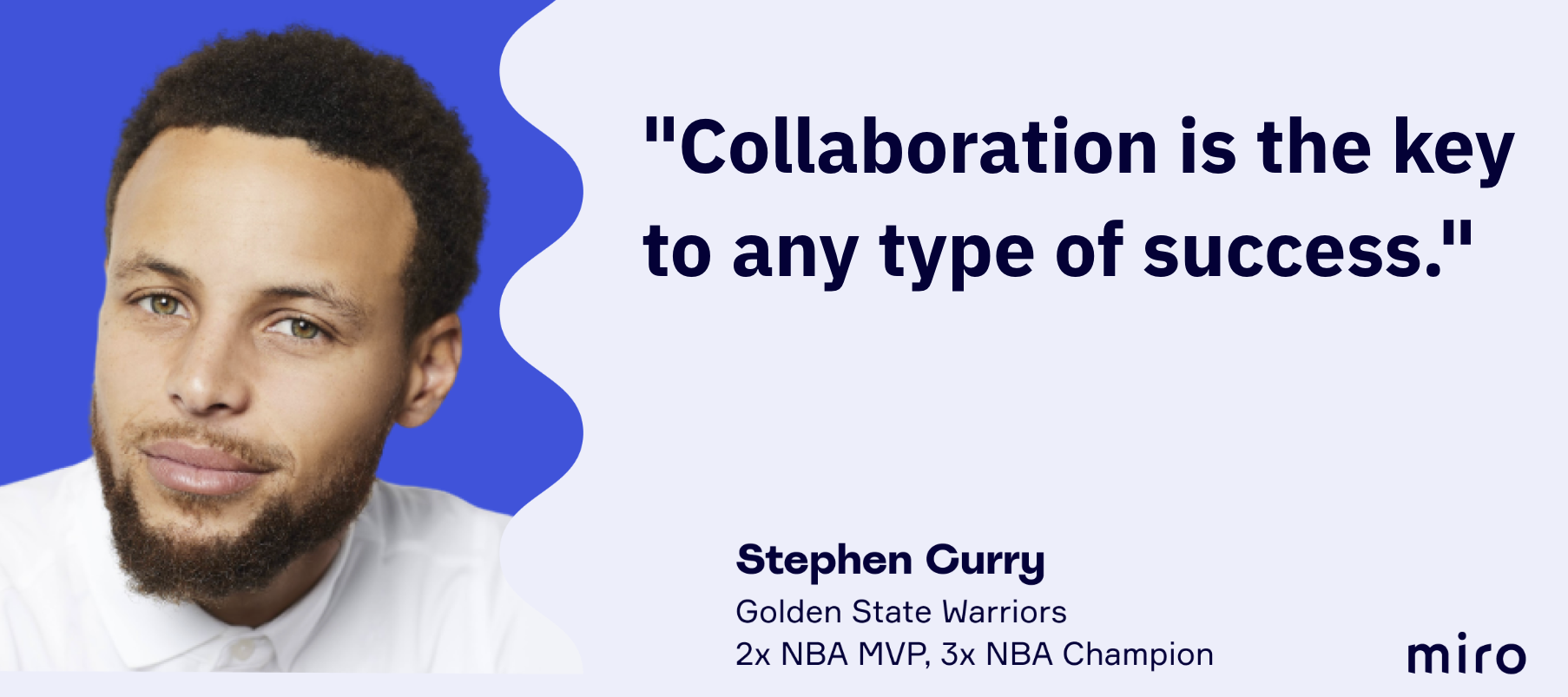
Earlier today, at our annual "virtual" offsite we had a live zoom Q+A with Stephen Curry, whose one of Miro’s investors. It was awesome hearing him share his experience as a leader ~ who knew basketball & tech had so much in common? One of my favorite takeaways was him sharing that a great team is one that holds you accountable, to know your strengths... & as much as you can, spend time working on your weaknesses.No one likes to watch themselves fail, but it prepares you for that next moment. Read a cool blog post with 3 points of wisdom we scored from Stephen Curry at our 2020 virtual offsite.
Happy Friday Just recently @Natalie Larino has shared that we had a live Q&A session with Stephen Curry (read here). It was exciting and inspiring! I wonder, do you wish to have a virtual meeting with a celebrity you admire? Who would you choose and what is one question you would ask them?
Hello, I’m wondering what features are planned in the short and medium term for Miro? If we get the product, what new things will be released soon that we can take advantage of, on top of all of the current functionality? Also are there any other integration points with Azure DevOps or Sharepoint planned at all? Many thanks Natalie
Already have an account? Login
Enter your E-mail address. We'll send you an e-mail with instructions to reset your password.