🎃 Miro Community Halloween Contest — win a $400 gift card
Connect with other community members, discuss how you’re using Miro, and get inspired.
Recently active
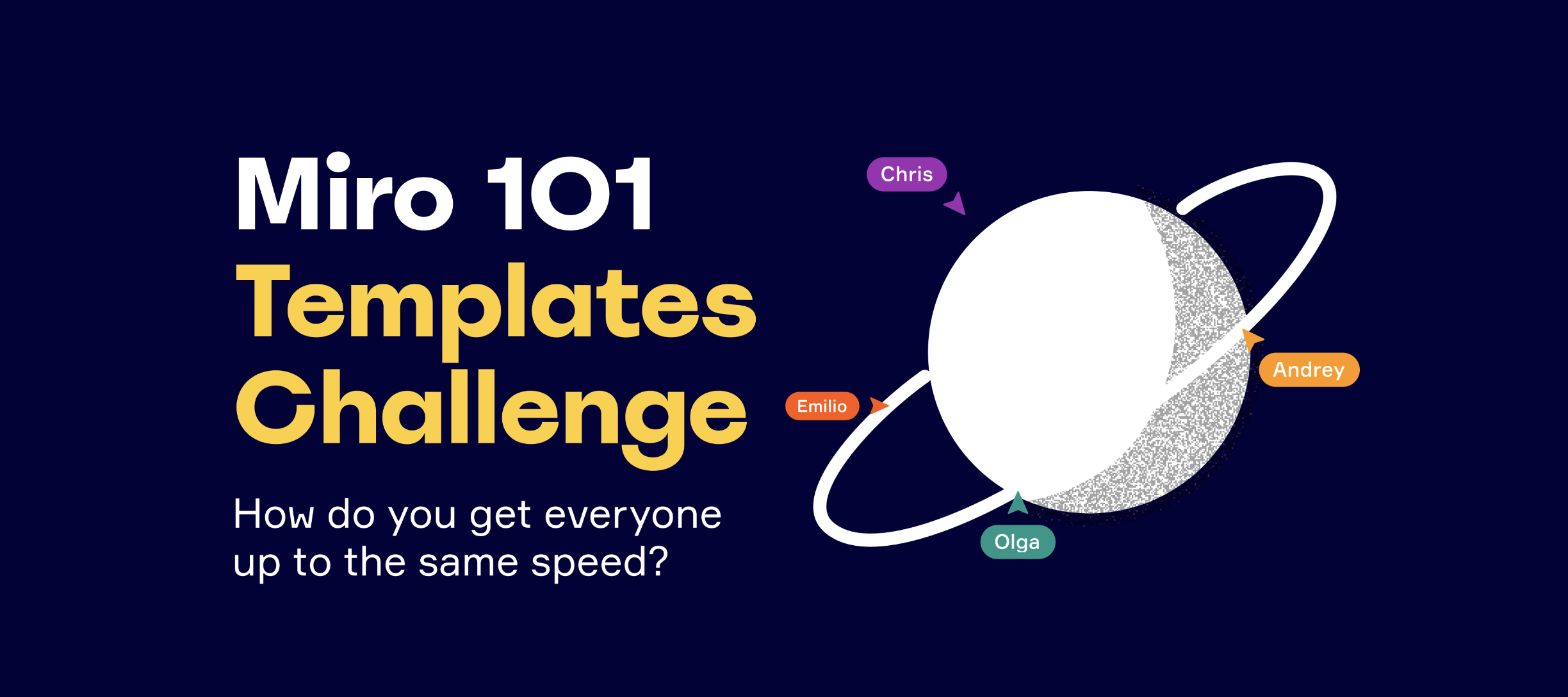
Hi Miro Heroes, Once again, the Miro Community has pulled through. Your sharing, your helpfulness, and your passion for collaboration have inspired us to launch the next installment in our series How Do You Miro. It was this thread on the community that gave us our new topic.Workshop facilitators quite often face the situation when the meeting participants are brand new to Miro, and it is extremely important to teach them the basics of Miro to quickly onboard them into a workshop to start collaborating right away. So what are the best practices to get everyone up to the same speed? We are happy to announce our second official challenge How Do You Miro? Miro 101! Share your own sandboxes/play areas/cheat sheets for Miro newbies. Challenge detailsThe challenge starts today, September 8th, and will last until September 27th.We will announce the winners the following week to give our judges enough time to find our Judges Choice. Submissions will be judged for their creativity and ea
Hi there, Do you use Miro outside work? We already have examples of creating games on the board drawing writing a novel I’ve heard people use Miro to create moodboards, plan their trips, brainstorm on the design of a new apartment, plan a dream wedding… Please share your examples in the comments! Attach screenshots of your boards if possible
Hi everyoneWe recently hosted an exhibition opening on Miro. We had a few artists create live drawings on the board and we held an opening speech and discussion via Discord/Miro.Here’s a video we made of the event and we’re hosting an exhibition ‘walkabout’ today at 18h00 CAT. Feel free to join! All the join links can be found here: http://www.openwindow.co.za/now-gallery-and-good-on-paper-present-viral/76814/
I have spent a lot of time lately translating my in-person training workshop content into a collaborative live online training environment. I've read and seen plenty of best practices from other sharers (thank you!) and created the boards as you can see below. I also managed to deliver a session of this 2-hour live online training workshop with business partners in another country this week. Here are my learnings from that opportunity: Less is seriously more! Miro is such fun to use and I actually built lots of engagements and activities for this session. I probably ended up using 50% of what I built. In an online environment, it takes probably 50% more time to complete activities and discussions than offline. The good thing is I can easily see what's next on my board and skip content/discussion as necessary. Give plenty of ramp up time! The participants love the experience of using Miro, the interactivity and the engagement throughout the workshop. To get to this stage, however, means
Hello there Have you ever wanted to give a shout-out to other community members because they are helpful, caring, or just awesome and have made your day? This is the place! In the comments below, @mention the community peer(s) you want to thank and add a couple of sentences describing what this person has done for you Let it be the longest thread ever P.S. May I take the chance to say how amazing you all are? We are so proud of our Miro Community
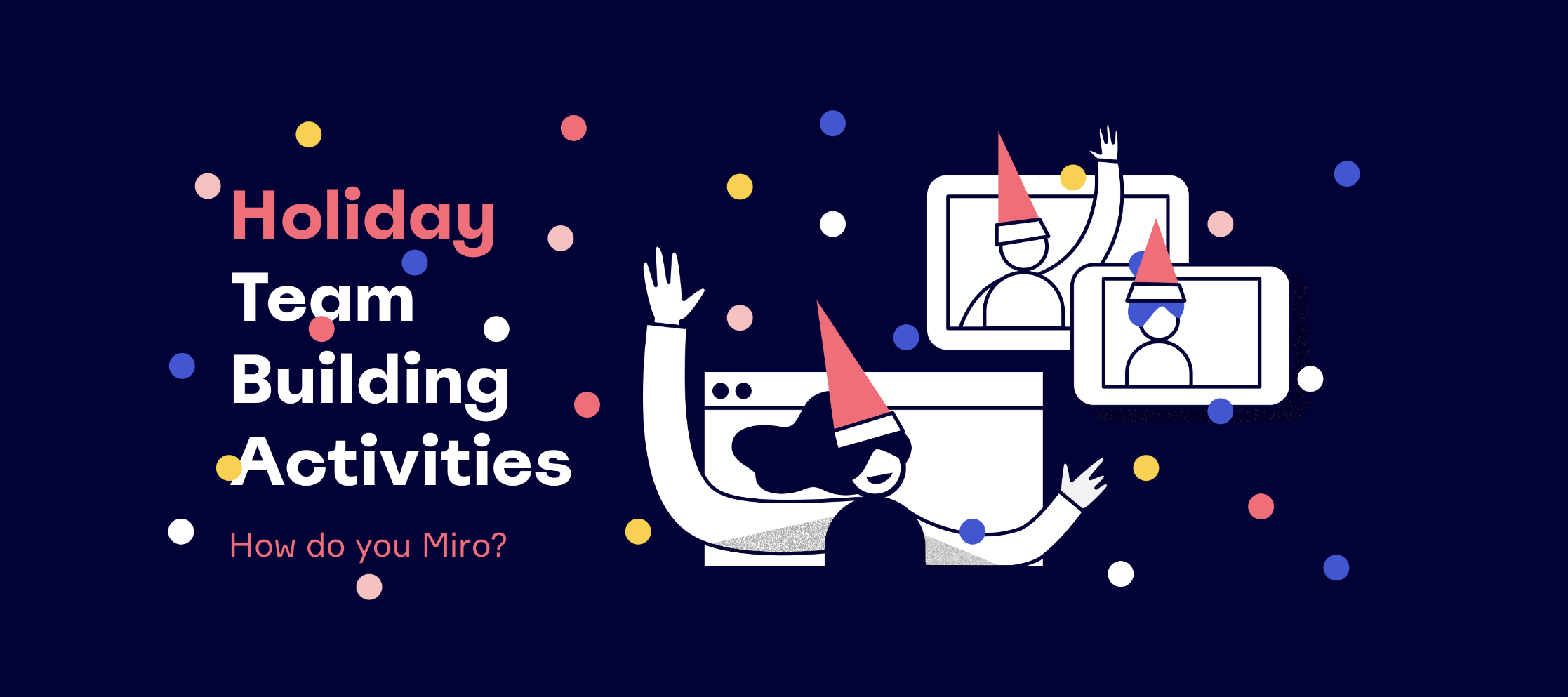
Hi Miro Heroes, And hello, December! With the holiday season upon us, you might be starting to think ‘How do I create the same festive vibes this year?’ Somewhere your team can ask questions, chat, or even experience happy hour. Whether you're playing a game that helps you bring your remote team together or exchanging funny photos of your pets with antlers on, this How Do You Miro challenge is all about creating that festive vibe and having fun. Today we’re kicking off the next Miro templates contest: How Do You Miro? Holiday Team Building Challenge. It’s time for you to put on your colorful jumpers, unwrap your creativity, and share with the community your favourite activities in Miro! Challenge details:The challenge starts today, December 1st, and will last until December 20th.We will announce the winners on December 28th to give our judges enough time to find our Judges Choice. Submissions will be judged for their creativity and ease of use.People’s Choice award will be bas
Hi Miro Heroes, We’ve launched this Miro Online Community in March this year. And it is already a place for more than 7k community members, who created more than 9k posts! As a Community Manager, I would love to provide the best experience for all of you. Hence the questions:What goals do you want to achieve with Miro Online Community? What would be a perfect online community for you? What kind of content do you want to see in this community? Please share your opinion in the comments! I really want to learn more about you
Hi there,I’d love to hear some creative ways for how to keep people’s attention/focus during a workshop, whilst giving them enough “quiet” and individual time to work on an activity. So for example…..while setting people free to brainstorm for 10 minutes, I worry that given too much time, some people may drift off to do other work (check email, go get a coffee, etc). Particularly in this virtual space, where we’re not all together in a room. I want to give people enough time/space to work, but not risk losing their overall attention?Any facilitation tips on ways to do this? Many thanks,Adam
Me was bored. SOOOOOOOOO just take a look.Warning- long loading time
Hi Miro Community, Happy to share with all of you that we are lucky to have two awesome Moderators in our online community! I’m sure you already know them, but it’s time to announce this officially. Please give a warm welcome to: @Kiron Bondale @Robert Johnson Robert and Kiron, a huge shout-out to both of you for your dedication and willingness to help and support our Miro Community Become a Product Advisor too! Are you a resident Miro whiz? Love helping people find solutions to their challenges? You might be the next official Miro Community Moderator. Fill out this simple form and get ready to level up your Miro Product skills and help others do the same.
Miro is my new favourite tool!I’m a consultant and trainer in the UK and have written a blog post about my experience with Miro and how I set it up for workshops: Miro is my new favourite tool for online workshops and training. Thanks also to the community here for sharing so many great ideas.Ian
I’m planning to use Miro while teaching an online math course this Fall. For the synchronous portion, we will break into groups (using Zoom breakout rooms) and each group will work collaboratively on a worksheet, which I will integrate with Miro. Do you think it’s better to have a single board for that day’s lesson, containing a frame for each group? Or create multiple (identical) boards and give one board to each group? Of course a single board is more streamlined and will help me easily see each group’s progress. But my concerns are (a) the groups peeking at each other’s work rather than devising their own original solutions, and (b) one group accidentally messing up another group’s work.
Hi everyone! McCall from Miro here. I love hearing all of your inspiring stories. I was wondering how Miro has helped you (and your companies) connect and continue working through the last year when in-person work and connection wasn’t possible.
Hi there Open Window is a design, film and animation college in Pretoria, South Africa.We’re hosting our final year student exhibition on Miro and Discord this evening at 18h00 CAT.Join us!Exhibition links will be published here at 18h00 CAT.Here’s a glimpse of what to expect!
It's hard to believe that it has been a year since we started the Virtual Miro User Group (VMUG) events. @Annie and I are very excited to be hosting VMUG 12: Building Shared Understanding Through Visual Collaboration, featuring one of the Miro Community’s top contributors ,@Robert Johnson. If you haven't registered yet for this free 60-minute event on Wednesday, December 2 at 4:00 pm PST, check out this Speaker Spotlight video and then sign up here.We look forward to "seeing" you there! Jon
As the Istanbul Literature House, we have completed our first digital Book Fair using Miro's unique features. It was our only second fair of independent publishers but, due to the pandemic, we weren't able to organize it in a physical space. Then we discovered Miro and started to think if it was possible to use its features to set up a digital space where publishing houses could open their stands, just like in a real fair. And it worked out beautifully. Each publishing house was able to work independently on the board, some of them prepared amazingly designed stands. We also organized 36 video events on Zoom and YouTube in nine days. Our Miro space became a place where people could see the programme (by turning the pages of a giant, pdf, booklet), find out the links of the upcoming events, watch the videos of previous events and visit each publishing houses stands to discover and buy some books.The fair has ended now, but we are keeping the board open for a second week. Instead of show
Hello,I just want to share a thing wich is so cool to me and I am really amazed how Visual-Notes could be used:I was searching for a short way to add a Downloadsection into my board - I have tried it by Visual Notes, where I added each PDF-file of the board into a section.I was so amazed about the flexibility that gives me this feature - with the “board object” I can choose each and every element of the board that can be downloaded and give it an optical look and feel of the board.Mironeers / Developers / Software-Engineers you are great!Thank you!!!!Michael
gonna have 2 columns left and rightleft has boxes/items and going to draw arrows from those boxes on left side to right sidewhich template would be best for this?it’s basically a comparison/matching but cant do on google sheets cos cant draw lineswant boxes left right side aligned perfectly automatically
Summer's here and while a lot of travel for most has been cancelled we can still dream.I've always dreamt of taking a month (or more) long vacation to Italy. Traveling to different cities with my husband and tasting all the great foods and wine.We wouldn't have a very strict schedule and take things very easily. Absolutely no laptops and I wouldn't even think about work. Describe your perfect getaway!
I’m running my Mindful Drawing online workshop within my Miro board. I host an audience and use the board’s drawing tool to demonstrate to the audience. Viewers can work on their tasks off to the side of the main area and I can zoom and pan out to look at their work while keeping an eye on everyone at once. It’s rad. I’m also using the collaborative board privately with my artists friends to play around during calls when we catch up during lockdown.
A colleague of yours might want their own copy of a board you own or a client of yours might want to take a copy of a board from your Miro environment to their own Miro team.Copying a board within the same teamThe simplest approach is for your colleague to duplicate the existing board using the Duplicate command which is available from the “…” menu for the board in the Miro dashboard or in the board settings. You can specify the name of the new board, whether it will get created within the same Miro project as the original board or not, and whether to copy the current share settings. Your colleague will need to have full edit access to the original board to do this. Another option is for your colleague to create a brand-new board, select all the content from your original board (Ctrl-A, Ctrl-C) and then paste it into your new board (Ctrl-V). Again, this requires that your colleague has full edit access to the original board to do this. Finally, you can create a shared custom templat
Hi there,currently my company is looking for persons to join our Customer Experience Lab. We would like to run a remote accessment-center and invite 3-6 applicants simultaneously.We would like to guide the candidantes through a Design Thinking process and prepare some frames making them work together as a team. We think about running the workshop 2-3 hours.Has anyone been running a accessment-center in Miro before? What are your experiences? Do you have any inspirational boards to share? What Miro licence did you use? Have you been including break-out sessions?Any thoughts welcome :)
1am start time notwithstanding, @Joshua William Davies and I had a blast of a time co-facilitating this workshop session at Miro’s Distributed 2020 conference last week. We shared about how you can make Miro a safe working and collaboration space for everybody and aspects you can should consider when designing and facilitating experiences within a virtual environment.Do watch the video recording of the session and check out the Miro board itself!
any uses cases for note-taking? examples links etcthought this would be good for note-takingor any whiteboarding type app but it’s actually really badcos there’s no screen real estateyou would need a digital whiteboard that takes up the entire wallthen it’ll be useful. until then i dont see how this could be good for note-taking any best examples of uses cases for note-taking? examples links etc
Hello wonderful Miro Community, On Wednesday October 7th at 4:00 pm PDT, the next Miro Virtual User Group event for North American will be happening, and this month we are featuring Jed and Sophia Lazar of CozyJuicyReal.Jed and Sophia have created a board game that encourages teamwork and good conversations...ones that are cozy, juicy, and real! What began as a physical board game with cards and playing pieces has now become a virtual activity in Miro. Whether you are interested in ways to build stronger teams and relationships, or if you want to see how this pair of inspiring leaders created a virtual board game that is interactive and visually sophisticated, everyone will be able to take away something they can apply in their lives or at their work.More details are available on the Miro Events website, and you can RSVP to register for this free event with your team or on your own. The networking opportunities and great conversations will lead to some new and lasting connections, so s
Already have an account? Login
Enter your E-mail address. We'll send you an e-mail with instructions to reset your password.