Answered

[INVESTIGATING] Embedded YouTube Videos Auto-Playing on Board Load

  • May 29, 2025
  • 19 replies
  • 274 views

Hello Miro Support Team,

I am writing to report an issue I have recently encountered with the embedded YouTube video feature on Miro boards.

Previously, when I pasted a YouTube link onto a board, the video would appear as an embedded clip, but it would not play automatically unless I clicked the play button. However, after a recent update, I have noticed that embedded YouTube videos now start playing automatically as soon as I open the board. This is causing inconvenience for myself and my team members.

Could you please confirm if this is an intended feature or a bug? If it is a bug, I would appreciate it if you could address this issue in a future update. In the meantime, is there any way to disable the auto-play function for embedded videos?

Thank you for your assistance.

Best regards,
hongseok kim

Best answer by Eca

HI everyone! Thanks for reporting this! The initial report was reported and resolved by supports. However, since this issue still persists, and I also reproduced the issue, I have converted the new comments to a support ticket so this can be investigated. I will also monitor this case for any updates. Thanks for your patience!

19 replies

Eca
Mironeer
Forum|alt.badge.img+2
  • Mironeer
  • May 30, 2025

Hi ​@PPPLab,

Thank you for reporting this issue.


I tried to reproduce the auto-play behavior with embedded YouTube videos on my end but wasn’t able to see the same problem.

To help us investigate further, could you please provide some additional details?

  • What browser and version are you using?

  • Are you accessing the board on desktop or mobile?

  • Does this happen on all boards or just specific ones?

  • Is it only certain YouTube videos that auto-play or all embedded videos?

  • Have you tried clearing your browser cache or using incognito mode?

  • Could you share a short video recording or GIF showing the auto-play happening when you load the board?

Any extra info will be really helpful to find the root cause and work on a fix.

Thanks for your help!


  • Beginner
  • June 1, 2025

I’m experiencing the same issue — it happens somewhat randomly. For example, if I have around 10 embedded YouTube videos on a board, some of them will auto-play after refreshing the page. It doesn’t happen every time, but it’s quite inconsistent.

  • I'm using the latest version of Firefox (it seems the issue doesn’t occur on Chrome, but I only tested briefly)

  • I’m accessing the board on the desktop (web) version

  • The issue occurs on all boards, even newly created ones

  • All videos seem affected, not just specific ones

  • It also happens in incognito mode

Here’s a video showing the issue:

In the video, you can see how some videos start playing automatically after reopening the Miro board. Sometimes it also happens just by refreshing the page (F5), although I wasn’t able to capture that part in the recording.


  • Beginner
  • June 1, 2025

And i have another question about embed videos

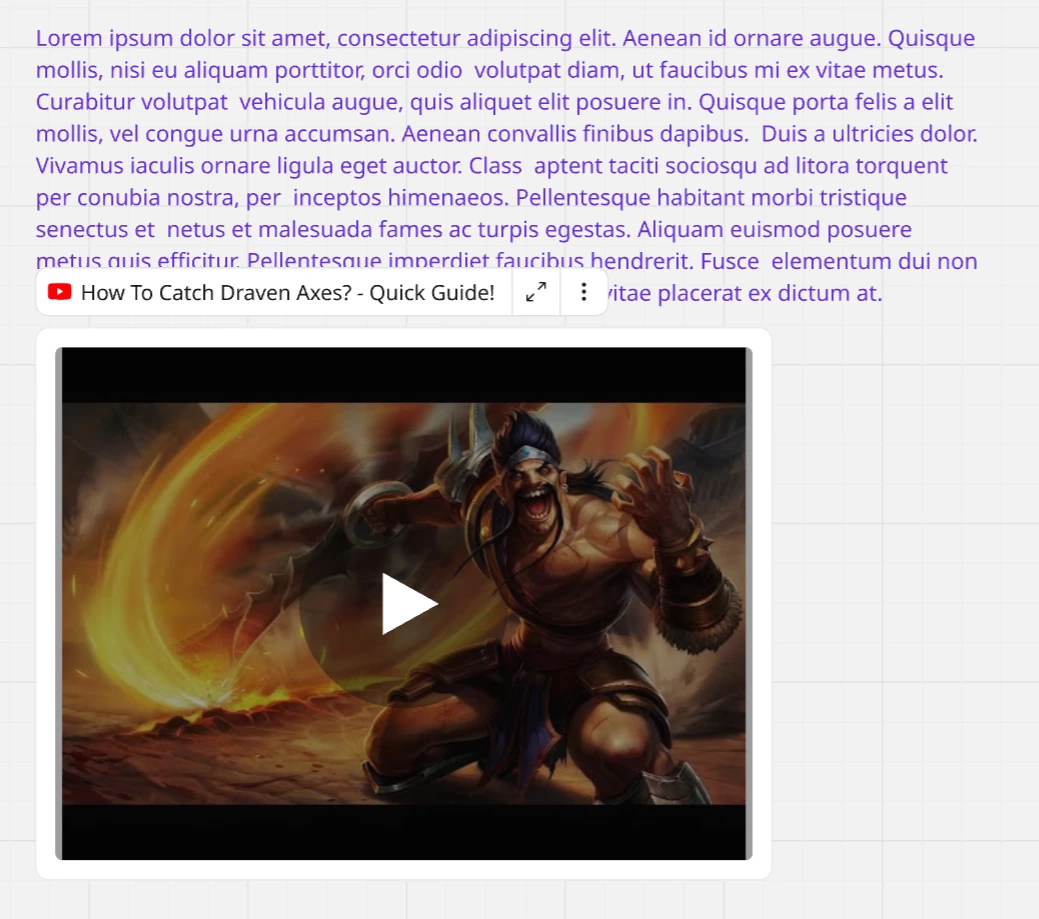
Is it possible to disable the visibility of the video title? It's very annoying in this floating form above the video – because it covers the text.


Eca
Mironeer
Forum|alt.badge.img+2
  • Mironeer
  • June 2, 2025

Hi ​@foxxy Great question! Currently, Miro doesn’t offer a built-in option to hide the video title or floating overlay on embedded YouTube videos. I agree—it can sometimes get in the way, especially when placed near important text or UI elements on the board.


If this is something you'd like to see improved, I’d recommend adding it to the Wish List so others can upvote it too.


Thanks for bringing it up!


  • Beginner
  • June 3, 2025

Okay, cool. And what about my previous message about the autoplay issue?


Eca
Mironeer
Forum|alt.badge.img+2
  • Mironeer
  • June 3, 2025

Hi ​@foxxy — thanks for checking in!

I looked into it and saw that there was a report logged on this autoplay issue recently. Since it’s affecting multiple users and behaving inconsistently, I’ll go ahead and have your case converted into a support ticket so the team can document it and investigate further.

Appreciate you sharing the recording and details — that really helps!


  • Author
  • New Here
  • June 3, 2025

Hello, Eca

Thank you for your continued support.

To clarify my situation:

  • I am using the Windows desktop app for Miro.

  • The auto-play issue does not occur in the Chrome web browser, only in the desktop app.

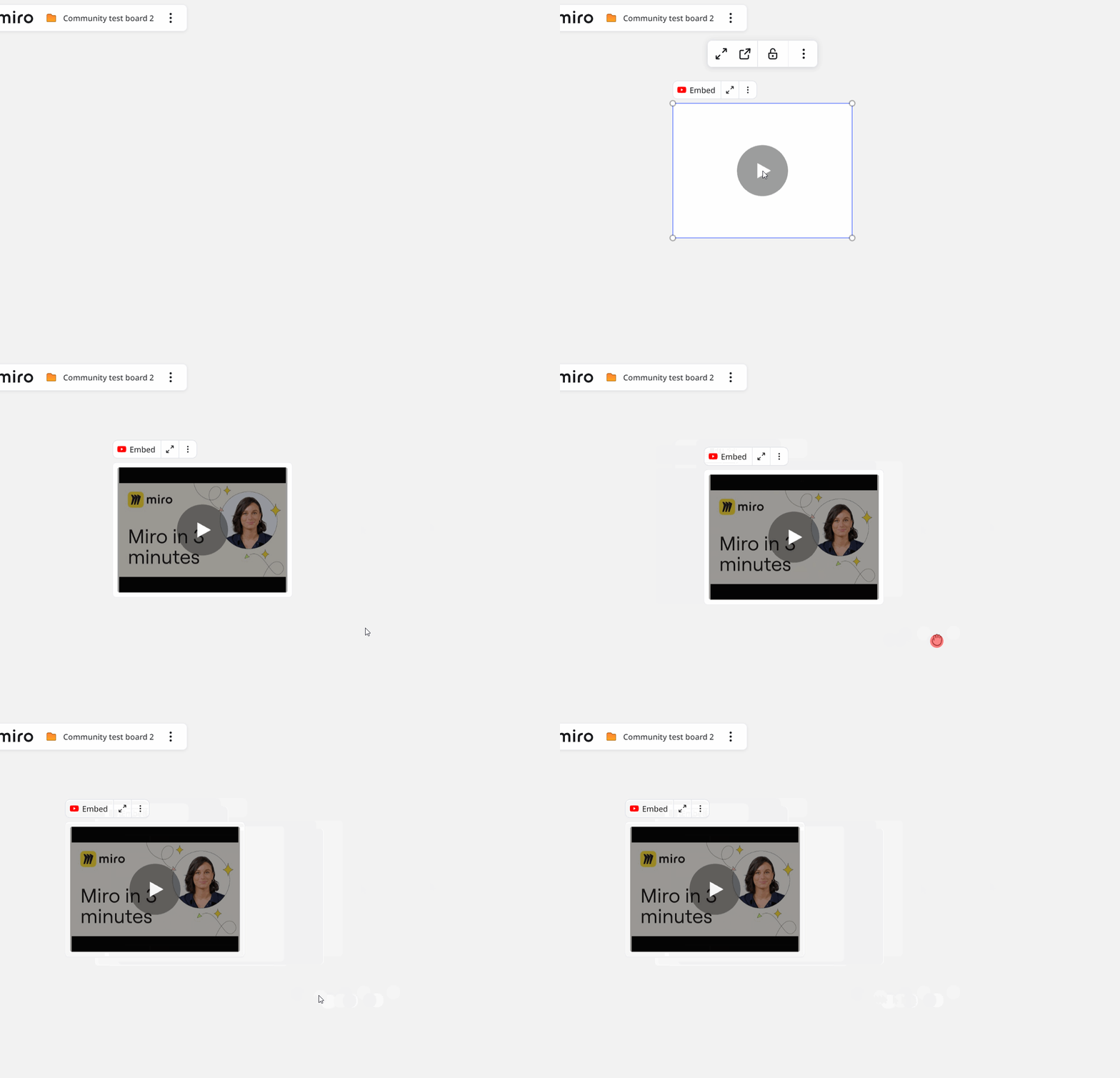
  • I have attached a reference video demonstrating the issue:


  • As shown in the video, the three videos on the right automatically start playing as soon as the board loads, which is quite disruptive. The older embed format on the left does not have this problem; only the newly embedded YouTube videos are affected.

  • This happens with all newly embedded YouTube videos, not just specific ones.

Additionally, I would like to mention another usability issue:

  • I have noticed that the video title is displayed as an overlay on top of the embedded video. This floating title often covers important text or content on the board, making it very inconvenient to use.

  • I have seen other users report the same problem, and I also find it quite disruptive.

  • Is there a way to hide or disable the video title overlay on embedded YouTube videos? If not, I would like to request this as a feature improvement.

Thank you for your attention to these issues. Please let me know if you need any further information.

Best regards,
PPPLab


Hi there,

What on Earth is going on there at Miro?
I’ve been using the Miro app (Win10-64bit) for ages, but now everytime I load up a board it automatically plays ALL the YouTube videos I’ve embedded. It makes the board so useless (as I’m not going to manually stop every video) that I have to close it straight away because of all the noise. Web version in Firefox is full of other bugs also…

J


  • New Here
  • July 4, 2025

I am having the very same issue here, all videos on a board autoplaying at the same time. It started after I deleted an embedded video from the board. Started july 4 2025.


https://community.miro.com/ask-the-community-45/bug-report-embedded-youtube-videos-auto-playing-on-board-load-23967
Currently, when opening a board in the Miro desktop app, any embedded YouTube or even Vimeo video that is visible on screen starts playing automatically. This behavior is unwanted and distracting. Multiple users have reported this issue, and reinstalling the app doesn’t fix it (source). It seems to affect only the desktop app — not the browser version or collaborators viewing the board online.
Happens not only at the moment you load a board. One given board can remain “silent” for hors or days and suddenly start playing one or several of the embedded videos at the same time.
In my case I’m using MacOSX version of the Miro desktop app.

Impact:

  • Disrupts focus and collaboration

  • Causes unexpected audio/video playback

  • Poor user experience, especially on boards with multiple videos

User need:
An option (checkbox or global setting) to disable auto-play of embedded videos when loading a board, to avoid unintended playback.


Created this entry in wishlist, please vote if you consider this is worth the effort 😎

https://community.miro.com/ideas/fix-random-autoplay-of-videos-when-using-desktop-miro-app-24557


Confirmed – embedded YouTube videos are auto-playing when the board loads. This shouldn’t happen and we’re looking into a fix. Thanks for reporting!


Hi, I have to support the need to fix this bug - all of our boarders contain videos from Vimeo and sometimes five videos can run at once, each on a different open board. 

It's very disruptive and even trying to embed a video as an embed (and checking run mute in Vimeo settings and no autoplay doesn't work correctly).

Thanks for the solution.


  • New Here
  • October 13, 2025

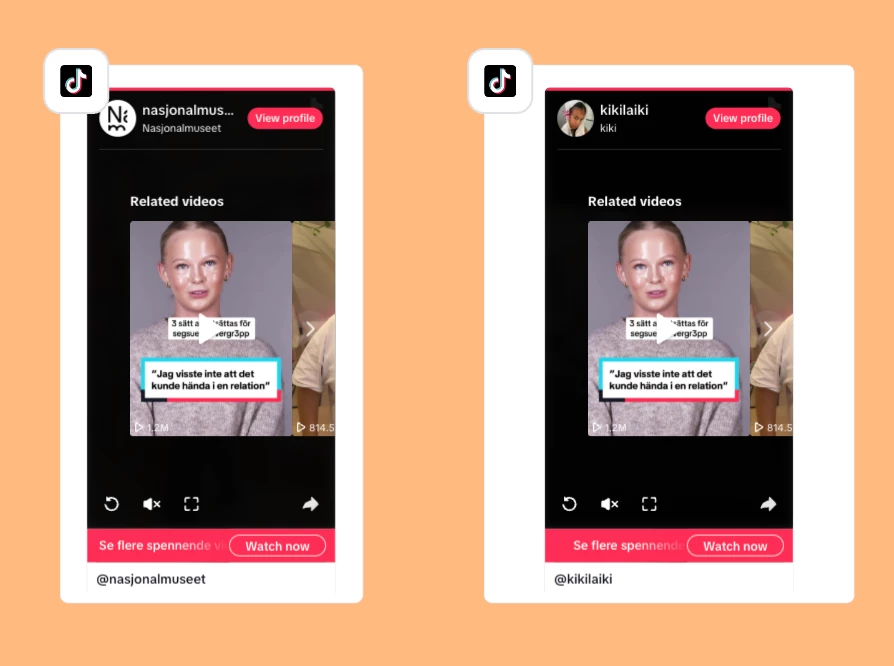
Hello. The same problem appears for me when planning social media content for my work. All embedded TikTok-videos start playing whenever I open my boards (both in the desktop app and Safari).

This makes my entire board a mess sadly, but I’m also left confused when they stop playing, considering all front covers for the embedded videos disappear. It’s impossible to work with this when I have hundreds of TikTok references in my board.

Miro, please fix this and introduce a ‘turn-off’ button for auto-playing videos. If not, I’m afraid I have to end my subscription and find another program to use. 


I absolutely support the ugrent need to fix this issue. If I leave the MIRO desctop app open, it can suddenly start playing all Vimeo videos at once, causing an audio chaos if the speakers are on. Actually, I have already developed a feeling that it could happen anytime and have to keep the sound off or shut down MIRO app when I don’t want such an unexpected sound explosion to happen.

btw. it wasn’t like this before, it started around 3 monts ago


  • New Here
  • November 13, 2025

The Problem still exists. It’s very disturbing. Any Updates on this?


PLEASE FIX THIS. This prevents me from being able to keep it open for work. The board refreshes in the background and scares the living hell out of me at random times during the work day.


Any news, please? I have boards where I have up to five videos, and they can all start playing at once for no reason. It's a big problem at work. 


Eca
Mironeer
Forum|alt.badge.img+2
  • Mironeer
  • Answer
  • December 12, 2025

HI everyone! Thanks for reporting this! The initial report was reported and resolved by supports. However, since this issue still persists, and I also reproduced the issue, I have converted the new comments to a support ticket so this can be investigated. I will also monitor this case for any updates. Thanks for your patience!