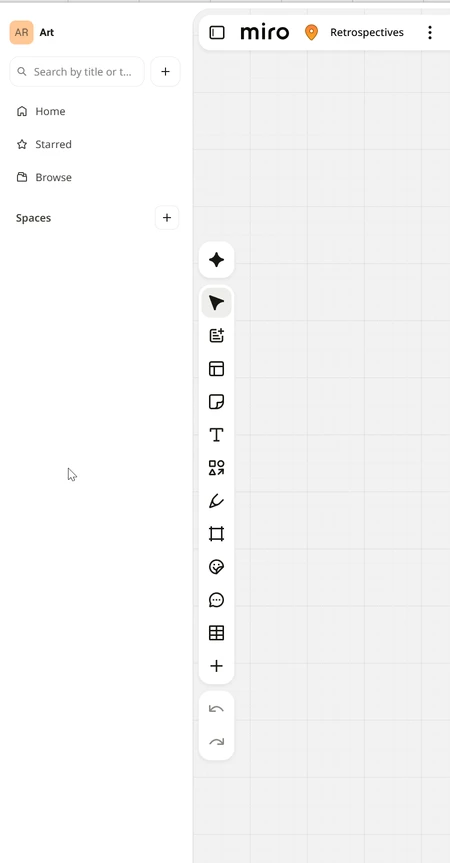
Is there a way to turn off this Teams left side panel that really wastes a lot of space and just recently appeared?
I cannot for the life of me figure out why Miro keeps encroaching on screen real estate. This completely useless side bar takes up a significant amount of vertical and horizontal space. Is it possible to collapse it? Or better yet hide it completely?
Best answer by Robert Johnson
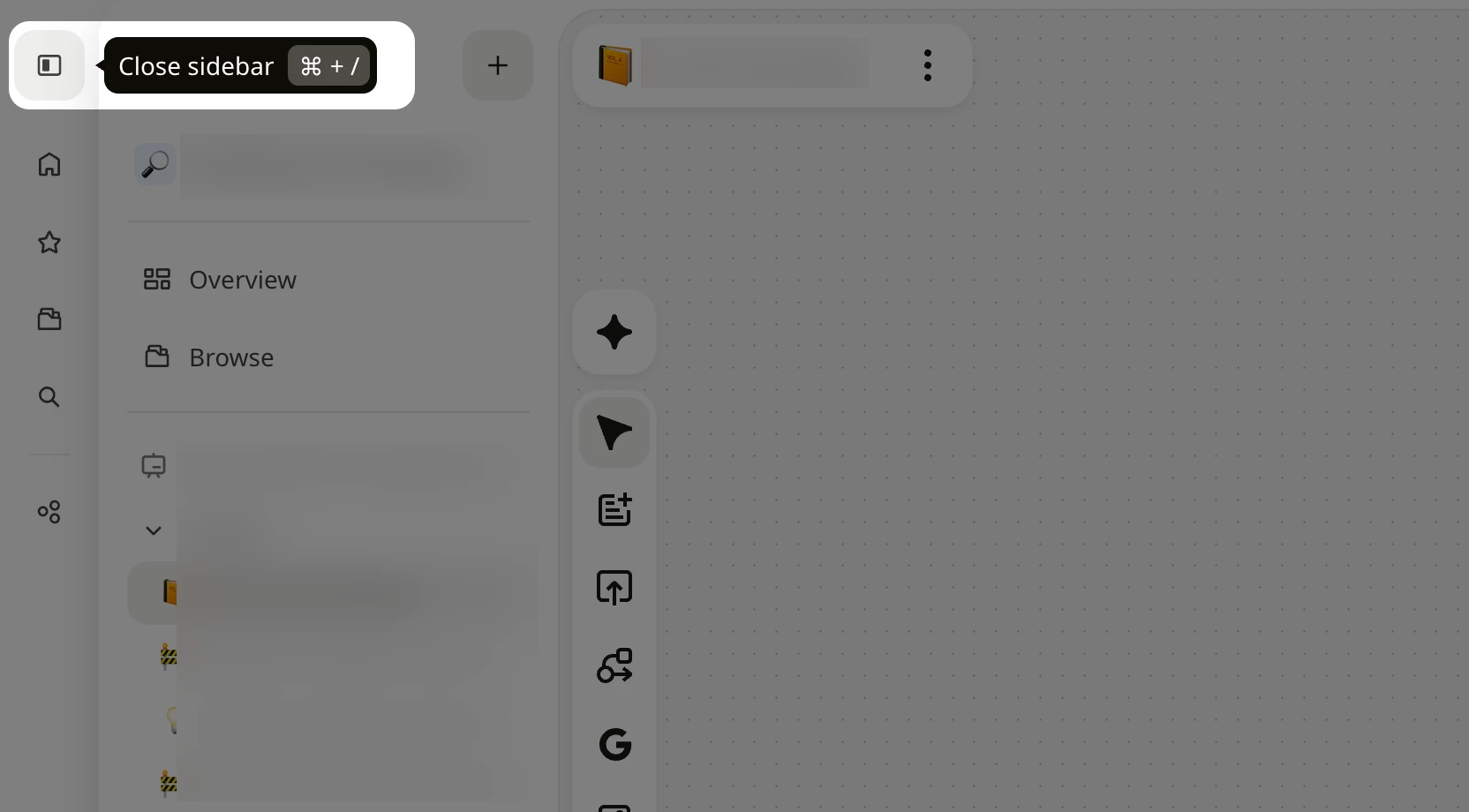
@A Lomerson Thanks for pointing out how to close the sidebar. BTW, my version is slightly different, and it looks like Miro will be moving the action to a consistent location:
Stopping the sidebar from opening. Every. Single. Time.
↑ Do you sense my frustration? 😂
The only way to stop the sidebar from opening on every board load is to keep the board outside a Space.
Some context: when the Simplified UI/Spaces dashboard launched in August 2024, the sidebar opened on every load, likely as a nudge to get people familiar with the feature. Around November 2024, Miro began persisting the user’s choice, so closing it once kept it closed. The 2026 update brought back the always-open behavior without that preference, so it looks like we’re in another nudge phase.
It takes up a significant portion of the board depending on your screen size/resolution, and every other tool I use remembers when I dismiss a panel like this. Otherwise, what’s the point of dismissing it?
Upvote a feature request
I suggest that you upvote this wish list idea post:
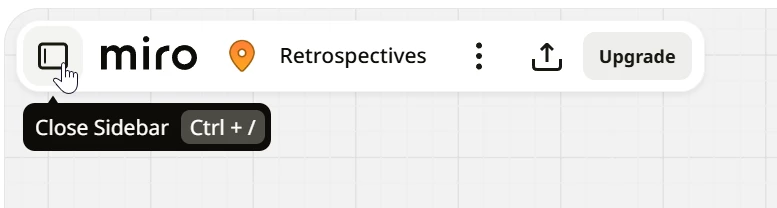
You can collapse the sidebar by clicking the icon next to the Miro logo in the board header. You can also use Ctrl + / on Windows or Cmd + / on Mac.
We appreciate you sharing your thoughts on the sidebar's design and use of screen space. If you'd like to suggest improvements to the UI or request changes, please share your ideas on our Miro Wishlist, where you can submit feature requests and vote on existing ideas.
@A Lomerson Thanks for pointing out how to close the sidebar. BTW, my version is slightly different, and it looks like Miro will be moving the action to a consistent location:
Stopping the sidebar from opening. Every. Single. Time.
↑ Do you sense my frustration? 😂
The only way to stop the sidebar from opening on every board load is to keep the board outside a Space.
Some context: when the Simplified UI/Spaces dashboard launched in August 2024, the sidebar opened on every load, likely as a nudge to get people familiar with the feature. Around November 2024, Miro began persisting the user’s choice, so closing it once kept it closed. The 2026 update brought back the always-open behavior without that preference, so it looks like we’re in another nudge phase.
It takes up a significant portion of the board depending on your screen size/resolution, and every other tool I use remembers when I dismiss a panel like this. Otherwise, what’s the point of dismissing it?
Upvote a feature request
I suggest that you upvote this wish list idea post: