Question

The Most Essential Facilitation Feature Miro is Still Missing

  • March 29, 2026
  • 5 replies
  • 26 views

Hi Miro team! 👋

I frequently run workshops using Miro alongside Zoom breakout rooms. During these sessions, participants are completely focused on their Miro boards, leaving Zoom running in the background just for audio.

Because Zoom isn't the active window, nobody sees the text broadcasts I send to the breakout rooms. (I avoid audio broadcasts because they can feel abrupt and weird).

What I really need is a way to make announcements directly inside the active Miro board. It would be amazing if the facilitator could send a message that flashes or pops up near the timer, letting participants know there's an update while they work.

For example: During a 20-minute activity, I might unhide a specific frame for the last 5 minutes and need to tell everyone to move there. How can I notify them without closing the breakout rooms? Right now, my workaround is creating a giant sticky note and dropping it right over their group boards to literally block their view and force them to read my message! 😂

I can see in the community forums that others have requested this in the past as well. Is individual work more common on Miro? Is hosting interactive workshops a rare use case? This feels like one of the most fundamental needs for facilitation, but it seems like it hasn't received much attention yet.

Is there a built-in feature for this that I'm currently missing? Would love to know! 🙂

5 replies

Kenneth Ritley
Forum|alt.badge.img+2

Howdy ​@hepsi 

Believe it or not I do this sometimes many times a week but with MS Teams, so when I want to shut down the collab I do it on the MS Teams side. You are right about Zoom - it hides itself pretty well so it is hard for people to see posts.

However, the Miro “bring everyone to me” feature is quite nice and I’ve actually done that a fair bit. You could put a sticky somewhere, hit “bring everyone to me” (or whatever it is called) - a bit disruptive but it guarantees they’ll get the message!

It brings back memories, though. The first time I personally saw this functionality was back in 1984 but it dates back much, much further than that!

I do like your idea, though - a popup in the center of the viewport for everyone on a board at the same time - this would definitely get some use I think - also / especially for gamification.

Cheers, Ken


Kenneth Ritley
Forum|alt.badge.img+2

Howdy ​@hepsi 

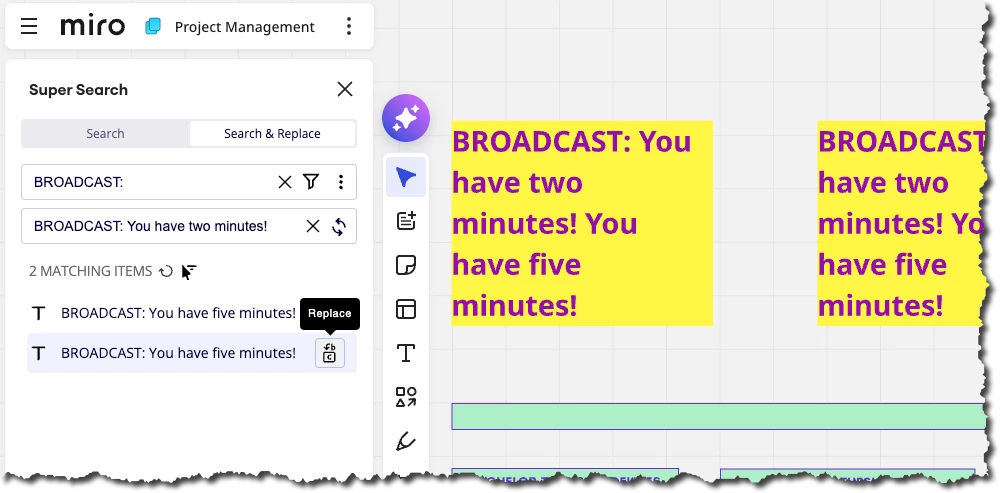
There is one workaround that just dawned on me. There’s an app called “Super Search” which lets you do a global search and replace. So you could put a text element next to each area where people are working, with a keyword such as “BROADCAST:”  Then, you could use the global search and replace to replace this string with “BROADCAST: You have five minutes” - this will update the text.  Whether it works depends on whether this text element is located next to where people are working. Here’s a screenshot:


  • Author
  • Beginner
  • March 29, 2026

Hi ​@Kenneth Ritley 

‘Bring everyone to me’ is a really good feature, but using it means breaking the focus of people who are working deeply, and very sharply interrupting what they’re doing and where they are on the board. Because of that risk, I prefer not to use this option. I also find it surprising that a product as complex as Miro is still missing some features that could be considered quite basic.

Let’s think about this scenario: suppose a survey/poll feature is added to Miro and it’s launched with great excitement. But when we want to send a survey to a group that’s spread across different rooms, are we supposed to pull everyone back into the Zoom main room first and then make the announcement? It seems that for the product teams, advanced features are more attractive than basic needs.

This feature was requested 5 years ago. So I’m clearly not the first one to think of it, but I opened a new thread specifically to bring the topic back to life 🙂 


Robert Johnson
Forum|alt.badge.img+13
  • Volunteer Community Moderator
  • March 29, 2026

@hepsi Another option is to copy-paste a message (e.g., sticky note) to all breakout frames.

Here is a demo (along with my 4-year old taking about Buzz Lightyear at the end):

Tip: If frames were locked as a group, then you could click any of the frames and paste rather than selecting all frames. 

More on this feature here:


  • Author
  • Beginner
  • March 30, 2026

Thank you for the detailed video explanation ​@Robert Johnson. The energy of the little one we heard at the very end is fantastic 🙂

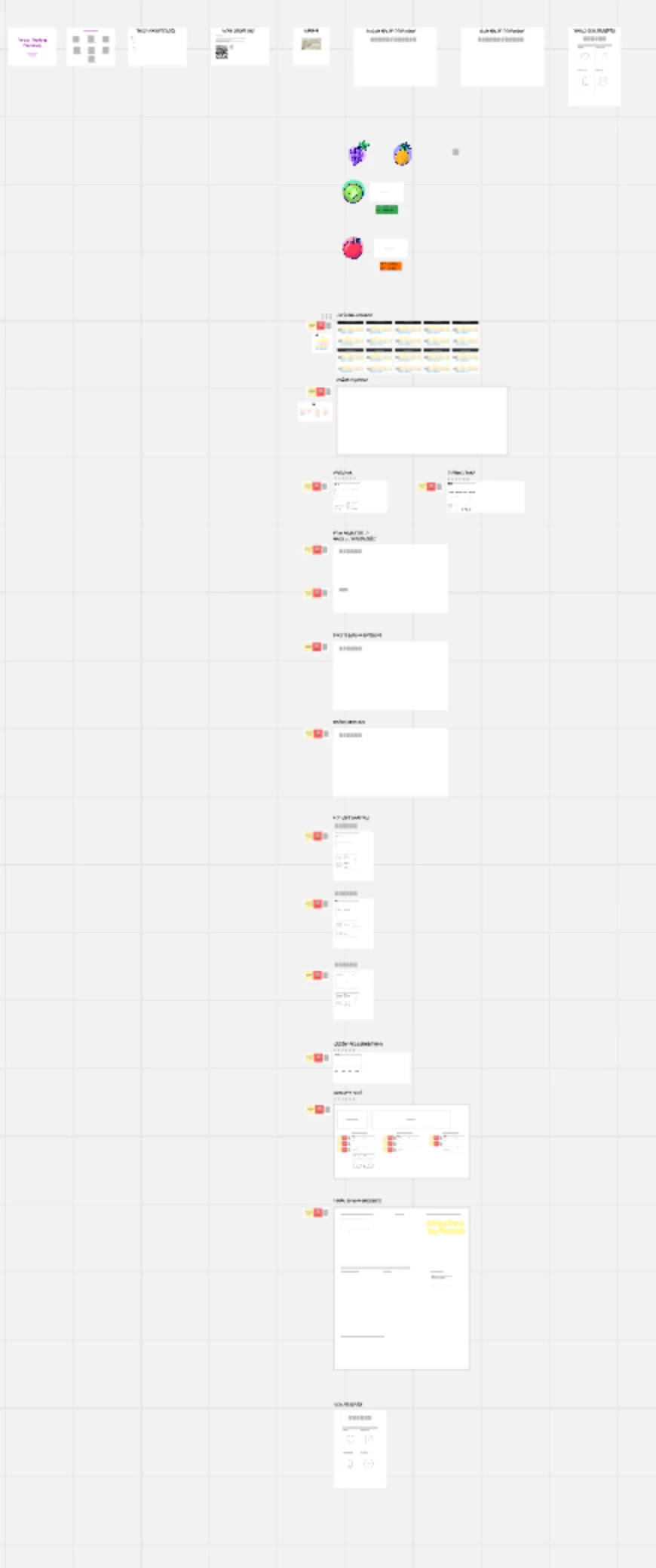
Yes, this copy-paste method is indeed an option. However, it also means just "hoping" that the participants will notice that area. In a setup like the attached one, a two-day workshop often requires making a lot of announcements in between sessions.

Looks like we can hack together a bunch of different workarounds. But honestly, I just wonder how Miro could do this more intuitively 🙂