[RESOLVED] Fonts have stopped exporting to pdf

  • Jul 31, 2020 1:07 AM UTC
  • 5 replies
  • 755 views

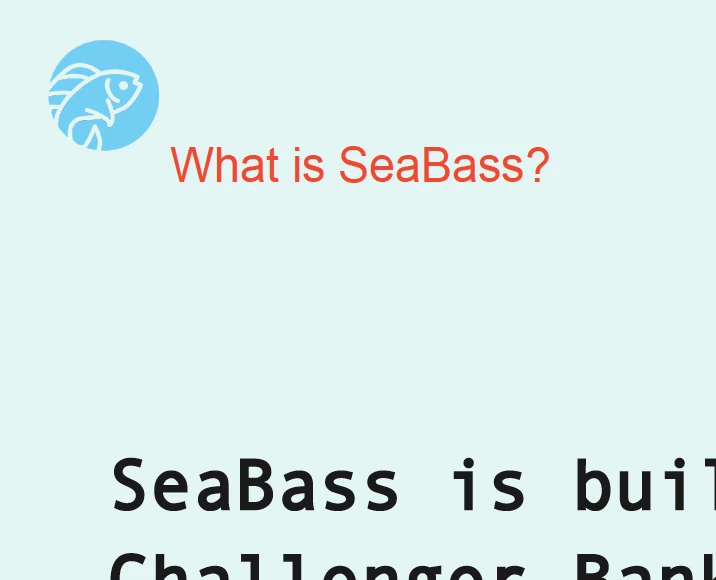
I’ve been using frames on a large miro board to render presentation slides as a PDF document. Until a week or so ago Miro’s fonts were passing thru and showing up in the pdf. But now they are not and it is really frustrating.

The rendered files look the same in acrobat and Mac preview and older exports still look fine so I don’t think it is on the reader side. 

Any ideas what could be going on?
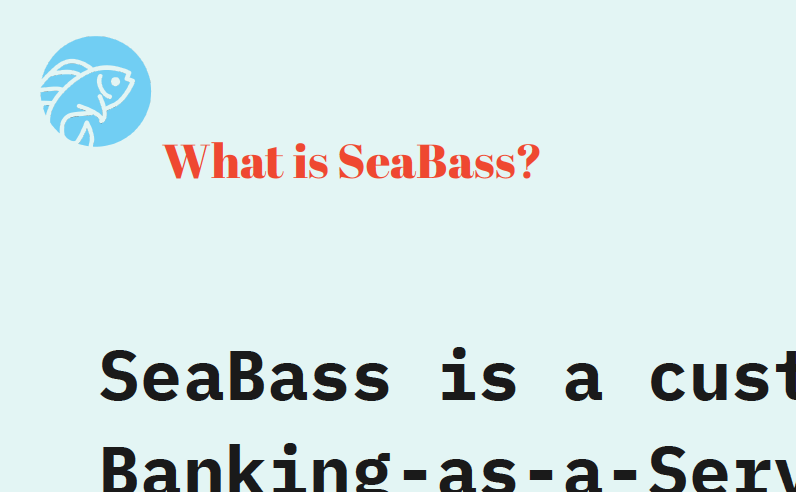
 

previous “correct” export”


from a current export...


Aug 21, 2020 6:37 AM UTC

Hi there, @Doug Bobenhouse @RiverSong42 @Mark Glenn 

The Support team said that there indeed was an issue and it is resolved now. Will you please confirm that the fonts are being exported as expected now?

This topic has been closed for replies.

5 replies

Kiron Bondale
Forum|alt.badge.img+7
  • Volunteer Community Moderator
  • Jul 31, 2020 12:42 PM UTC

@Doug Bobenhouse -

I’m assuming you have tried both exporting just a frame with the special typeface and the whole board and got the same result? 

This sounds like a call for Miro support: Submit a request – Miro Support & Help Center

Kiron


  • New Here
  • Aug 6, 2020 2:50 PM UTC

Same Issue here!


Forum|alt.badge.img
  • Beginner
  • Aug 10, 2020 4:37 AM UTC

Having the same problem here. When exporting frames to PDF all fonts are replaced with strange defaults. Both Roboto Condensed and Caveat are turning into Arial Narrow in the PDF. Exporting to a JPG instead of a PDF avoids the problem, so it seems to be a PDF only issue.

Also tried installing the font files locally to see if that helped. It didn’t.

Native Miro:


After export to PDF:

Not ideal.


Marina
Mironeer
Forum|alt.badge.img+5
  • Mironeer
  • Aug 21, 2020 6:37 AM UTC

Hi there, @Doug Bobenhouse @RiverSong42 @Mark Glenn 

The Support team said that there indeed was an issue and it is resolved now. Will you please confirm that the fonts are being exported as expected now?


Forum|alt.badge.img
  • Beginner
  • Aug 23, 2020 9:24 PM UTC

Hey @Marina, I can confirm the issue is resolved for me.

Sorted last week.

Hooray!