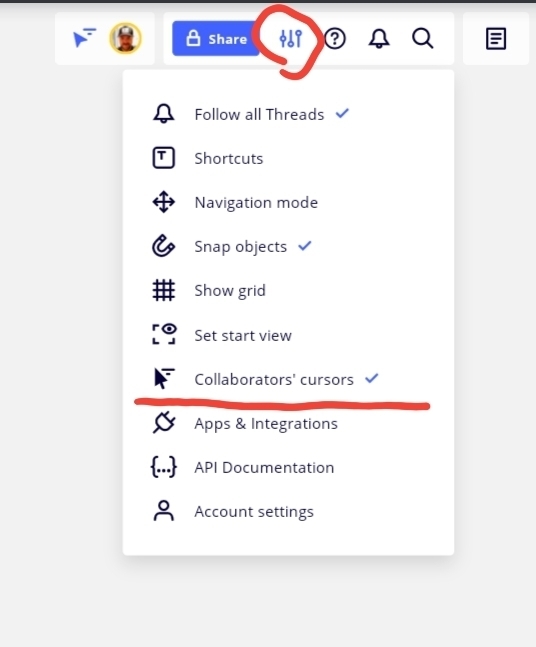
In every board I see the collaborators cursor button instead of the interact button. I want the same for my board but I don’t seem to be figuring out how to do that. Can someone help me?
This is what I see:

this is what I want to see:


In every board I see the collaborators cursor button instead of the interact button. I want the same for my board but I don’t seem to be figuring out how to do that. Can someone help me?
This is what I see:
this is what I want to see:
Best answer by Robert Johnson
Enter your E-mail address. We'll send you an e-mail with instructions to reset your password.

