Open

Way to create consistent size post-its

  • February 1, 2022
  • 4 replies
  • 392 views

The standard post-it sizes typically do not work for us and we end up creating our own sizes. However, I’m having a hard time getting a team of people to use consistent sizing for their post-its. They create them in all different sizes for no reason at all and I end up having to go back and resize a ton of post-its. There should be an easy way to either copy/paste formatting of post-its (e.g. size, color) or create custom sizes so that we can have more consistency in the boards and not waste so much time on tedious tasks like this. 

4 replies

  • New Here
  • February 2, 2022

We were using Miro to run retrospectives, and this issue was also quite annoying for us – as well as on Mural. We ended up moving to TeleRetro to run our retros. It’s not as powerful or as flexible as Miro, but it’s simple and has nice consistent note sizes!


  • Author
  • Beginner
  • February 3, 2022

Thanks @coffeecake! Good to know. Unfortunately Miro is a tool that we use internally very regularly throughout our org now so we won’t be able to change. Hoping they make basic functionality like this a feature in the near future though =)


@Amy Mccarthy While it may not solve the “creating the same size stickies from the start” for everyone issue, resizing them all at once is definitely possible! 


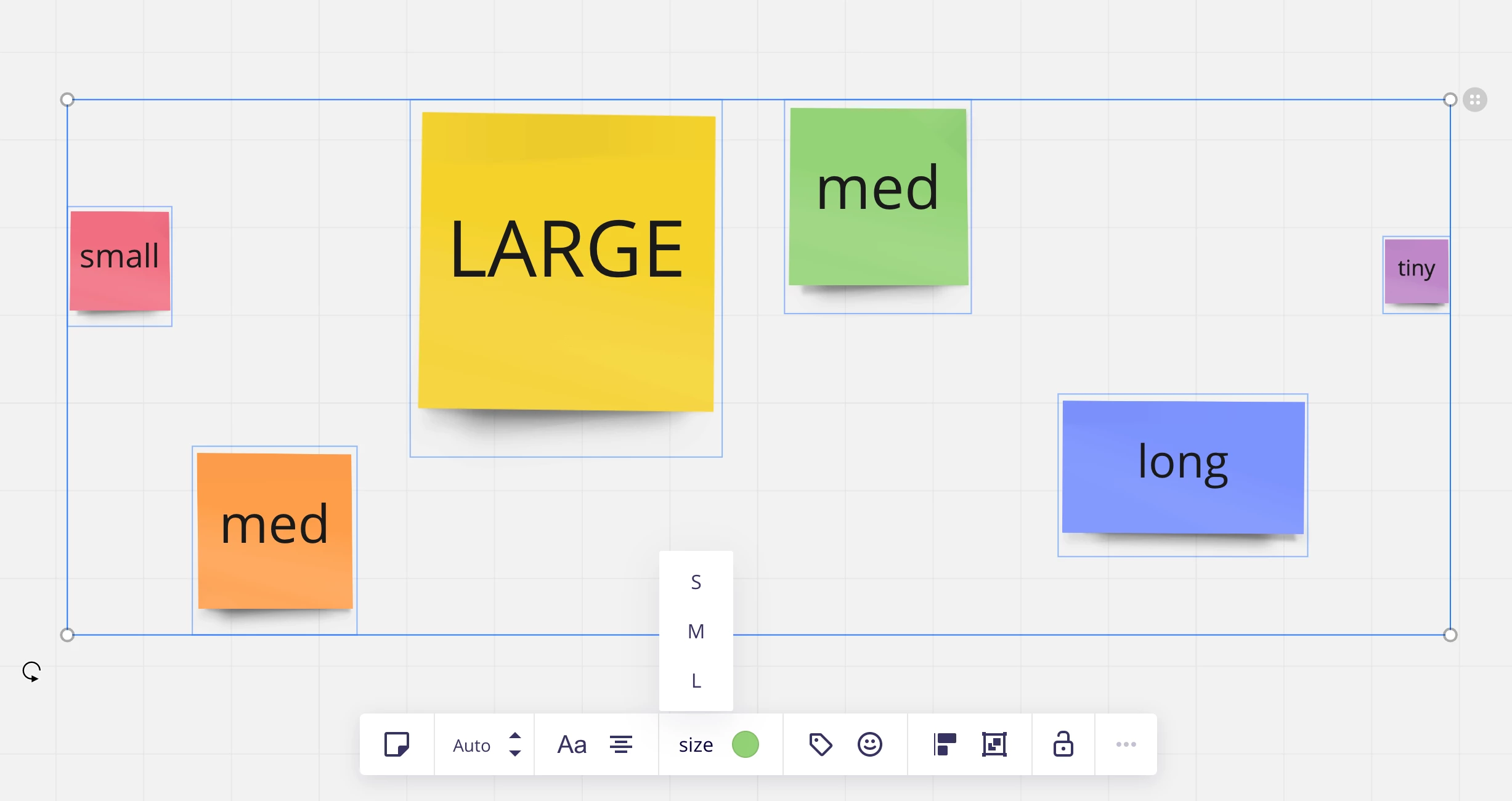
All you need to do is select all the stickies (and only stickies, no shapes or frames or anything) and then select the size you’d like. 

You can also change all of the colors of the stickies at once using this method.


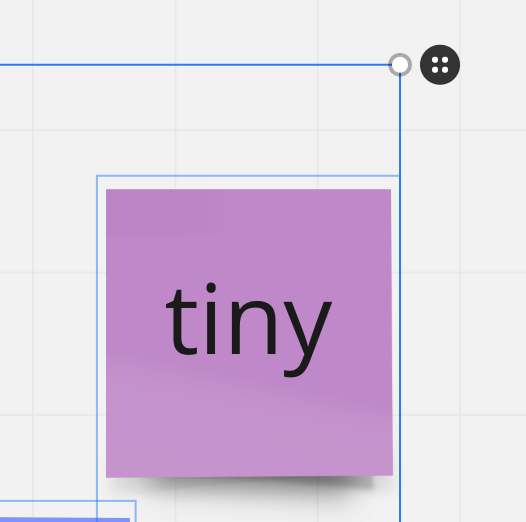
BONUS: You can also quickly pull them together and align them by hitting the little “quick gather” button to the top right when you have multiple stickies selected. 

select all the stickies (and only stickies, no shapes or frames or anything) and then select the size you’d like


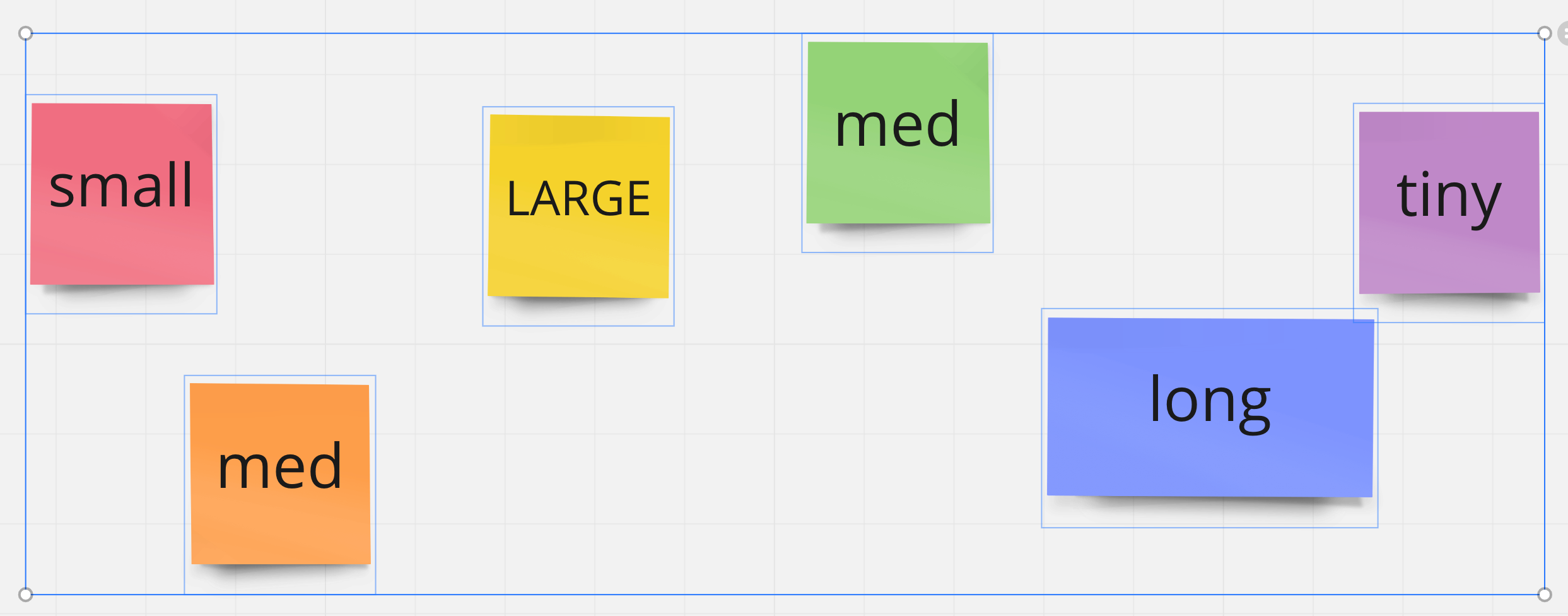
Once you select S M or L then all the stickies will resize, including the long stickies
BONUS: You can also quickly pull them together by hitting the little “quick gather” button to the top right when you have multiple stickies selected.


Bada boom -- all together, the same size, in a nice little row


  • Author
  • Beginner
  • February 3, 2022

@April Reissmann Thank you. Yes, we are aware of the sizes available but we generally do not use them as even the large is too small for our boards. And yes I can manually change the color but I’m looking for an easier, faster way to change color & size at the same time. Think of Word where you can copy multiple formats on an element and quickly apply to another. Looking for something more like this to make my job easier and faster =)