Delivered

Sort teams in an alphabetical way

  • March 11, 2021
  • 3 replies
  • 159 views

It would be nice to be able to sort the teams, like in an alphabetical way, or amount of boards, users.

Now the sort order on page [https://miro.com/app/settings/company] is unclear and it appears to be “jazzy”.
When you have a great amount of teams, being able to sort the data would sure come in handy.

The [Active users] page (https://miro.com/app/settings/company/##########/users) has an option to sort the users so I wonder why the Teams page does not have this option (yet?).

Thank you for picking this up.

3 replies

Totally agree!

In adjusting the security settings to share and edit via public link in each Team/Account, I saw odd behavior: Nearly every time I enter a Team's page to adjust the setting it changes the order of the Teams on the Company Teams page - seemingly without rhyme or reason.

Super annoying when I need to update all the teams individually and I can't keep track of which ones I've touched so far. A filter/sort function for this page would be super helpful, or just keep it static in alphabetical order.


Krigh
  • Beginner
  • August 20, 2021

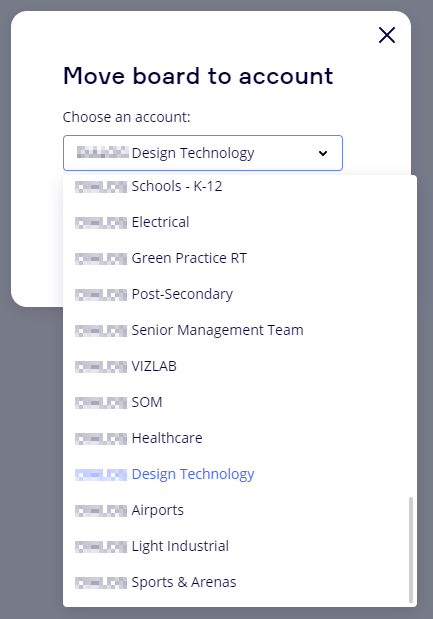
I upvote this and agree… at a minimum why are Teams not displayed in alphabetical order everywhere. Try moving a board to a new team when you have 30-40 teams.  


Yes, 100% agree!