Open

Snap the connection lane in the middle of a shape

  • June 13, 2022
  • 3 replies
  • 131 views

Hello,

Currently, on a round shape for instance, there are 4 “snap points” at the border of the shape. (+ free placing snap still at the border of the shape)

I wish we could snap a lane in the middle of a shape to make the connection “always in the correct direction” when moving the shape around.

Thanks for considering this wish. It will help a lot!

Clément H.
 

3 replies

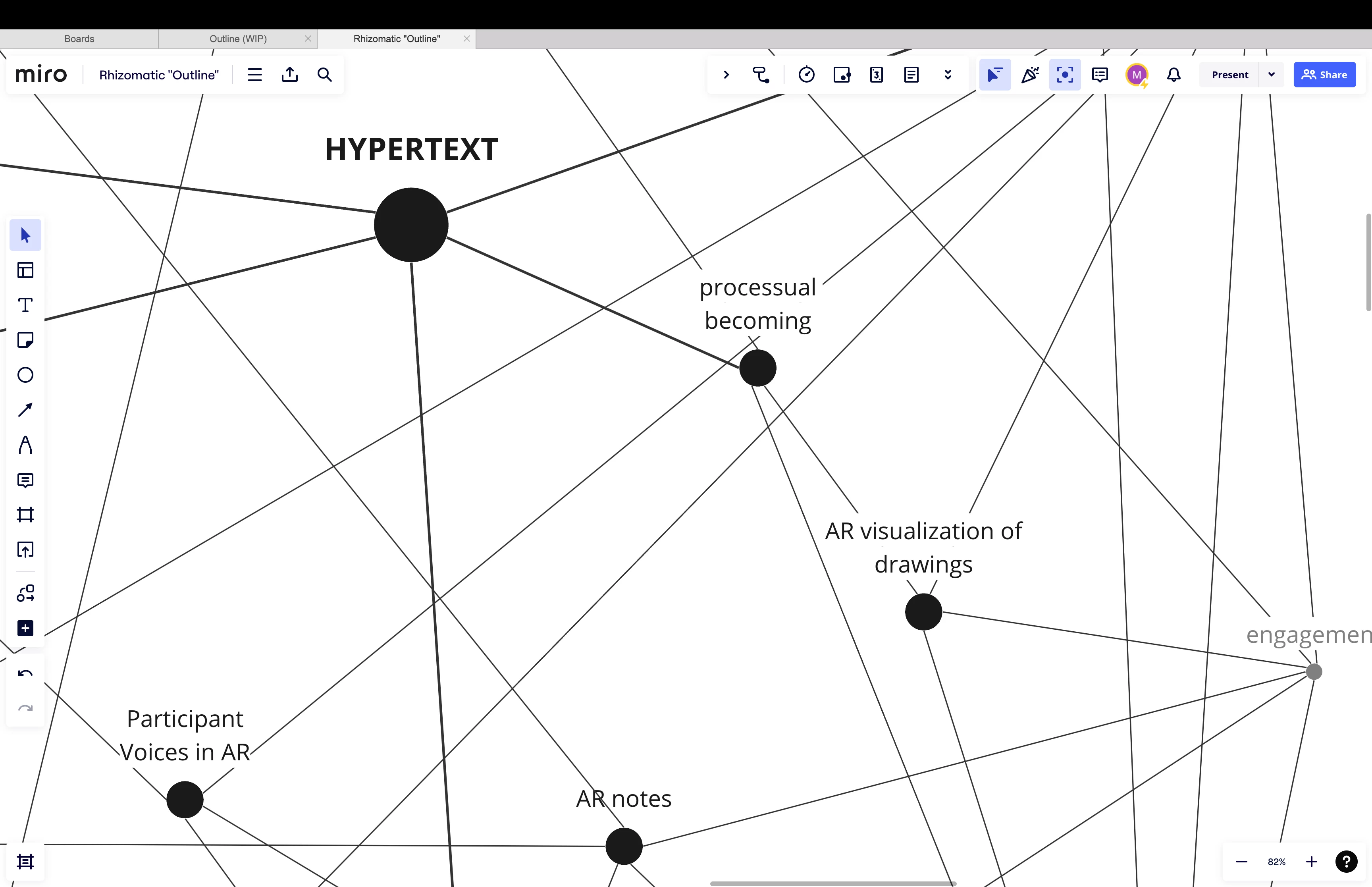
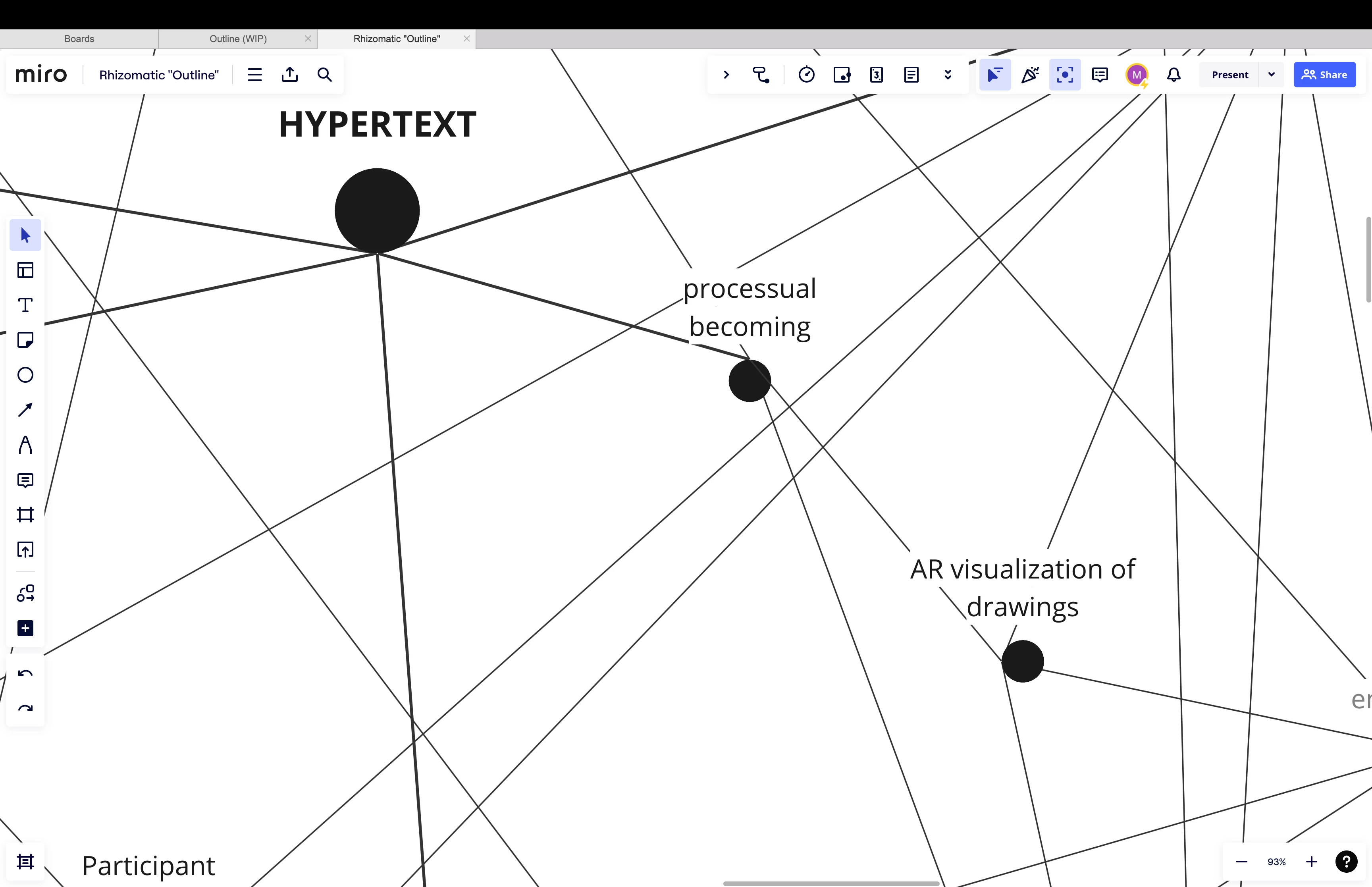
Hello, I'm facing the same problem. Trying to create a rhizomatic map is a bit frustrating without the option to snap the lane at the center of the shape. It would be really helpful if a snap point could be added by default to the middle of the shape. Thanks for considering it!

Virginia


Robert Johnson
Forum|alt.badge.img+13
  • Volunteer Community Moderator
  • December 1, 2023

@Maria Virginia Moratti - What you and the original poster are describing is possible by adding the connection line to an object by bringing the connection line in close to the object until the object is outlined by a blue line. It's kind of hard to explain, but here's a GIF from the Connection Line help center article:

--

If you link the line to the center blue dot, the line will not cross the objects when you move them.

Two_shapes_are_connected_via_a_center_blue_dot.gif


Thanks, @Robert Johnson ! It helps, even if it's not the definitive solution, especially when using the circle as a shape. It's a purely aesthetic issue, wanting to ensure that the lines follow paths that converge towards the center of the shape. An extra snap in that direction would be immensely beneficial.