
We use Miro for preparation of educational material for my daughter who has cerebral palsy.
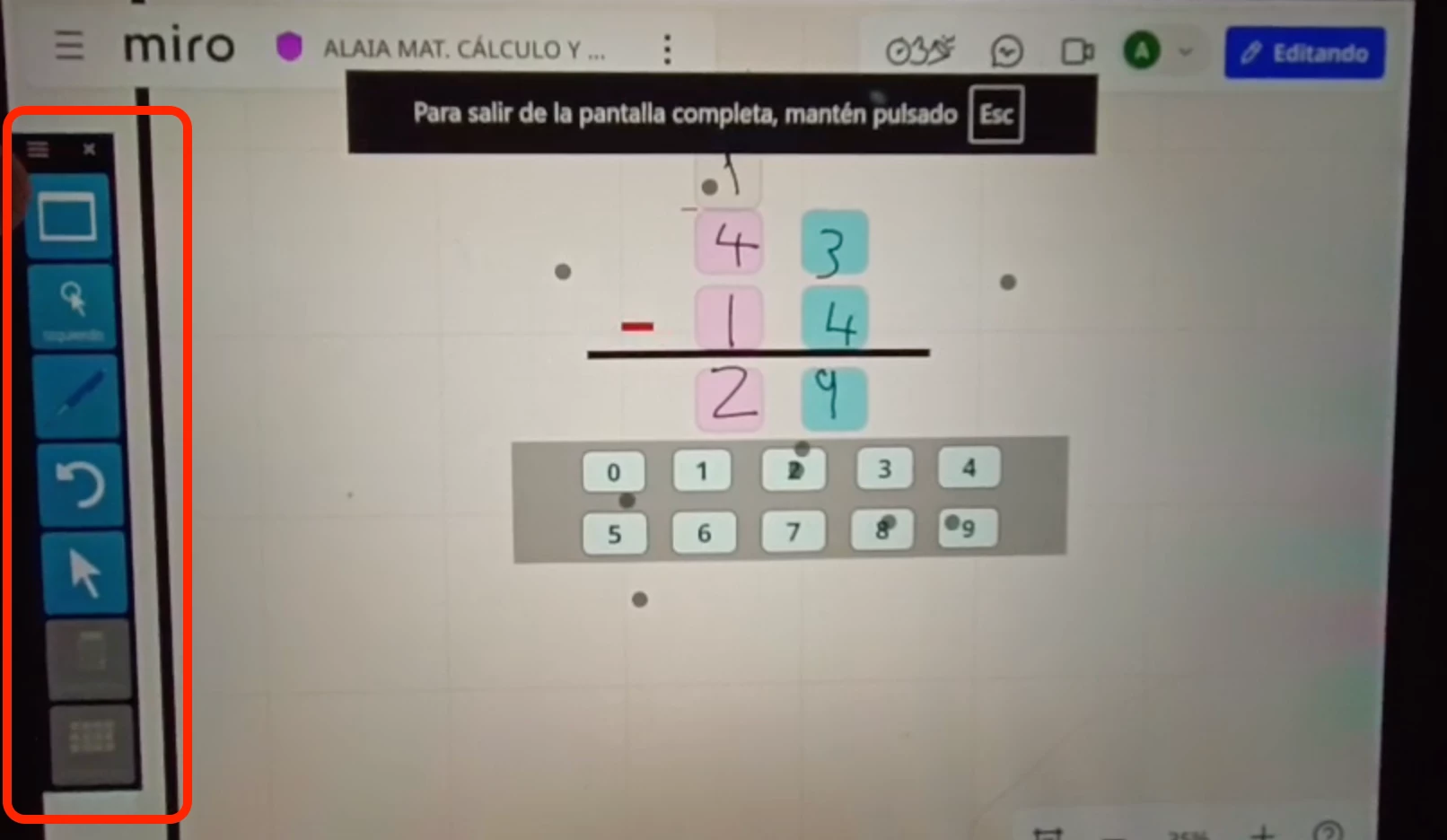
Due to her motor disability, she controls the computer via an ocular mouse, i.e with her eyes, using a specialist software (Tobii´s Think Smartbox).
With this software we can create on screen buttons that she can look at and which replicate keyboard actions. These buttons are typically larger than standard interface buttons as her accuracy is not good enough when things are too small
Ideally we would be able to have her:
- Look at and select a Talktrack Element (this can already be done)
- Activate and control the Talktrack via her own toolbar buttons which have keyboard shortcuts assigned to them (see screenshot)
What do we need:
- Direct Keyboard shortcuts for controlling Talktrack


