What?
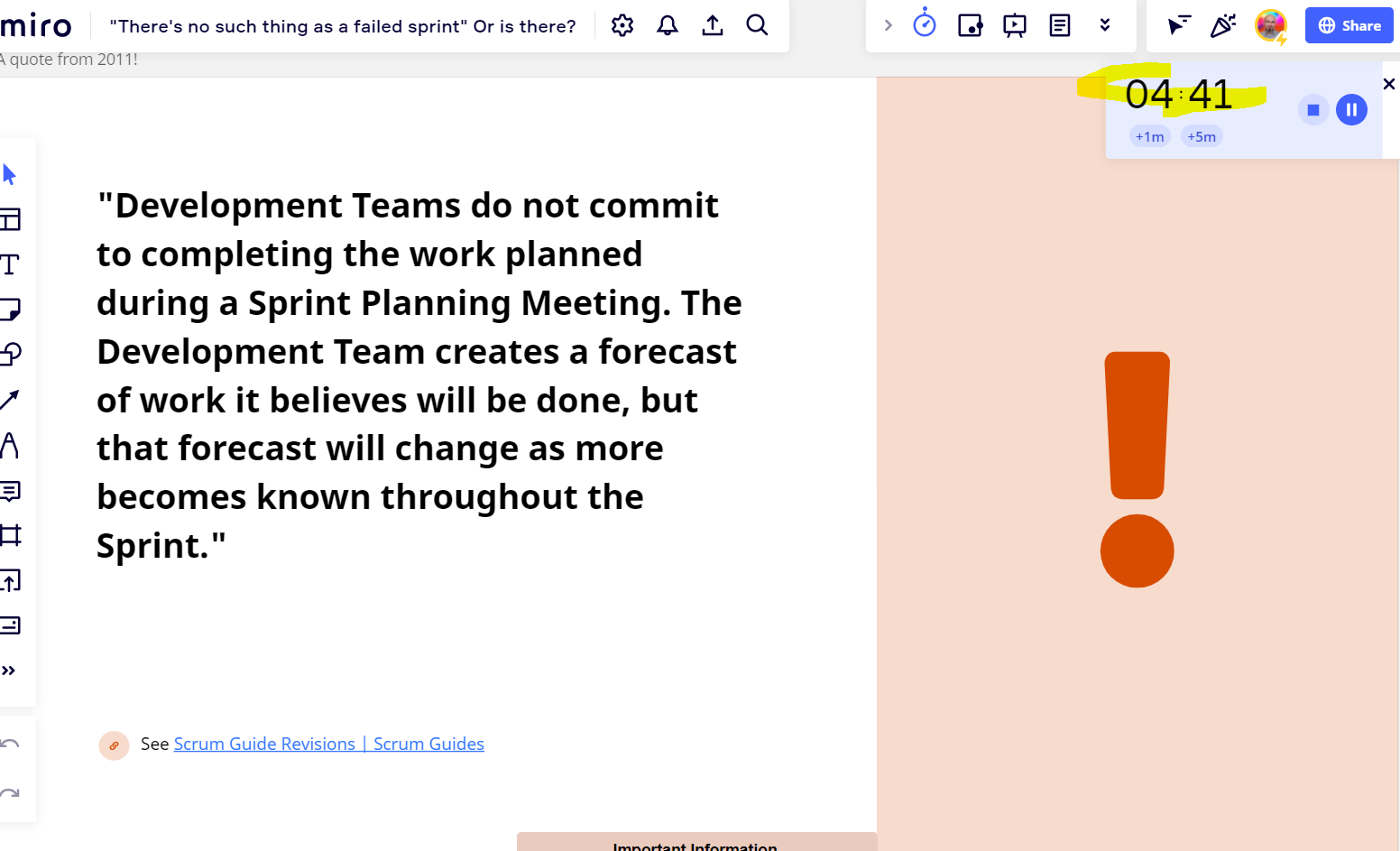
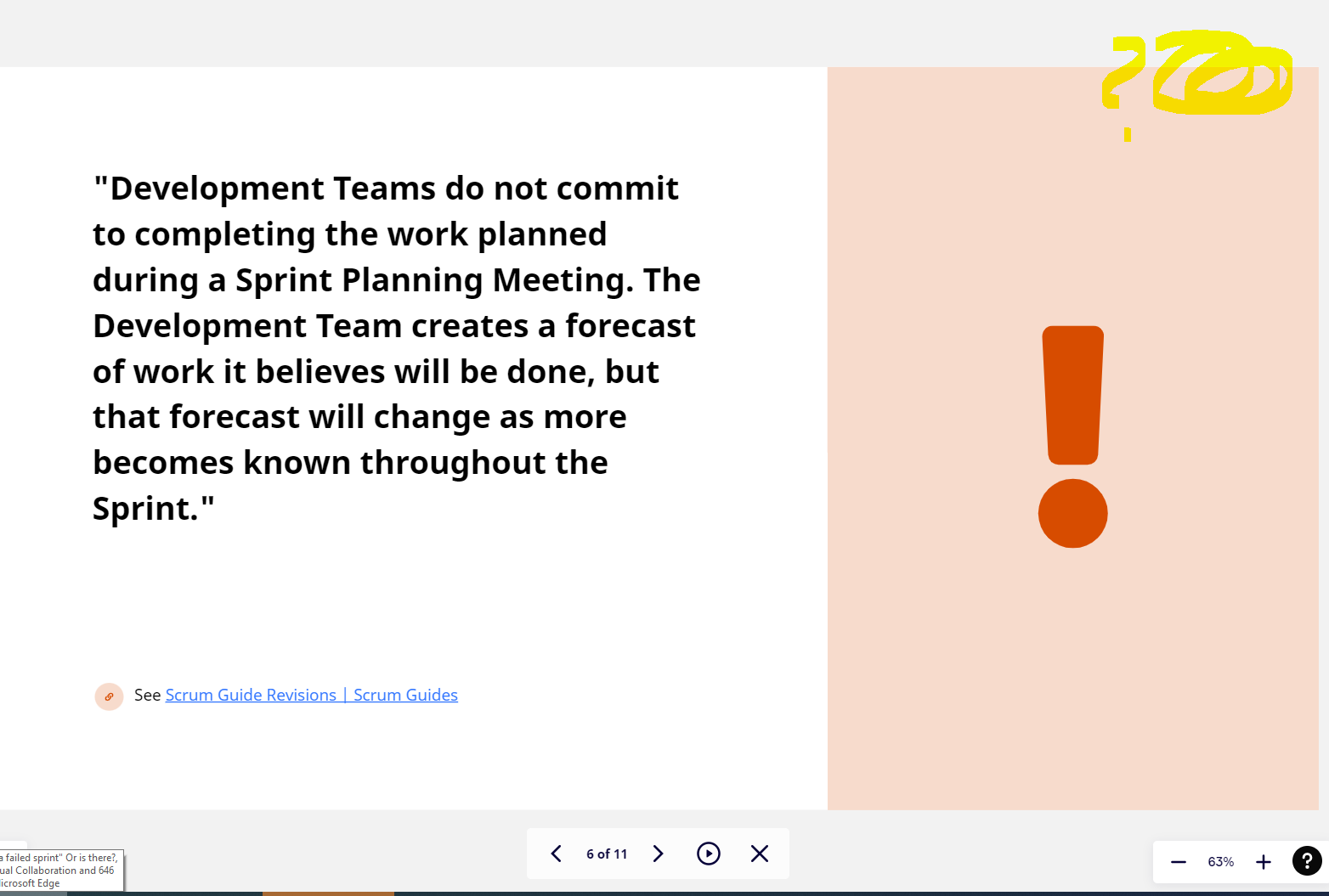
My wish is to have the Timer visible when entering the simple (not the full-screen) Presentation mode in Miro.
Why?
I like to use Miro for presentations, I like the flexibility, the collaboration options, and the way I can add “free-floating” context surrounding the core content presented inside frames.
I also like the way you can switch between Frames in Presentation mode, with the sliding/zooming animation, it adds dynamics to the presentation. This vibe is missing from the full-screen presentation mode, which is like sharing a PPT presentation.
It’s always great to have an embedded Miro timer to time-box your presentation as well.
But this Timer is not visible in the simple Presentation mode.
How?
Can I see the timer while in presentation mode?
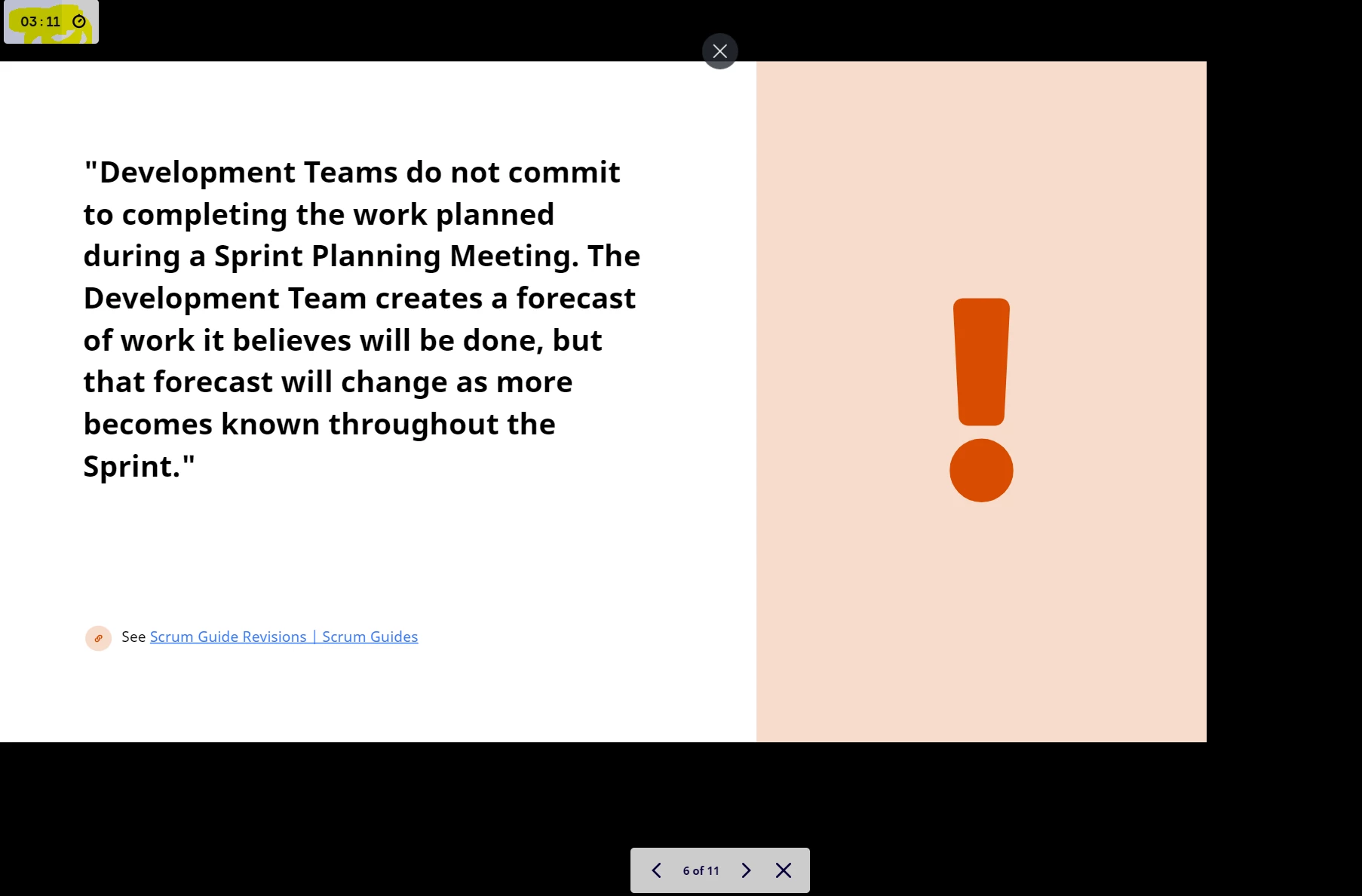
- If you enter full presentation mode, the timer will pop up in the top left corner of the screen.
Timer is present in editor mode. Timer is present in full-screen presentation mode. I would like to keep the Timer visible in “not full-screen” presentation mode as well. To be honest, I don’t see any reason why it shouldn’t be.
Thank you.