Open

Insert blank space between existing items

Related products:Mapping & Diagramming
  • November 12, 2024
  • 2 replies
  • 156 views

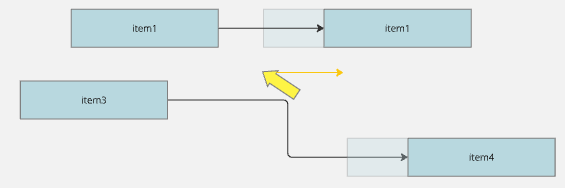
Allow action - perhaps mouse with keyboard modifier - to insert space between existing items
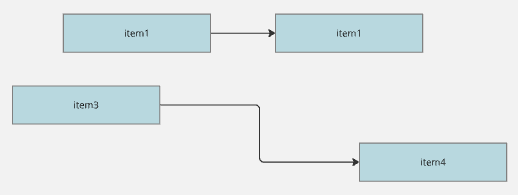
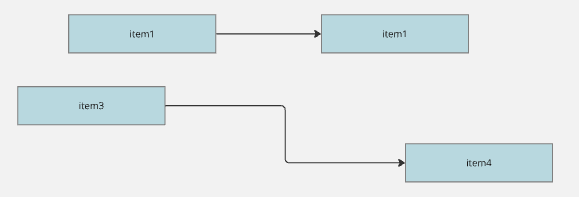
existing items
modified click and drag to create space (X-axis shown, should work for both)
additional space created


2 replies

ElvaMiro
Mironeer
Forum|alt.badge.img+2
  • Mironeer
  • November 12, 2024

Hi @Rob Hingle 

Thanks so much for sharing your idea, and taking the time to share the illustration.

Our team is reviewing this, and it is open for votes and comments. For those coming across this idea, if you feel this would be helpful for your business, please be sure to vote for it and leave a comment about your use case to help our team scope this request.


  • Beginner
  • June 27, 2025

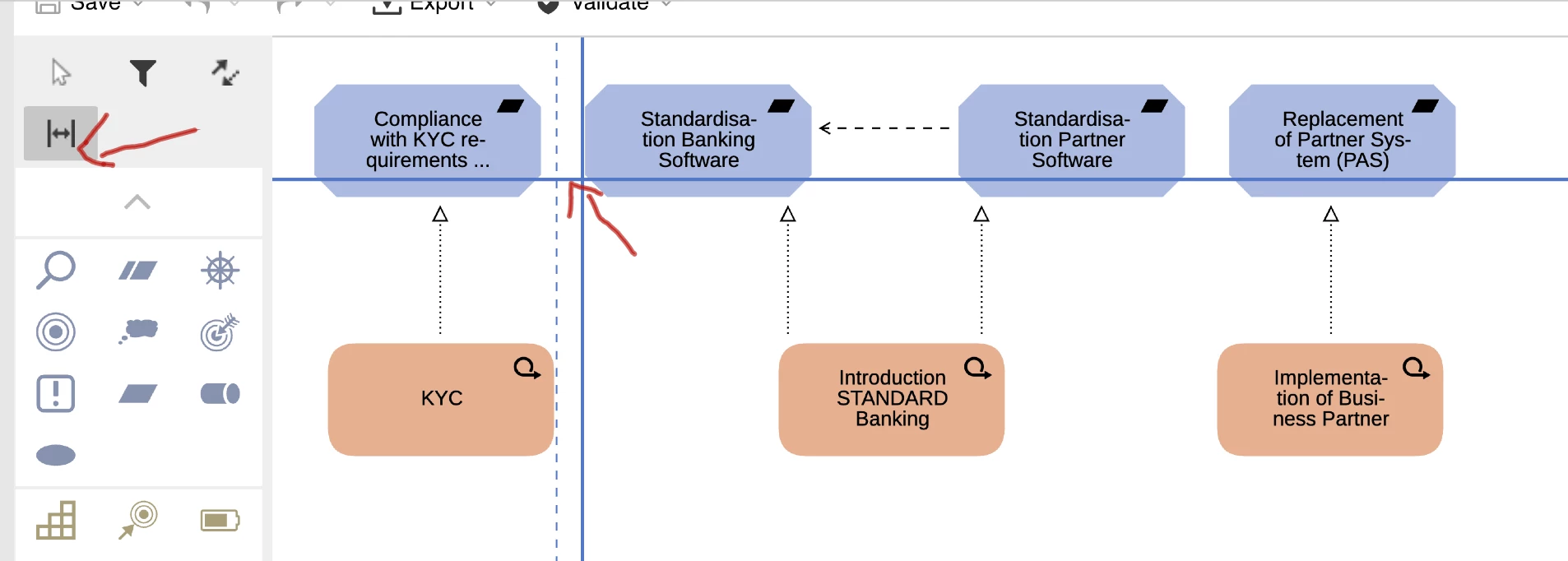
Attached is how another tool does it. It uses a spacer tool in the toolbar. Drop it anywhere and it will allow you to insert space horizontally or vertically at the point that you drop it. This allows you to keep the layout of the rest of the board, but just put more space in between so you can add another step or item. This would be a great feature for Miro