Open

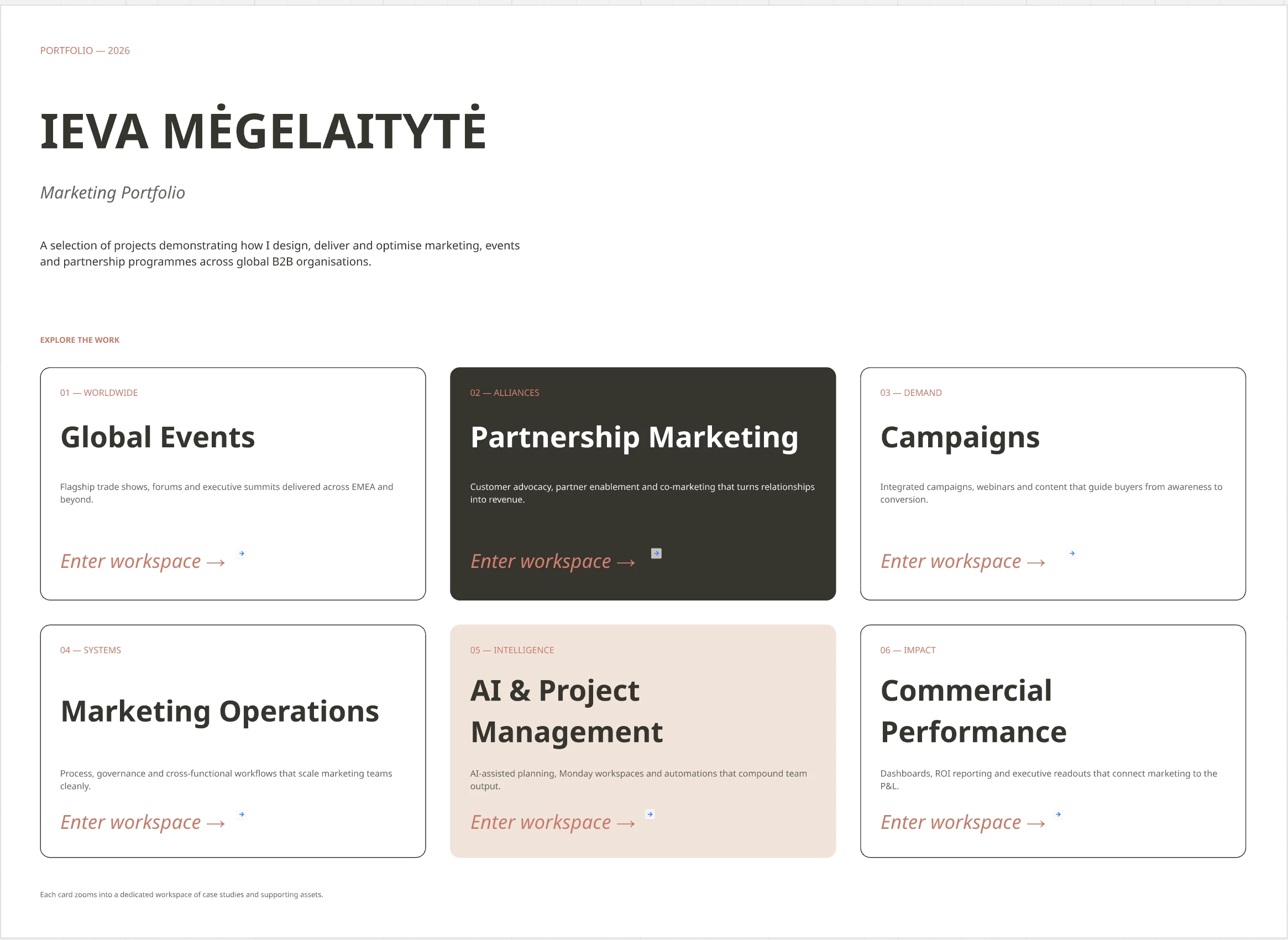
Improve zoom in/out experience: change the size of the clickable arrow icon that appears when you add a link to the widget on the board or select a specific size for it

  • May 4, 2022
  • 2 replies
  • 623 views

Re: https://community.miro.com/topic/show?tid=8248&postid=34912

It would be nice to being able to zoom / blow up these little arrow icons too

2 replies

This would be really helpful! Preferably if there was an option to make the entire frame/image/object a clickable hyperlink.

Would allow people to make an easily interactable in-board glossary to other boards or parts of the same one. Which is possible but the button is way too small.


I ran into exactly the same issue tonight.

I was creating a landing page on my Miro board and wanted to link users to another section of the board. The current hyperlink experience feels surprisingly limiting.

The biggest usability issue is the link arrow icon that appears that is so small that it's easy to miss. It would be incredibly helpful if users could resize the link icon (or choose from a few preset sizes) to make navigation more visible.

Even better would be to rethink the interaction altogether. Rather than relying on a tiny arrow icon, it would be much more intuitive to:

  • Hyperlink selected text, like in most other applications.

  • Attach a board link directly to any object you create (buttons, shapes, images, icons, etc.), allowing the object itself to become the clickable element.

This would make Miro much more powerful for creating interactive landing pages, portfolios, presentations, and guided board experiences, while also improving accessibility for users who struggle to spot such a small navigation icon.

I'd love to see this feature finally get some attention.