Open

Drawing, Measuring, and Scaling Tools

  • January 20, 2026
  • 3 replies
  • 188 views

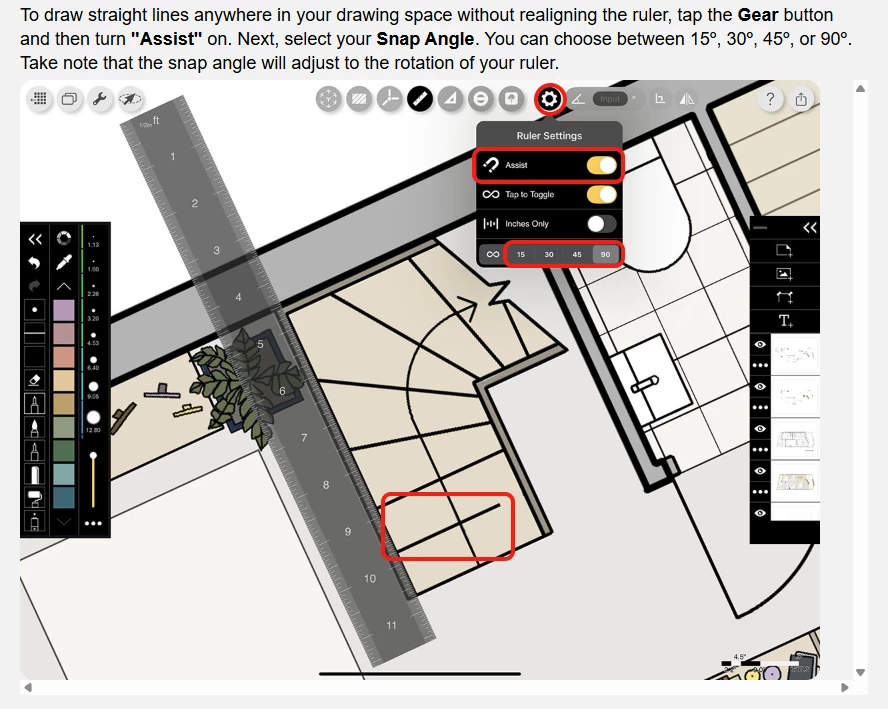
The absence of basic drawing and measurement tools is a major concern. For our workflow, the following are essential:
1. Accurate scaling of imported drawings
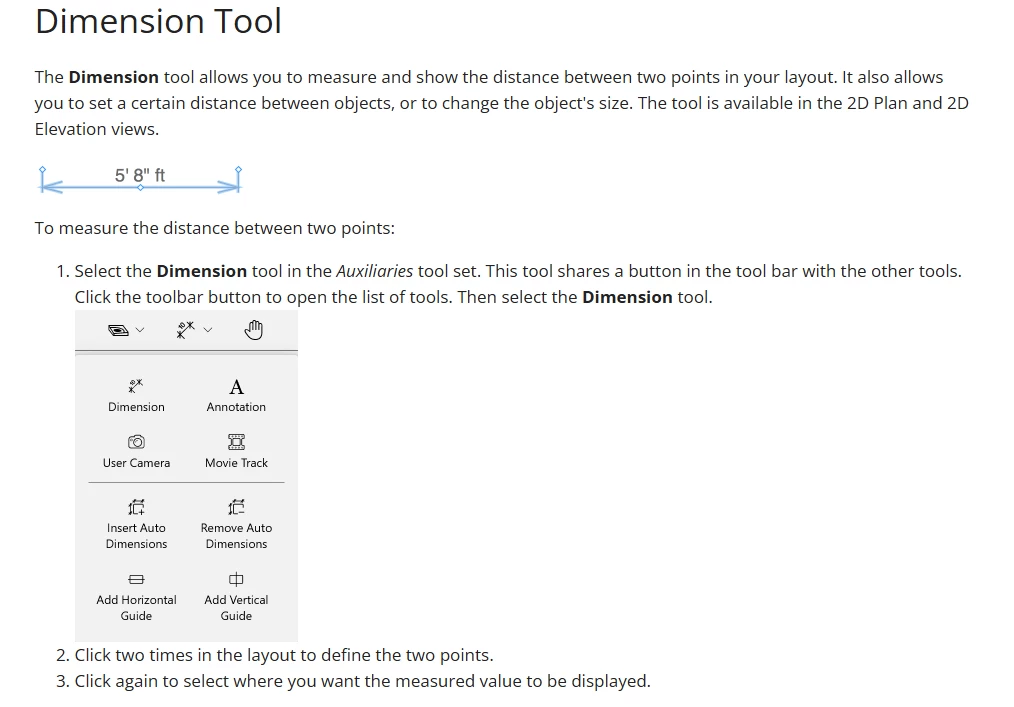
2. Basic dimensioning tools
3. A ruler
4. The ability to measure areas to ensure designs fit within specific square meterage or footage


3 replies

Eca
Mironeer
Forum|alt.badge.img+5
  • Mironeer
  • January 20, 2026

Hi ​@Zandra Samaniego 

Thanks so much for taking the time to submit this Wish List idea. Our team will review this and it’s open for votes and comments. 

For those coming across this idea, if you feel this would be helpful for you or your business, please be sure to vote for it and leave a comment about your use case to help our team scope this request!

Thank you again for helping make Miro better!


  • New Here
  • February 17, 2026

This is brilliant. ​@Eca, you guys HAVE TO do this for the design world. It will keep us from constantly leaving the miro environment to do this. We are begging you. 


MeasureMint App


Hi ​@Zandra Samaniego  and ​@CWBWS 

We had this exact same frustration in our design review workflows. Rather than waiting for Miro to build native CAD/scaling tools, we built an official Miro Marketplace app called MeasureMint to solve this right inside the board:

  1. Accurate scaling of imported drawings: You can set a custom scale using any reference dimension, door opening, or scale bar directly on the imported PDF/image.
  2. Basic dimensioning tools: Drops real-world measurement lines with arrows and readable dimension tags directly onto your canvas.
  3. Ruler / linear measurements: Full support for straight measurements with instant Imperial (ft, in) and Metric (m, cm, mm) conversions
  4. Area measurements (sq ft / sq m): This is the #1 feature we are actively developing right now! We are currently working on polygon room area calculations to round out the toolkit.


Points 1, 2, and 3 are live and free to use right now on the marketplace:
👉 MeasureMint on the Miro Marketplace

If you have a specific way your team prefers to measure areas (e.g. click-to-fill, polygon points, or rectangle presets), let me know! I’d love to incorporate your workflow into the area measurement update while we're finishing it up!

A small ask from us: Can you give us a rating in the Marketplace and share the app with your teams! Thanks and I am really looking forward to seeing if you guys like this!