Open

Don't show hidden frames while in a Slides Presentation Mode

  • October 28, 2022
  • 7 replies
  • 308 views

James Moore

Moderator note: Reopening this idea as hidden frames in a Slides format are being displayed when in Presentation Mode. The idea would be to skip those frames while in presentation mode.

If a frame is hidden on the board, that frame should not display when I go into presentation mode. With the new automatic order function for slides (which I like) hidden frames get mixed into the rest of my “slide deck” and this is distracting when moving into a presentation.

1 - Have presentation mode identify and “skip” hidden frames. (I think this is the better option)

or

2 - Have the automatic order function push hidden frames to the end

April 21, 2025

Hi all, following up on this older Wish List request with an exciting update. Interactive presentation mode will skip any "hidden" frames during presentations. For the most up-to-date information on this functionality please be sure to check out the Interactive Presentation Mode documentation in our Help Center.

With this in mind we are updating the status of this Wish List request to Delivered. Thanks ​@James Moore  for submitting this request and thanks all for sharing your votes and feedback!

7 replies

  • Beginner
  • October 17, 2023

One use case for this is a Miro board template that is being used to present to multiple audiences. Our CEO wants to keep the same template and completely hide or skip certain frames when in presenter mode depending on which frames are relevant to the audience. This is how the ‘hide slide’ feature in PowerPoint works.


  • New Here
  • November 8, 2023

Any update on this? - I can't think of any reason why you would want to show ‘hidden’ frames in presentation mode. Would love to ditch powerpoint.


Eca
Mironeer
Forum|alt.badge.img+5
  • Mironeer
  • April 21, 2025

Hi all, following up on this older Wish List request with an exciting update. Interactive presentation mode will skip any "hidden" frames during presentations. For the most up-to-date information on this functionality please be sure to check out the Interactive Presentation Mode documentation in our Help Center.

With this in mind we are updating the status of this Wish List request to Delivered. Thanks ​@James Moore  for submitting this request and thanks all for sharing your votes and feedback!


Eca
Mironeer
Forum|alt.badge.img+5
  • Mironeer
  • April 21, 2025
OpenDelivered

This feature does not work. Hidden frames still show in presentation mode as “hidden for now.”
My team and I want them truly hidden from the presentation, but that is not explained anywhere on Miro or in the Interactive Presentation Mode documentation online. Is it just not capable of omitting hidden frames from the presentation altogether? 


Robert Johnson
Forum|alt.badge.img+13
  • Volunteer Community Moderator
  • May 8, 2026

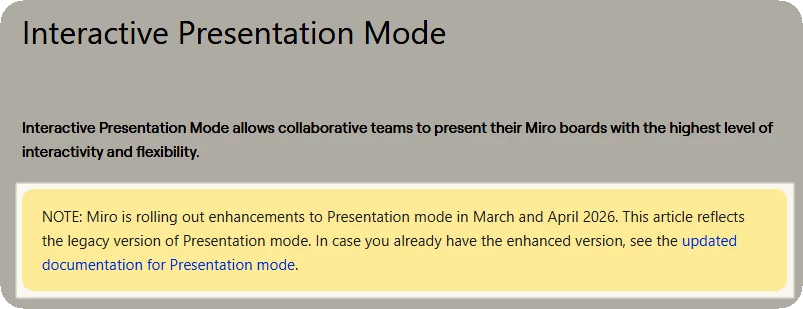
@Jared Fiorino The Interactive Presentation Mode help center article/legacy feature referenced is being transitioned to just Presentation Mode using the new Slides feature, as noted here:


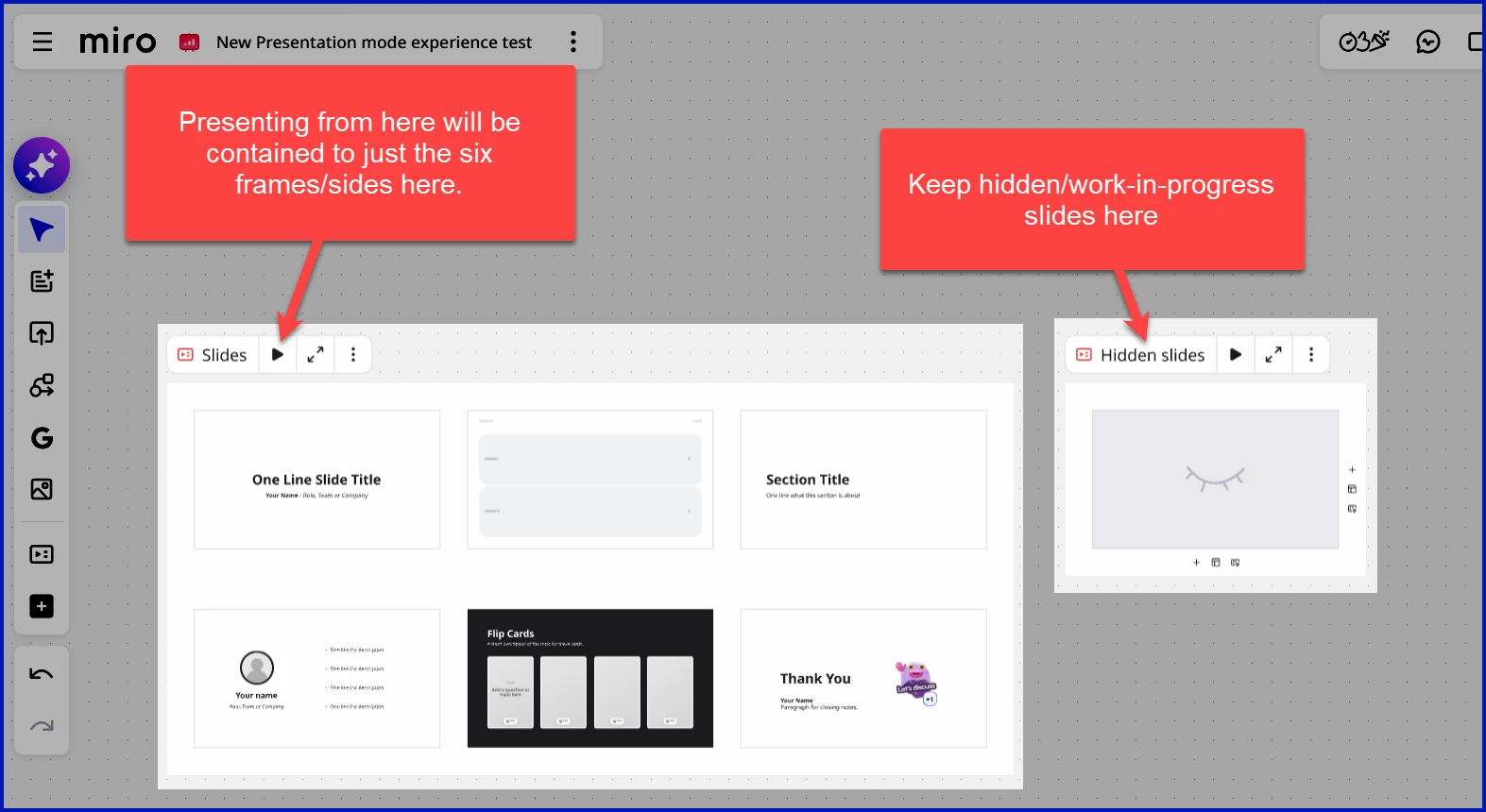
While the new Presentation Mode article doesn’t explicitly call out hidden frames, I expect the intent may be that, if a frame shouldn’t be presented (due to being hidden or otherwise), it can be removed from Slides container/format. However, I can appreciate that users may want to mark the frame as hidden so that it isn’t presented while still maintaining its location for ease of unhiding an presenting at a later date.

I will mark this idea as open and specifically callout the new Presentation Mode + Slides scenario.


Robert Johnson
Forum|alt.badge.img+13
  • Volunteer Community Moderator
  • May 8, 2026
DeliveredOpen