
Open

Disable automatic renaming of frames

Related products:Frames
  • May 8, 2024
  • 3 replies
  • 113 views

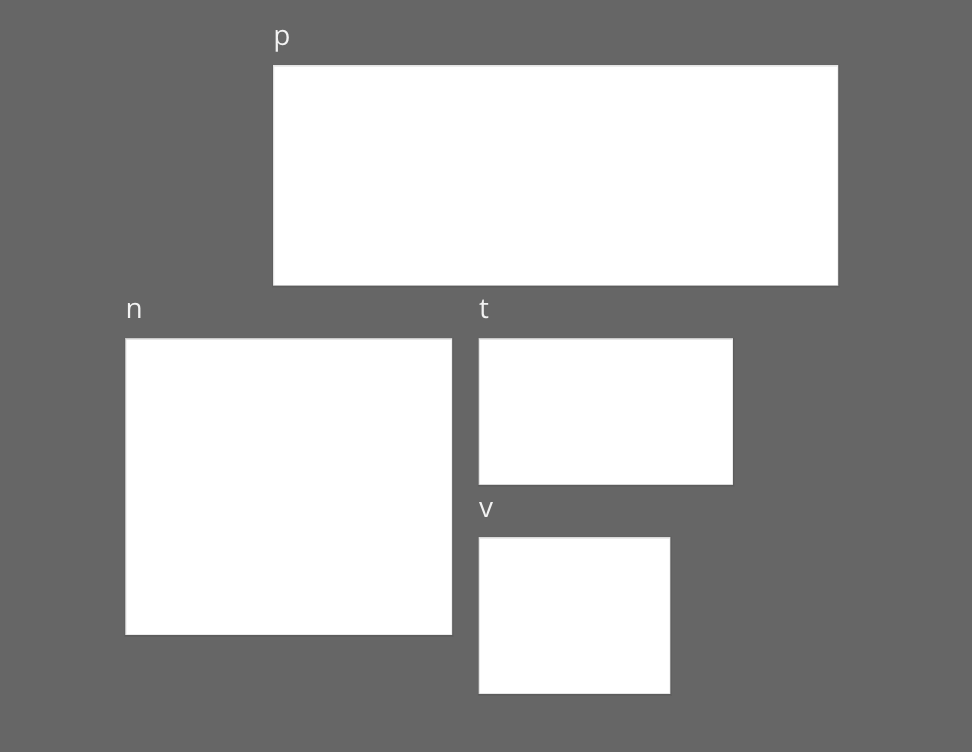
When a frame is selected, typing anything (such as keyboard shortcut t for text) will rename the frame. This is super annoying for me as I use the keyboard shortcuts quite often and if you click anywhere in a frame you select it.

This leads to the situation I have quite often. I want to add a text inside a frame. I press t. Nothing happens. I realize that I have just renamed the frame by accident. I undo.ย 
ย 

It would be great if there would be a small pencil button next to the name, that enables the renaming.

3 replies

Jan Hufnagel

Same here ๐Ÿ’ฏ

My boards have A LOT of frames that are titled โ€˜nโ€™ or โ€˜pโ€™ or โ€˜tโ€™ ๐Ÿ™ˆ

A more explicit way of changing the name of a frame would be much appreciated!

Personally, I find the rename option in the dropdown, or just clicking inside the frame name, more than sufficient.

accidentally renamed frames

ย 


This is, bar none, theย most annoying feature of Miro. I never put any meaningful titles in the frame name, because of the high chance that it will be renamed to โ€˜tโ€™ or โ€˜nโ€™. (Itโ€™s usually โ€˜nโ€™...)


p.s. maybe this change could be done alongside the ability to style and resize title text - then the frame titles might add more value