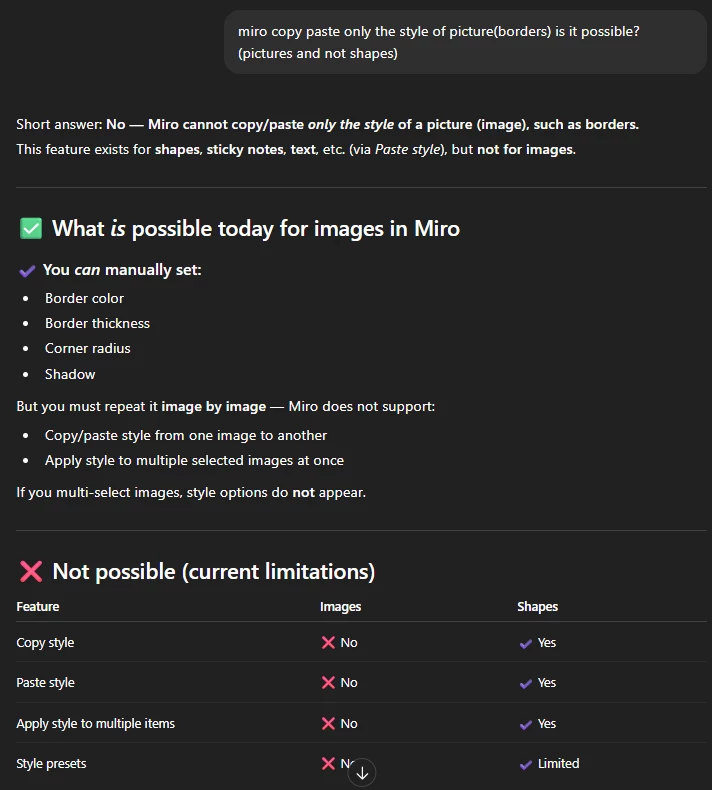
Currently, Miro allows copy/paste style for shapes, text, and sticky notes, but not for images. When working with multiple pictures, it’s not possible to copy only the style (border, thickness, color, corner radius, shadow) from one image to another.
This makes it time-consuming to maintain consistent formatting across many images, especially in large boards or documentation.
It would be very helpful if Miro could support:
-
Copy/Paste Style for images
-
Applying style to multiple selected images
-
Optionally, saving image style presets
These additions would greatly improve workflow and visual consistency.