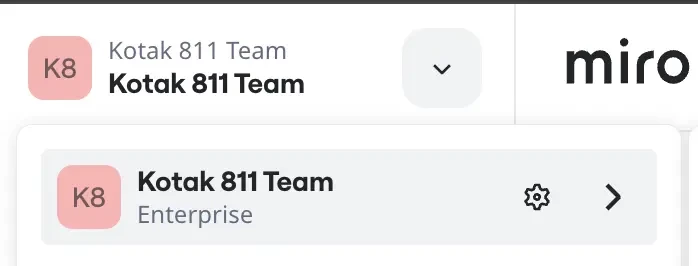
Unable to MCP option in our MIRO board

  • June 25, 2026
  • 3 replies
  • 19 views

We are trying to enable claude code with miro 

3 replies

Forum|alt.badge.img

If you're unable to see the MCP (Model Context Protocol) option in your Miro board, there are a few things worth checking:

• Ensure your Miro workspace is on a plan that supports AI and developer features associated with MCP.
• Verify that MCP has been enabled by your workspace administrator, as some features are restricted at the organization level.
• Check whether you're using the latest version of Miro and are logged into the correct workspace.
• Some MCP features may be in limited rollout, beta, or region-specific release phases, meaning they may not yet be available to all users.
• Review your user permissions to confirm you have access to install or manage integrations and apps.

Could you provide:

  • Your Miro plan (Free, Starter, Business, Enterprise)?

  • Whether you're looking for MCP Server settings, MCP integrations, or AI-related MCP features?

  • Any error messages or screenshots?

That information would help identify whether this is a permissions issue, plan limitation, or feature availability problem.


our is Miro enterprise 

We are looking for MCP server settings.

Is there any extra cost for using MCP server ?


Robert Johnson
Forum|alt.badge.img+13
  • Volunteer Community Moderator
  • June 29, 2026

@veesam.chaitanyakrishna It may need to be enabled for your org. I'd suggest that you open a ticket with the support team by following these steps:

https://help.miro.com/hc/en-us/articles/360020185799-Contacting-Miro-Support#h_01F010RXA0E1S9C0WFQYX75R6C