student account is not functioning

  • February 9, 2026
  • 1 reply
  • 20 views

Forum|alt.badge.img

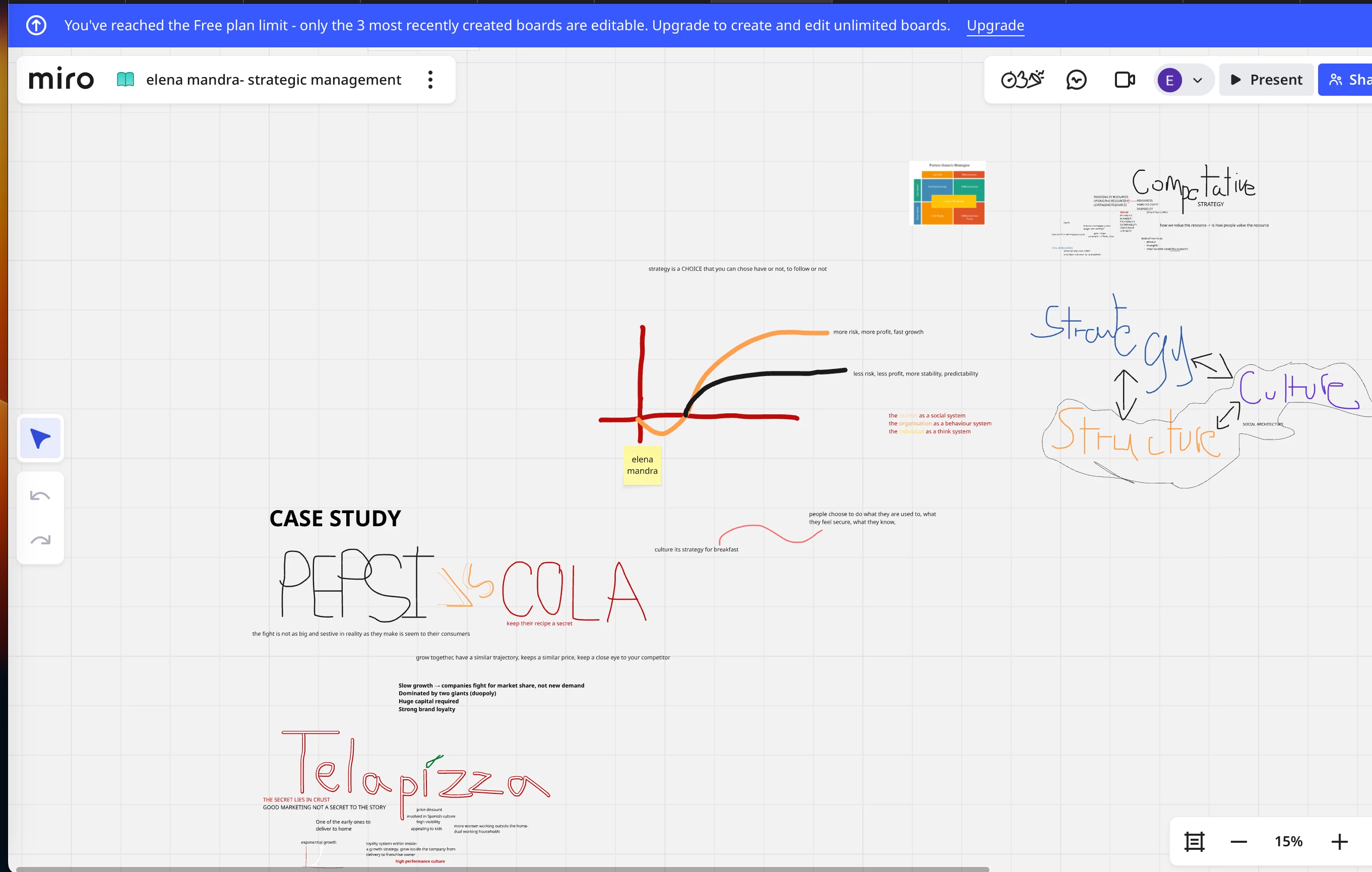
I created an account as a student, at IE MADRID, but when I am want to work at the only board I created, titled , elena mandra- strategic management. I am not allowed to, I don't know where did other boards appear from, they are not mine, I need only this

 

1 reply

Robert Johnson
Forum|alt.badge.img+13
  • Volunteer Community Moderator
  • February 10, 2026

@Elena Mandra Have you applied for the Education Plan, which offers unlimited boards? 

More on the Education Plan and how to apply here:

https://help.miro.com/hc/en-us/articles/360017730473-Education-plan#h_01J1TDKBCT3Z8VE3ZSJHAPVQEK

Education Plan aside, it sounds like you created the board in a Few Plan team which has one or more other members in the team who have also created boards. 

Perhaps your Miro account profile is a member of one or more other team workspaces. Thia article shows how to switch to other workspaces:

https://help.miro.com/hc/en-us/articles/360017571294-What-is-on-your-dashboard#h_01F8Q78MPKXM4ZJ0EJDD6C8Q0X

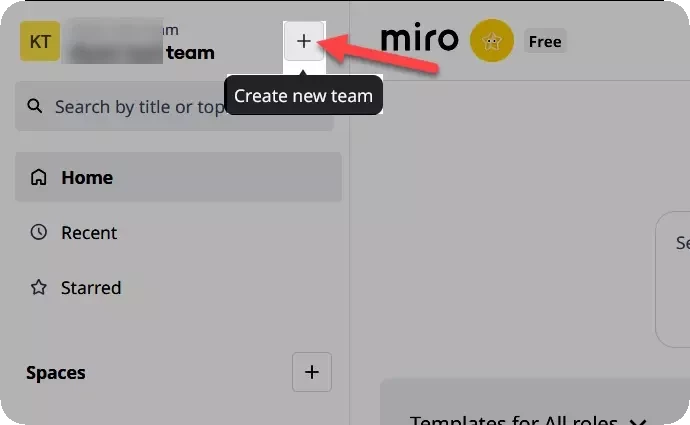
If you don't have the team workspace switcher, and instead you have a Create new team action like the following, then your account profile is only a member of one workspace:


If you are only a member of one workspace, and you are the owner/team admin of the space, you could remove other users. If you are not the owner, you could apply for the Education Plan and then, if approved, a new workspace will be created for you. You could then move your board to the new workspace. And even if you are not the owner of the workspace, you can still apply for the Education Plan.

I'll wait to hear back from you as there are other options for creating your own free workspace, but they require additional, more detailed steps.