


Hi everyone,
I’m a teacher using a Huion H640P pen tablet, and for the past two weeks I’ve been facing a consistent problem: the pen stops drawing in proper way only in Present Mode.
Here are the key details:
-
The pen works normally in Editing mode and Full Screen mode.
-
The issue happens only in Present Mode.
-
It appears on all browsers (Chrome, Firefox, Edge).
-
It happens on multiple OS (Ubuntu and Windows).
-
After about minutes in Present Mode, the pen stops drawing or the strokes disappear.
-
Switching back to Editing mode immediately restores normal pen behavior.
-
This started approximatly 2 weeks ago.
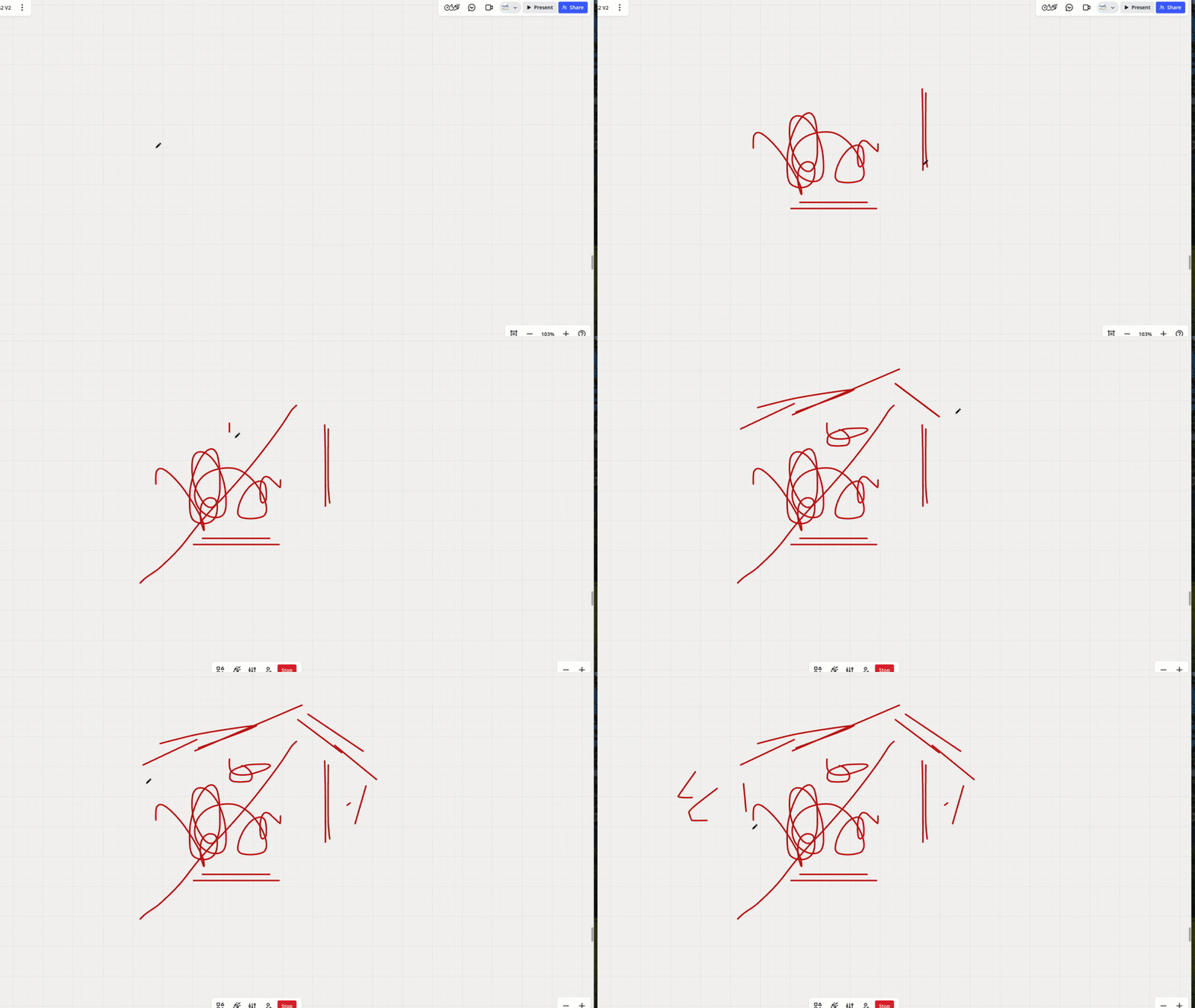
If anyone else is experiencing the same issue — or if the Miro team can confirm this is a known bug — please let me know.


