Mind map text alignment

  • November 30, 2025
  • 2 replies
  • 43 views

Forum|alt.badge.img

Hi,

I’m using the Mind Map tool in Miro 

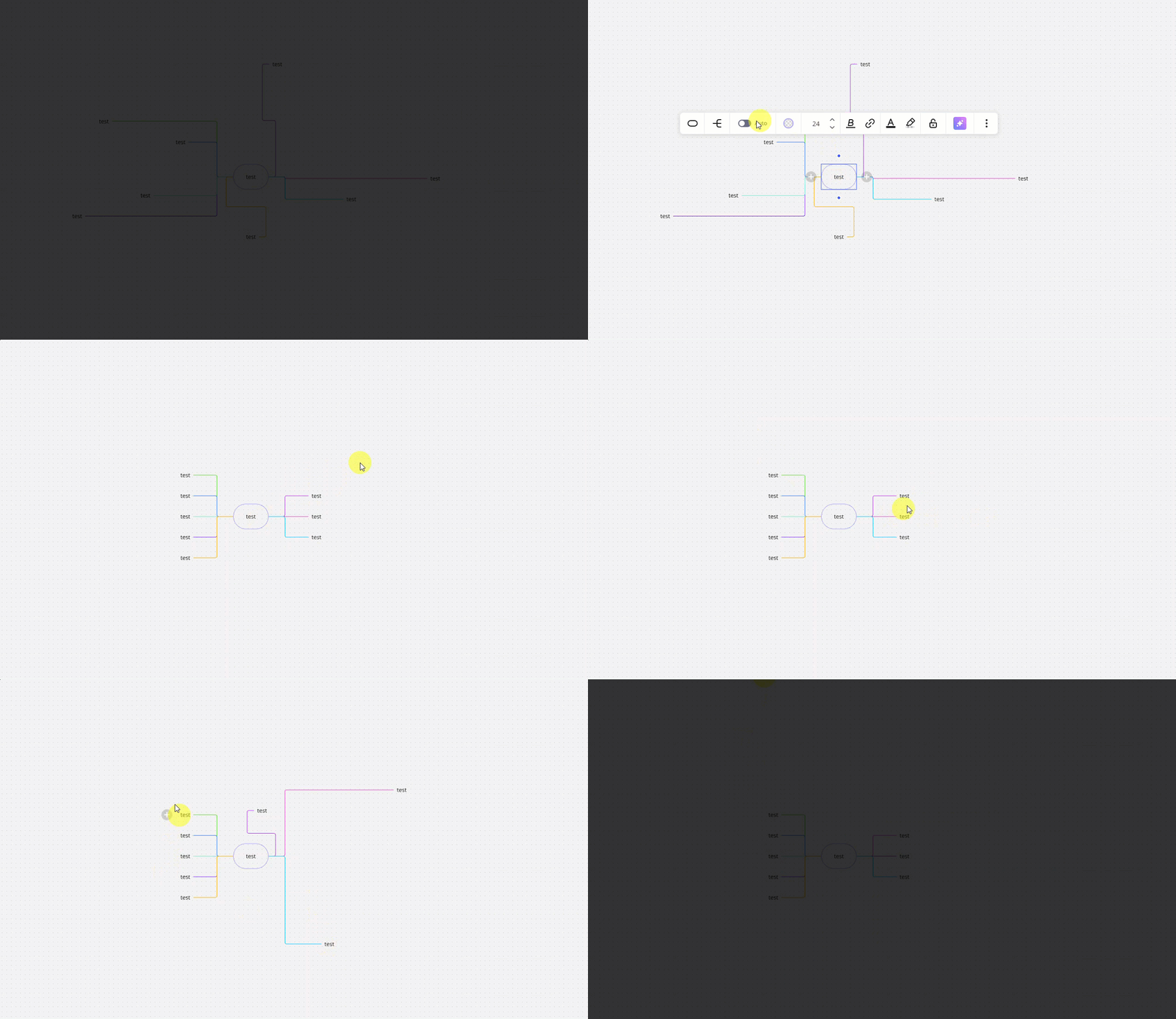
In the past, when I worked on my mind maps, I remember being able to control the text more fully (including alignment and a larger text toolbar, similar to the regular Text object). Now, when I select a mind-map node, I only see the shortened toolbar (color, bold, link, highlight etc.), and there is no option to change text alignment (right/left/center) for the nodes

what happned?

2 replies

Forum|alt.badge.img

I have the same issue. The alignment menu is not showing anymore, neither in the Windows or Mac Desktop app, nor in the Browser. Super annoying. It makes some nodes really difficult to read and unorganized. 


Robert Johnson
Forum|alt.badge.img+13
  • Volunteer Community Moderator
  • January 3, 2026

Mind maps have evolved (albeit, slowly) over the years. From several screenshots going back as far as October 2020, I cannot find where the text could be aligned at the node level, e.g., left,  right, or center — however, this doesn’t mean there wasn’t an experiment in the past where this functionality did exist. I have some screenshots and video in this post:

https://community.miro.com/developer-platform-and-apis-57/did-text-editing-disappear-for-mindmaps-26690

Node alignment

There are additional options available when when central/root node is selected, e.g., Node style, font size, theme, and Auto layout — adjusting some of these may help to make the map more readable.

Here’s the Auto layout feature in action: