
Hello,
I use Miro to run live English lessons, and over the last few weeks my students have started seeing my boards rendered incorrectly. My own view is fine, but on their side images appear with the wrong size and the wrong crop. This did not happen before.
Case 1: image size
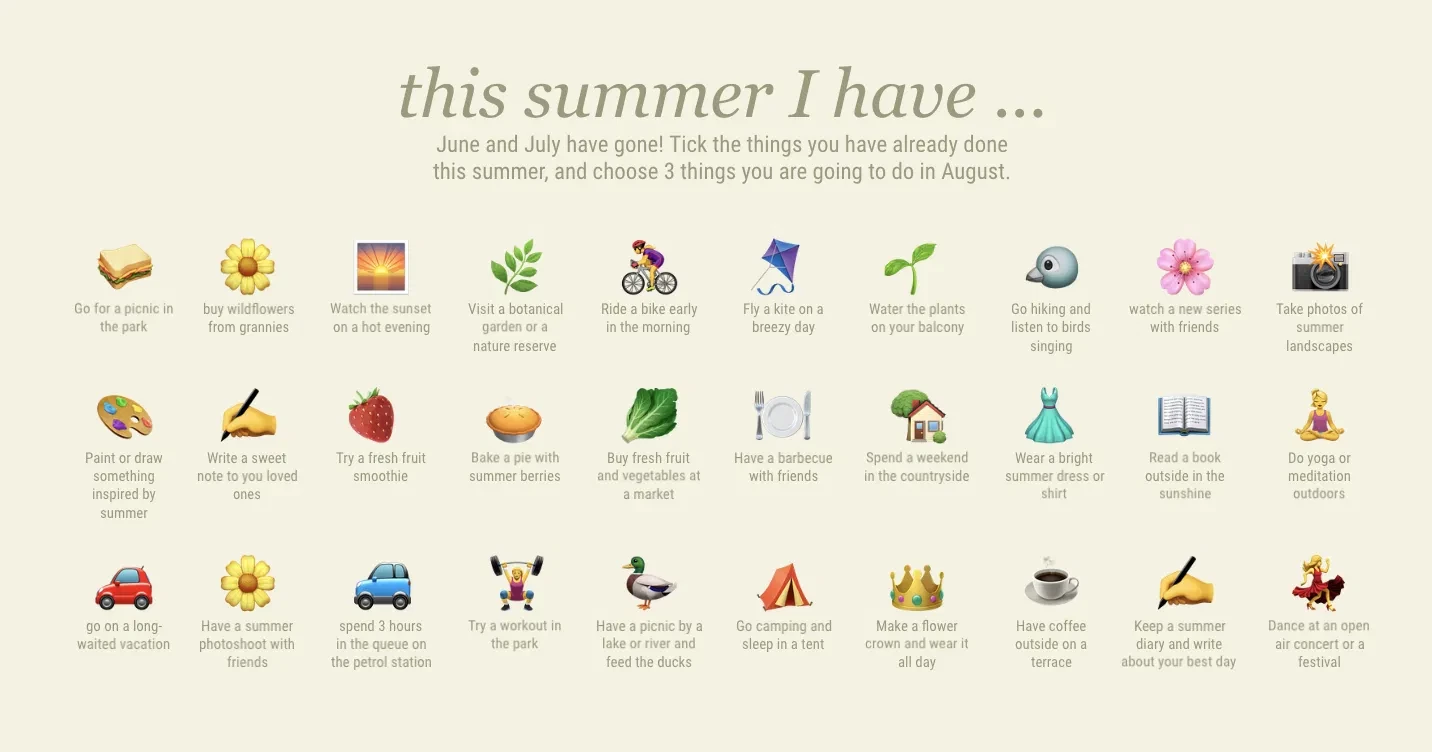
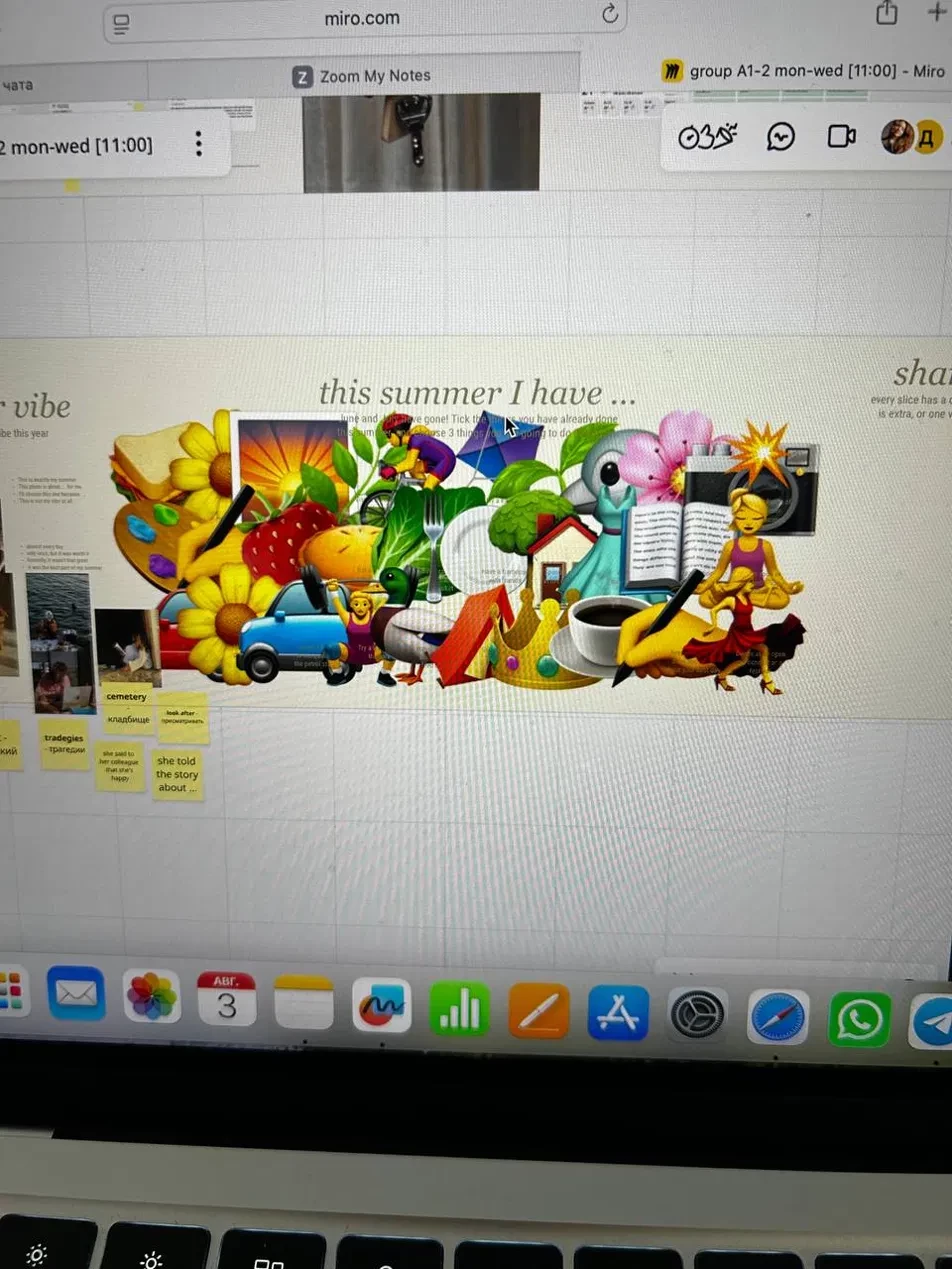
The board contains around 40 small images (emoji-style icons and photos) that I resized manually. On my screen they display at the correct size and position. For one student, the same images rendered at their original, much larger size, overlapping each other and covering the text underneath. The text elements stayed in the correct positions, so only the images were affected. Screenshots attached: my view and the student's view of the same frame.
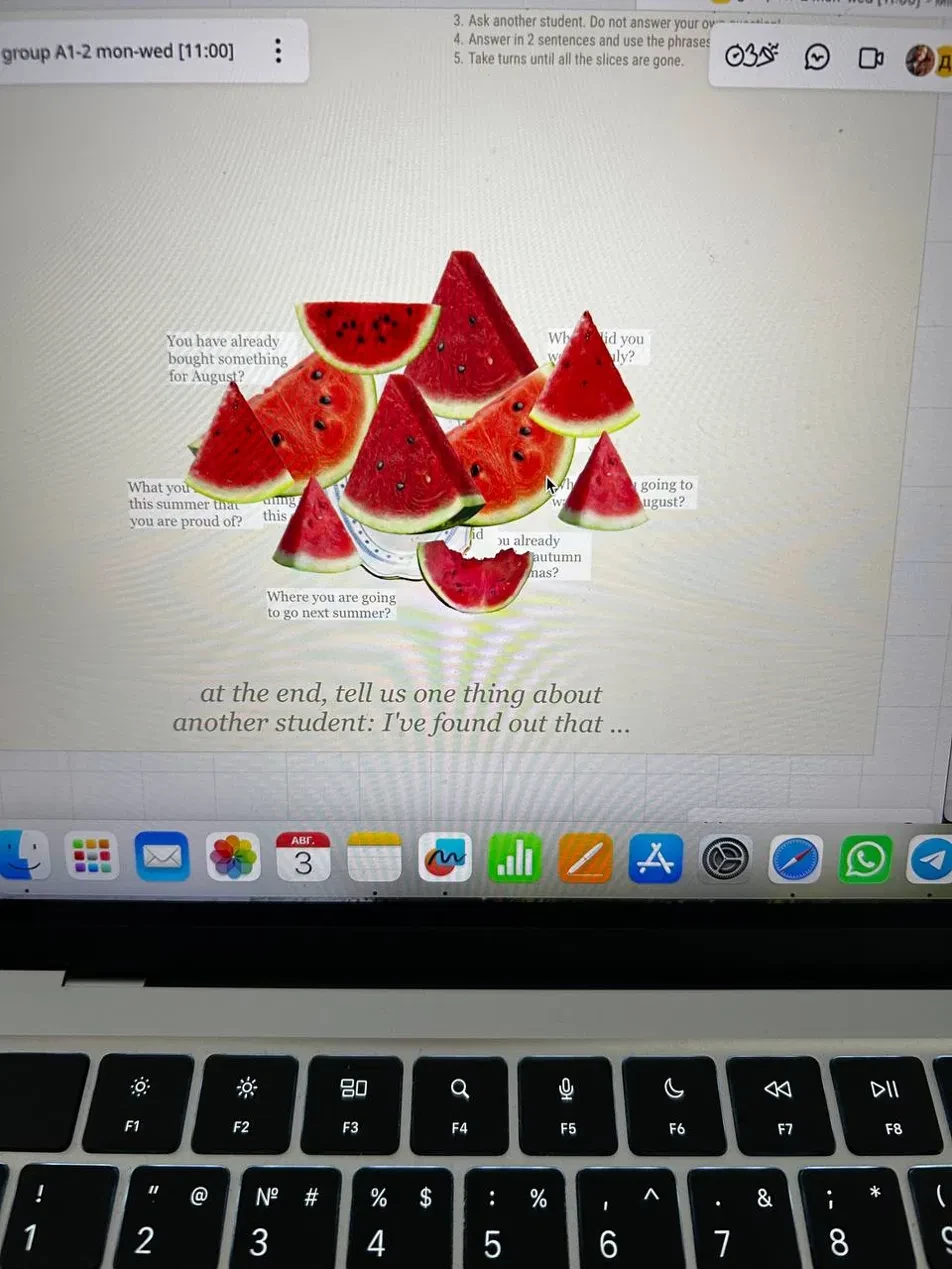
Case 2: crop and background removal
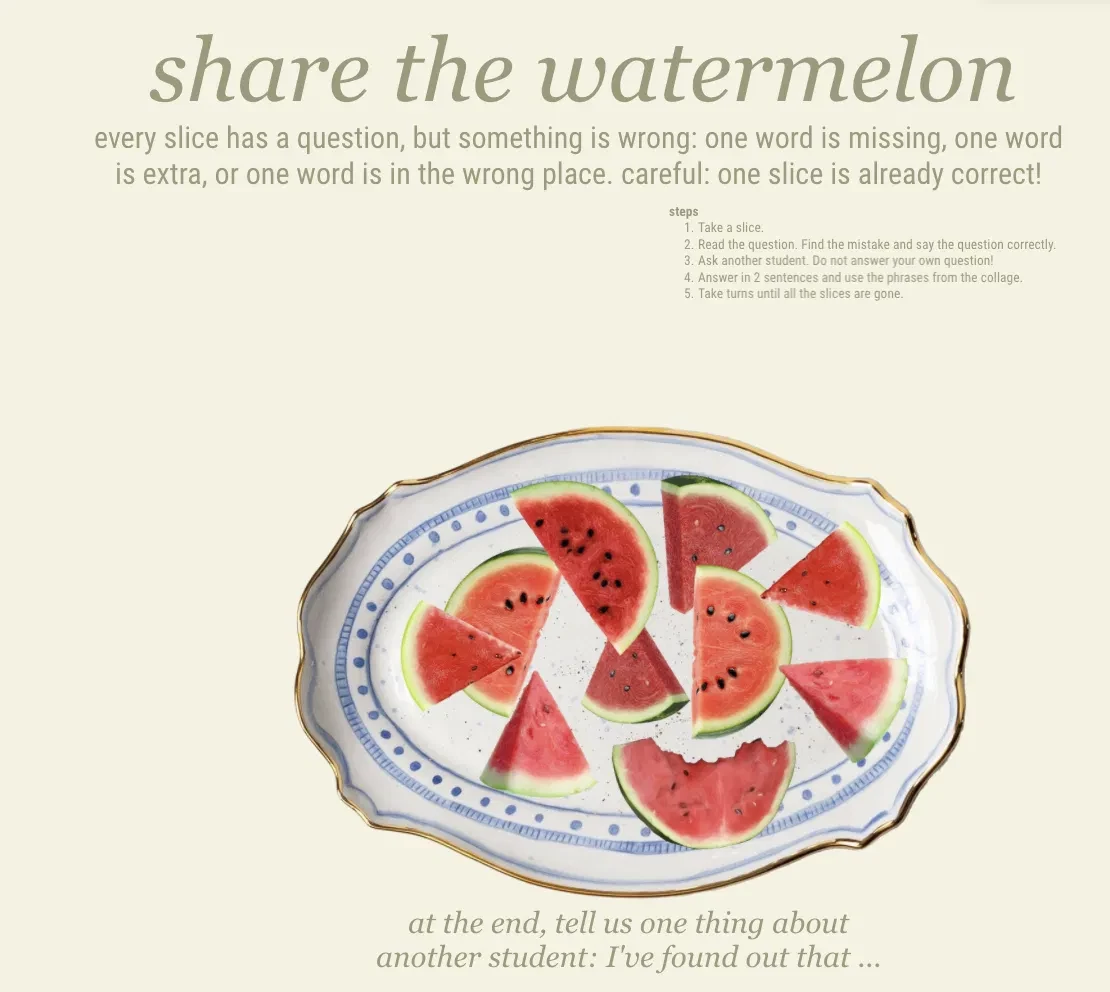
I uploaded an image, removed the background and cropped it to keep only the object I needed. On my screen it shows correctly. The student sees the full original image, uncropped and with the background still there.
This suggests that the display parameters (scale, crop, background removal) are not reaching the viewer's client, which then renders the original file.
What I have already tried:
- The student did a hard refresh and reopened the board. This helped in some cases but not consistently.
- The problem has occurred more than once, on different days and with different students.
Could you look into what is causing this? It is disruptive during live lessons, because the board becomes unreadable for the student exactly when we need it.
Thank you,
Katya