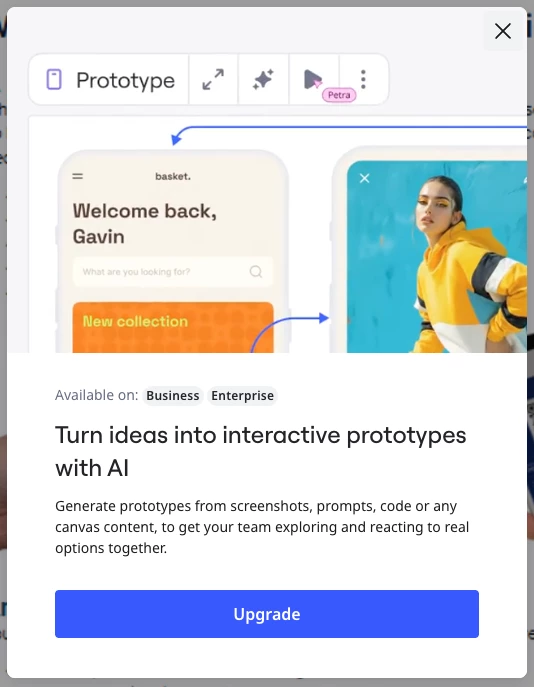
I want connecting lines but Miro wants me to upgrade to pay for AI prototyping

  • August 18, 2026
  • 4 replies
  • 28 views

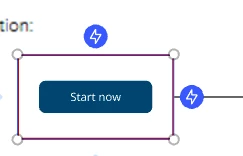
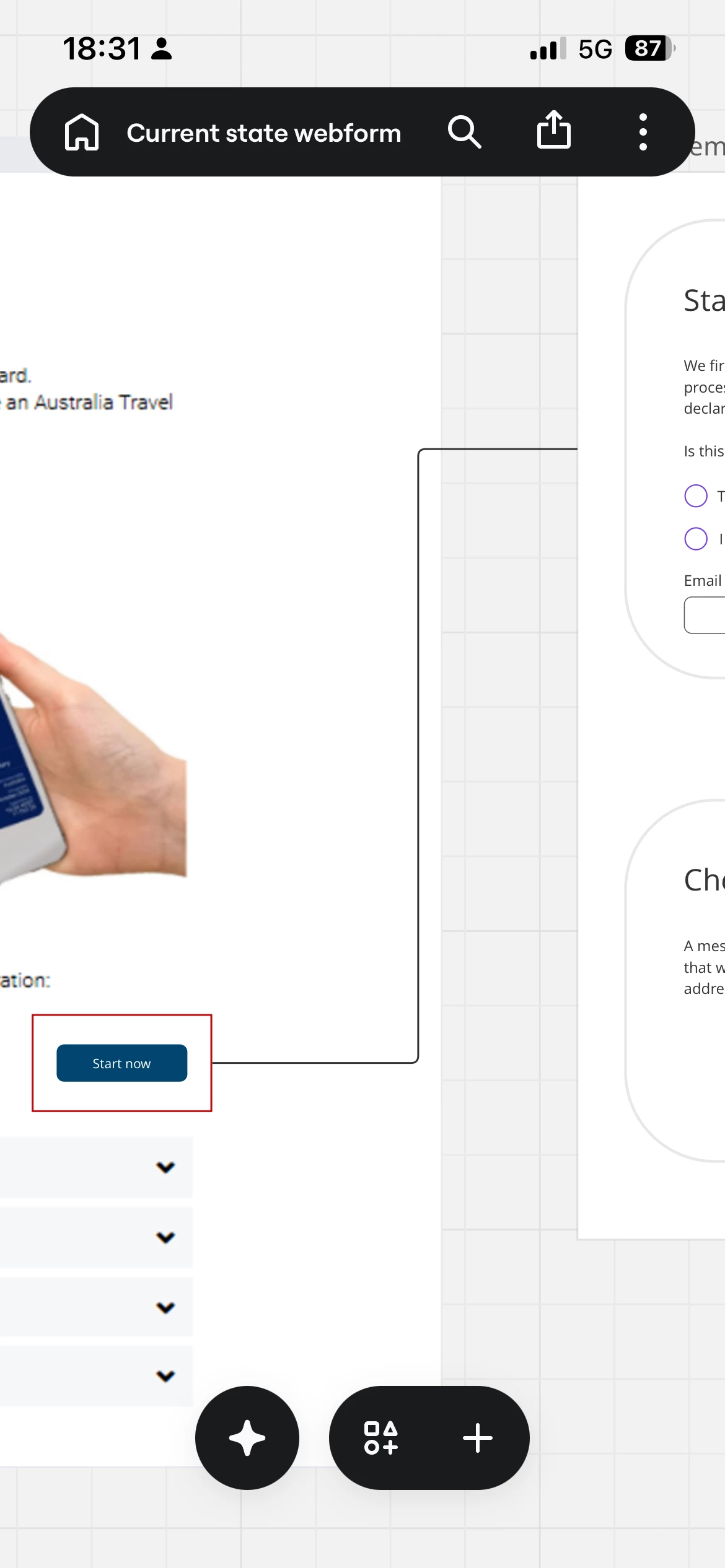
I’m working on a board an it keeps pushing this AI Prototyping feature I do not want. I want to draw a connecting line between two shapes but it won’t let me.

Its beyond effing annoying and I want this turned off permanently!!
 

4 replies

Kenneth Ritley
Forum|alt.badge.img+2
  • Active Contributor
  • August 18, 2026

Howdy ​@wheelyweb 

Wow - frustrating.

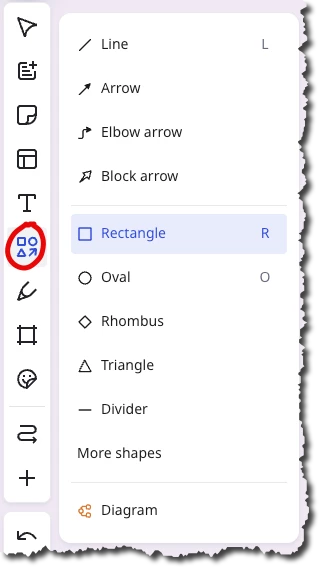
In Miro, nowadays, shapes are not shapes. They have basic shapes that you access here:


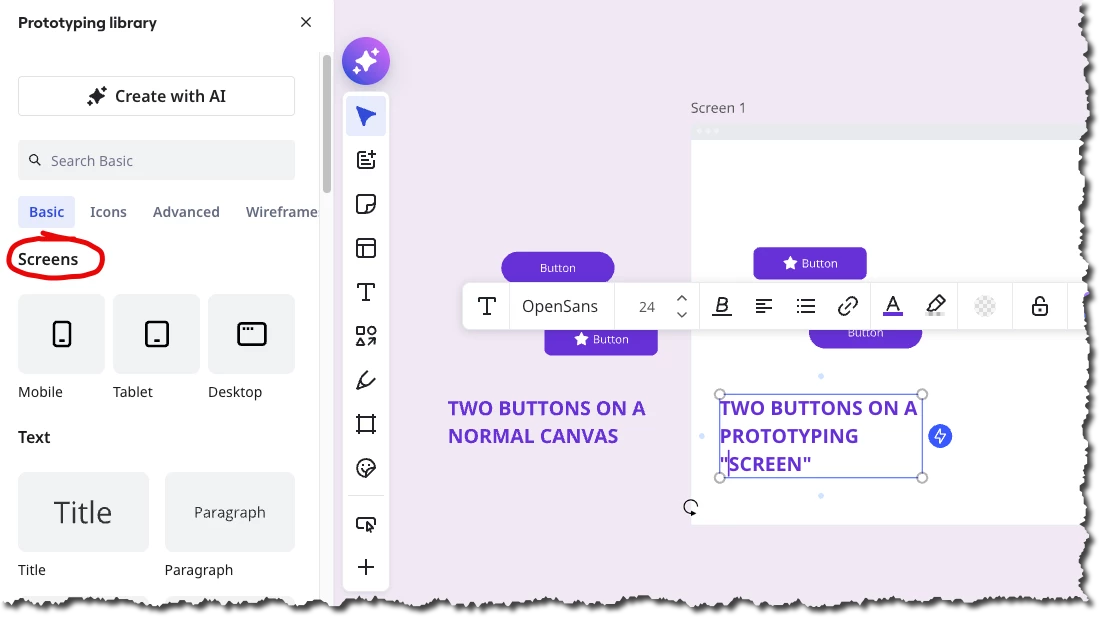
But they also have special prototyping shapes that work with so-called PROTOTYPES and FLOWS, you can find more information here: https://help.miro.com/hc/en-us/articles/360017572154-Prototyping-library . Some of the shapes (e.g. buttons) are prototyping SHAPES. But other shapes (such as a mobile background) are prototyping SCREENS.

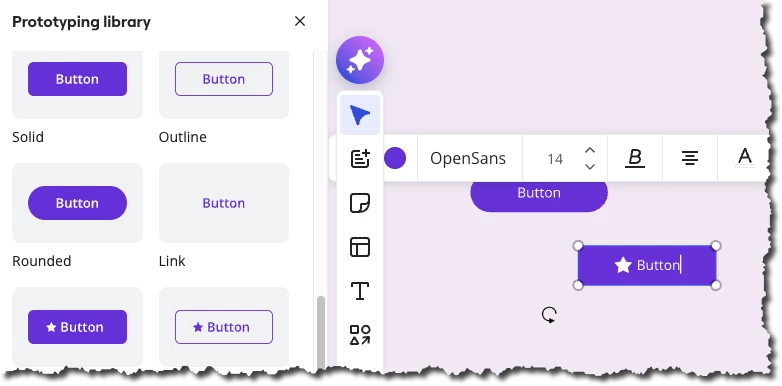
So without seeing your board, my best guess is that those shapes you have are on top of some kind of prototyping SCREEN - according to the docs, the shapes are available to non-prototyping users, but because you didn’t sign up for that feature, this is what is causing you grief.  Here’s is what 2 prototyping buttons look like - the little electric icons only appear when the buttons are on a SCREEN or just on the canvas:

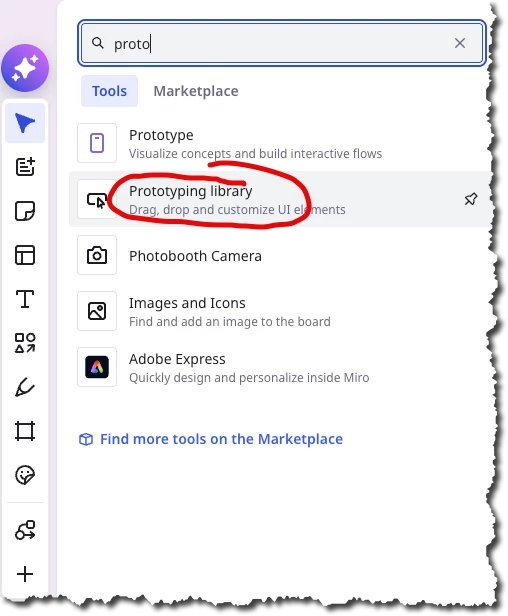
How to proceed? Again, without seeing your full board, my best guess would be to start with a fresh area of your board, then select prototyping library:


Then put the desired shapes directly onto a board and DO NOT USE ANY PROTOTYPING SCREENS


GOOD LUCK!


  • Author
  • Beginner
  • August 18, 2026

Hi Kenneth. 
I think I see what happened. 
I was just faffing around with some ideas and I slapped a prototyping button on top of a pasted image and wanted to point it to a shape I created but it would t let me draw a connecting line. 
 

so then i created a plain box shape thinking id be able to grab a connector from there and put the box over the button. Still the same thunderbolt “buy ai” button. 
 

to resolve it I move the shape away from the button, connected it to the shape I wanted to connect it to and THEN moved it over the button element. 

this is less than ideal right? But I got it there in the end. 
 

thanks for the help all the same. 


  • Author
  • Beginner
  • August 18, 2026


Kenneth Ritley
Forum|alt.badge.img+2
  • Active Contributor
  • August 18, 2026

Miro Connectors can often be problematic. One thing to watch out for: dangling connectors that have one or both ends NOT tied to objects can cause trouble - and Miro themselves have confirmed some bugs in these areas. 

G O O D  L U C K