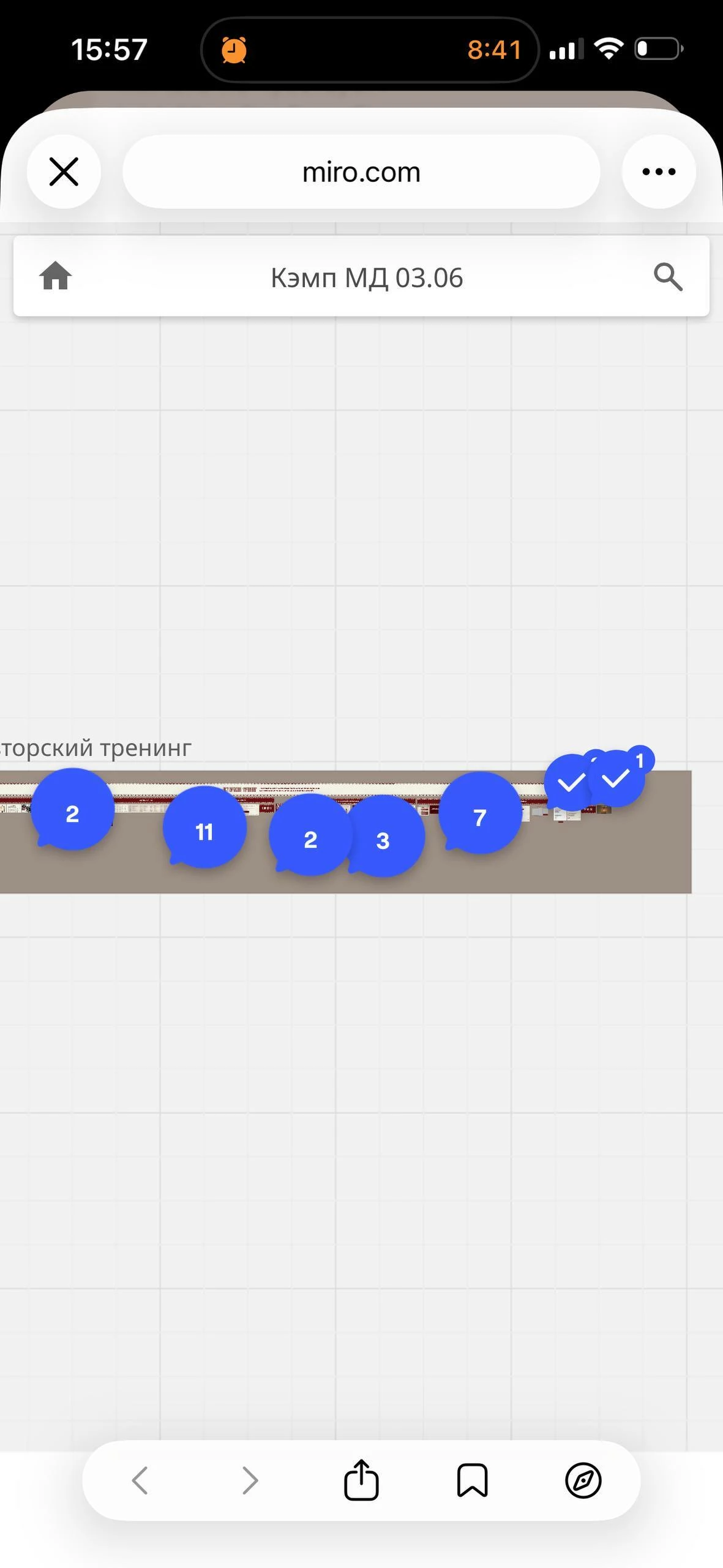
I'm trying to hide the comment indicators (the blue bubbles showing comment counts) on my Miro board when it's opened via a shared link on a mobile phone browser.
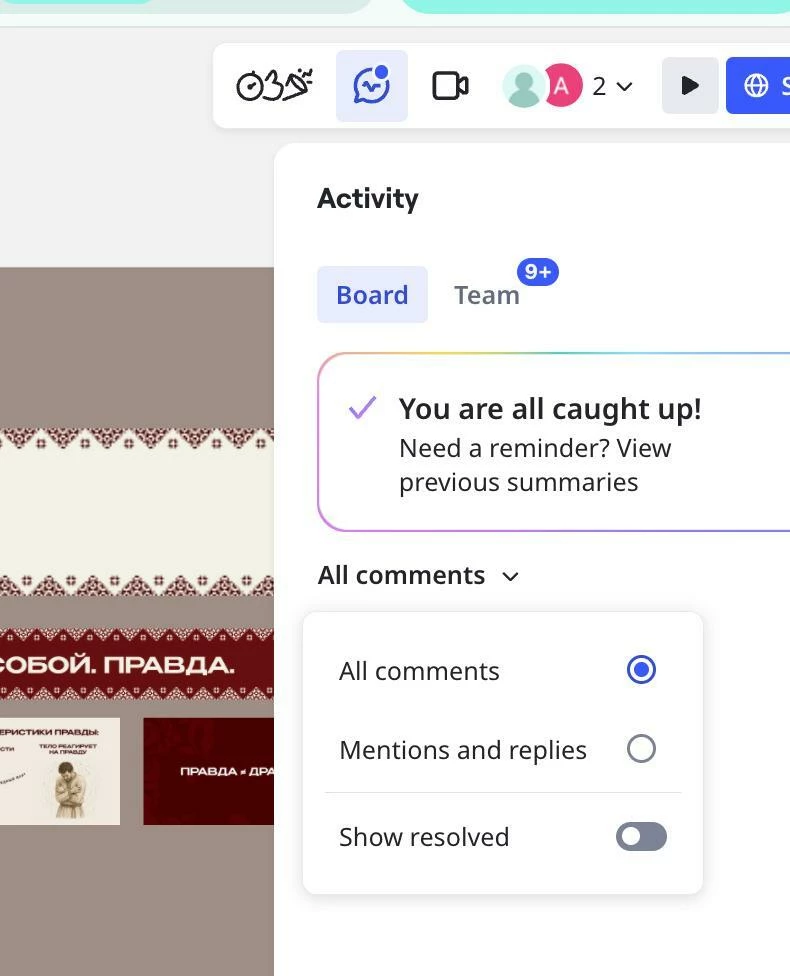
I found the "All comments" filter dropdown in the Activity/Comments panel (with options: All comments / Mentions and replies / Show resolved), but this only filters which comments appear in the panel list — it doesn't remove the comment pins from the board canvas itself.
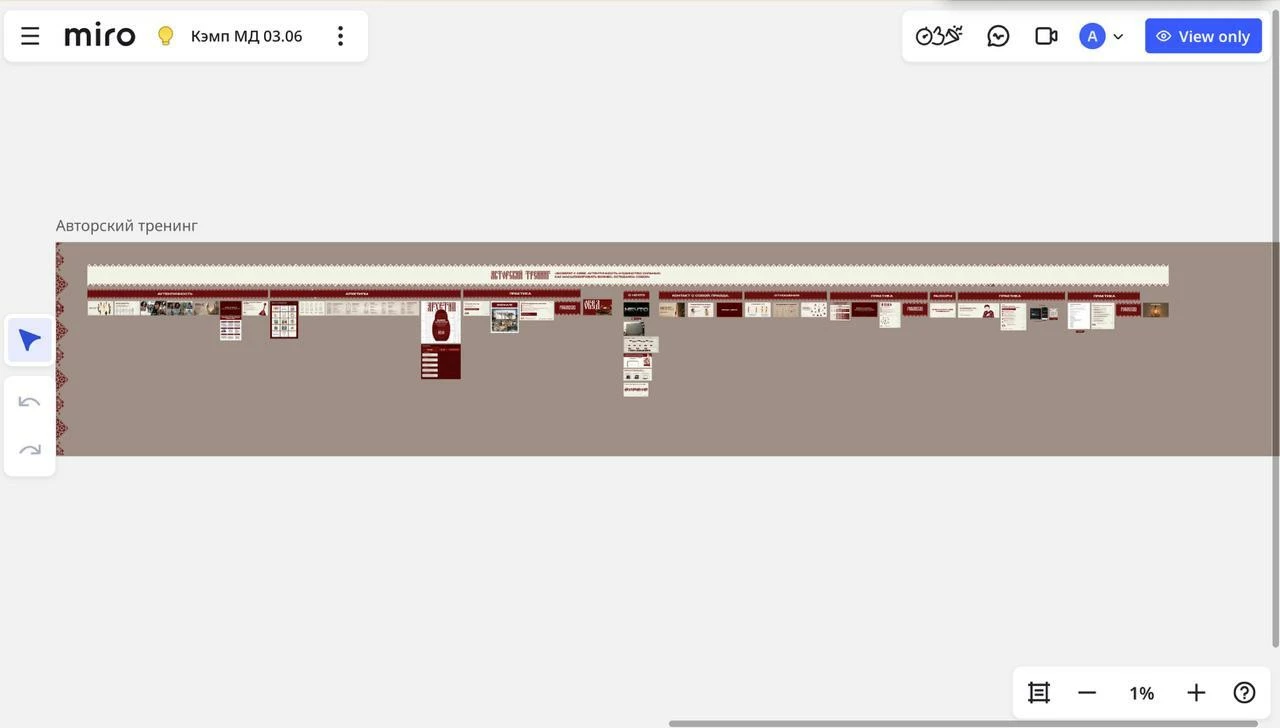
I've read that there should be a "Show comments on board" toggle somewhere in the Comments panel settings, but I can't locate it — possibly because I'm viewing the board with "View only" access rather than as an editor.
My questions:
- Where exactly is the "Show comments on board" toggle located in the current UI?
- Is this setting available to viewers with "View only" access, or only to editors/owners?
- If only editors can control this — does turning it off apply to everyone who opens the board via the shared link afterward, or is it a personal/session-based setting?
I need this specifically for a link opened on a mobile browser (not the Miro app), so any mobile-specific behavior would be helpful to know as well.
Thanks!