
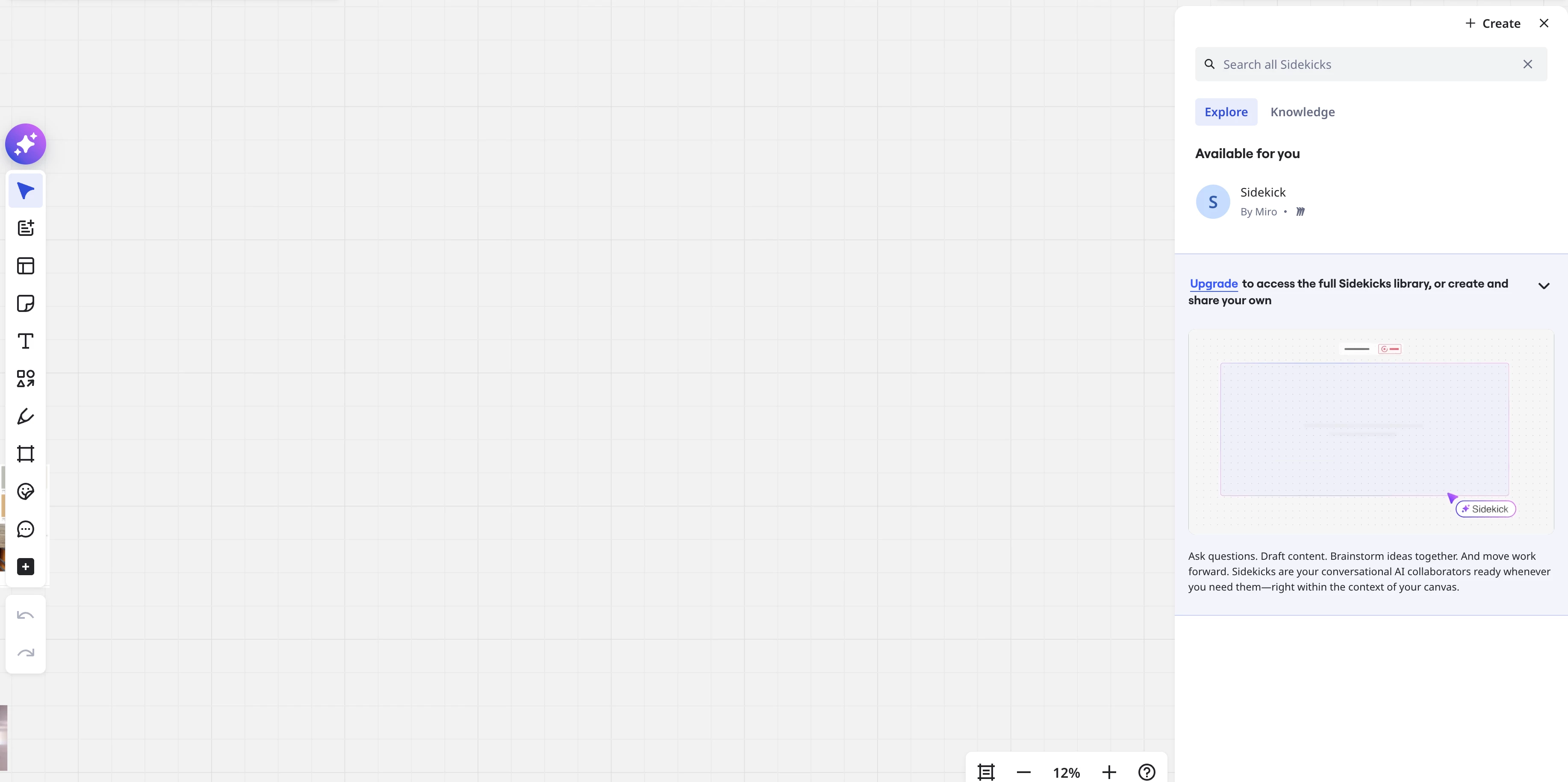
Whenever I open a board, it opens this annoying side panel prompting (haha) me to check out Miro’s AI companion tools or whatever. I can close it manually, but doing so every time and having it show up when I really will just close it every time is frustrating and tedious. Other help tickets have resolved a similar issue by clicking the three dots and disabling “run on board start up”, but since I’ve never used Sidekick and never will, I don’t have that option.
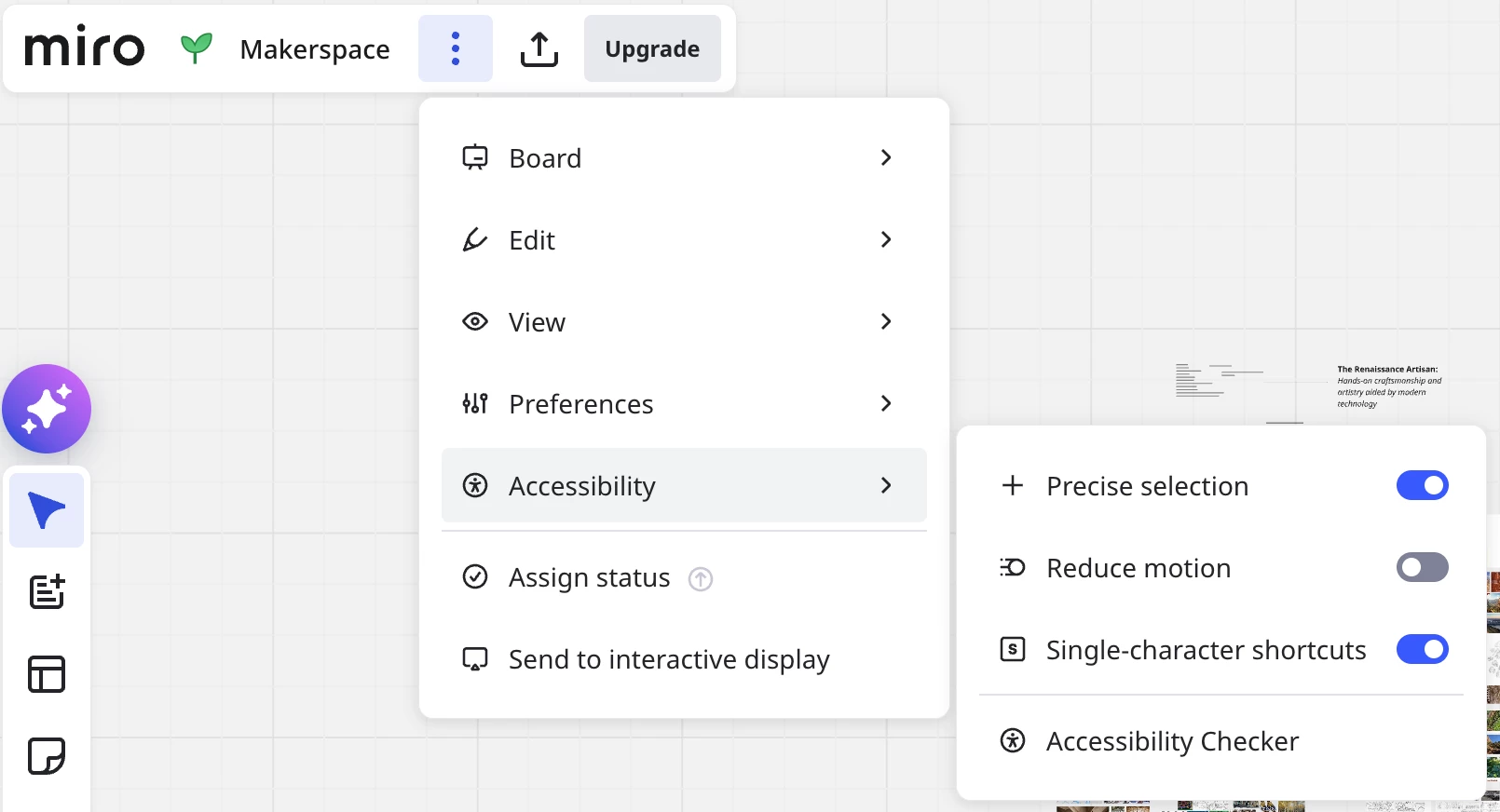
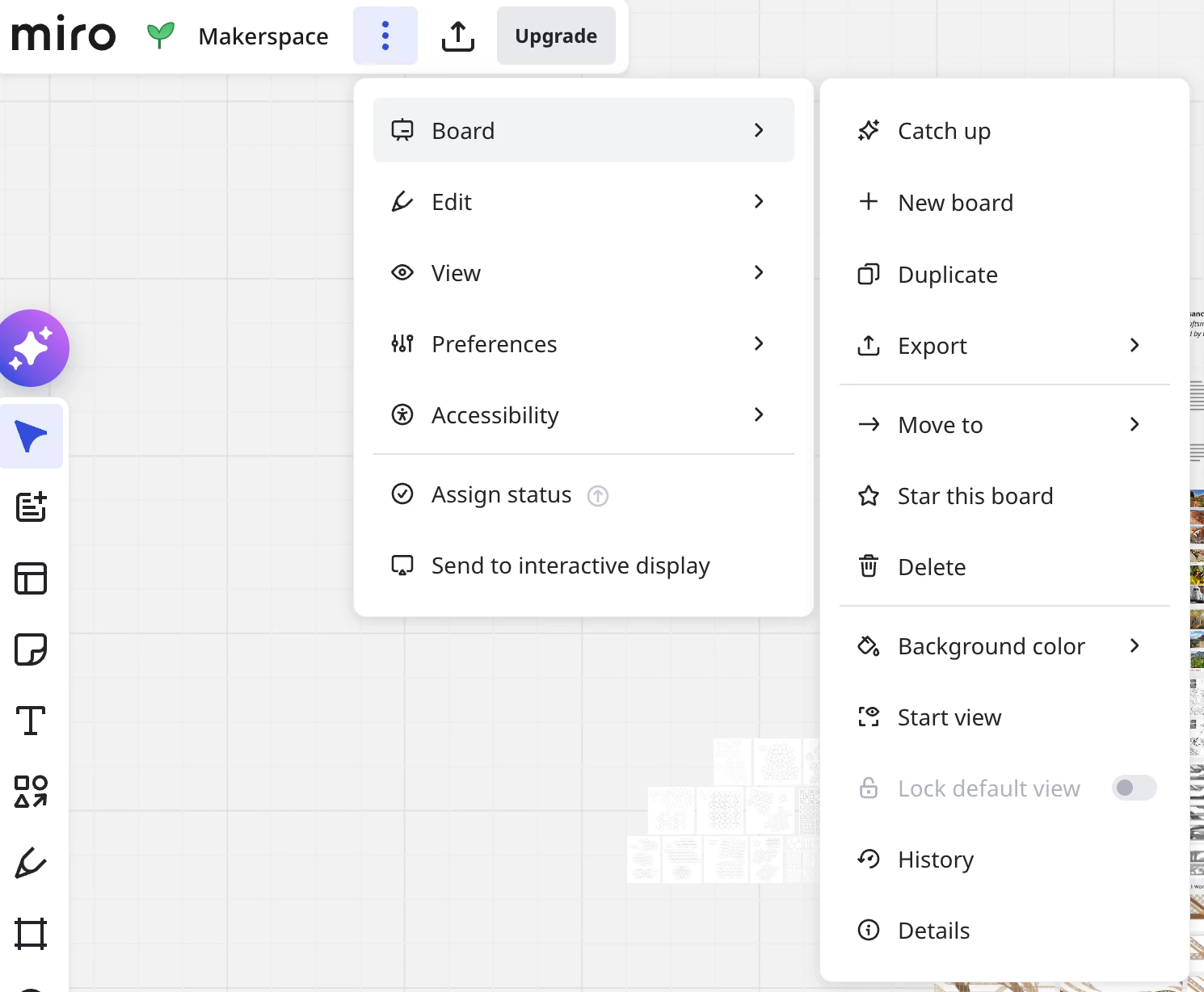
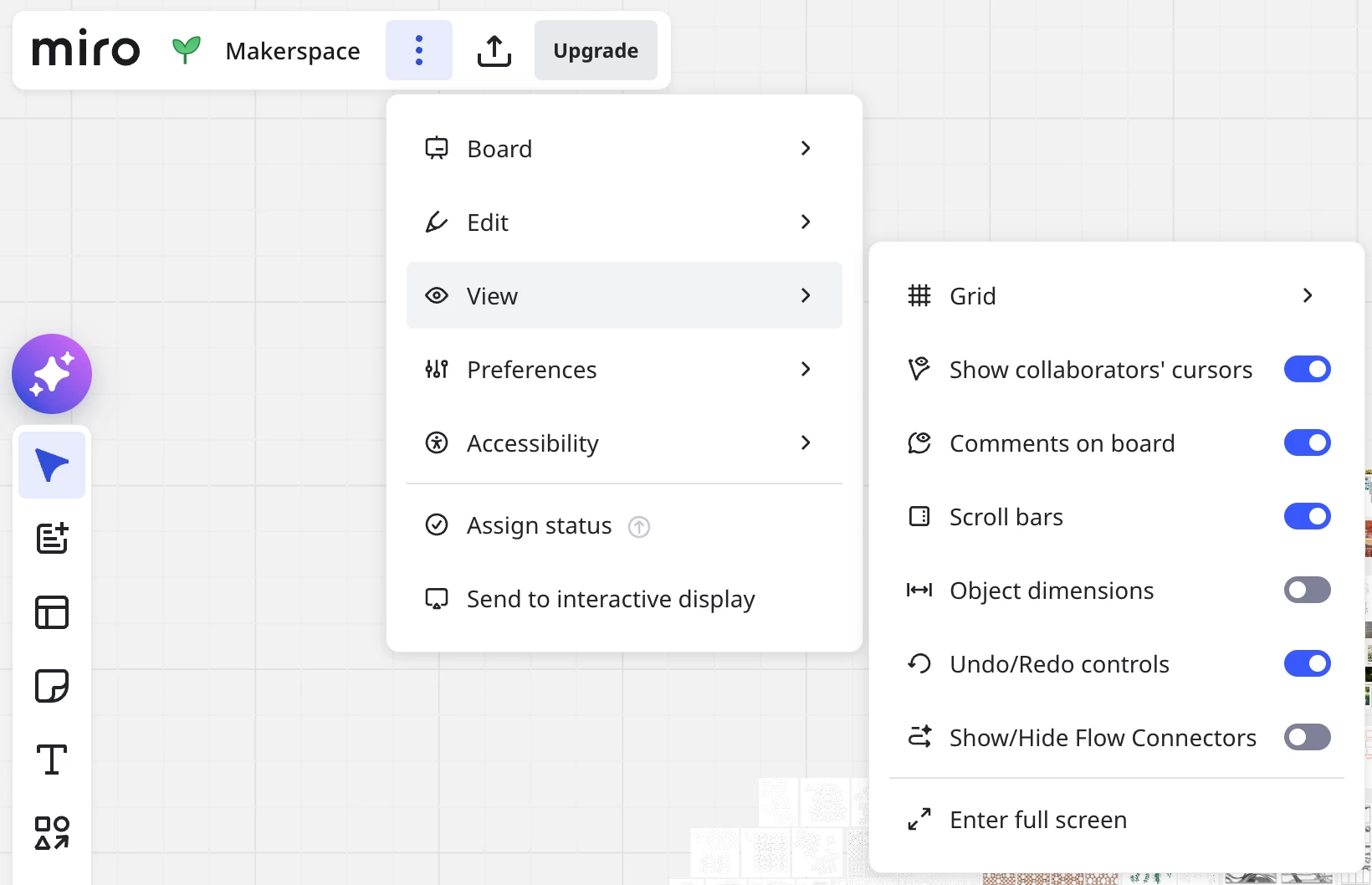
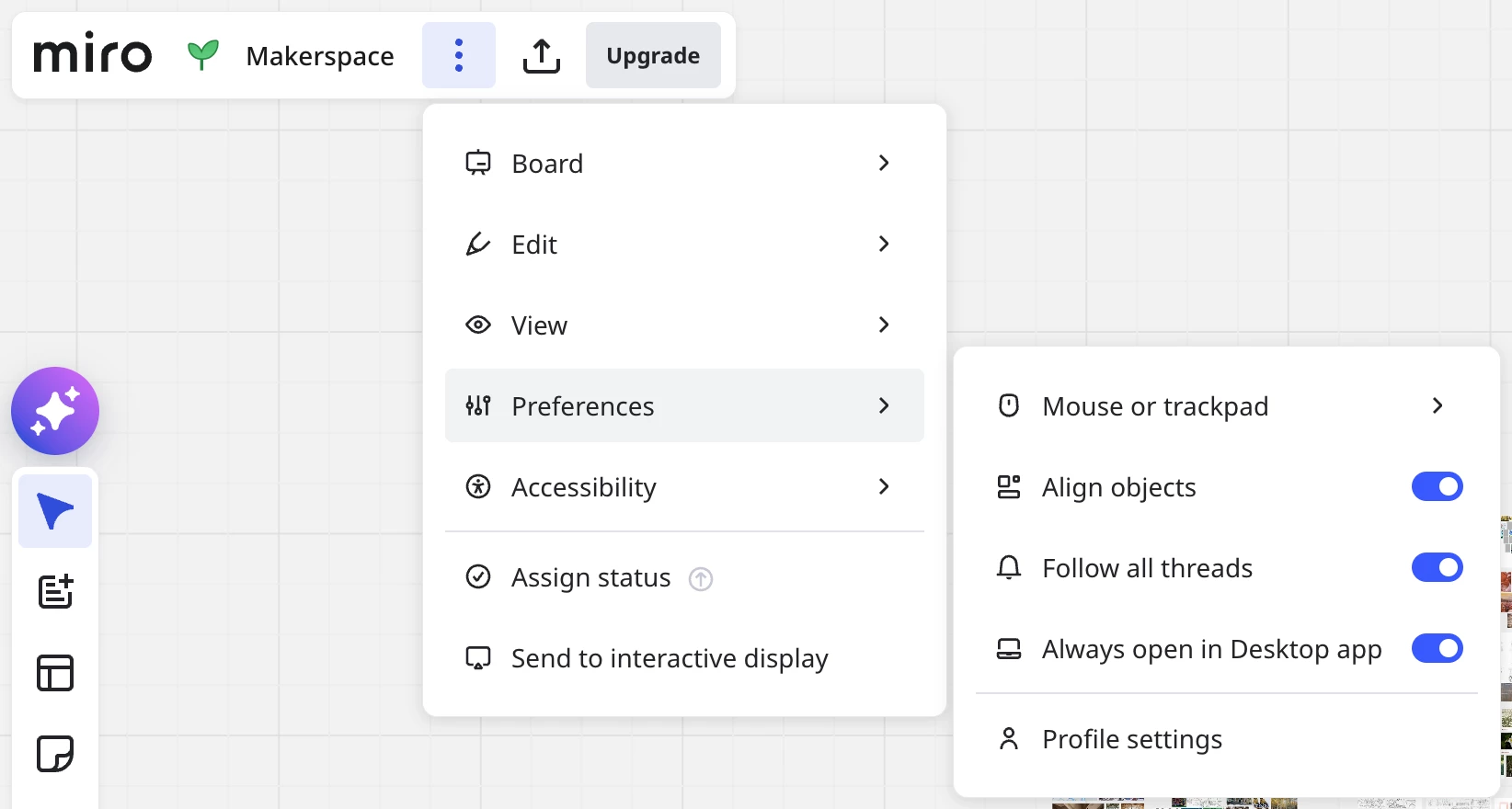
Above are all the relevant board options I can see, and none of them allow toggling the tab on or off; I can’t find any options in my profile settings, either. Help and/or resolution is appreciated because this is a daily thorn in my side and it’s really poisoning my experience of Miro. Thanks!