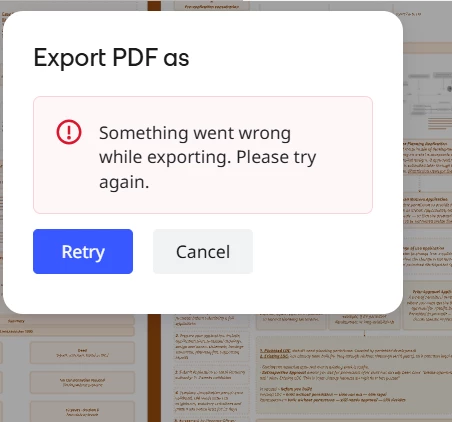
Hi, I am trying to export the boards via: Share and Export > Export as image > Vector PDF
Yesterday I was able to export around 10 boards with no issue using this process, until I suddenly started consistently getting an Error Message (something went wrong while exporting).
I tried multiple browsers and the Miro Desktop app, no change. My colleague is experiencing the same, we´re both using Macs.
Does anyone have an idea how to fix this issue? Thank you!
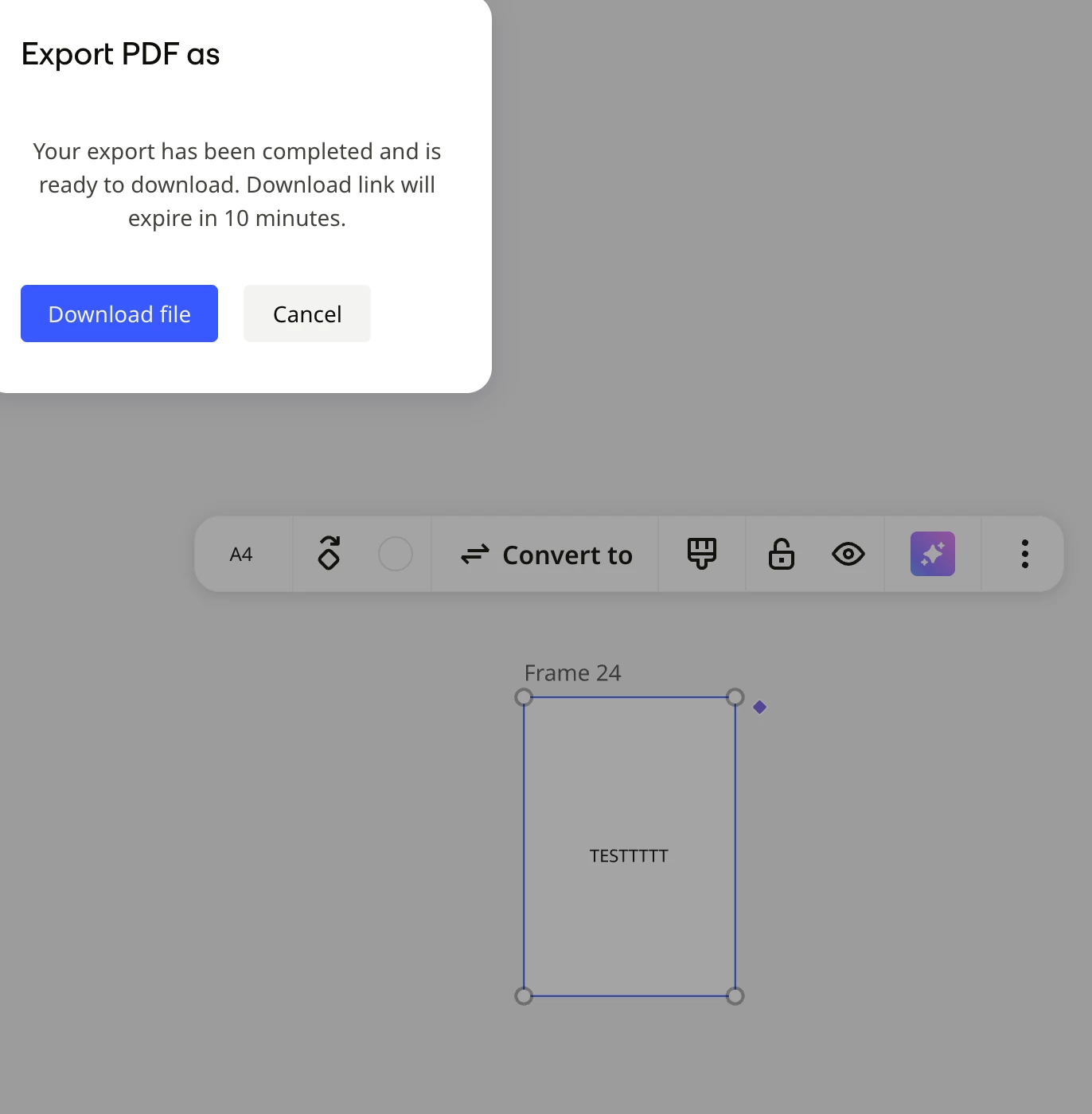
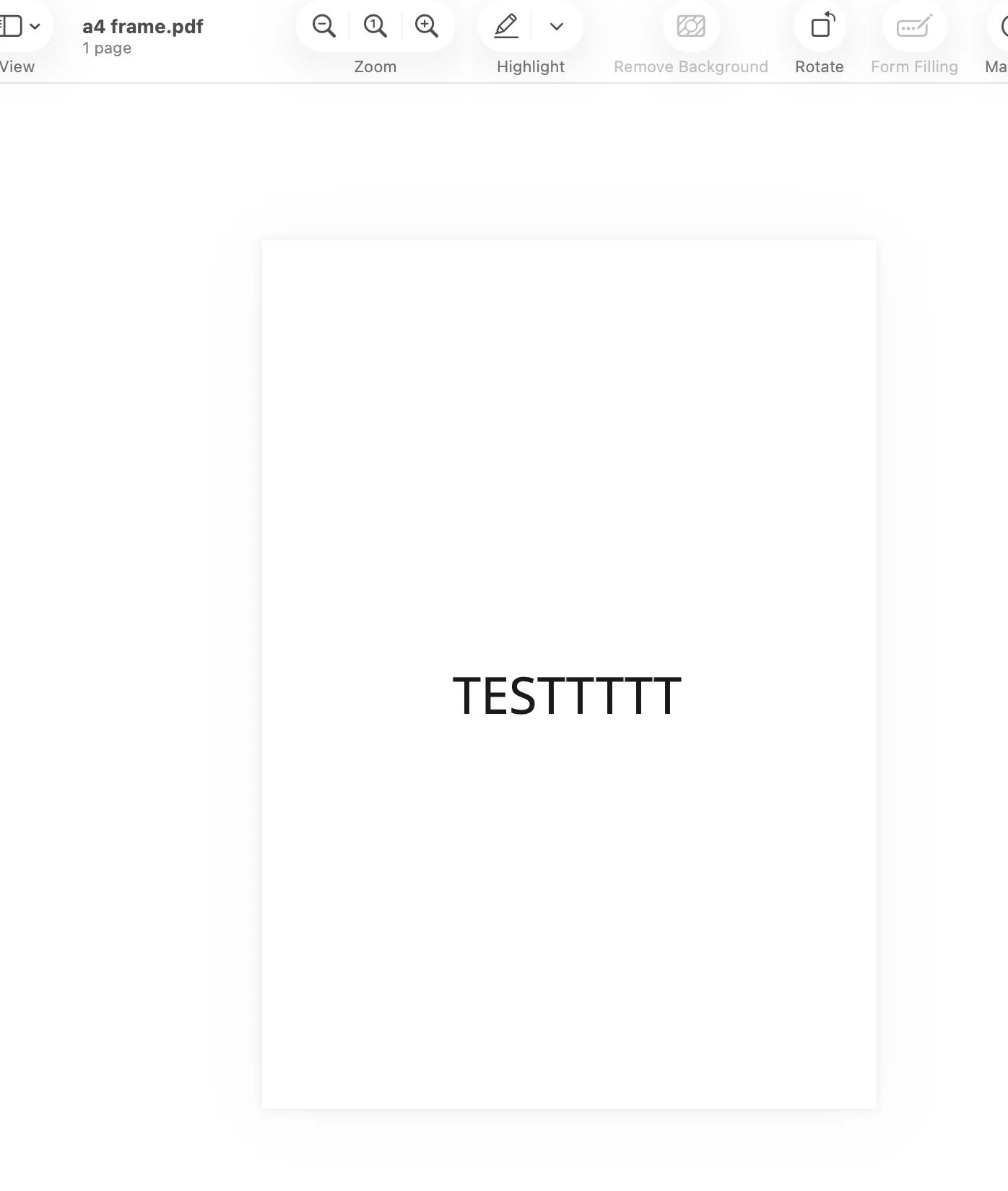
Hi @loujayne2hadaya @lordjaje thanks for reaching out! As per my replication, I was able to export the A4 sized frame into vector without any errors.
To help narrow down what's causing this, could you share a bit more information?
Does this happen with every board, or only this specific one?
Approximately how many A4 frames are you exporting at once?
Does the export succeed if you try exporting just a single A4 frame as a vector PDF?
Are there any complex elements in the frame (for example, high-resolution images, embedded PDFs, or many vector objects)?
Which browser and operating system are you using? Have you tried a different browser or an incognito/private window?
If possible, could you please try the troubleshooting steps and see if it helps?