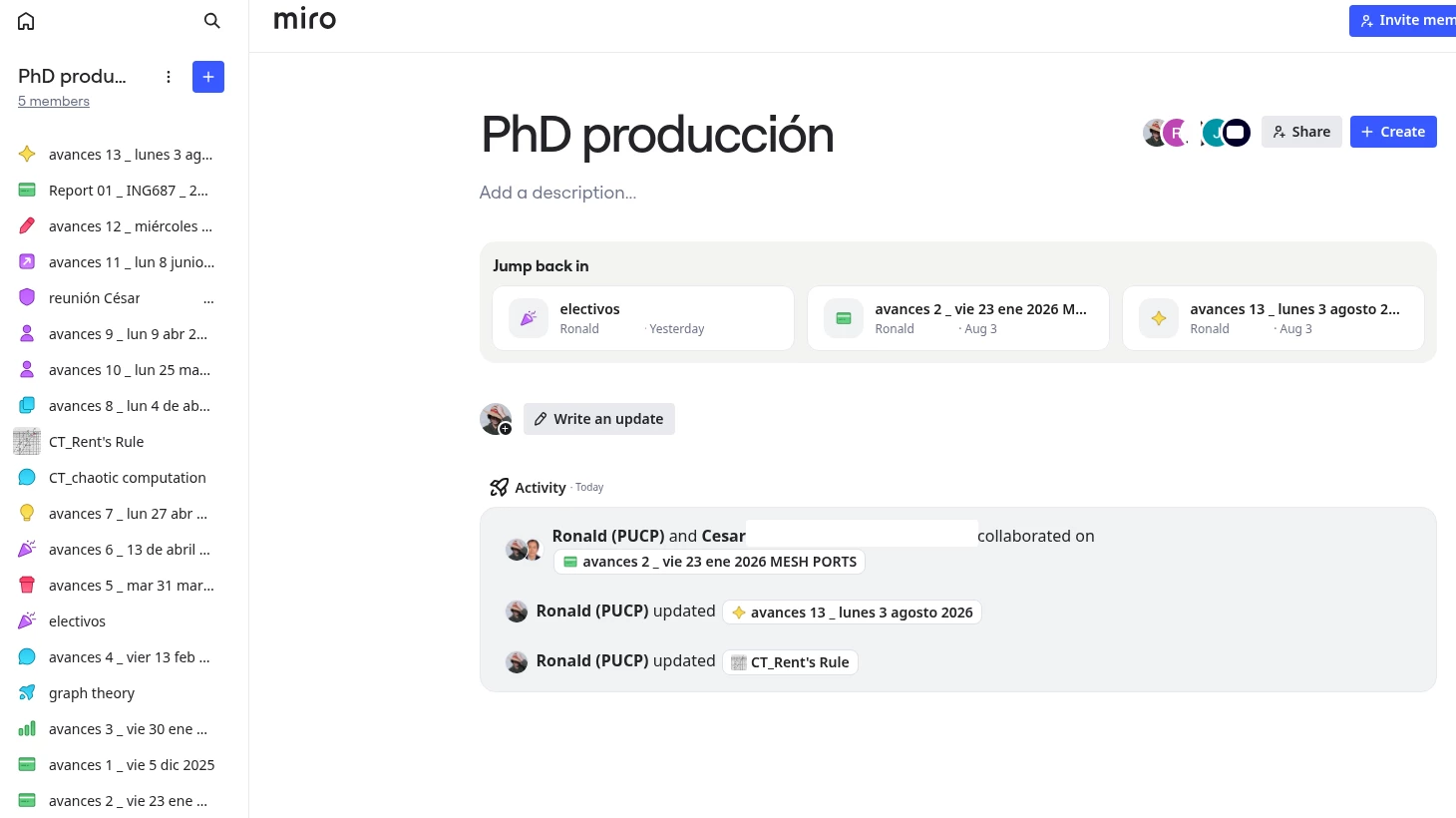
@Ronal D. Uriol This is slowing me down too.
One thing worth knowing: we may not be looking at the same thing. In my version of the sidebar I can drag boards into an order manually, which it sounds like you can't. So this is rolling out in variants, and it's worth saying which behaviour you're seeing when you report it.
Either way, neither of us has what you're actually asking for. Drag-to-order isn't a workaround for sorting — it's a different job. Manual order is something you have to build and then maintain; sorting is something the list does for you. And last-modified (my preference) can't be reproduced by hand at all, because the right order changes every time you open a board. Now everytime I open a Space, I am scrolling to search for a board that I had open an hour ago.
Alphabetical and last-modified are table stakes for a list view, and they've been in Miro's dashboard for as long as I can remember. My hope is that this is a known gap with a plan behind it. Dashboard changes have historically moved on the slower side, so "you can't make an omelette without breaking eggs" is a tough sell when the egg is sorting.