Question

windows 11 app, align object OFF, mindmap still aligns. how to fix?

  • December 23, 2025
  • 3 replies
  • 31 views

as described.  
widows 11 App.  Simple mindmap.  Align objects OFF.  Snap to Grid is OFF.


objects still snap to grid and self-align in a not helpful way.  Ruins the layout. 


how to disable??

3 replies

Robert Johnson
Forum|alt.badge.img+13
  • Volunteer Community Moderator
  • December 23, 2025

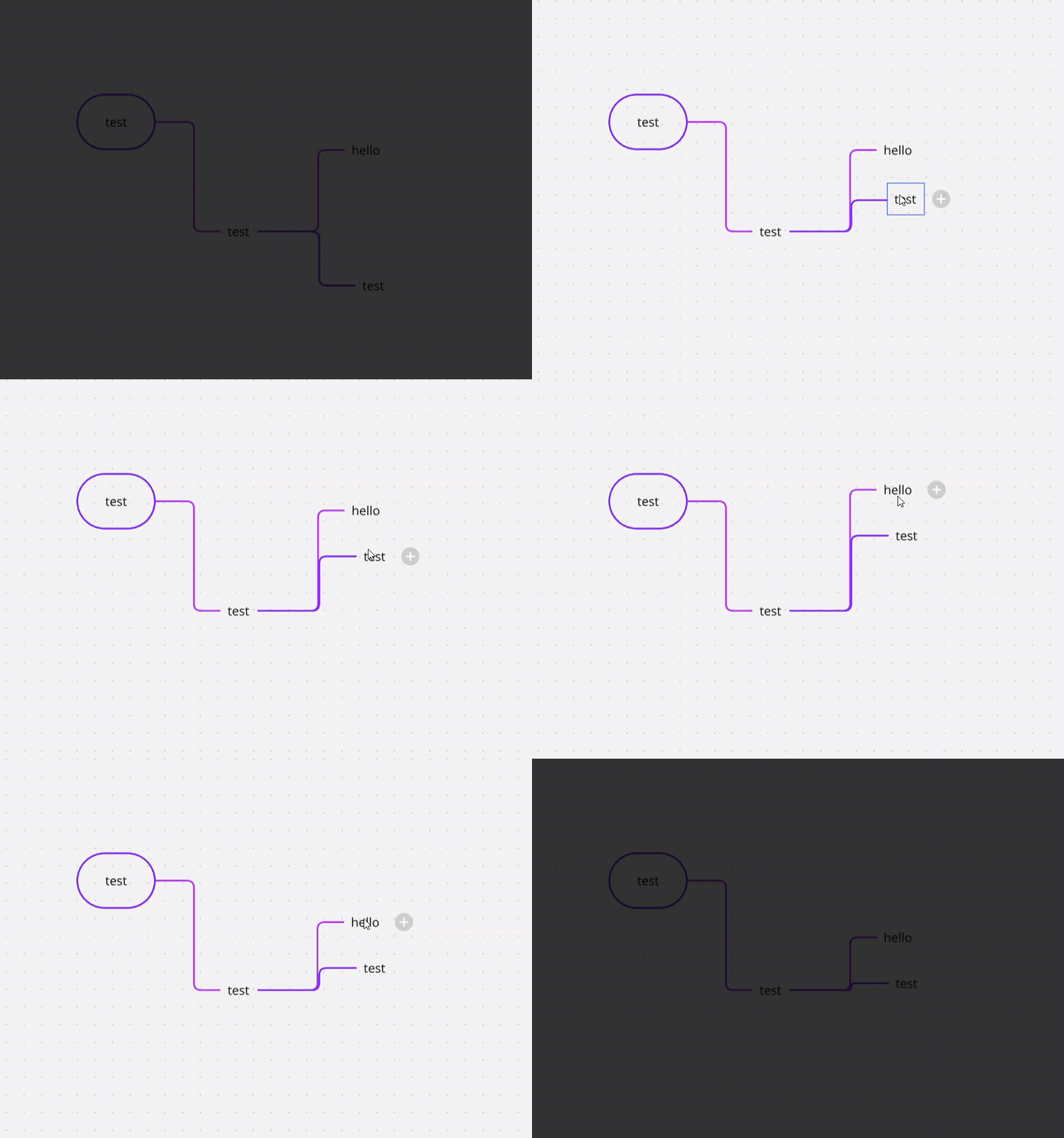
@clemer9 Miro prevents nodes from overlapping — like two magnets with the same poles repelling each other:

There is no way around this (that I am aware of).


  • Author
  • New Here
  • December 23, 2025

EDIT:  Disabling “AUTO LAYOUT”  removes the forced alignment.   It was forcing all objects into horizontal rows. 

“Auto Layout”  functionally enforces an ‘align objects’  result.  

This is confusing to users.

The help system could not answer why this was happening. 

I strongly suggest the help notes for “align objects” should cross-link to “Auto Layout”  and “Snap to Grid”  since they all override object placement.


Robert Johnson
Forum|alt.badge.img+13
  • Volunteer Community Moderator
  • December 23, 2025

For any readers wondering about the auto layout feature in Miro mind maps, here's a link to the help center article:

https://help.miro.com/hc/en-us/articles/360017730753-Mind-map#h_01HB8C2S3Y31SYSWVRXV2FDM58