unable to see the full board and zoom out

  • March 19, 2024
  • 2 replies
  • 42 views

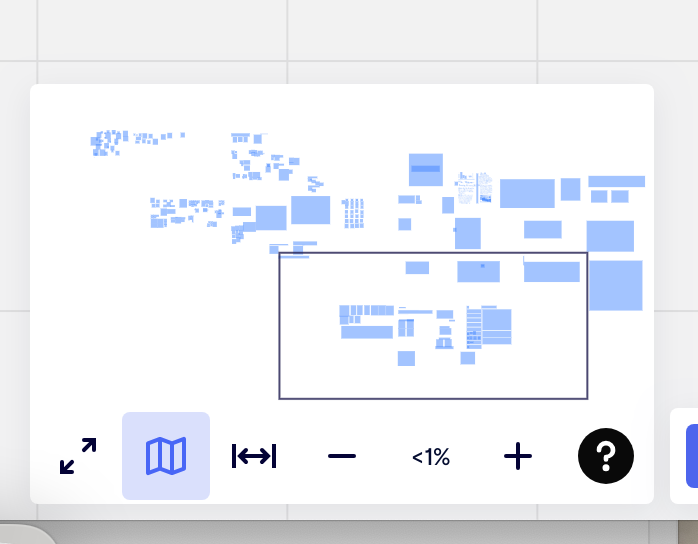
At 100% I only see a micro detail of the board. When I zoom out and level on my board is  at maximum <1% I can only see a small section. I checked chrome zoom which is normal.
 

2 replies

I am having the same issue, did anyone ever help you to get this resolved?


Eca
Mironeer
Forum|alt.badge.img+2
  • Mironeer
  • December 6, 2025

HI ​@Sarah Warehime, thanks for reaching out!

The behavior you’re describing usually happens when the board contains a very large object (for example, an oversized image, shape, or frame) or when the camera has been pulled extremely far away from the actual content. This makes the board appear “zoomed in” even at 100%.

A few things you can try:

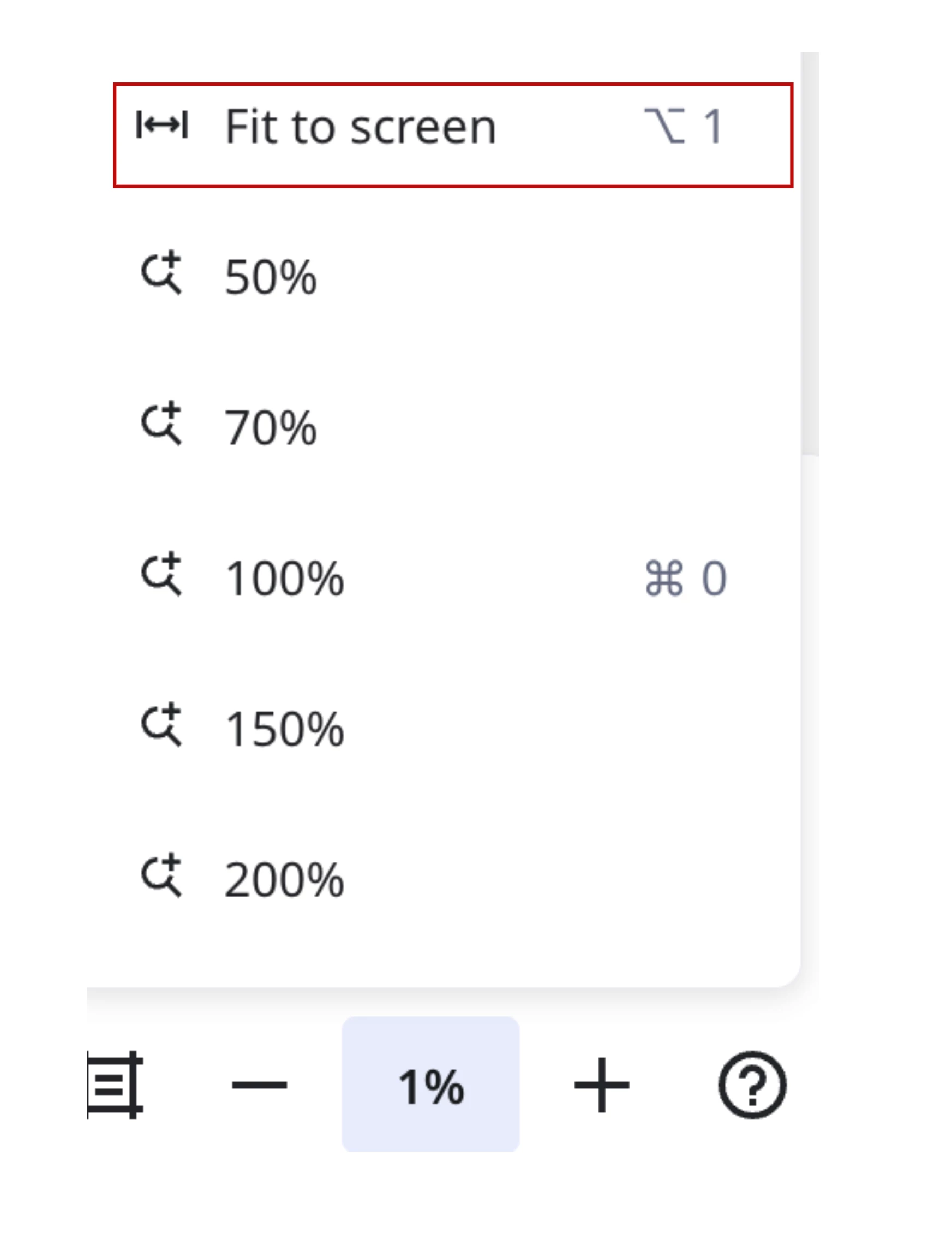
  1. Use the “Fit to screen” shortcut to automatically center your view on all existing objects.
    This often resets the zoom to a normal range.


  2. Check for oversized objects

    • Press Ctrl/Cmd + A to select all items.

    • Look for a very large box around the selection — that indicates something huge on the board.

    • If you find it, you can resize or delete the oversized item.

  3. Duplicate the board and see if the issue persist in the duplicated one

  4. Try with a different browser or in incognito mode
    This helps rule out cached view issues or browser extensions.

If none of these steps help, feel free to share a screenshot (with sensitive content hidden), and we can take a closer look.

Hope this clears things up!