Answered

Unable to duplicate timeline element

  • April 10, 2025
  • 4 replies
  • 70 views

Forum|alt.badge.img

Hi,

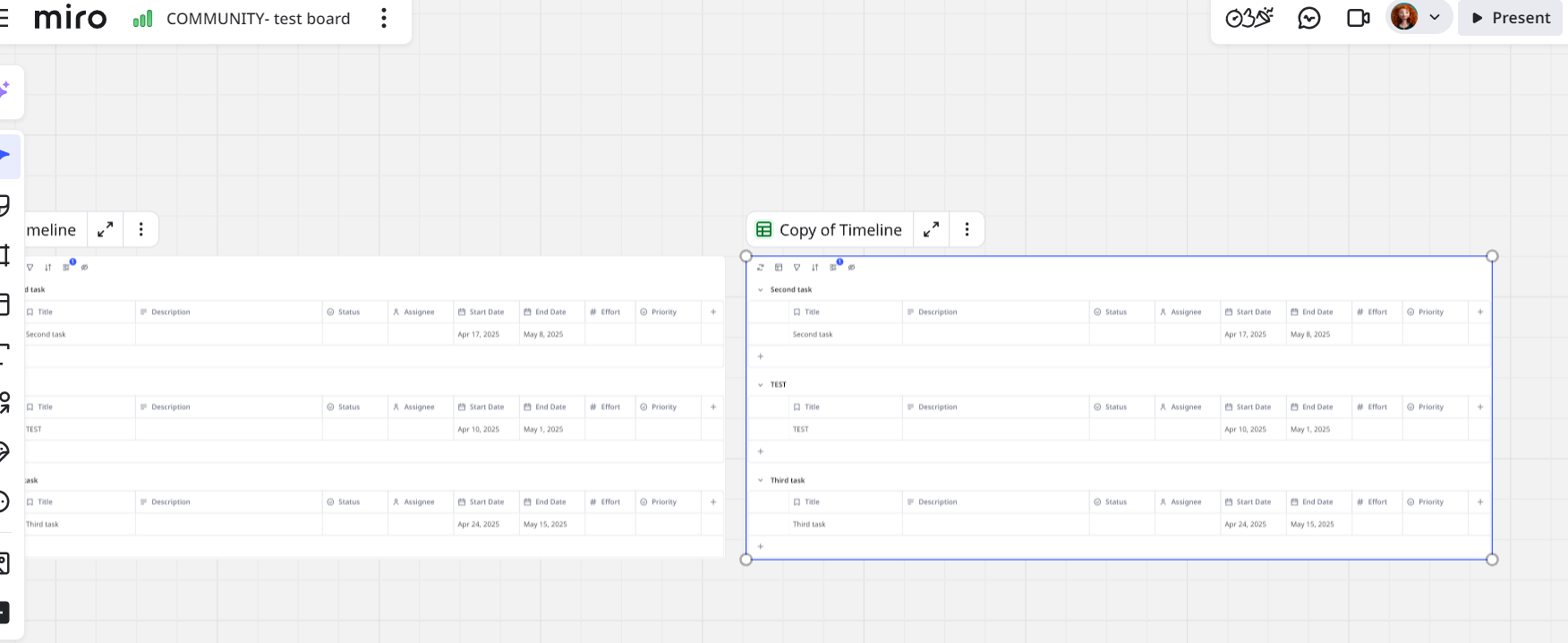
For some reason, I can no longer copy and paste, or duplicate the timeline element template I’ve been using. It shows the “aw, snap” icon and I can’t do anything with it.

Any idea why this might be and how to resolve?

Thanks,

N

Best answer by Eca

Hi ​@nick_111,


Thanks for the update! Since the issue persists after trying the basic troubleshooting steps, I’ll go ahead and convert this into a support ticket for further investigation by the Miro team.


They’ll be able to look into it more closely and assist you with a solution. You should hear from them soon!


If you need any more help, feel free to reach out.

4 replies

Forum|alt.badge.img
  • Author
  • Contributor
  • April 10, 2025

Why can I notduplicate or copy and paste timeline templates anymore on this board?


Eca
Mironeer
Forum|alt.badge.img+2
  • Mironeer
  • April 11, 2025

Hi ​@nick_111,

Thanks for reaching out! I just tested this on my end but wasn’t able to reproduce the issue.


Could you let me know if you’ve already tried any troubleshooting steps (e.g., refreshing the page, using a different browser, clearing cache, etc.)? If not, I’d recommend giving those a try first to see if that resolves it. Let me know how it goes!


Forum|alt.badge.img
  • Author
  • Contributor
  • April 11, 2025

Hi - yes, I've tried that ;(


Eca
Mironeer
Forum|alt.badge.img+2
  • Mironeer
  • Answer
  • April 11, 2025

Hi ​@nick_111,


Thanks for the update! Since the issue persists after trying the basic troubleshooting steps, I’ll go ahead and convert this into a support ticket for further investigation by the Miro team.


They’ll be able to look into it more closely and assist you with a solution. You should hear from them soon!


If you need any more help, feel free to reach out.