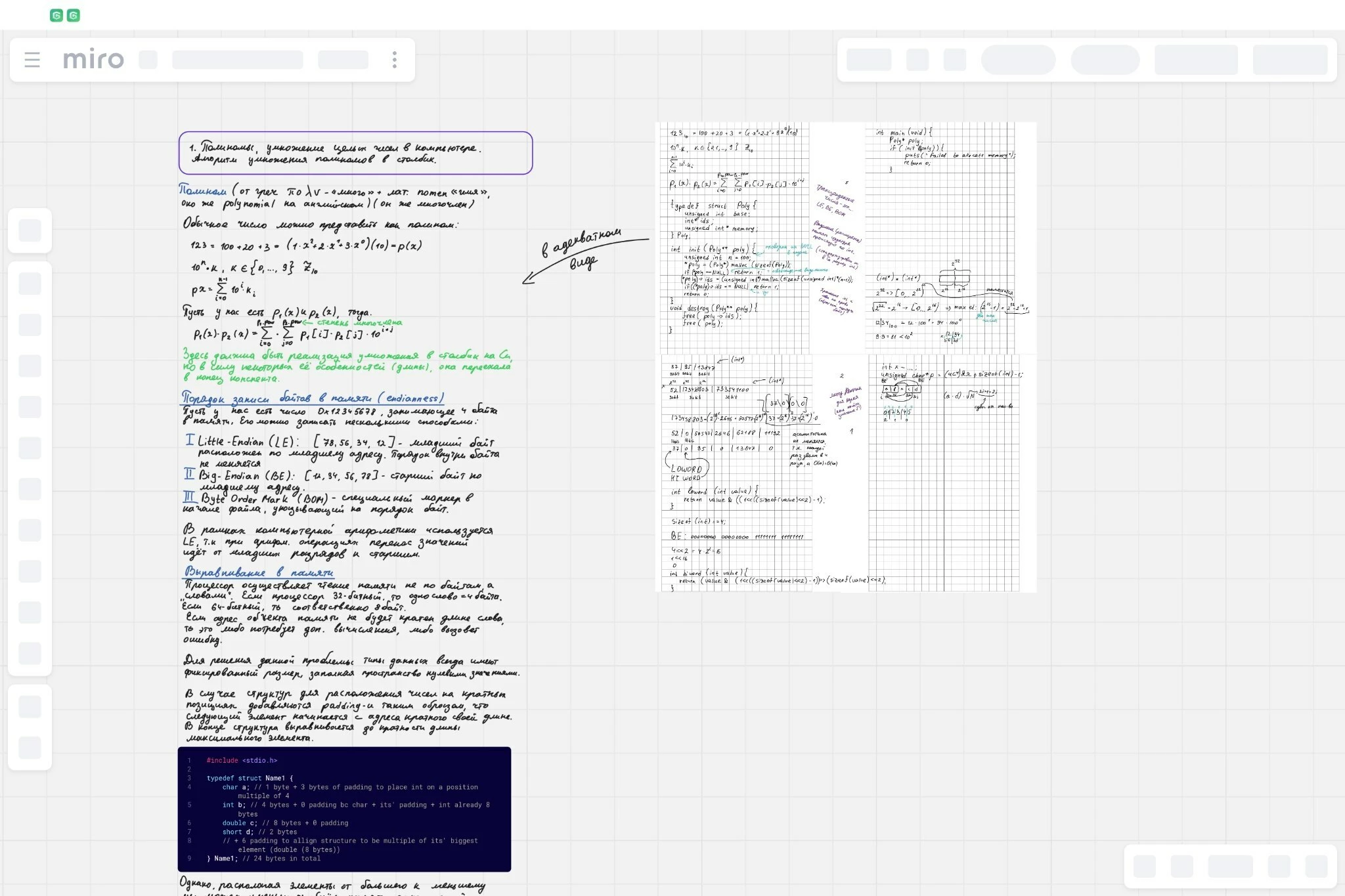
Toolbar and all other buttons are Grey and unclicable

  • February 25, 2026
  • 2 replies
  • 24 views

Hello. Recently ran into a problem of being unable to interact with any of elements of the miro whiteboard interface. Board work as always - it loads, I can observe all on it, I see all the changes. But all the buttons are just replaced with grey boxes. Even the name of the board. It looks like the board doesn't load. But it does.

The problem occurred on my tablet two days ago and today it also appeared on my computer (windows), I tried to switch between several networks, wifi/mobile data, it didn't help. I also tried to update and reinstall the app. I even tried to open it in Chrome browser, but everything is the same. It neither work when I'm a team member or team and board owner. Switching account to another one also didn't help.

Is there a way to fix this problem?

2 replies

Robert Johnson
Forum|alt.badge.img+13
  • Volunteer Community Moderator
  • February 25, 2026

@InchanterX A few questions:

  1. Does this happen on all Miro boards that you have access to?
  2. Does this happen for all users who have access to the board?
  3. What happens if you duplicate the board — does the issue persist on the duplicated board?

Are you able to share a screenshot of the issue?

In case you weren’t aware, if you are using a paid Miro subscription, you can open a Miro support ticket by following these instructions:

https://help.miro.com/hc/en-us/articles/360020185799-How-to-contact-Miro-Support#h_01F010RXA0E1S9C0WFQYX75R6C


  • Author
  • New Here
  • February 26, 2026

@Robert Johnson Thank you for your answer. I attached a screenshot at the end of the reply.

About your questions:

  1.  Yes, on all of them.
  2. No, I gave editor acess to one of my boards to my friend and he doesn’t have such issue.
  3. I tried to duplicate boards but it seems that nothing happened. I tried in several teams, including the one where I’m an owner.