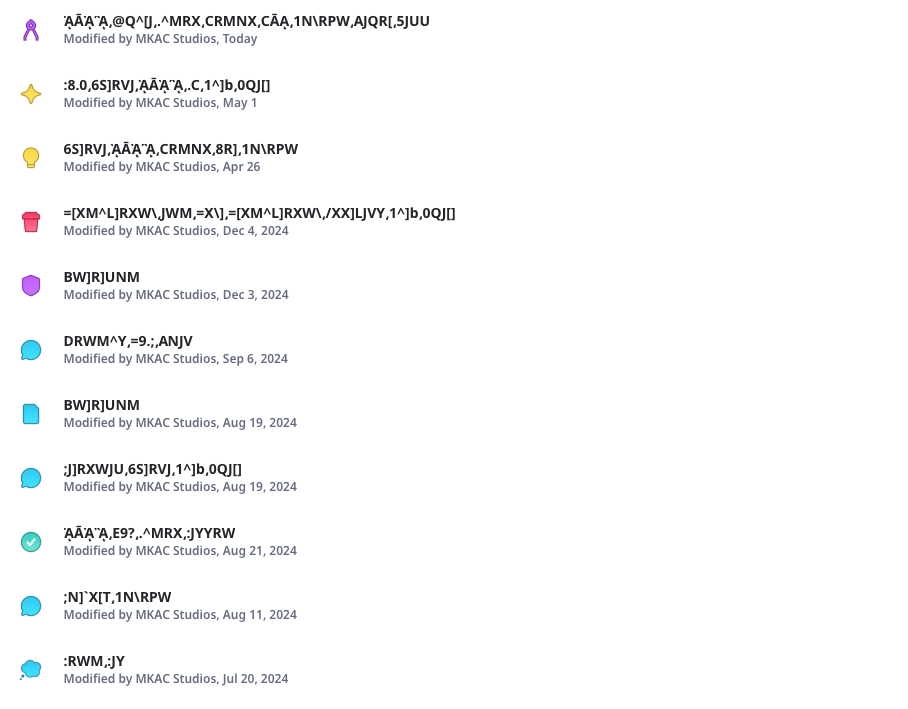
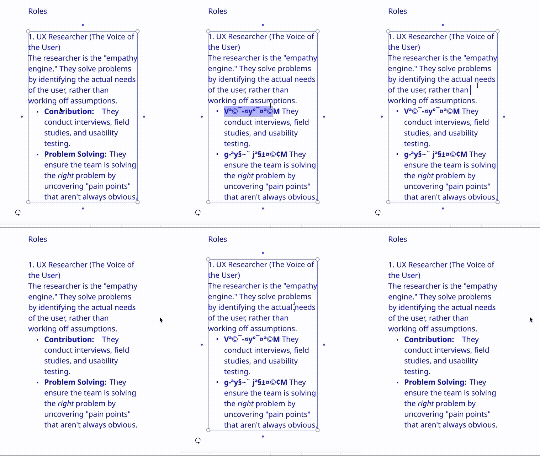
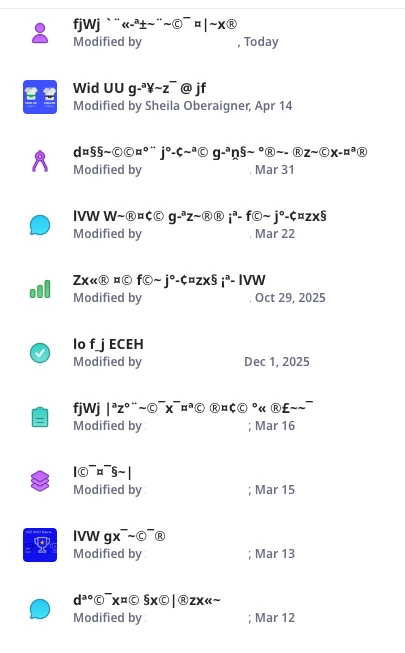
Thanks for sharing the screenshot, @MKAC Studios. The board titles appear to be displaying corrupted or unreadable characters, which could be due to:
Encoding Issues – Special characters may have been used in board names, and something may have gone wrong during saving or syncing (especially if copying/pasting from another app or platform).
Browser or App Glitch – A temporary rendering bug in the browser or Miro app could cause character display issues.
Language or Font Conflict – If your system or browser is using a language or font not fully supported by Miro, it may not display some characters correctly.
Corruption During Sync or Export – If these board names were imported, duplicated, or restored from a backup, some metadata might have been corrupted.
Here’s what I recommend trying:
Refresh the browser or restart the Miro app.
Try opening Miro in a different browser or incognito mode.
Check if the same issue occurs on a different device.
If this just started happening recently, check if any integrations or automations (like third-party tools or scripts) were active when these titles changed.
Try renaming one of the boards with plain text to see if it “sticks” correctly.
If this does not help, I recommend contacting Miro Support. They’ll be able to check the backend metadata.