Question

Space sidebar doesn't open on Miro Client (bug?)

  • April 2, 2026
  • 5 replies
  • 23 views

Norbert Täubl

Hi, I’m working on a mac, using the miro client. The problem I have is only in the miro client, not the browser version. 
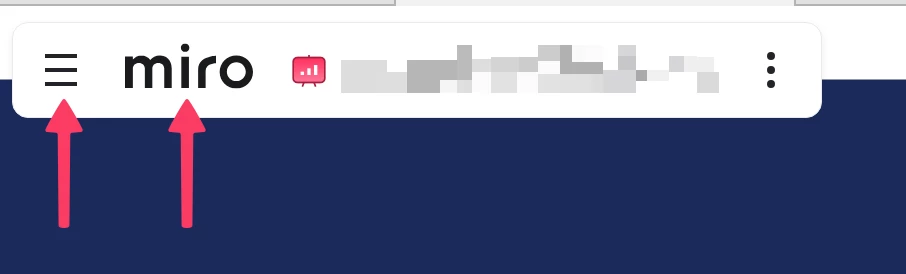
 

I have a space containing several boards. When I open a board, the sidebar is open and shows the space sidebar. 

I close the sidebar, can open it again, via clicking the burger menu → Space and boards are shown. 

BUT

When I click the miro logo, the boards dashboard is shown, with all spaces. → correct behavior. 
I close that view to return to my board I’m working on. 

Now I’m in the board again, and click the burger icon → [PROBLEM] It doesn’t show the space and the other boards within that space, it shows the Space dashboard again (same behavior as clicking on the Miro logo). 

5 replies

Eca
Mironeer
Forum|alt.badge.img+5
  • Mironeer
  • April 2, 2026

HI ​@Norbert Täubl thanks for reaching out!

This could be a desktop app-specific issue on Mac, especially since it’s not happening in the browser.

A couple of things you can try:

  • Restart the Miro app
  • Update the app to the latest version
  • Clear the app cache (this often resolves sidebar/navigation issues)

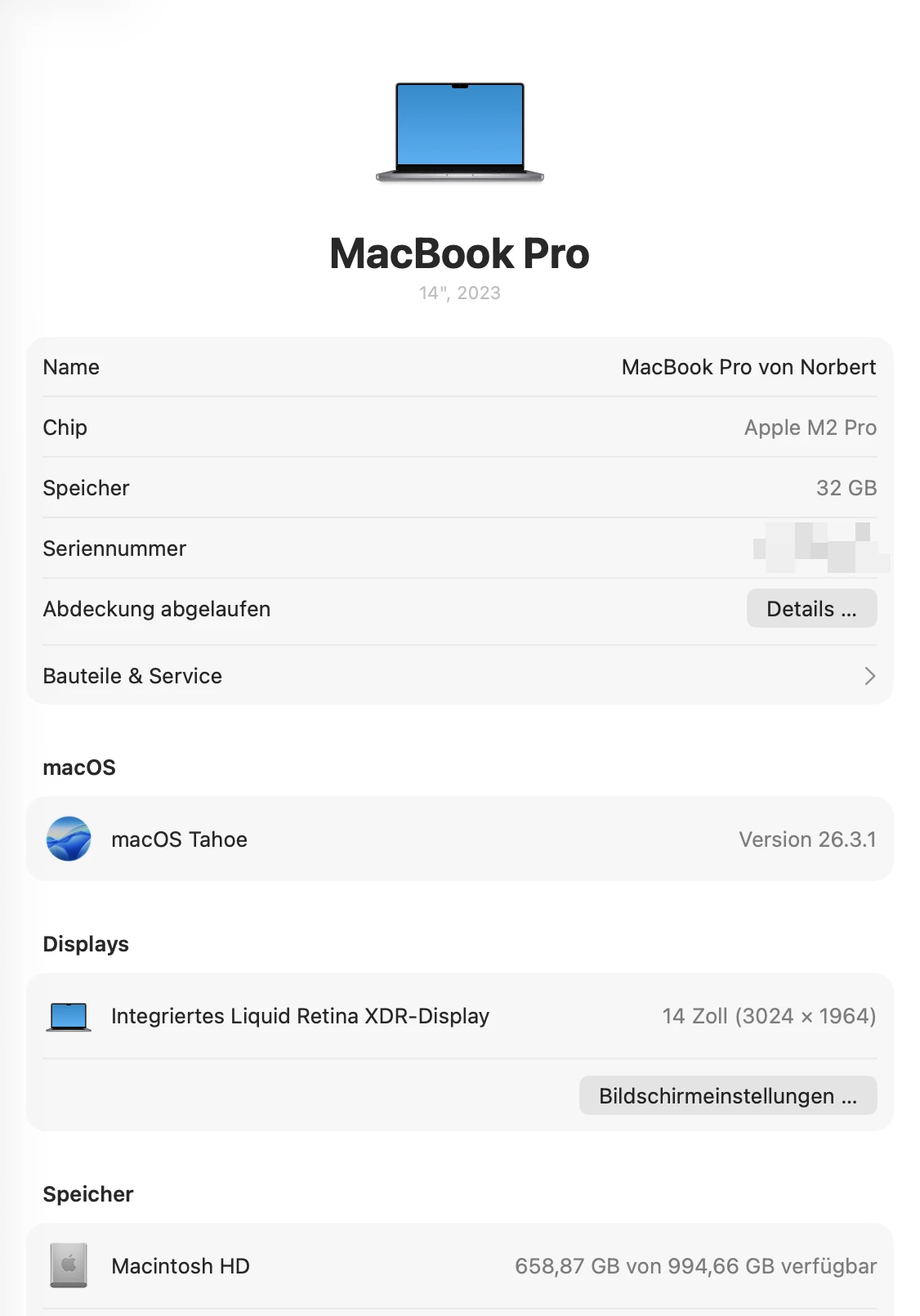
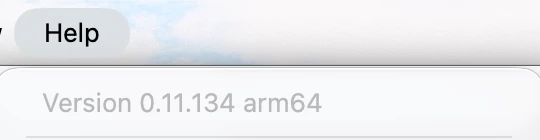
If it continues, please share your macOS version, Miro app version, and a short screen recording so we can investigate further.


Norbert Täubl

Hi ​@Eca 

I did all three, restarting the app, clearing the app cache, checked for updates. The problem remains. 

I can’t offer a screen recording, since all our boards are confidential. 

What I can offer, ist this: 


I can reproduce that behavior all the time.

Cheers, Norbert


Robert Johnson
Forum|alt.badge.img+13
  • Volunteer Community Moderator
  • April 2, 2026

@Norbert Täubl Does the Spaces sidebar keyboard shortcut do anything? Ctrl/Cmd + /

Reporting the issue to Miro support

If you are using a paid Miro subscription, you can open a Miro support ticket by following these instructions:

https://help.miro.com/hc/en-us/articles/360020185799-How-to-contact-Miro-Support#h_01F010RXA0E1S9C0WFQYX75R6C


Norbert Täubl

Hi ​@Robert Johnson, that shortcut doesn’t do anything. 

@Eca I would have created a screen recording with a dummy space and dummy board, but I can’t attach the video here, only when I host the video somewhere. 

I wanted to address that problem first here, before I open a support ticket, maybe I do anything wrong. 


Robert Johnson
Forum|alt.badge.img+13
  • Volunteer Community Moderator
  • April 3, 2026

@Norbert Täubl A screen recording of the issue doesn't have to be uploaded here - you could just share a link to the video (e.g., Google Drive).

Another option could be to use Loom for the screen recording - they have a free option and it's quite easy to use and share a link to the cloud hosted recording.

https://loom.com