Hi Miro team! I’m experiencing a strange issue with Spaces and would really appreciate your help.
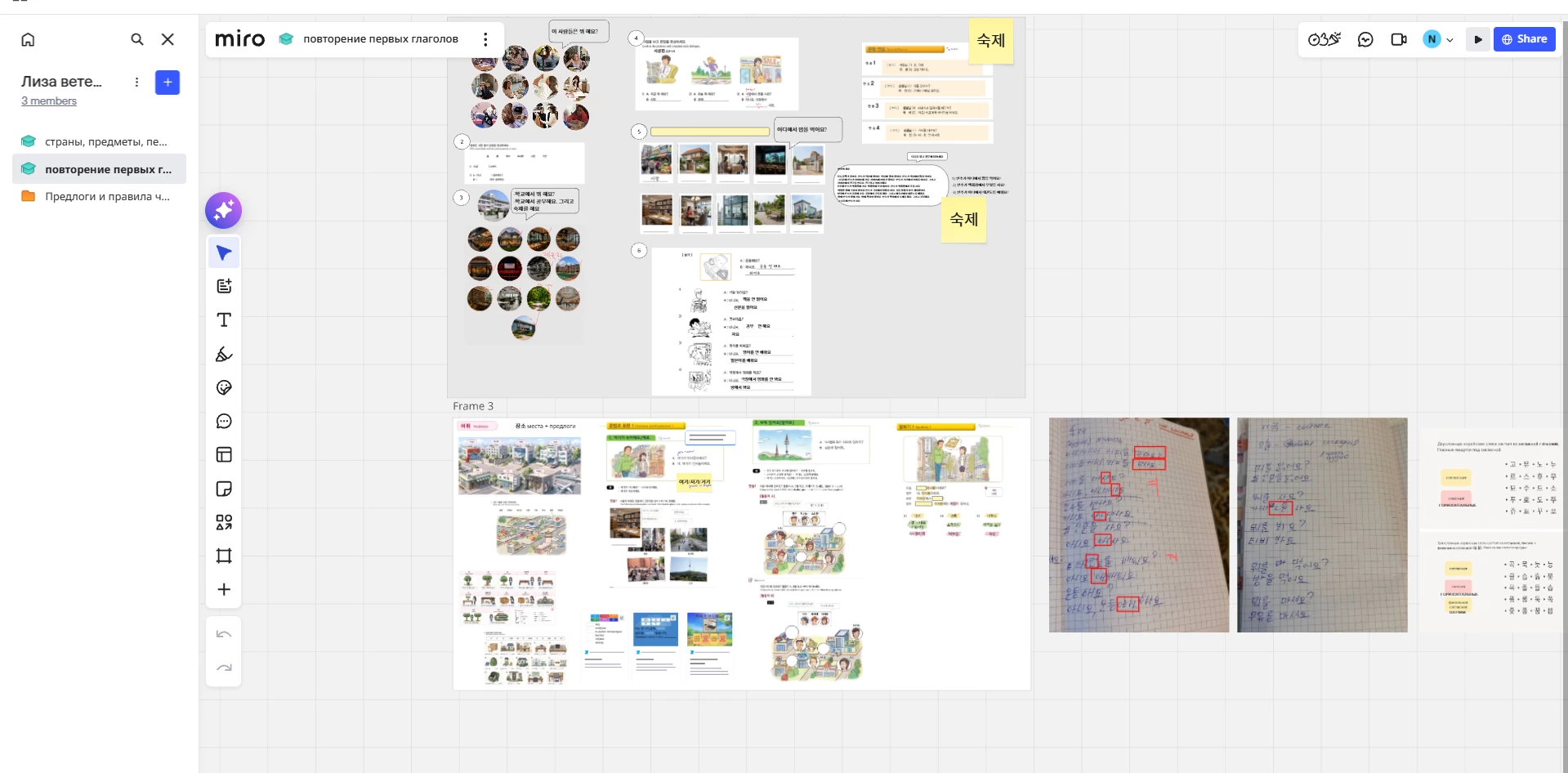
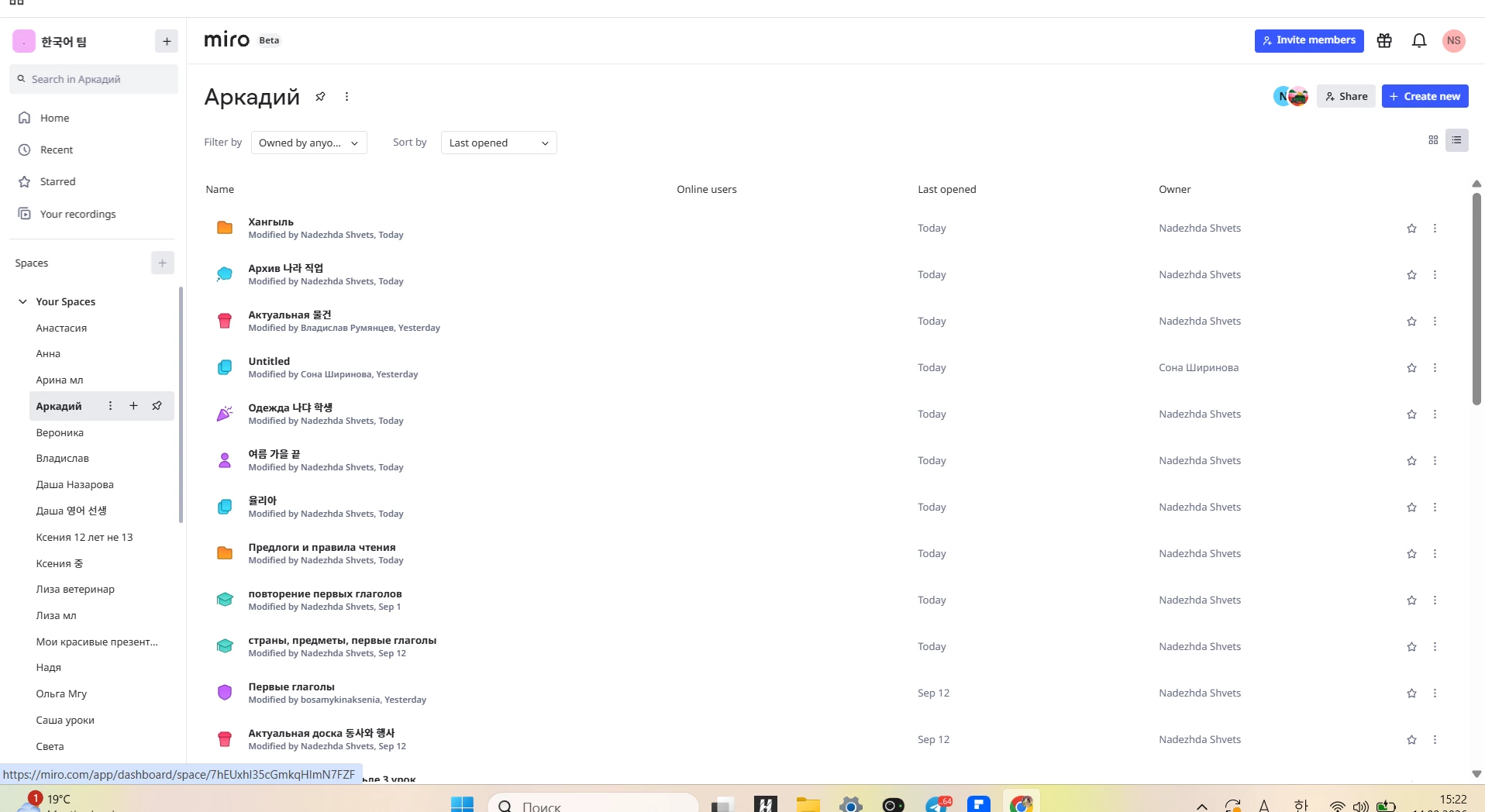
Today I noticed that when I open any of my Spaces, the sidebar shows all of my boards, instead of only the boards that belong to that particular Space.
For example, I have a Space for a specific student where I previously had only 1–2 boards. Now, when I open this Space, I see a large list of my boards created for completely different students and lessons.
The same thing happens with my other Spaces — they all show the same large list of my boards.
However, this seems to be only a problem with how the Spaces are displayed for me. My students still see the correct boards inside their Spaces. I also asked several other tutors who use Miro, and they do not have this issue.
I have not moved or reorganized any boards because I’m worried about accidentally changing access permissions.
Could you please check:
-
Why are all of my boards appearing inside every Space?
-
Are the boards actually assigned to these Spaces, or is this only a display/navigation bug?
-
Is there a way to restore the previous Spaces layout?
I’m using Miro for teaching, so having the correct Spaces structure is very important for me.
I’m attaching screenshots showing the issue. Thank you so much for your help!