[RESOLVED] "Resize image" missing when single image selected

  • February 12, 2026
  • 6 replies
  • 57 views

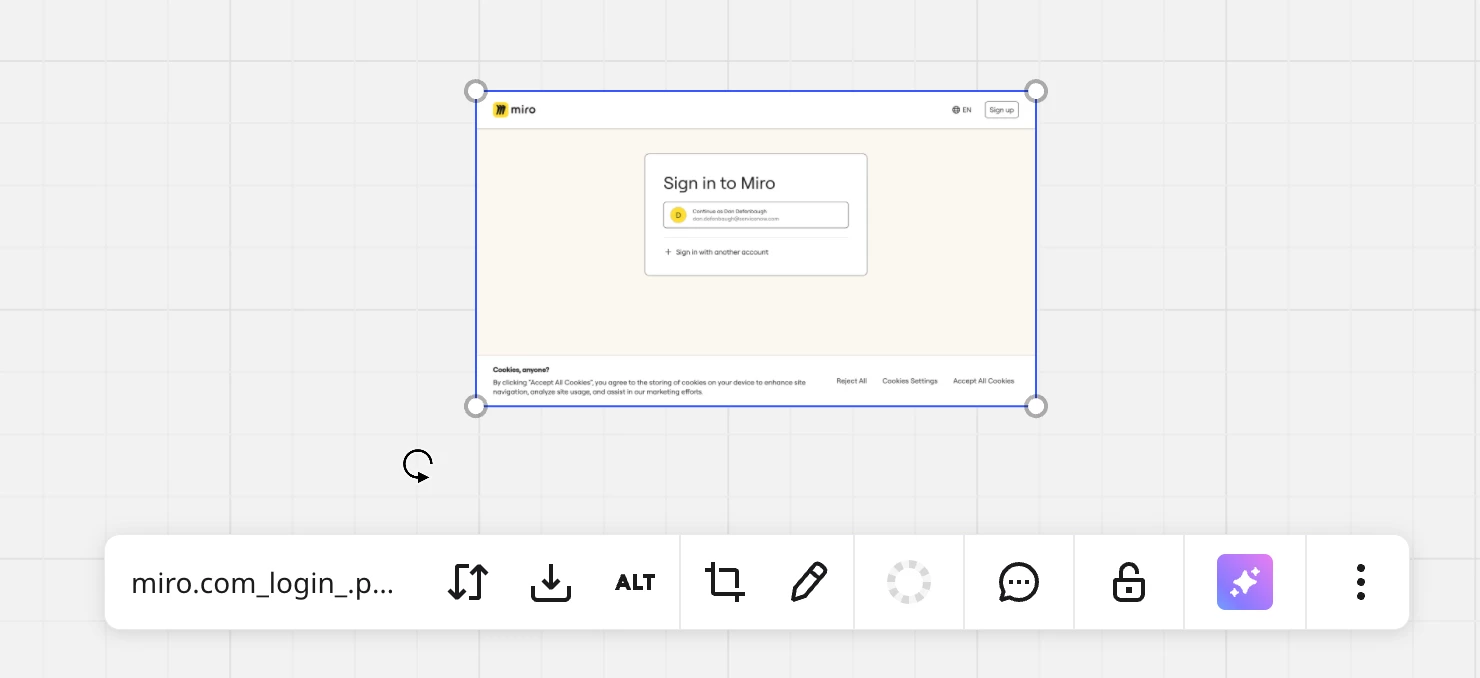
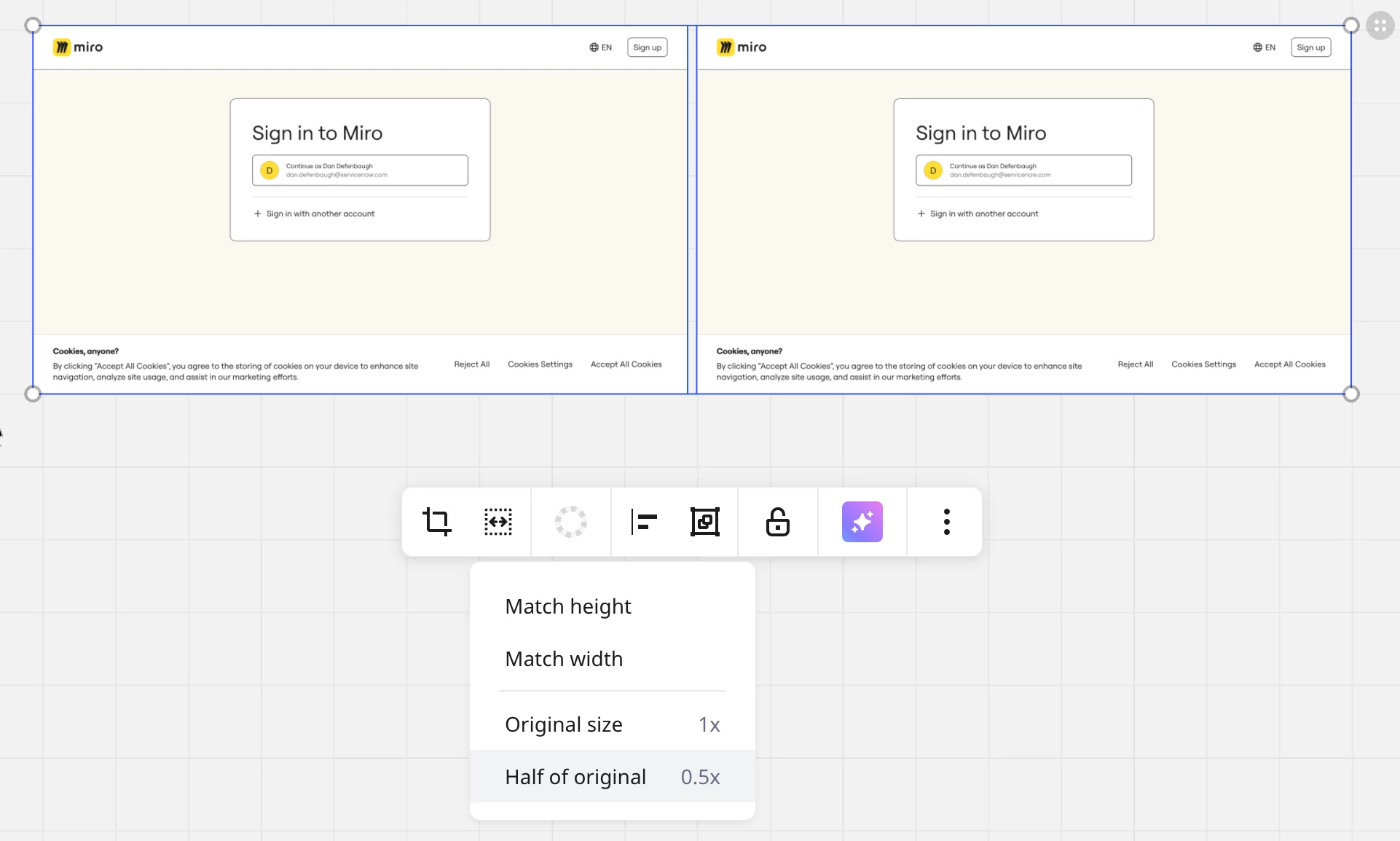
Resizing a single image to half of its original size was a very useful feature (for example a pasted screenshot @2x). This features is now only available when multiple images are selected. This makes sense for resizing by matching height and width, but why not keep it for single images as well? Now I have to duplicate or hunt down another image to select just to resize any image to half its original size (or back to its original size).


February 16, 2026

@Dan Defenbaugh Here’s the answer I received:

Thanks for the follow-up!
 
I've confirmed with the team that now resizing images is a bulk action and is not available for a single image. I've also shared your feedback with the team about renaming the feature to Resize images.

I am still on-fence-with this answer as I am 99% sure that I have used this feature with single image to resize it back to original (and the other bulk actions would have been disabled?). 

6 replies

Robert Johnson
Forum|alt.badge.img+13
  • Volunteer Community Moderator
  • February 12, 2026

@Dan Defenbaugh I’m seeing this too. I’ll open a support ticket.

Reporting issues to Miro Support

BTW, a note to all readers: If you are using a paid Miro subscription, you can open a Miro support ticket by following these instructions:

https://help.miro.com/hc/en-us/articles/360020185799-How-to-contact-Miro-Support#h_01F010RXA0E1S9C0WFQYX75R6C


  • Author
  • Beginner
  • February 12, 2026

Thanks ​@Robert Johnson I also created a support ticket. 🙂


Robert Johnson
Forum|alt.badge.img+13
  • Volunteer Community Moderator
  • February 16, 2026

@Dan Defenbaugh Here’s the answer I received:

Thanks for the follow-up!
 
I've confirmed with the team that now resizing images is a bulk action and is not available for a single image. I've also shared your feedback with the team about renaming the feature to Resize images.

I am still on-fence-with this answer as I am 99% sure that I have used this feature with single image to resize it back to original (and the other bulk actions would have been disabled?). 


Robert Johnson
Forum|alt.badge.img+13
  • Volunteer Community Moderator
  • February 16, 2026

Okay… this was going to bug me, so I dug into the archives.

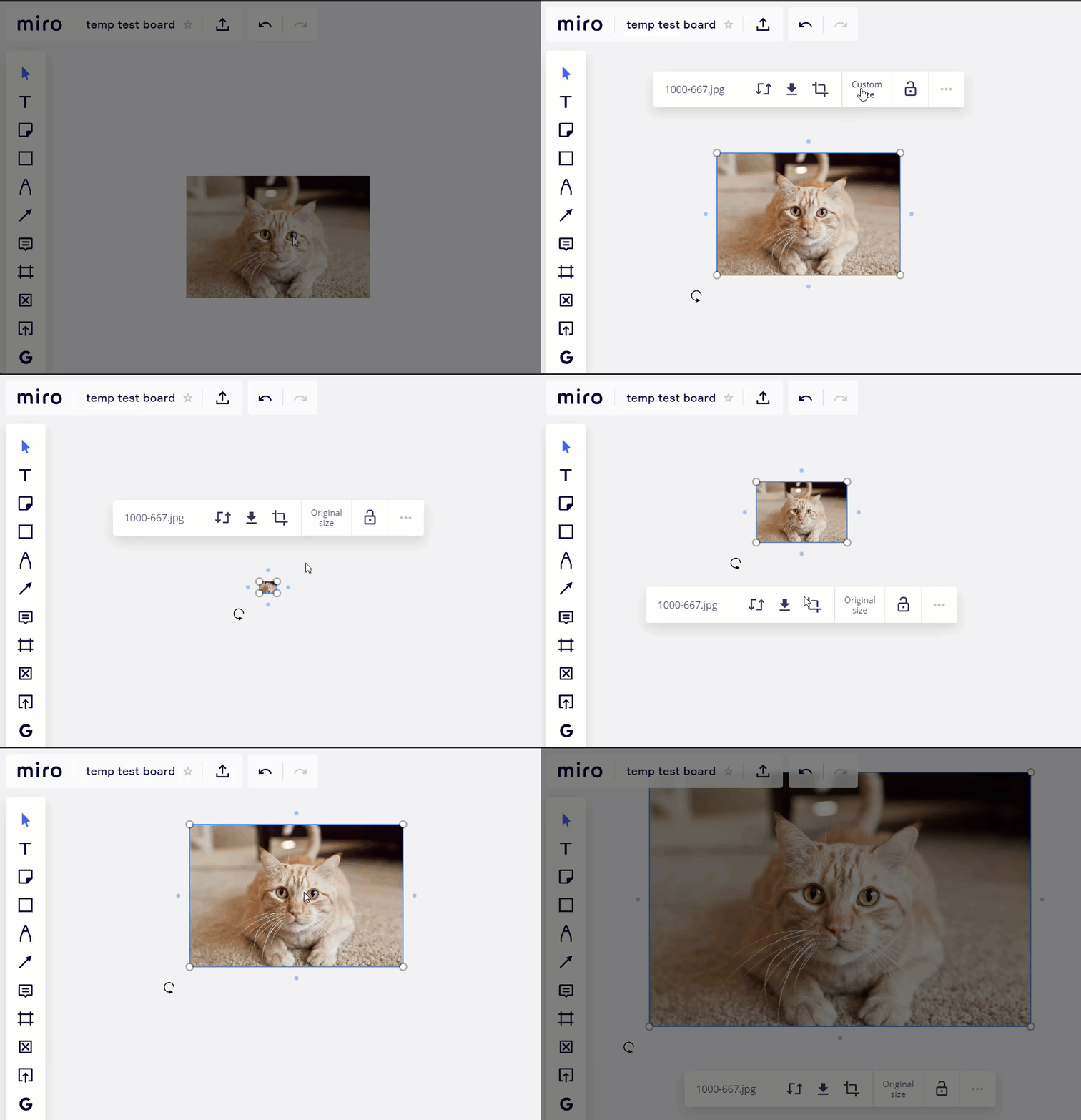
A GIF I created on December 30, 2020 shows their used to be a Custom size action on a select-image’s context menu:


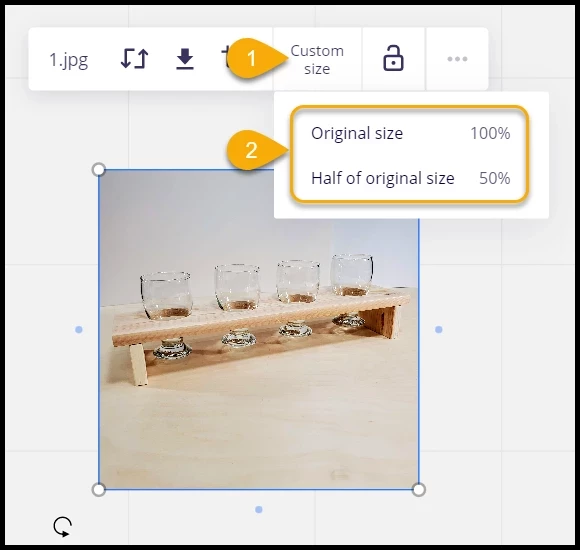
And the action was still present as of June 17, 2021:


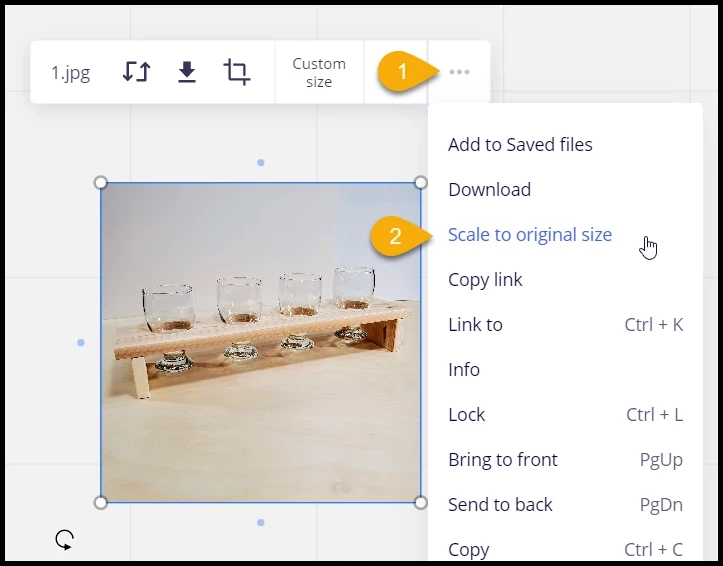
While the Custom size action is gone, there is a Scale to original size action in the ellipsis menu!


So, ​@Dan Defenbaugh , at least we’re halfway there.


Makes you wonder why not just move the “Scale to half of original size” action into the same overflow menu?


Robert Johnson
Forum|alt.badge.img+13
  • Volunteer Community Moderator
  • February 18, 2026

Makes you wonder why not just move the “Scale to half of original size” action into the same overflow menu?

Agreed. Hopefully they are reading this 👀