don't miss

[RESOLVED] Pen's no longer resizing

  • September 1, 2026
  • 11 replies
  • 70 views

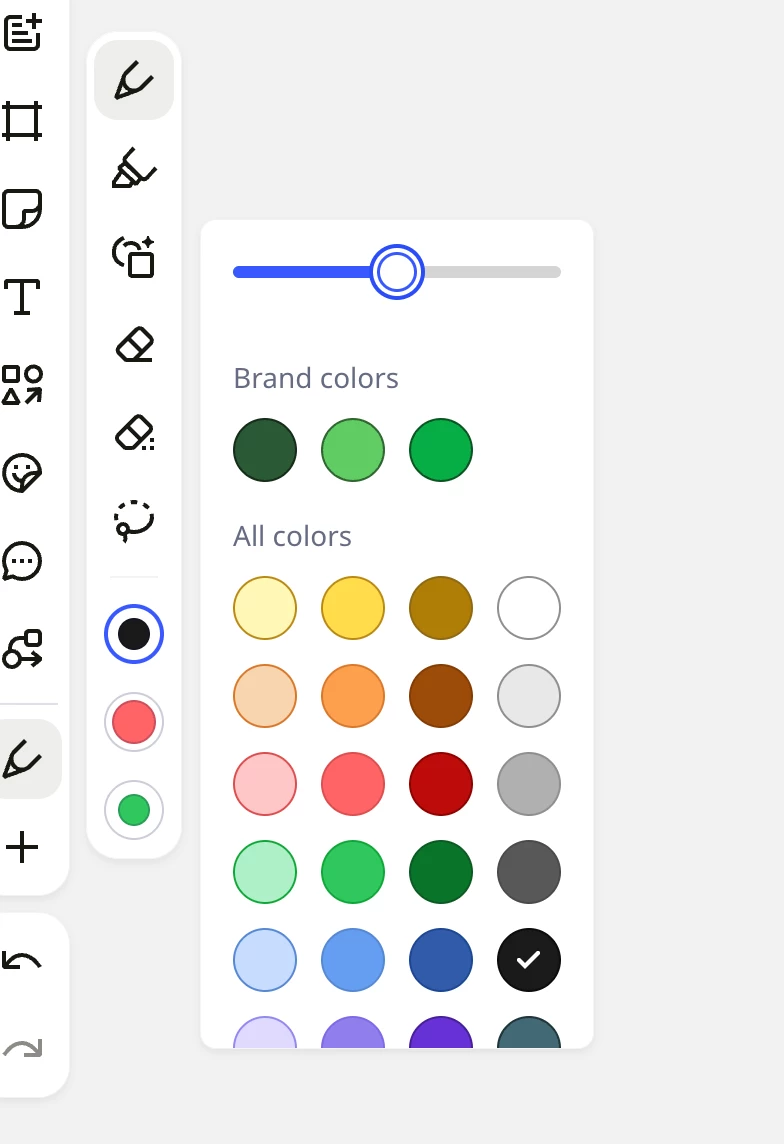
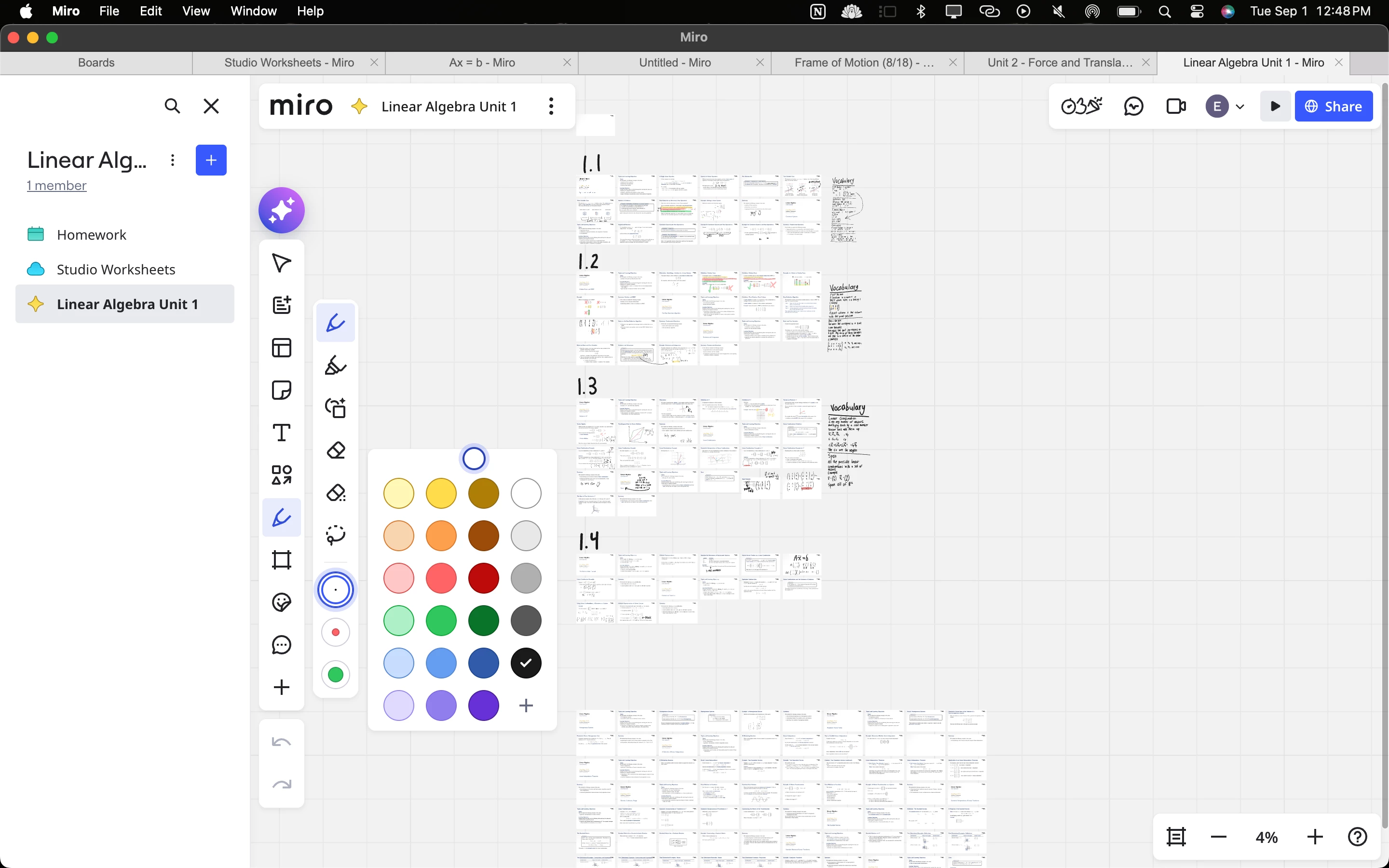
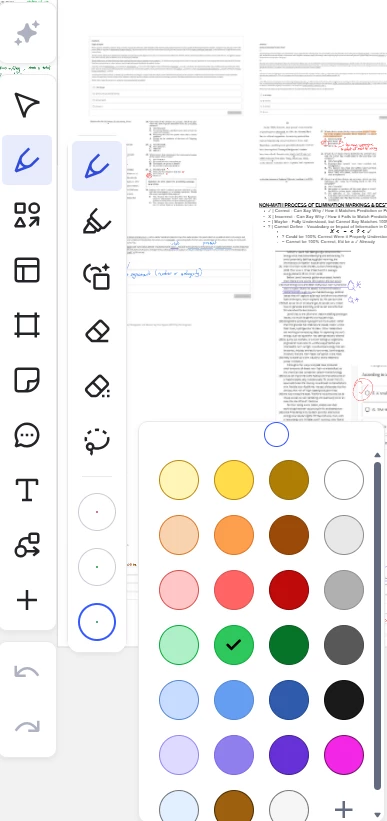
Our firm’s miro pens are no longer able to resize. You can change the colour but not pen size. This happened over night. Has something changed? The tool becomes somewhat useless if you can’t adjust these things.

September 2, 2026

HI everyone!


Thank you for your patience.
 
We're happy to let you know that the issue you reported has been successfully resolved. Please accept our sincere apologies for any inconvenience this behavior may have caused!
 
In case you're still facing the issue, feel free to let us know.


11 replies

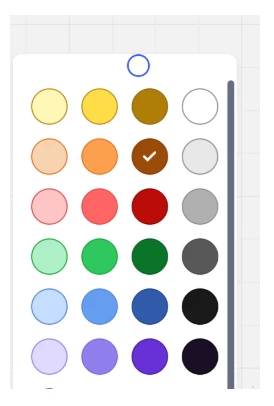
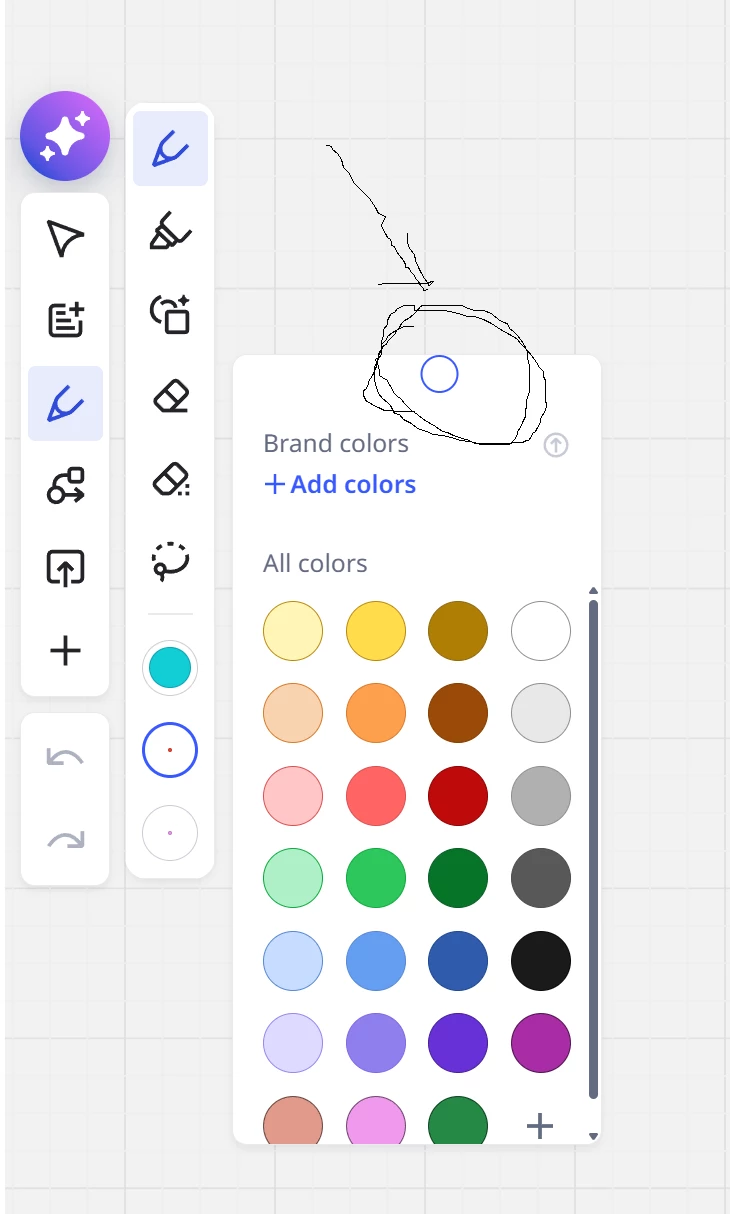
I’m experiencing the same issue. The thickness slider is not rendered, and the pen size cannot be changed. I confirmed it in Chrome, the macOS desktop app, and the iPad app. It also occurs on a new blank board, and reinstalling the iPad app did not fix it.


  • Author
  • New Here
  • September 1, 2026

Have been looking for ways to bring this to the attention of Miro but there does not seem to be any. 


  • Beginner
  • September 1, 2026

Hi everybody, 

Today couldn’t change pen width in my boards - circle where slider was before is now idle and can’t be moved. At the same time pen width is set to minimal value.

Tried iPads, Laptops, applications and online browser versions in different browsers - all the same.


Eca
Mironeer
Forum|alt.badge.img+5
  • Mironeer
  • September 1, 2026

Hi everyone!

Thanks for reporting this and for the additional details.

I was able to reproduce the issue on my end as well, so I’ve reached out to the team to check whether there’s a known issue affecting the pen size control.

In the meantime, I’ll convert your cases into Support tickets so the team can investigate them further, and I’ll mark this thread as Investigating.

We’ll share an update here as soon as we have more information. Thanks for bringing this to our attention!


Eca
Mironeer
Forum|alt.badge.img+5
  • Mironeer
  • September 2, 2026

HI everyone!

Thanks for reaching out. The team has confirmed that a bug on our end that causes this behavior. They’re already looking into the issue, and we hope to have the pen thickness option available again soon. I’m sorry for the inconvenience, and thanks for your patience while the team works on this.


As a temporary workaround, you can use the pen and change the thickness after selecting the object. That will set your pen thickness until you switch pens.


  • Beginner
  • September 2, 2026

Hello Miro Support,

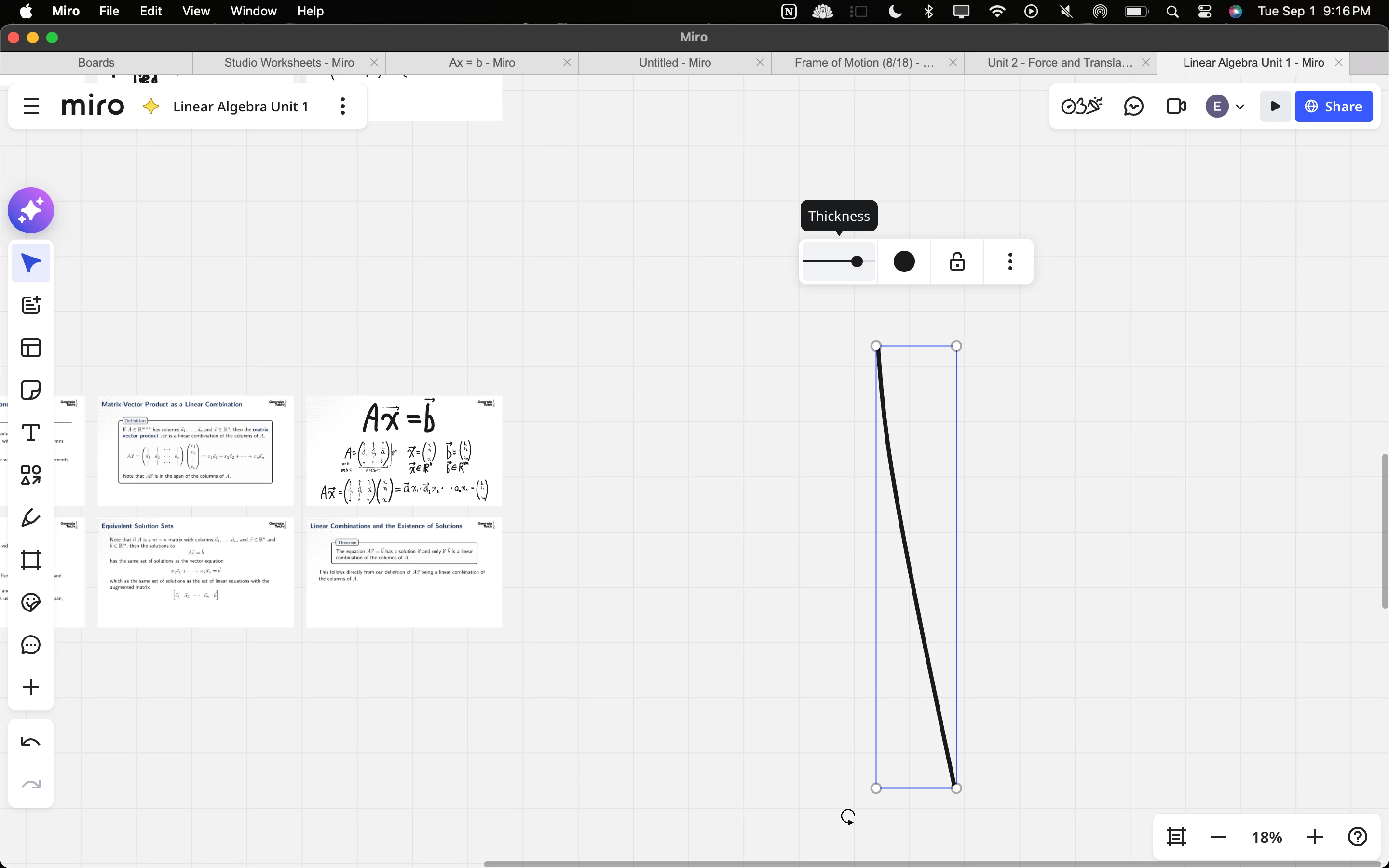
Immediately after the recent Miro app update, the pen-thickness control stopped working. The slider displays a small circular handle, but the handle does not move when we try to adjust it. As a result, we cannot change the pen thickness, and everything we write appears in an extremely thin line.

This is a serious problem because we use Miro for teaching and need to write clearly and legibly on our boards. The pen worked properly before the update, and this problem began immediately afterward.

I have attached a screenshot showing the thickness control and the circular slider handle that will not move. Please let us know whether this is a known issue, whether there is a temporary workaround, and when you expect it to be fixed.

Thank you. Ephraim 


  • New Here
  • September 2, 2026

the font slider does not work


Eca
Mironeer
Forum|alt.badge.img+5
  • Mironeer
  • September 2, 2026

HI everyone!


Thank you for your patience.
 
We're happy to let you know that the issue you reported has been successfully resolved. Please accept our sincere apologies for any inconvenience this behavior may have caused!
 
In case you're still facing the issue, feel free to let us know.


  • Beginner
  • September 2, 2026

Thanks a lot, I do confirm - everything works fine now!