Answered

[RESOLVED] Can't see all the content (tried Safari, Chrome and desktop app)

  • April 29, 2024
  • 30 replies
  • 957 views

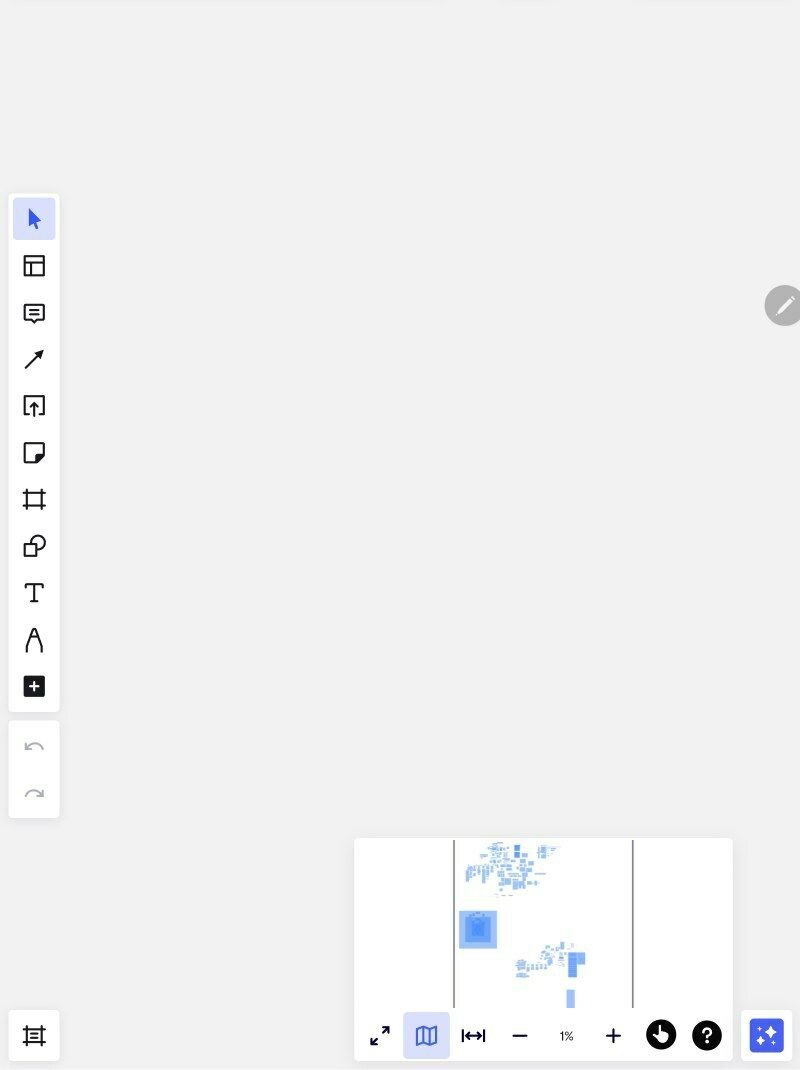
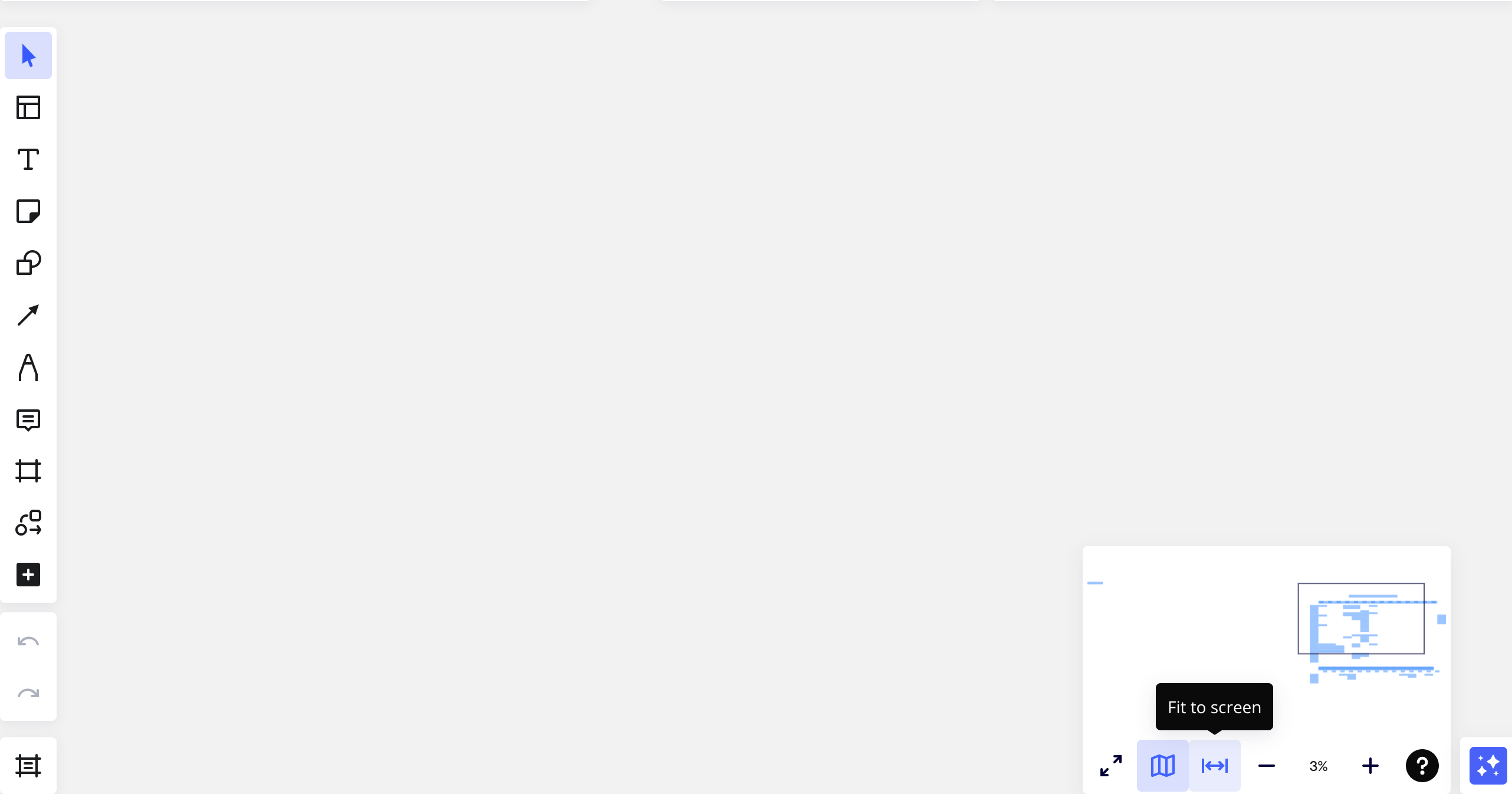
Something happened to exactly 1 of my boards. I can`t see my content, although I see on the board map that it`s there. It shows on the map but the navigation is weird and everything seems to be invisible. What is it? I have tried doing it with Safari, Chrome & Mobile app - nothing helps. 
 

Best answer by Eca

Hi everyone, the team had released a fix for this issue and I will mark this as resolved. Please let me know if you need further assistance!

30 replies

Forum|alt.badge.img
Good afternoonBoards no longer appear on all devices.How can I fix this problem?
Many thanks for the help.Best regards, Polina

Robert Johnson
Forum|alt.badge.img+13
  • Volunteer Community Moderator
  • April 29, 2024

@Anastasia Kadushkina - And have you tried signing out of Miro, clearing your browser cache (or resetting the desktop app data), and then signing back in?


Robert Johnson
Forum|alt.badge.img+13
  • Volunteer Community Moderator
  • April 29, 2024

Another test t I would be curious about is if you were to set the board's share setting to "Anyone with the link = Can view", and then try opening it from an incognito window, i.e., as a unregistered/anonymous user. 

Another test could be to duplicate the board and see if you are able to view the duplicate. 


I`ve tried duplicating it and it's all the same on the copy board


on the first board where it happened when I tried to save some area as image at first it saved it with content, then it only saved empty space (even though I highlighted the area with content)

on the second board I tried to save it and it saves not totally empty space but shows only frames but no text or anything else (but I know there is text)


Tried copying information from the malfunctioning boards to “healthy” ones & it crashed them in the same way - I pushed “paste” & and it showed the loading bar (pasting content), then it froze for minutes. When I reloaded - another board was in this state((


  • Beginner
  • April 29, 2024

Hello, the content on my board seems to have disappeared. I used the ‘Map’ view to find the content on the board, and the content appears to be there (see screenshot and viewfinder in bottom right), but I can’t bring the content into view. I can’t seem to adjust the zoom feature either. I have logged out/in again, tried different browser, tried installing the desktop app, tried duplicating the board… nothing has solved it. Can anyone please advise? I’m new to Miro.


  • Beginner
  • April 29, 2024

Hello Anastasia, did you find a solution? I am having the same issue. 😔


Robert Johnson
Forum|alt.badge.img+13
  • Volunteer Community Moderator
  • April 29, 2024

@Polina ArtCardinale - I merged your post with this one as the issue appears to be related.

@Anastasia Kadushkina - Since you are on a Free Plan cannot submit a support ticket, but I am able to reproduce the issue, I will convert your post into a support ticket. Once you receive the email confirmation of the ticket, please reply to that email with the same board link that you shared with me via private message.

Also, it would be helpful if you could reply to this post with what the support team tells you 🙏

@KMGS - If you have a paid Miro subscription, you can open a Miro support ticket by following these instructions:

https://help.miro.com/hc/en-us/articles/360020185799-How-to-contact-Miro-Support#h_01F010RXA0E1S9C0WFQYX75R6C


Manouska J
Forum|alt.badge.img+4
  • Experienced Community Member
  • April 29, 2024

Hi @Polina ArtCardinale @Anastasia Kadushkina and @KMGS! Sorry to hear you are experiencing issues with your boards. Can you please share you boardIDs so our team can take a further look into it?


Manouska J
Forum|alt.badge.img+4
  • Experienced Community Member
  • April 29, 2024

Hi @Polina ArtCardinale @Anastasia Kadushkina and @KMGS! Sorry to hear you are experiencing issues with your boards. Can you please share you boardIDs so our team can take a further look into it?

@Polina ArtCardinale @Anastasia Kadushkina @KMGS 

Thank you for your patience while the team had a look at this! I’m happy to inform you that our developers fixed the issue you reported earlier. You should now be able to solve this by reloading your board. Can you please try this to see if everything works as expected Please let us know if that works!

Thank you, everyone, for your help! Earlier today I was told by the support that the developers fixed the issue. I managed to get to my mail and the boards just now - tried reloading and everything finally works. For now all the boards that were “touched” by this bug seem to have fully recovered! 


Forum|alt.badge.img
  • Beginner
  • August 27, 2024

Did they say how they fixed it?  this is happening to me too


  • Beginner
  • August 27, 2024

And I had exactly the same problem today. Although just an hour ago I was working stably.


  • Beginner
  • August 28, 2024

And I had exactly the same problem today. Although just an hour ago I was working stably.

The problem resolved itself. I just waited a few hours.


Forum|alt.badge.img
  • Beginner
  • August 28, 2024

I raised a ticket. it was a bug there end that was fixed.


Eca
Mironeer
Forum|alt.badge.img+2
  • Mironeer
  • August 28, 2024


Thanks so much for the updates! I'm glad to hear that the issue has been resolved for many of you. 🙌


@Lisa McNab, could you please confirm if everything is working smoothly now? If you're still experiencing any issues, please let us know so we can assist further.


We appreciate your patience and collaboration in helping us get this sorted out. 😊


Forum|alt.badge.img
  • Beginner
  • August 28, 2024

Yes all working perfectly again today


  • Beginner
  • August 29, 2024

Hi, I’m experiencing a similar issue since yesterday. I can no longer access a board in my team, even though all the team members can work on it. I’ve tried different ways (opening the board on different browser, on app, leaving the board and then being enrolled again), but nothing seams to work: the board keeps loading without an end. Any idea how to fix it? Thanks


Eca
Mironeer
Forum|alt.badge.img+2
  • Mironeer
  • August 29, 2024

Hi @AnnaR 


Thank you for sharing your experience, and I appreciate you trying different steps to resolve the issue. Since other users have confirmed that this problem has been resolved on their end, I’d like to ask you to try the following additional steps:


  1. Check if the issue is reproduced in incognito (private) mode
  2. Disable the browser extensions. Sometimes they clash with Miro processes (e.g. Grammarly with the text widgets). 
  3. If you also work in the Desktop app, reset the app data
  4. If you experience performance issues on a specific board, try duplicating it and see if the issue persists on the copied board

  • Beginner
  • October 16, 2024

Hi @AnnaR I am having the same issues I think. I have tried all the suggestions, but I still don’t see the content. If I do a ‘crtl a’ I have over 8000 objects on the board (which is a lot I know), but copying and pasting onto a new board ends up with the same problem. Occasionally, it works and then as I start to delete content (to make it more manageable) I get the sychning problem and it disappears again. Duplicating doesn’t work. The only way I can get some of the content is by copying small sections and pasting to a new board. This works, but it’s a bit of  a guess as I can’t see what I’m copying.

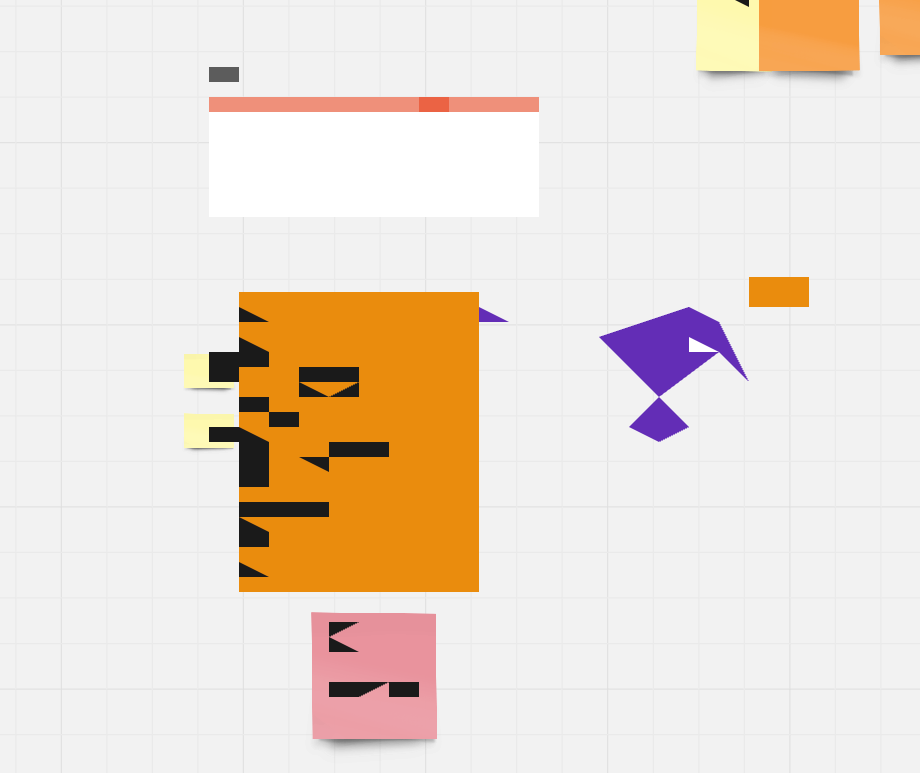
The problem is across many of my big boards and it is a real frustration. One even turned out like this when trying to open, but most of the time, they are blank


  • Beginner
  • October 16, 2024

Ciao, it turned out that the issue was only while on my work VPN. If not connected on a VPN and if not on the company network, Miro works on all the browsers and on app. hope it helps.


  • Beginner
  • October 17, 2024

Thanks for the info @AnnaR I’m pleased it got sorted.

Unfortunately, I don’t have a VPN and I mostly work at home. I tried the board with someone else yesterday and it didn’t work for them either


Eca
Mironeer
Forum|alt.badge.img+2
  • Mironeer
  • October 17, 2024

HI @AnnaR 

Glad to hear it is now working on your end. If the issue comes up again, please do not hesitate to reach out.


Hi  @Damian Keil,


Thank you for sharing your experiences with this issue. Have you tried the following steps to see if it helps?

  1. Check if the issue is reproduced in incognito (private) mode
  2. Disable the browser extensions. Sometimes they clash with Miro processes (e.g. Grammarly with the text widgets).
  3. If you experience performance issues on a specific board, try duplicating it and see if the issue persists on the copied board.
  4. If issue persists on the duplicate board, try to check if issue persists on a newly created board.

If this does not help, the issue might be related to the board itself, not just the browser. You mentioned having this issue on your many big boards. Please note that performance can slow down during collaborative sessions with many users or on large boards with a lot of content.


Here are a few ways to improve board performance:

  • Delete unnecessary content, especially heavy uploaded files like vector PDFs with many details or high-resolution images.
  • Convert large PDFs and high-resolution images to PNG/JPG formats, then re-upload them to the board.
  • Downscale your content if it appears too large at 100% zoom:
    • Go to the map in the bottom right corner and set the zoom to 100%.
    • If your content still looks too large, select all content using Ctrl + A (Windows) or Cmd + A (Mac), and downscale it.
    • Also consider downscaling any large images.

You can find more helpful tips here: Board performance and loading issues.


I look forward to your response.


  • Beginner
  • October 21, 2024

Hey @Eca Thanks, yes, I have tried these and it doesn’t seem to help 😥