[RESOLVED] Can no longer edit text on Alignment Scale and Sticky Stack

  • January 20, 2026
  • 10 replies
  • 88 views

Some of our boards no longer allow editing of alignment scale text. Newer boards don’t seem to have the issue - it seems to be older (more than a couple months) boards that had scales added previously. Neither newly added alignment scales or existing ones on the board can have text edited. All other functionality performs as expected (you can place your icon on the scale, it can be locked/unlocked, deleted, etc). Existing scales were editable previously and are definitely unlocked. This occurs in browsers and desktop app. 

Any ideas? Is this something Miro can fix? The only email I had for support sent me a response that directed me here. 

January 21, 2026

The update from the support team is that a fix was released. I tested on my end and the widgets are behaving as expected again.

10 replies

Eca
Mironeer
Forum|alt.badge.img+2
  • Mironeer
  • January 20, 2026

Hi ​@Jessie Fox thanks for reaching out!

Since newer boards don’t have the issue, it’s likely related to a change in how Miro handles scale text over time rather than a permissions problem.

A few things you can try in the meantime:

  1. Duplicate the board – sometimes creating a fresh copy of the board restores editability.

  2. Check browser & desktop app – make sure both are updated to the latest version (you mentioned trying both, but it can help to reinstall the desktop app).

If that does not help, kindly share a screenshot or short video of the baord where the issue happens so I can try and replicate.


  • Author
  • Beginner
  • January 20, 2026

Hi ​@Jessie Fox thanks for reaching out!

Since newer boards don’t have the issue, it’s likely related to a change in how Miro handles scale text over time rather than a permissions problem.

A few things you can try in the meantime:

  1. Duplicate the board – sometimes creating a fresh copy of the board restores editability.

  2. Check browser & desktop app – make sure both are updated to the latest version (you mentioned trying both, but it can help to reinstall the desktop app).

If that does not help, kindly share a screenshot or short video of the baord where the issue happens so I can try and replicate.

Since posting I tried creating a new board, and am seeing the same issue. Just tried duplicating a board and had the same results - can’t edit new or existing scales. I’ve asked some coworkers to try and they’ve confirmed they’re seeing the same behavior now. One person said she definitely was able to edit text on alignment scales on her retro board this morning around 10 est, but is now unable to do so. 


I am also seeing the same issue.

Tried a new board and duplicated board and I am unable to edit the labels on alignment scale.

However I am able to edit alignment scale on a different board in a different team.


Robert Johnson
Forum|alt.badge.img+13
  • Volunteer Community Moderator
  • January 21, 2026

I am experiencing this too (i.e., edit the name/labels of existing or new Sticky stacks and Alignment scales.

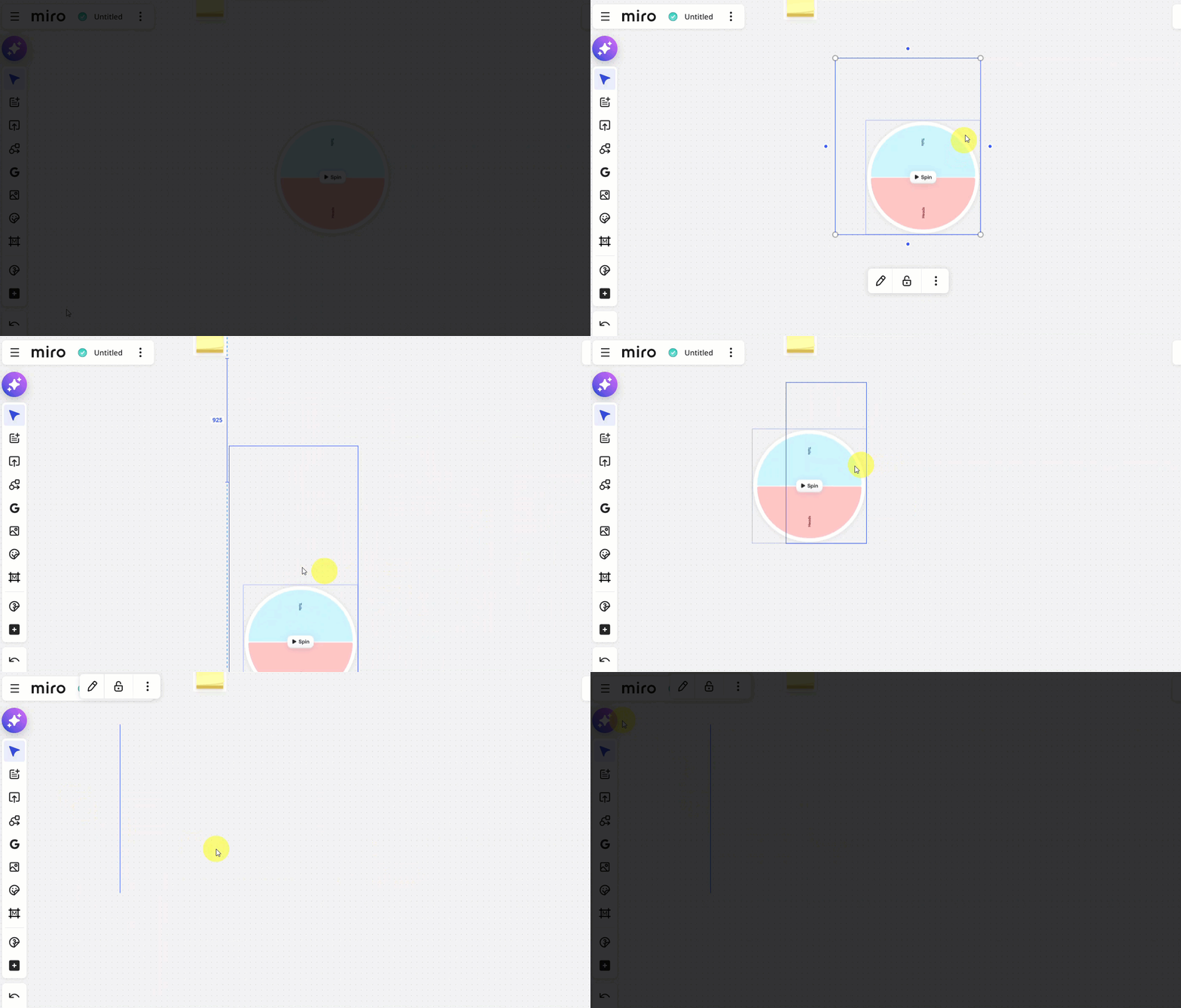
I also noticed that the Spinner wheel widget is acting very strange:


I have opened a support ticket and will update this post as I learn more.


Robert Johnson
Forum|alt.badge.img+13
  • Volunteer Community Moderator
  • January 21, 2026

The update from the support team is that a fix was released. I tested on my end and the widgets are behaving as expected again.


  • Author
  • Beginner
  • January 21, 2026

Everything seems to be working for me as well. Thank you Robert!


  • Beginner
  • January 21, 2026

Hi there!

I am an avid Miro user, but recently discovered that the option to edit/change the “title” of a sticky stack is gone… I’ve looked in the kebab menu to see if there’s any options available, double clicked a whole bunch - but it looks like this feature has either been removed completely OR it’s hiding in plain sight and I’m just missing it.

Please help! Thank you:)


Robert Johnson
Forum|alt.badge.img+13
  • Volunteer Community Moderator
  • January 21, 2026

Hi there!

I am an avid Miro user, but recently discovered that the option to edit/change the “title” of a sticky stack is gone… I’ve looked in the kebab menu to see if there’s any options available, double clicked a whole bunch - but it looks like this feature has either been removed completely OR it’s hiding in plain sight and I’m just missing it.

Please help! Thank you:)

@lhohls I merged your post with this one.

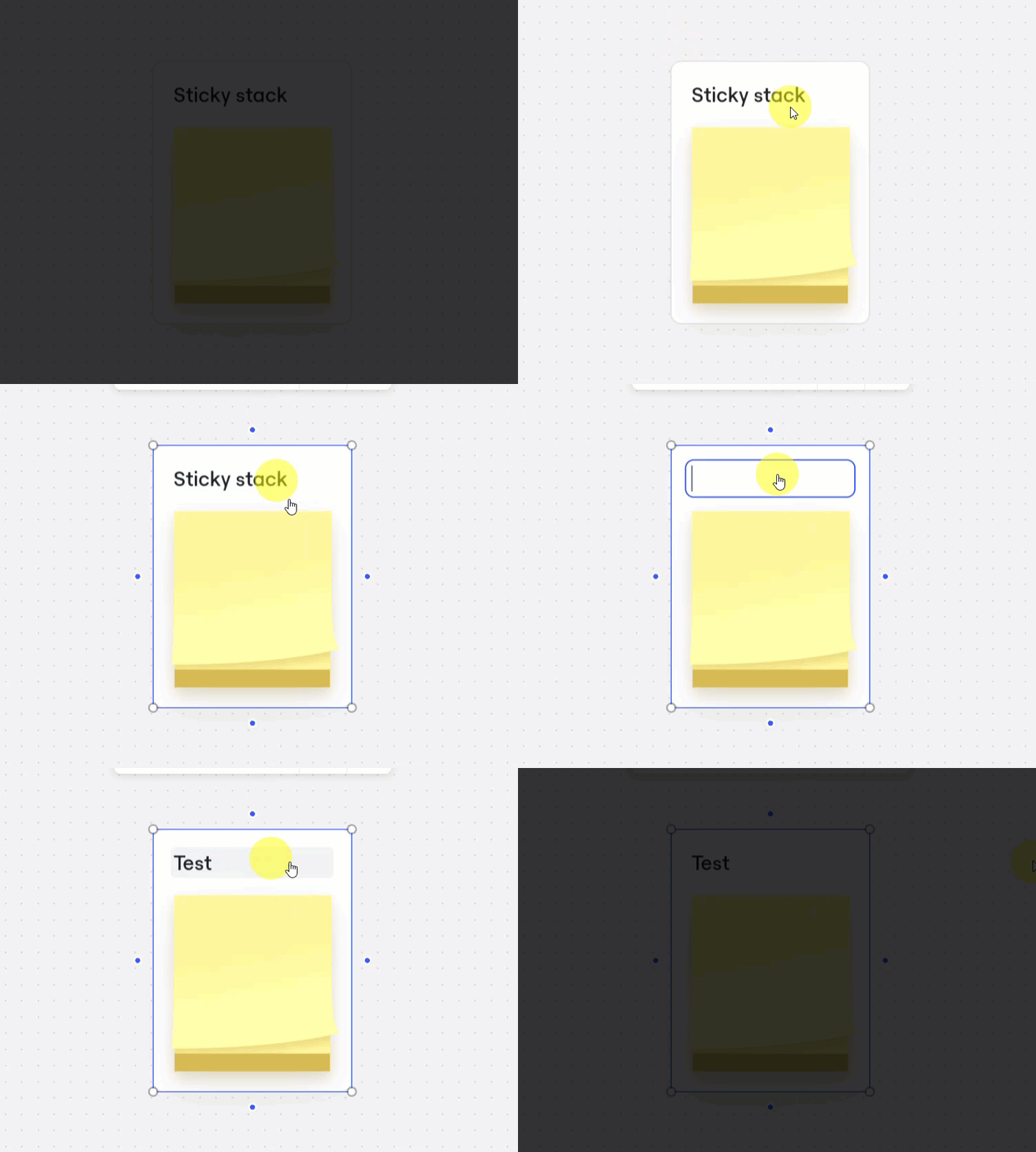
There was recently an issue, but it was reported as being resolved — myself and a few others have been able to rename them again by clicking on the stack title.

Note: It appears to take two clicks: one to select, and another to get into edit mode:


If it’s still not working for you, I would suggest that you try the following (one after another to see if your issue is resolved):

  1. Signing out and back in to Miro.
  2. Clear your browser cache.
  3. Clear your browser cookies.
    1. Or if you’re using the Miro desktop app, resetting the app data.

  • Beginner
  • January 21, 2026

OMG amazing that it has already been fixed! Thank you!!


Yep I have double checked this morning and the problematic board and team I was having issues with is now working as expected.

Thank you for the quick turn around :)