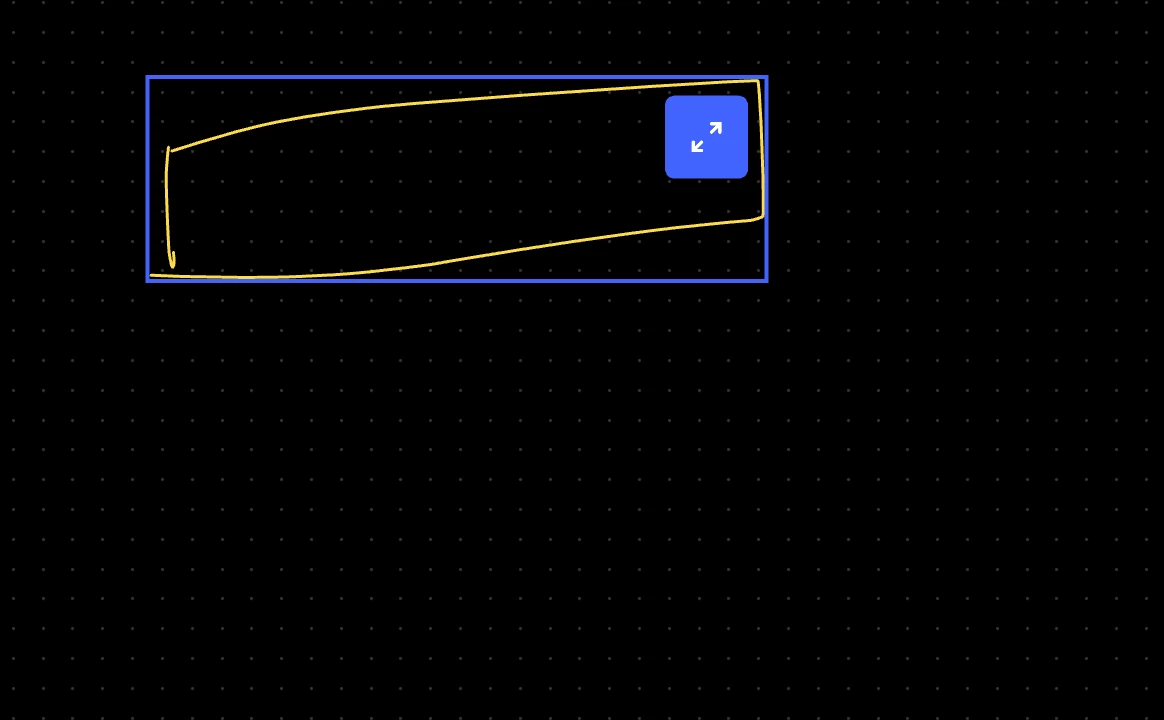
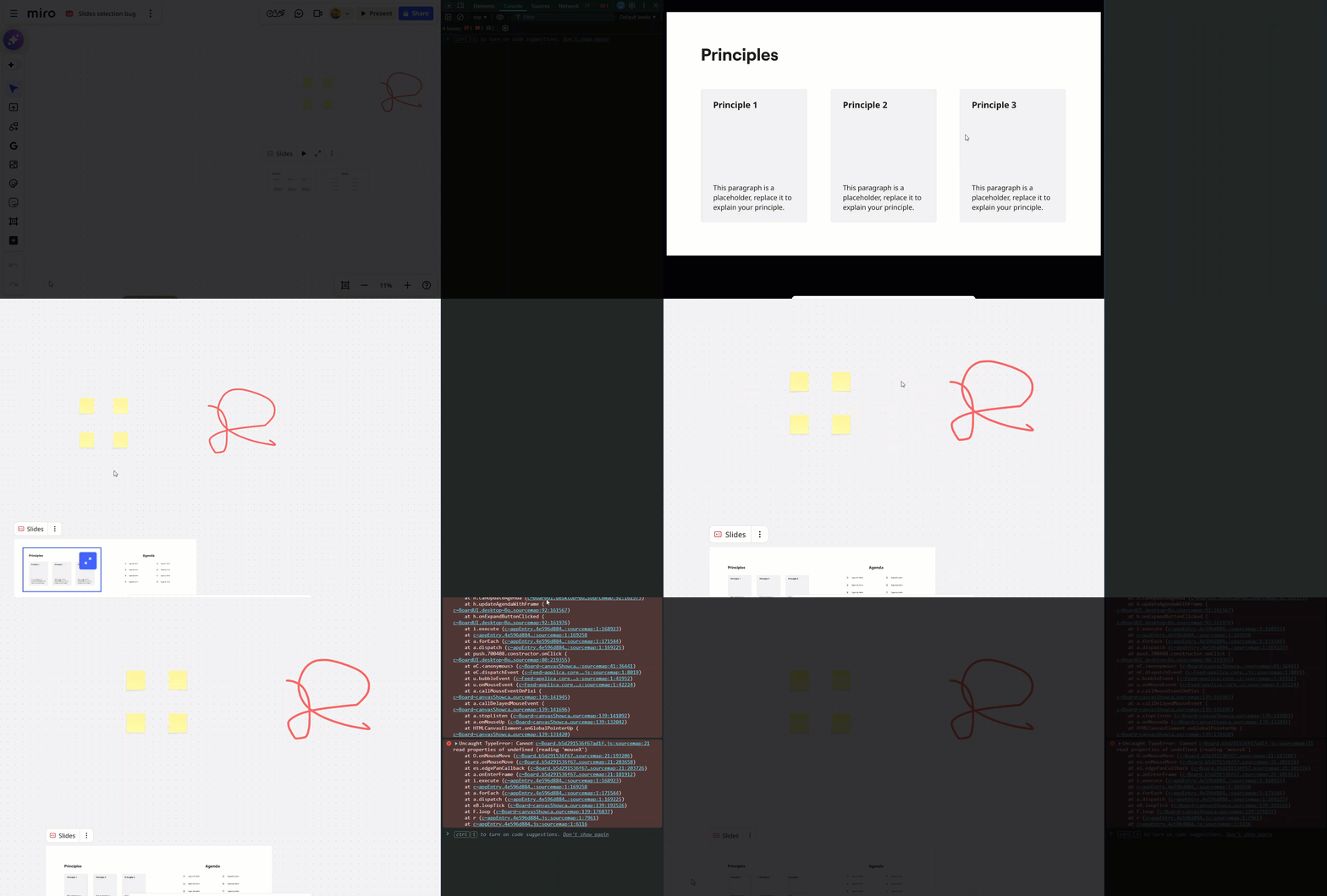
In presentation mode, if a object is selected using Select (V) option. And then if we hover the mouse on the object there is a blue box. What is this box and how to get rid of it? It doesnt appear in edit mode.
I think this is happening ever since i updated the app yesterday Dec 3 2025
Best answer by Robert Johnson
The update from the support team is that the issue is RESOLVED:
I am happy to let you know our team has successfully implemented a fix to allow objects outside Slides to be selected while on presentation mode.
Please let us know in case you are still encountering any unexpected behaviors. Otherwise, this case has been resolved.
It sounds like the blue box you’re seeing in Presentation Mode is likely the focus/selection outline Miro temporarily shows when an object is selected. Normally:
In Edit Mode: you see the standard blue bounding box with handles when an object is selected.
In Presentation Mode: selected objects should not show a persistent outline unless they’re being interacted with.
Because I wasn’t able to reproduce the issue on my end, it would help to confirm a few things so we can see whether it’s a feature, a bug, or a local glitch:
Are you using the desktop app, browser version, or mobile/tablet app?
What operating system are you on? (Windows, macOS, etc.)
Is this happening on a new board? Have you tried duplicating the board and see if the issue persists on the copy?
Are you using the desktop app, browser version, or mobile/tablet app? - I am using a desktop app on my macOS. I tried with browser version and i could see the issue in both
What operating system are you on? (Windows, macOS, etc.) i am using macOS
Is this happening on a new board? Have you tried duplicating the board and see if the issue persists on the copy? yes i tried new board and the issue was there however after a few restarts i was not able to reproduce the issue. Its sometimes there and sometimes not. I am not sure if its something i am doing unknowingly thats triggering the behaviour.